
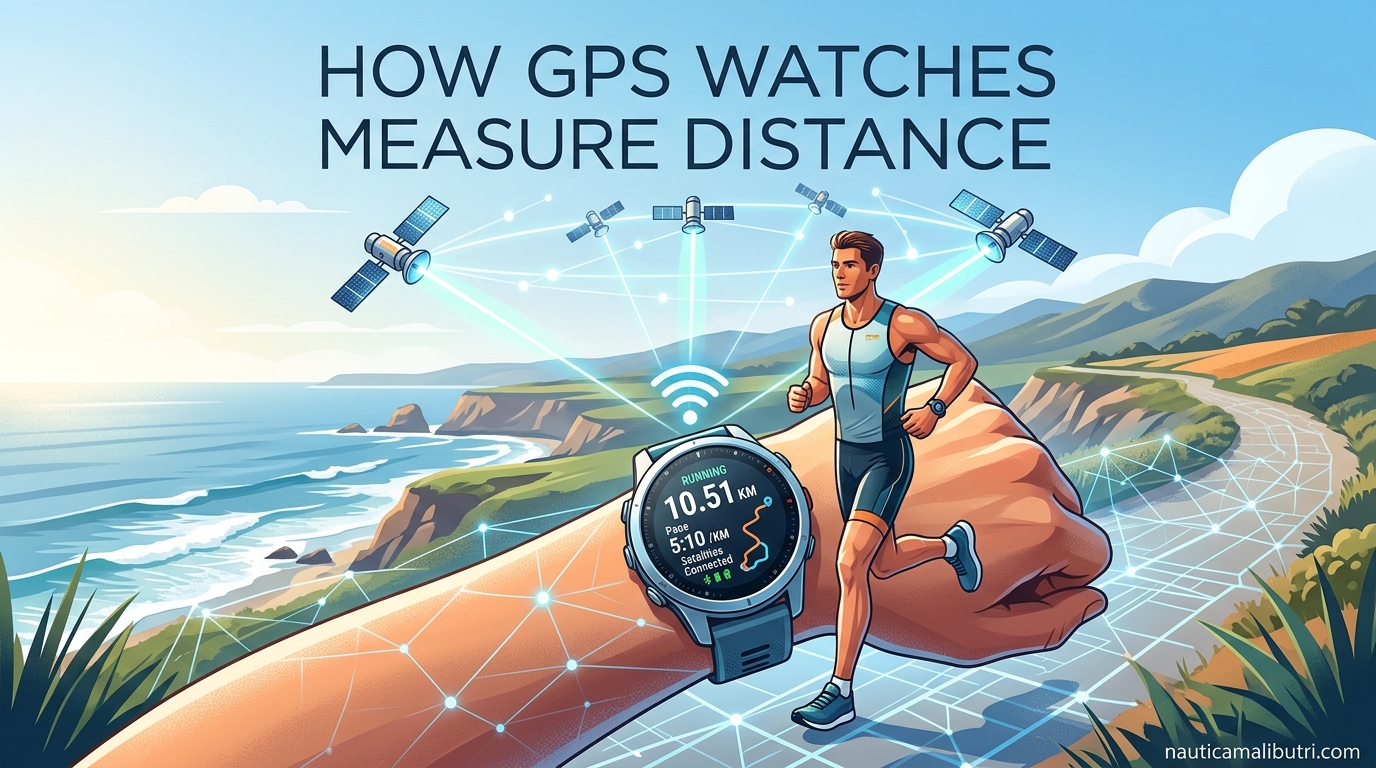
GPS watches measure distance by receiving signals from multiple satellites and calculating your exact position through a process called trilateration. If you have ever finished a marathon only to see your watch display 26.5 miles instead of 26.2, you have experienced the quirks of this technology firsthand.
I have spent years testing GPS watches across hundreds of miles of trails, roads, and open water. Our team has compared data from Garmin, Apple Watch, Suunto, and Coros devices to understand why they sometimes disagree. In this guide, I will explain exactly how GPS watches measure distance, why accuracy varies, and what you can do to get the most reliable data from your device.
Table of Contents
How GPS Watches Measure Distance: The Basics
GPS stands for Global Positioning System, a network of satellites orbiting Earth that transmit precise time and location data. Your watch contains a GPS receiver that listens for these signals and calculates where you are on the planet.
The system works because each satellite broadcasts its exact position and the precise time the signal was sent. Your watch compares the time the signal was sent with the time it was received to calculate how far away that satellite is. Light travels at a fixed speed, so the time delay tells your watch the distance to each satellite.
Modern GPS watches can connect to multiple satellite systems including GPS (United States), GLONASS (Russia), and Galileo (Europe). This multi-band capability improves accuracy and reduces the time needed to establish your initial position.
The Trilateration Process Explained
Trilateration is the mathematical process your watch uses to determine your exact location. Unlike triangulation which measures angles, trilateration measures distances from known points to find an unknown position.
Here is how trilateration works step by step:
Step 1: Your watch locks onto at least 4 satellites. Three satellites would be enough for latitude and longitude, but a fourth is needed to calculate altitude and account for any clock differences between your watch and the satellites.
Step 2: The watch measures the time-of-flight for signals from each satellite. Each signal travels at the speed of light, taking roughly 0.07 seconds to reach Earth from the satellite constellation.
Step 3: Using the time delay, your watch calculates its distance from each satellite. If you are 12,000 miles from Satellite A, 12,500 miles from Satellite B, and 11,800 miles from Satellite C, your watch knows you must be at the point where those three spheres intersect.
Step 4: The watch solves the equations to determine your exact latitude, longitude, and elevation. This happens continuously while you are moving, creating a breadcrumb trail of position points.
The more satellites your watch can see, the more accurate the calculation becomes. In optimal conditions with clear sky and good satellite geometry, your watch might connect to 12 or more satellites simultaneously.
How Watches Calculate Distance and Pace
Once your watch knows your position, measuring distance becomes a matter of connecting the dots. Your watch records your location at regular intervals, typically every 1 to 5 seconds depending on your settings and the activity type.
Distance calculation works by measuring the straight-line distance between consecutive position points. If you were at Point A at 8:00:00 and Point B at 8:00:05, the watch calculates how far apart those coordinates are and adds that to your total distance.
Pace calculation derives from this distance data combined with the elapsed time. If you covered 0.08 miles in 45 seconds, your watch calculates approximately an 8:30 per mile pace. Most watches apply smoothing algorithms to prevent erratic pace readings caused by momentary GPS inaccuracies.
Distance versus displacement is an important distinction. Your watch measures the total path you traveled, not just the straight line from start to finish. If you run a winding trail, the watch adds up every twist and turn to give you accurate total distance even though your displacement might be much less.
Some advanced watches also incorporate accelerometer data to fill gaps when GPS signals are weak. This sensor fusion helps maintain reasonable accuracy in tunnels, under heavy tree cover, or between tall buildings.
Factors Affecting GPS Distance Accuracy
GPS accuracy varies significantly based on your environment and conditions. Understanding these factors helps explain why your watch might show 26.5 miles for a certified 26.2-mile marathon course.
Open Areas: In wide-open spaces with clear sky views, GPS watches typically achieve accuracy within 0.5% to 1% of actual distance. That means a 10-mile run might register as 9.95 to 10.05 miles.
Urban Canyons: Tall buildings create multi-path interference where signals bounce off surfaces before reaching your watch. This can add 1% to 3% to your measured distance as the watch records extra movement that did not actually happen.
Dense Tree Cover: Forests and heavy vegetation block and scatter satellite signals. Trail runners often see their watches record 2% to 5% more distance than actual trail length due to these signal issues.
Satellite Geometry: The arrangement of satellites in the sky affects accuracy. When satellites are clustered together rather than spread across the sky, position calculations become less precise. This changes throughout the day as satellites orbit.
Weather Conditions: Heavy cloud cover, rain, and atmospheric disturbances can slightly reduce signal strength and accuracy, though modern watches handle these conditions much better than older models.
Forum discussions reveal that many marathon runners experience frustration when their watches show longer distances than the official course measurement. This happens because certified courses follow the shortest possible route while runners typically cover more ground weaving around other participants and taking tangents on turns.
GPS Watch vs Smartphone GPS
Many athletes wonder whether their dedicated GPS watch provides better accuracy than their smartphone. The answer depends on several hardware and software differences.
GPS watches typically use more power-efficient GPS chips designed specifically for fitness tracking. These chips prioritize position accuracy for moving users rather than static location services. Smartphones use general-purpose GPS receivers optimized for quick location fixes rather than continuous tracking during movement.
Antenna placement matters significantly. Watch antennas are positioned to face the sky during typical running form, while phone antennas may be oriented sideways in an armband or pocket. This affects signal strength and consistency.
Smartphones often supplement GPS with Wi-Fi positioning and cell tower triangulation, which can improve accuracy in urban areas but introduces dependency on network connectivity. GPS watches rely primarily on satellite signals, making them more reliable in remote areas without cellular coverage.
Some users report seeing 20% discrepancies between Garmin watches and iPhone measurements for the same activity. This usually stems from different sampling rates and algorithms rather than inherent accuracy differences. Watches typically sample position more frequently than phones to capture rapid direction changes during running.
For dedicated training and racing, a GPS watch remains the better choice due to battery life, form factor, and specialized algorithms. Phones work fine for casual tracking but may miss nuances important to serious athletes.
Tips for Better GPS Accuracy
Experienced athletes use several techniques to maximize GPS accuracy and get the most reliable distance measurements from their watches.
GPS Soak: Allow your watch to acquire satellites before starting your activity. Stand still for 30 to 60 seconds after the watch indicates it has found satellites. This GPS soak period lets the watch establish solid lock and download the latest satellite position data, improving initial accuracy.
Watch Placement: Wear your watch on top of your wrist with the face oriented upward. This gives the antenna the clearest view of the sky. Avoid wearing it under sleeves or with the face against your skin.
Update Satellite Data: Connect your watch to Wi-Fi or your phone regularly to download current satellite ephemeris data. Outdated data makes initial satellite acquisition slower and less accurate.
Choose the Right Mode: Many watches offer GPS-only, GPS + GLONASS, or UltraTrac modes. GPS + GLONASS provides the best accuracy for most activities. UltraTrac reduces sampling frequency to save battery but sacrifices accuracy.
Calibrate When Possible: Some watches allow calibration against known distances. If you regularly run on a certified track, occasional calibration can improve accuracy for future activities.
Trail runners particularly value GPS accuracy in trees and mountains. If you are navigating remote areas, consider bringing a backup GPS device or map as watches can struggle in narrow canyons and dense forest.
How accurate is GPS for measuring distance?
GPS watches are typically accurate within 0.5% to 1% in open areas, though accuracy can decrease to 2-5% in challenging environments like dense forests or urban canyons with tall buildings.
How does GPS know exactly where you are?
GPS determines your location through trilateration, measuring the time it takes for signals to travel from multiple satellites to your device. By calculating distances from at least 4 satellites, your watch can pinpoint your exact latitude, longitude, and elevation.
How far can your smartwatch be away from your phone?
GPS watches with built-in receivers do not need to be near your phone to track distance. They communicate directly with satellites. However, for features like live tracking or automatic uploads, most watches need to be within 30 feet of your phone.
What are the disadvantages of GPS trackers?
GPS trackers can have limitations including reduced accuracy in dense tree cover or urban areas, battery drain during long activities, occasional signal loss in tunnels or buildings, and the potential to measure slightly longer distances than actual routes due to position sampling.
Why does my GPS watch show different distance than my friend’s watch?
Different watches use varying satellite systems, sampling rates, and smoothing algorithms. Additionally, running different paths on the same course, wearing watches on different wrists, and starting at slightly different times can all cause distance discrepancies between devices.
Conclusion
GPS watches measure distance through a fascinating process of satellite communication and mathematical calculation. By understanding trilateration, signal factors, and environmental influences, you can better interpret your watch data and set realistic expectations for accuracy.
The key takeaways are simple: give your watch time to lock onto satellites before starting, be aware that challenging environments affect accuracy, and remember that your watch measures the path you actually traveled rather than the shortest possible route.
Whether you are training for your first 5K or your tenth Ironman, knowing how GPS watches measure distance helps you trust your data and focus on what matters most, your performance and progress.