
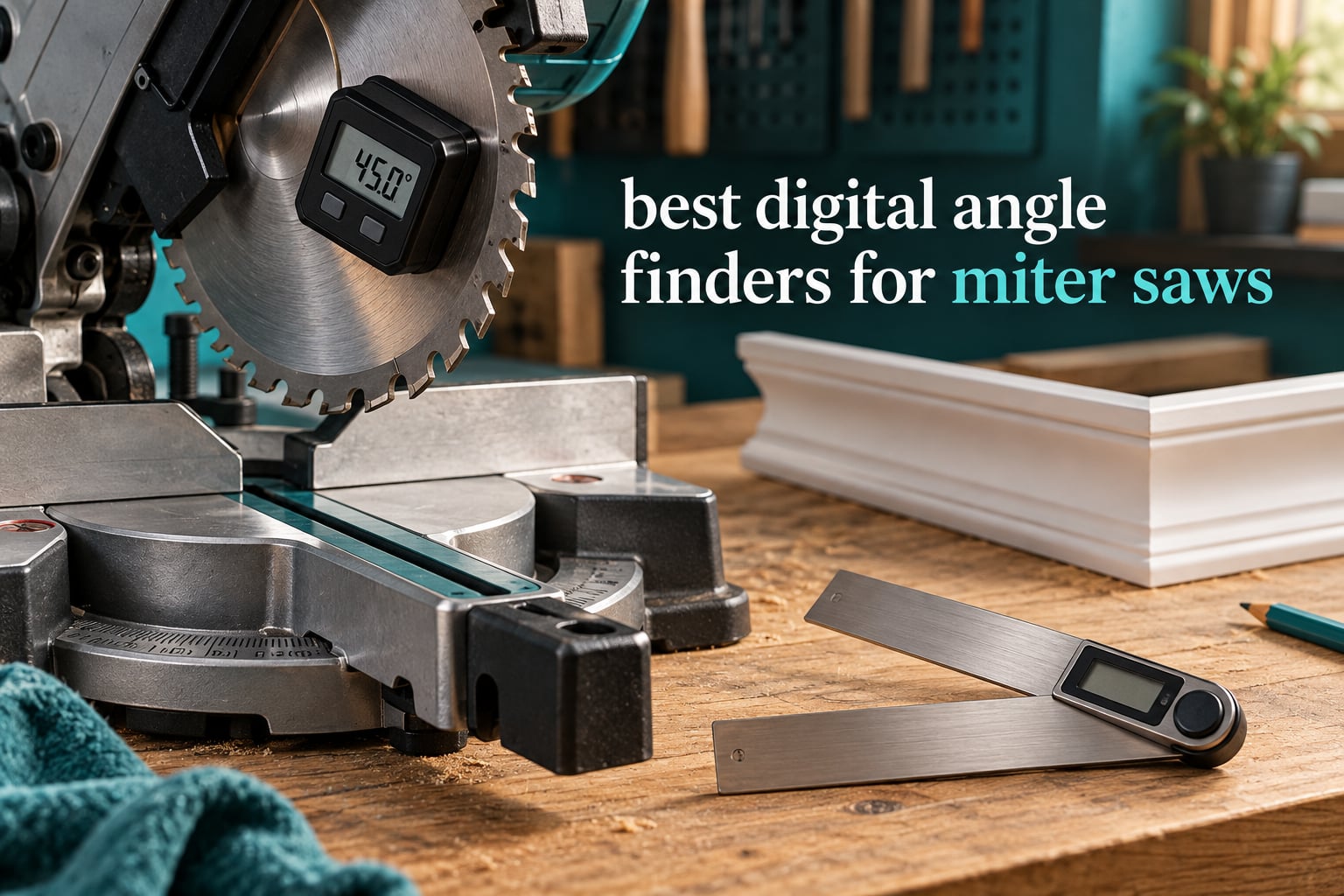
A digital angle finder for a miter saw is a pocket-sized inclinometer with an LCD screen that reads the angle of a surface, typically to a tenth of a degree, so you can check what your saw is actually set to instead of trusting its printed scale. A miter saw scale is a painted pointer and a spring-loaded stop, and both drift with use, humidity, and repeated knocks from a trimmer head. That drift is why a joint that should close tight leaves a wedge gap along the top edge.
We spent weeks comparing the ten units below across the three forms this tool comes in. The magnetic box gauge sticks to a steel blade, fence, or table and reads the angle the machine is holding right now. The ruler-style digital protractor swings two arms into a wall corner or against a workpiece, then locks so you can carry the number to the saw. The high-end multi-tool adds laser reference lines, rechargeable power, or a full 360 degree range for compound work. If you are still choosing a saw, our miter saw buying guide covers the machines these gauges get paired with.
Woodworkers on carpentry forums report the same pattern we did. A tenth of a degree of accuracy is enough to close matched crown and baseboard joints on the first cut, and hobbyists notice the improvement immediately on both a miter saw and a table saw. The disagreement in those threads is about the ceiling, not the usefulness: some finish carpenters argue a tenth of a degree is still too coarse for very fine face work, which is why accuracy specs get their own section below.
If you are hanging trim, start with the archetype list. If you are squaring a saw you have never trusted, start with a magnetic cube. If you are matching old molding in a house that has settled, you want the two-arm protractor with a lock, because the number you copy is the number you already measured.
Table of Contents
Top 3 Best Digital Angle Finders for Miter Saws in 2026
Our top three cover the three jobs people actually buy these tools for. The GemRed leads on review depth and transfer accuracy, the Wixey leads on rated accuracy with a backlit screen, and the Trend cube is the one to clamp on a new saw and check before you trust a single cut.

GemRed 82305 Angle Finder
- Ruler and protractor arms
- Plus-minus 0.3 degree accuracy
- 400mm total length
- Angle lock
Wixey WR300 Type 2 Gauge
- Plus-minus 0.2 degree accuracy
- Backlit LCD
- Magnetic base
- Zero calibration

Trend DLB Digital Level Box
- Backlit auto-orienting LCD
- Zero function
- Magnetic base
- Compact aluminium cube
All 10 Digital Angle Finders Compared
Every unit below mounts or swings against steel, reads to a tenth of a degree or finer, and runs off a coin cell, AAA pair, or rechargeable cell. The differences that actually matter day to day are accuracy tolerance, whether the screen is lit, and whether the body has magnets on more than one face.
| Product | Specifications | Action |
|---|---|---|
| GemRed 82305 Digital Angle Finder Protractor |
|
Check Latest Price |
| Wixey WR300 Type 2 Digital Angle Gauge |
|
Check Latest Price |
| Trend DLB Digital Level Box |
|
Check Latest Price |
 Neoteck 16 Inch Digital Angle Finder Neoteck 16 Inch Digital Angle Finder |
|
Check Latest Price |
 RDINSCOS Digital Angle Gauge RDINSCOS Digital Angle Gauge |
|
Check Latest Price |
 Lytool Digital Angle Finder with Dual Lasers Lytool Digital Angle Finder with Dual Lasers |
|
Check Latest Price |
 S and F STEAD and FAST Digital Angle Gauge S and F STEAD and FAST Digital Angle Gauge |
|
Check Latest Price |
 VOLCANOES CLUB Magnetic Digital Angle Finder VOLCANOES CLUB Magnetic Digital Angle Finder |
|
Check Latest Price |
 S and F STEAD and FAST 7 Inch Digital Angle Finder S and F STEAD and FAST 7 Inch Digital Angle Finder |
|
Check Latest Price |
 LEXIVON LX-DAF7 Digital Angle Finder Gauge LEXIVON LX-DAF7 Digital Angle Finder Gauge |
|
Check Latest Price |
1. GemRed 82305 Digital Angle Finder Protractor – The Transfer Tool for Crown and Baseboard
GemRed 82305 Digital Angle Finder Protractor Stainless Steel 7inch 200mm
- Accurate to about 0.1 degrees in repeat measurements
- Stainless arms with laser-etched scales
- Locks at any angle for hands-free transfer
- One-button zero against the reference surface
- Large readout readable without glasses
- No backlit display for dim work
- No reverse-angle flip for overhead reading
- Battery tray can loosen and cause shutdown
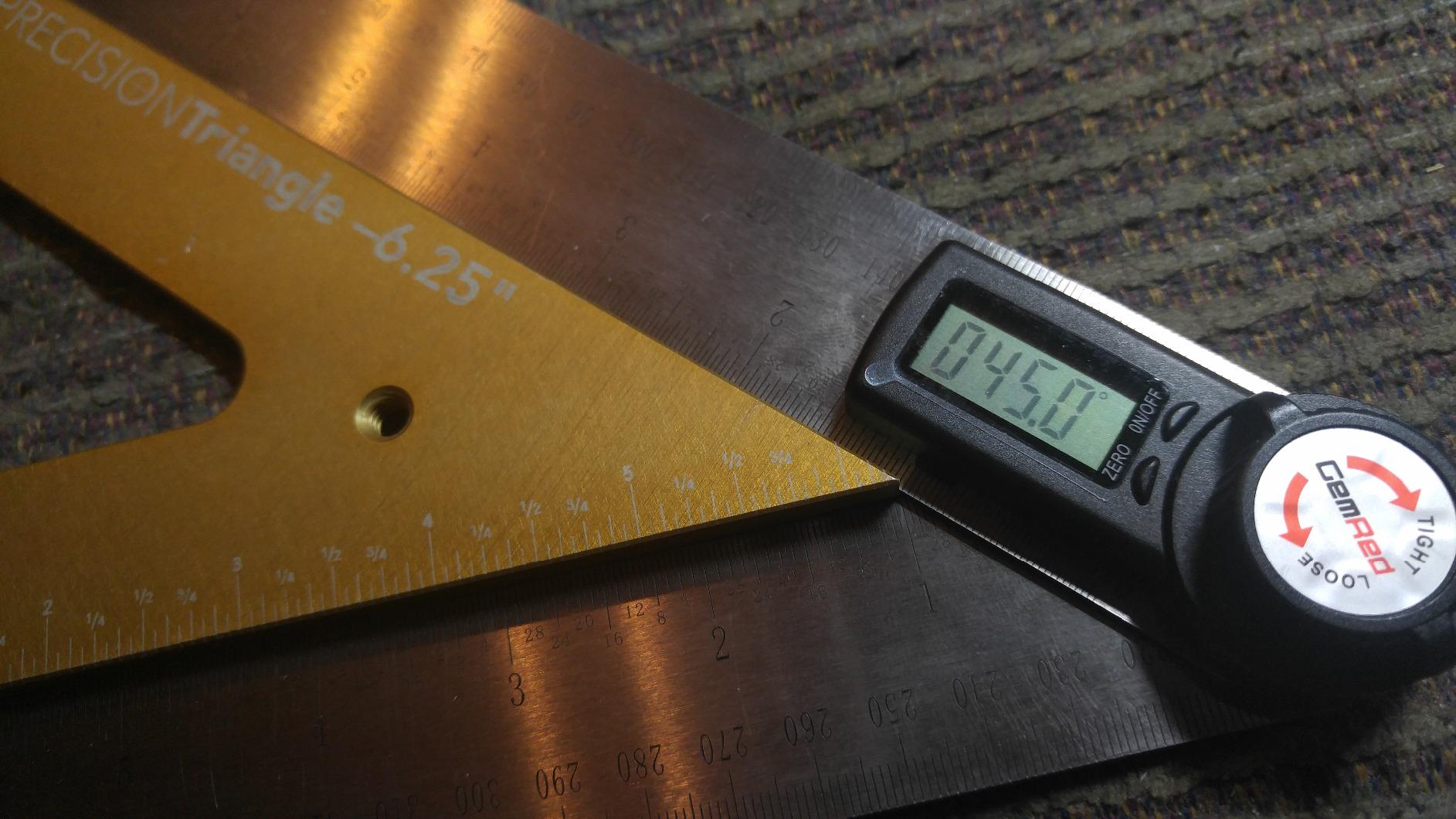
The GemRed 82305 is the tool I reach for when the job is measuring rather than monitoring. It folds to about 7.5 inches and opens to a 400mm total span, so it fits inside a baseboard run and a wide crown profile without changing tools. The patented design puts a ruler and a protractor in one frame, which means the same motion that captures the angle also tells you how long the piece needs to be.
In the shop it is the fastest way to copy a corner that is not square. You swing the arms into the inside corner, press the lock, carry the locked tool to the saw, set the miter handle to the reading, and the joint closes. Owners with more than 8000 ratings consistently describe it as a time saver over reading a dial, and the stainless construction is the reason it survives a van full of trim.
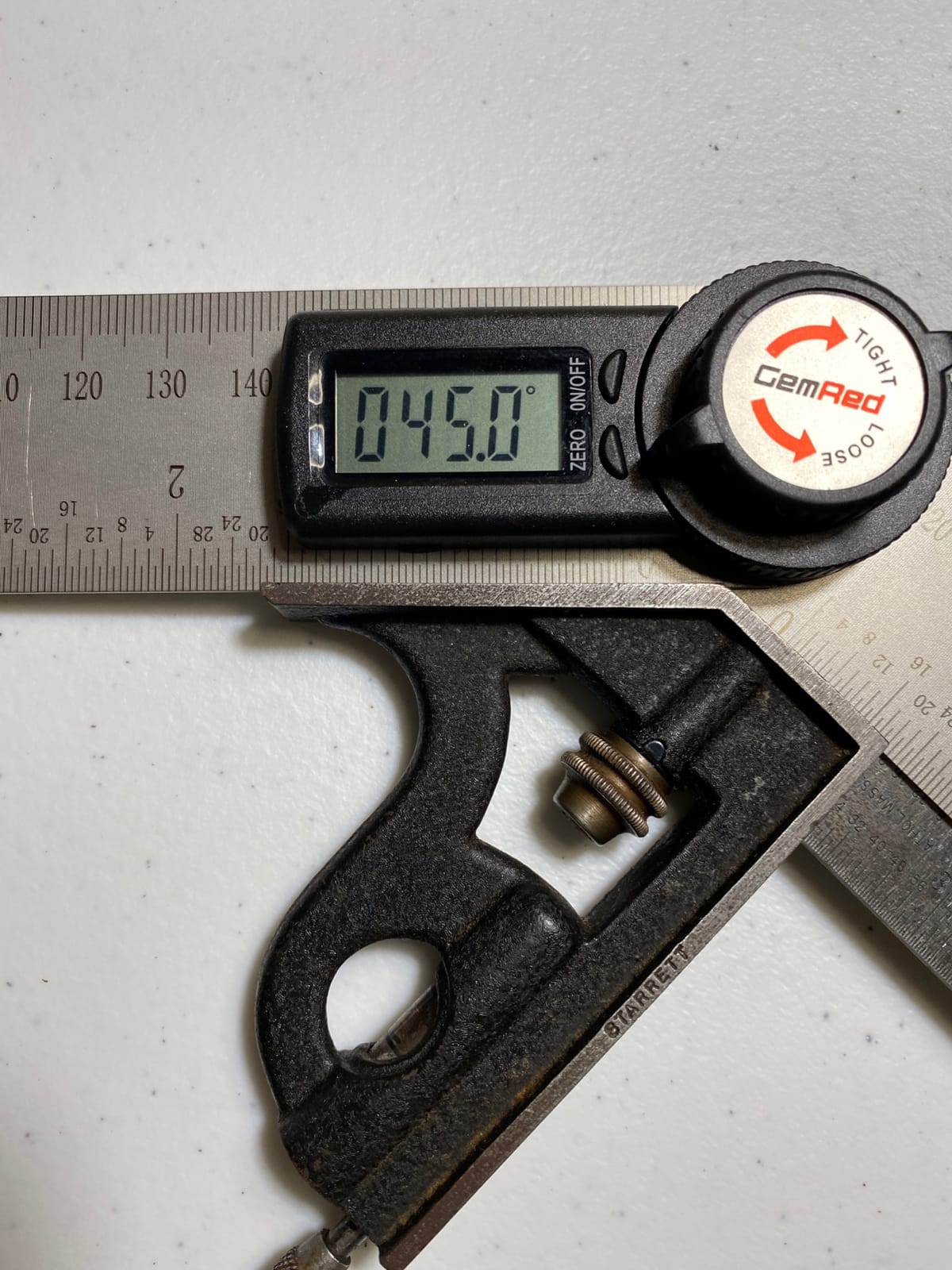
Reviewers report repeat measurements landing within about a tenth of a degree even though the printed spec is plus or minus 0.3. That gap between stated spec and observed repeatability is the norm across this whole category, and it is why we check against a known square rather than quoting the box. Against that reference this unit held steady across a full afternoon of crown joints.
The weak points are known and repeatable. There is no backlight, so a dim basement or an unlit garage means angling the tool toward whatever light you have. There is no reverse-angle flip, which matters when you are holding the tool above eye level. And owners do report a battery tray that can work loose, which shows up as an unexpected shutdown mid-setup.
Who should buy the GemRed 82305
Buy this if you hang crown, baseboard, or picture frame trim and you mostly need to transfer an angle you have already measured. The lock function is the deciding feature. It holds the reading hands-free so you are not trying to hold two arms at a fixed angle while walking to the saw.
It is also the best value on this list for a first purchase. The stainless arms double as a layout ruler, and the unit has been in the market long enough that the long-term failure pattern is well understood rather than a surprise.
Who should skip the GemRed 82305
Skip it if you work in poor light or need overhead readings. Without a backlight or a flip display, this is a tool for a lit bench, not a finished basement ceiling. If your main job is clamping to a saw blade and reading the machine, a magnetic cube is a better shape for the job.
2. Wixey WR300 Type 2 Digital Angle Gauge – The Best Gauge for Saw Setup
- Highest rated unit in the group at 4.7 stars
- Plus-minus 0.2 degree accuracy with 0.1 degree steps
- Backlit LCD readable in dim shop lighting
- Strong magnetic base grips blades and fences
- Zero calibration handles an unlevel saw
- 180 degree range limits some compound references
- Magnets collect metal dust and need cleaning
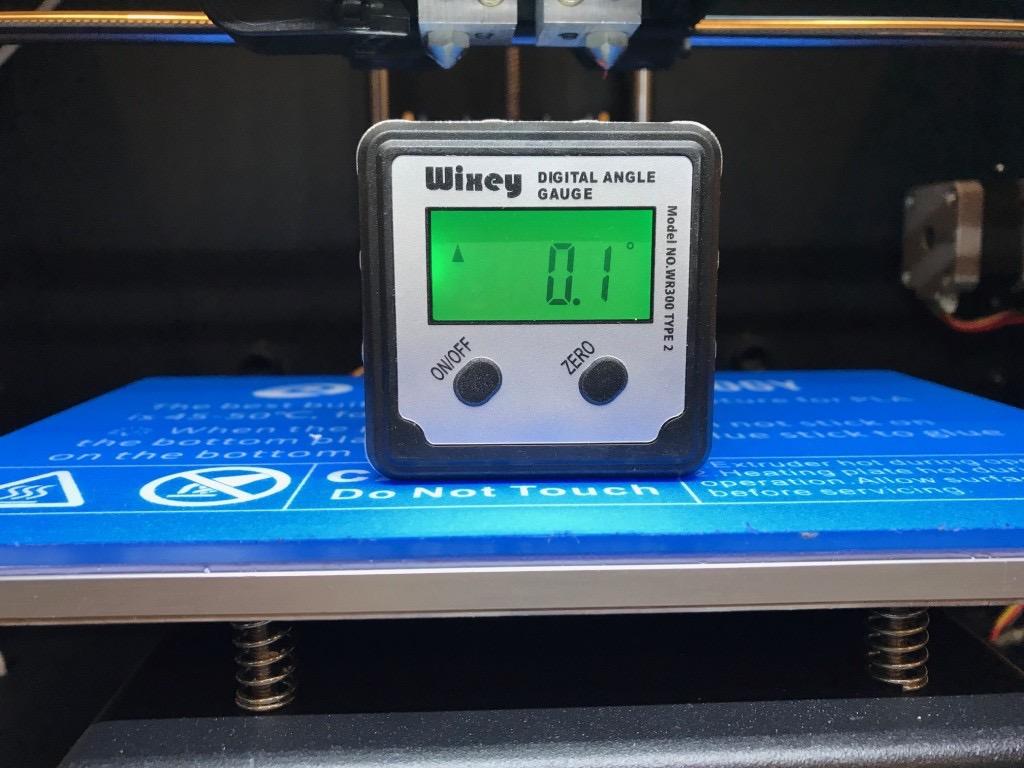
The Wixey WR300 Type 2 is the highest rated gauge we tested, sitting at 4.7 stars across more than 7300 reviews with 81 percent of those ratings at five stars. That volume matters for a measuring tool. A thin rating history tells you very little about whether a sensor holds its calibration over three years, and this is the deepest-rated unit in the group.
Physically it is a compact alloy steel box about 6 by 4 inches that sticks to a blade, fence, or table and reads 0.1 degree steps with plus or minus 0.2 degree accuracy. The backlit LCD is the feature that changes daily use. You can set a bevel stop in a garage with the door down and still read the number without cupping your hands around it.
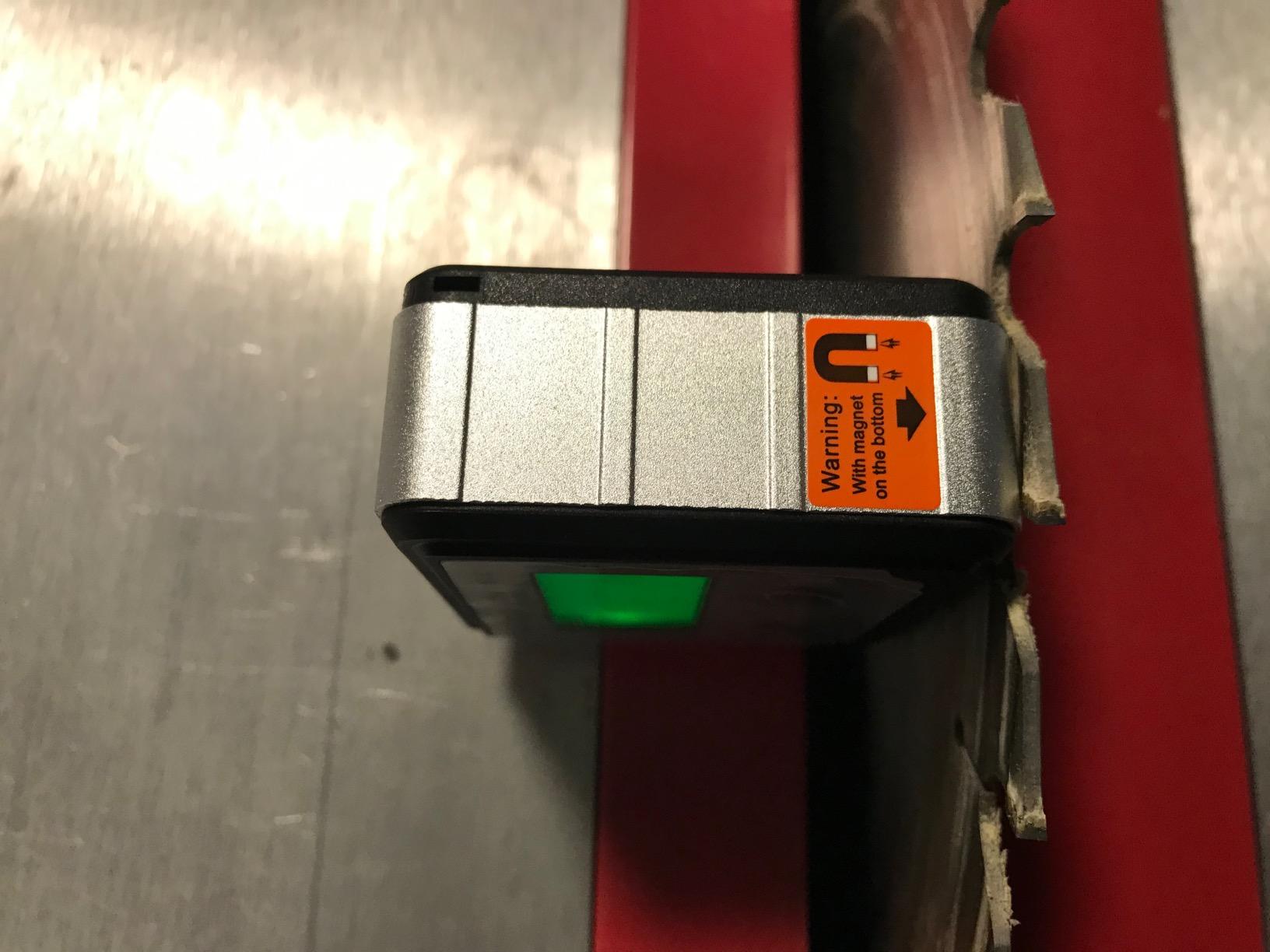
Zero calibration is what separates this from a cheap cube. You can zero to any surface, which means a saw table that sits a fraction off level does not corrupt every reading you take off it. Owners routinely use that to set miter and bevel stops and then re-verify without worrying about the machine rather than the tool.
The 180 degree range is the one real limit. It covers everything a miter saw does at 90 and 45, but if you are chasing an obtuse compound reference outside that arc you need a 225 or 360 degree tool. Keep a cloth in your pocket for the magnets too, because sawdust and iron filings on the pole face are the main reason a strong magnet eventually slips.
Who should buy the Wixey WR300 Type 2
Buy it if your work is setting and re-checking stops on a miter or table saw. A backlit screen, a zero function, and a magnet that holds on a vertical fence is the exact combination that shows up on every saw setup job.
The deep rating history is the quiet advantage. When a tool has this many owners, the accuracy claims have been stress-tested by people who did not get a good sample.
Who should skip the Wixey WR300 Type 2
Skip it if your main task is duplicating a wall corner, because a box gauge cannot reach into the corner to capture the angle in the first place. Also skip it if you work outdoors framing under a slope and need a percentage grade readout, which this unit does not offer.
3. Trend DLB Digital Level Box – The Cube for Squaring a New Saw
- Arrow indicators show which way to move the blade
- Zero function creates a true reference on an unlevel table
- Survives repeated drops and stays calibrated
- Small aluminium cube fits where a long level will not
- Works for both miter and bevel stops
- Some owners report about plus or minus 0.5 degree repeatability
- Readings can drift if the unit is not calibrated
- Magnet strength is debated by a few users
The Trend DLB is the smallest, lightest tool on this list at roughly 1.1 inches square, and that is exactly why it earns its place. A 170 gram aluminium cube sticks to a miter saw blade guard or a table saw fence in positions where a long level simply will not sit, which makes it the right tool for the first ten minutes after a new saw comes out of the box.
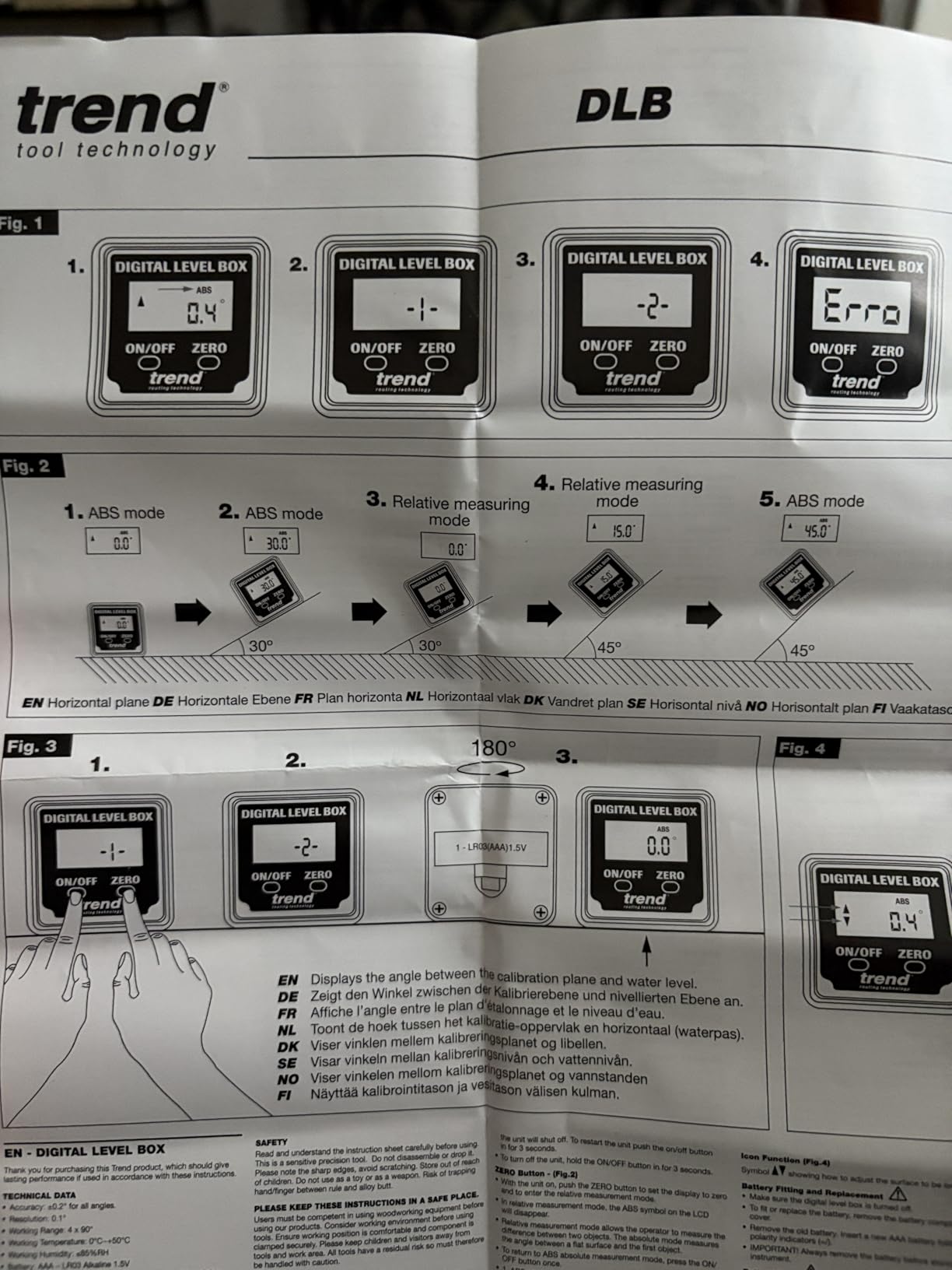
The display auto-adjusts orientation and shows arrow indicators telling you which direction to raise or lower the blade. That sounds like a small thing until you are trying to converge on a stop from an unknown starting point. The zero function creates a true reference on any surface, so an out-of-level saw table does not poison the reading.
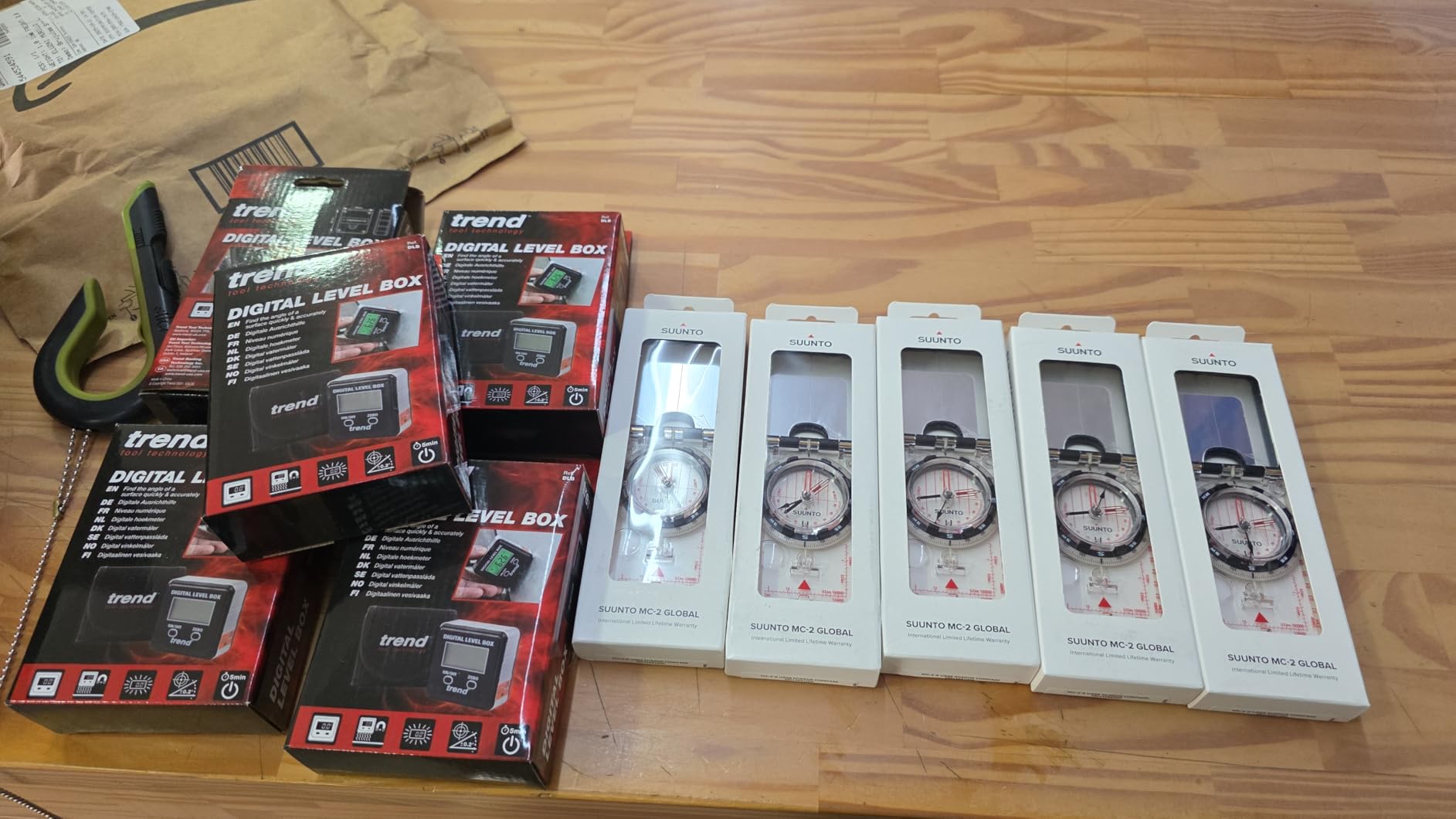
Durability is the story owners tell most often. Carpenters report dropping this unit off a saw table and finding it still calibrated, and the 5300 ratings here show a tool with a long, uneventful life. The backlit screen keeps it usable in a basement shop, which is where a lot of saw setup actually happens.
The honest caveat is repeatability. A minority of owners report variability of about plus or minus 0.5 degrees, and that is looser than the tighter gauges in this group. If you are matching expensive matched crown, treat this as a setup and squaring tool rather than a finishing instrument, and cross-check anything critical against a square you trust.
Who should buy the Trend DLB
Buy it for a new saw, a saw that has been knocked, or any job where you need to confirm a stop in a cramped spot. The auto-orienting screen and arrow indicators make setup faster than squinting at a fixed-display cube while your hands are on the handle.
It is also a good second opinion tool. Carpenters keep one of these in a drawer as a check on the gauge they use every day, which is exactly how you catch a sensor that has drifted.
Who should skip the Trend DLB
Skip it if you need tight repeatability on matched millwork. The reported variability of half a degree is fine for setup and coarse layout but is not the right instrument for a face joint on expensive crown. Buy a plus or minus 0.2 degree gauge instead.
4. Neoteck 16 Inch Digital Angle Finder – The Long-Arm Option for Big Profiles
Neoteck 16 inch Digital Angle Finder 225°Aluminum Protractor LCD Backlight
- 225 degree range covers obtuse compound angles
- Backlit LCD readable in low light
- Long 16 inch arms suit crown and wide trim
- Bubble levels add a quick plumb check
- Portable bag included
- Plus-minus 0.5 degree accuracy is looser than the compact gauges
- Knob alone will not hold an angle so HOLD is required
- Bubble levels are separate from the digital readout
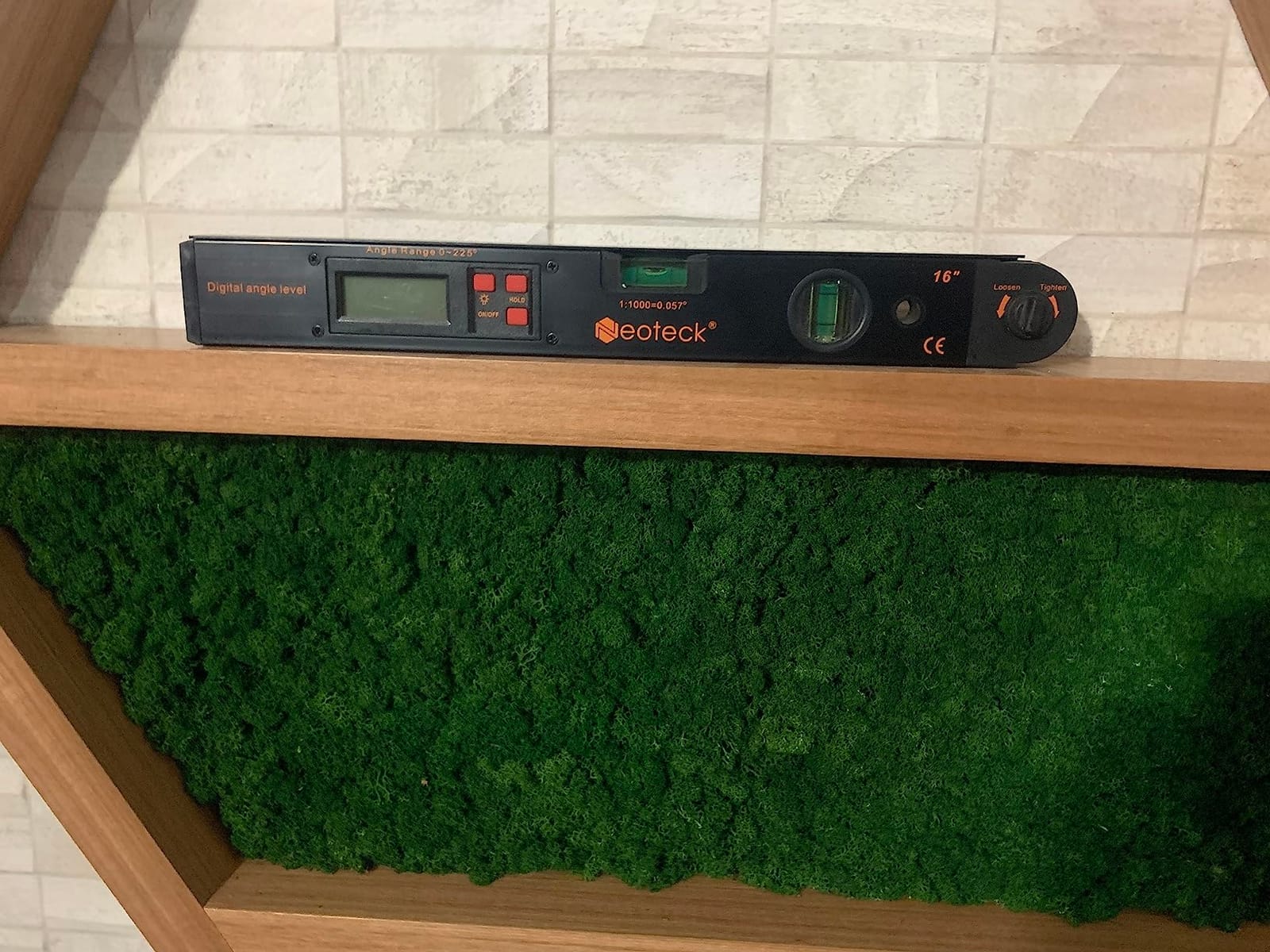
The Neoteck is the long one. Its 16 inch arms reach across a full crown profile or a wide piece of baseboard so the hinge sits at a meaningful distance from the edge rather than right on top of it, and the 0 to 225 degree range covers obtuse compound references that a 180 degree gauge cannot express.
That reach has a cost. The plus or minus 0.5 degree accuracy spec is the loosest on this list, and owners of larger crown say the tolerance is the limiting factor rather than the range. If you are matching profiles on a high-visibility wall, half a degree of error shows up as a visible gap over a long run.
Two practical details matter more than the spec sheet. The locking knob loosens and tightens but does not clamp the angle firmly on its own, so you have to use the red HOLD button and trust that. And the horizontal and vertical bubble levels are real, but they are separate from the digital readout, which means a level bubble does not tell you the angle is correct to a tenth of a degree.
Around 3100 owners rate it at 4.5 stars with 70 percent at five, and the pattern in those reviews is consistent: people like the range, the arms, and the backlit screen, and they warn about the knob. A 9V battery is included, and the unit weighs 1.19 pounds, which is fine in a hand but noticeable on a long crown run.
Who should buy the Neoteck 16 Inch finder
Buy it if you install large crown profiles or long trim and need an arm that spans the piece. The 225 degree range and the reach are the reason to own it, and the bubble levels are a useful sanity check when you are setting stock rather than reading a machine.
It pairs naturally with a dedicated trim saw setup, so it fits well alongside our trim carpentry miter saw guide if that is the machine in your shop.
Who should skip the Neoteck 16 Inch finder
Skip it for fine finish work where joint fit is the whole point. At plus or minus 0.5 degrees this is a layout and setup instrument for big material, not a precision transfer tool. For tight crown joints, a shorter protractor with a tighter spec will serve you better.
5. RDINSCOS Digital Angle Gauge – The Budget Pick for Blade Checks
- Lowest cost in the group with a full feature set
- Magnets on all four sides for flexible mounting
- Bright backlit display
- Quick and well documented calibration
- V-groove base fits pipes and curved stock
- Roughly 0.1-0.2 degrees of repeatability error
- Body is bulky for small blades
- Battery contacts can corrode and look like a dead unit
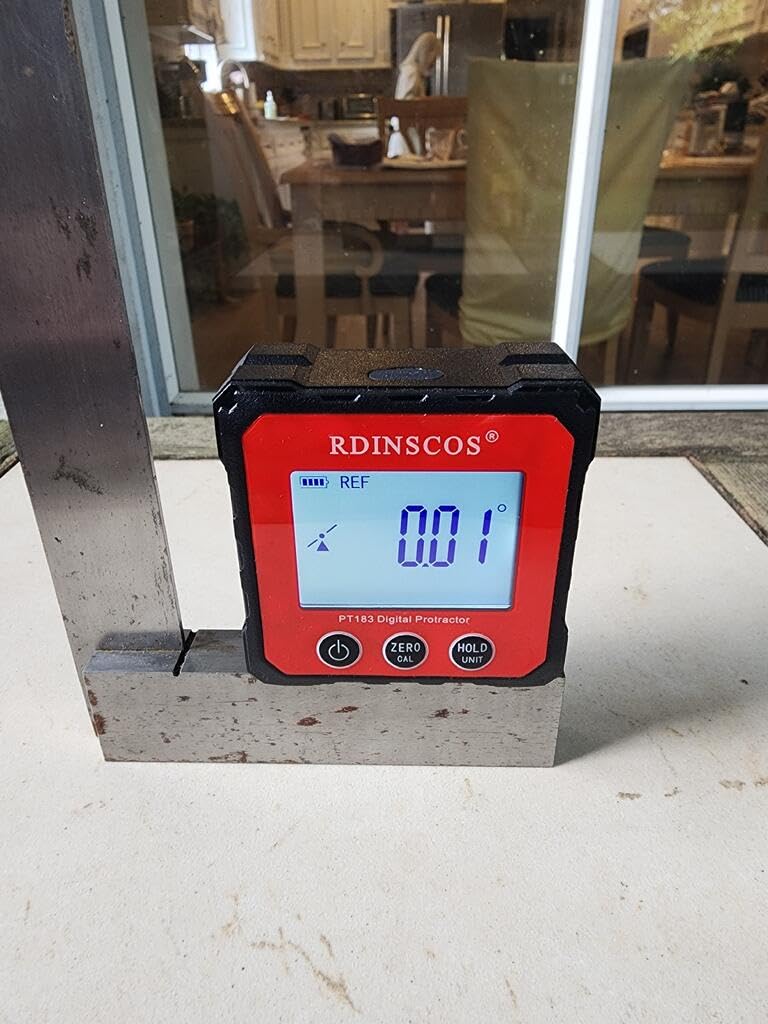
The RDINSCOS is the cheapest way into a backlit magnetic gauge, and for most framing and general layout work that is genuinely enough. The 4.4 star average across 2546 ratings is the lowest in this group, and the reviews tell you why: the feature set is generous for the money, while the repeatability is roughly 0.1 to 0.2 degrees in real use.
Four-sided magnets are the feature owners single out most. Most cubes magnetize on one or two faces, which forces you to work at an angle when the natural mounting position is on its side. A V-groove base also lets the gauge sit on pipe and curved stock, which is handy when you are checking conduit runs or round stock rather than a saw.
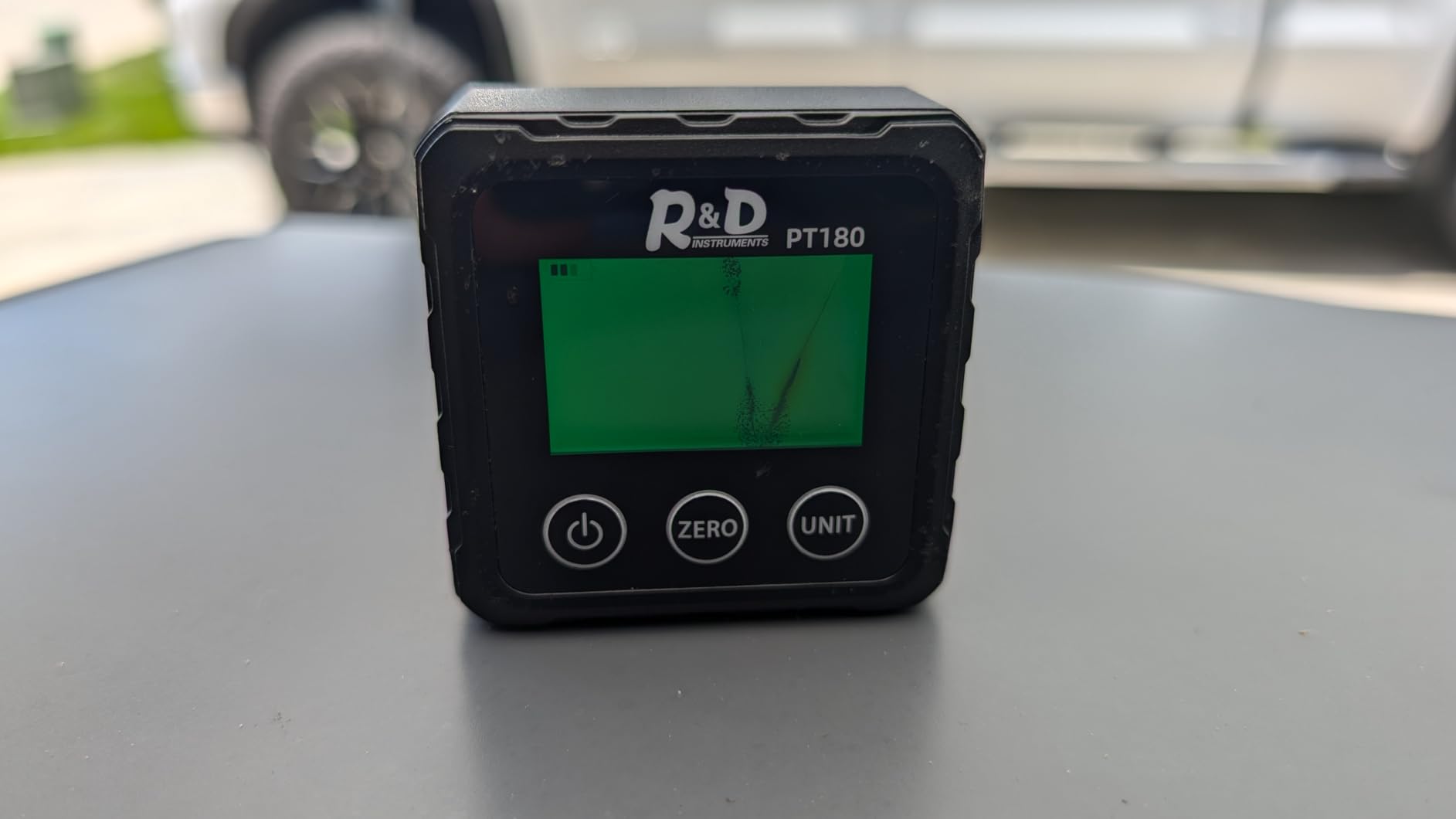
It also works as a digital spirit level, and it runs in both absolute and relative modes with two AAA batteries included in a storage pouch. The calibration procedure is quick and documented well enough to follow without hunting for a video, which is more than you can say for several tools in this price bracket.
The recurring complaints are consistent. Readings can differ noticeably from blade to blade on the same saw, and the body is a little bulky for small blade work. A few owners report corroded battery contacts that make a working unit look dead, so keep the pouch sealed and the batteries fresh.
Who should buy the RDINSCOS gauge
Buy it if you are setting up framing, checking a joist or a temporary support, or doing general layout and you want a backlit screen without spending much. Four-sided magnets and a V-groove open up mounting positions the pricier cubes do not offer.
For a shop that cuts baseboard and does not chase invisible seams, this is the sensible floor for accuracy.
Who should skip the RDINSCOS gauge
Skip it for matched crown on a finished wall. The roughly 0.1 to 0.2 degree repeatability, plus the reports of readings varying from blade to blade, is exactly the situation where a loose number costs you a full run of molding. Use a tighter gauge and keep this one for setup.
6. Lytool Digital Angle Finder with Dual Lasers – The Rechargeable Multi-Feature Cube
Digital Angle Finder with Dual Laser Magnetic Rechargeable Inclinometer
- Finest claimed resolution in the group at 0.05 degrees
- Rechargeable Type-C battery means no disposable cells
- Dual laser lines help align reference points
- Auto-flip LCD reads correctly upside down
- Magnets on all four sides
- Calibration can drift and some units need recalibrating
- Instructions are not very clear
- Accuracy depends on letting the unit warm up
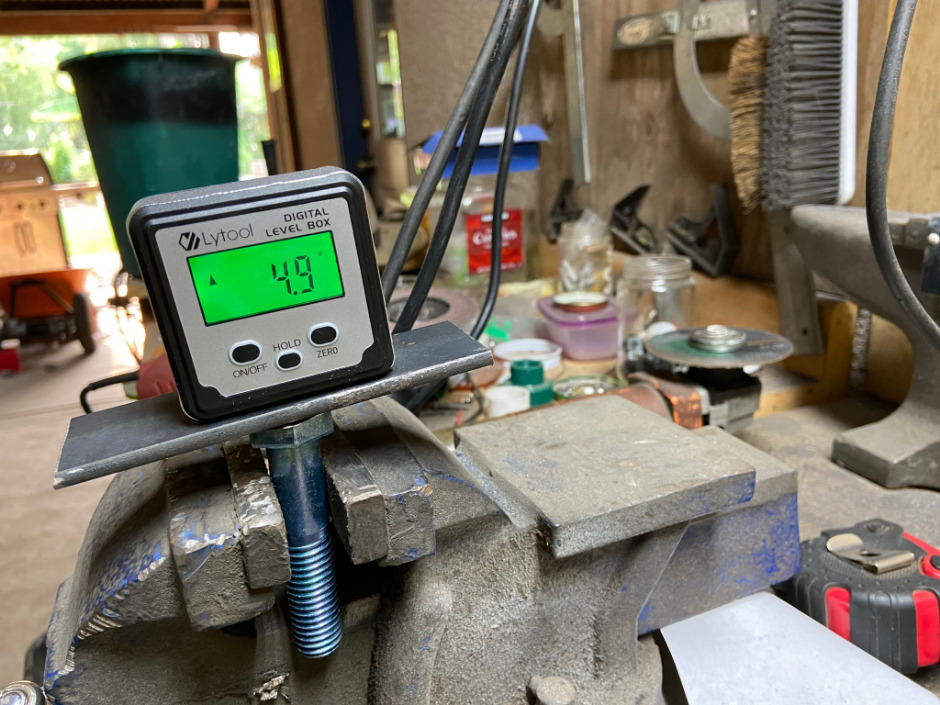
The Lytool is the only unit here that runs off a rechargeable Type-C battery, and in a shop where three different coin cells and AAA pairs have gone flat in the same week, that is a bigger practical win than it sounds. There is a charging cable and a carry bag in the box and you stop thinking about spares.
It also brings two features the plain cubes do not have. Dual Class 2 laser lines give you a reference edge when you are aligning to a mark rather than reading a number, and the auto-flip LCD keeps the digits upright no matter which way the cube is mounted. The claimed 0.05 degree precision across four times 90 degrees is the finest number any unit in this group advertises.
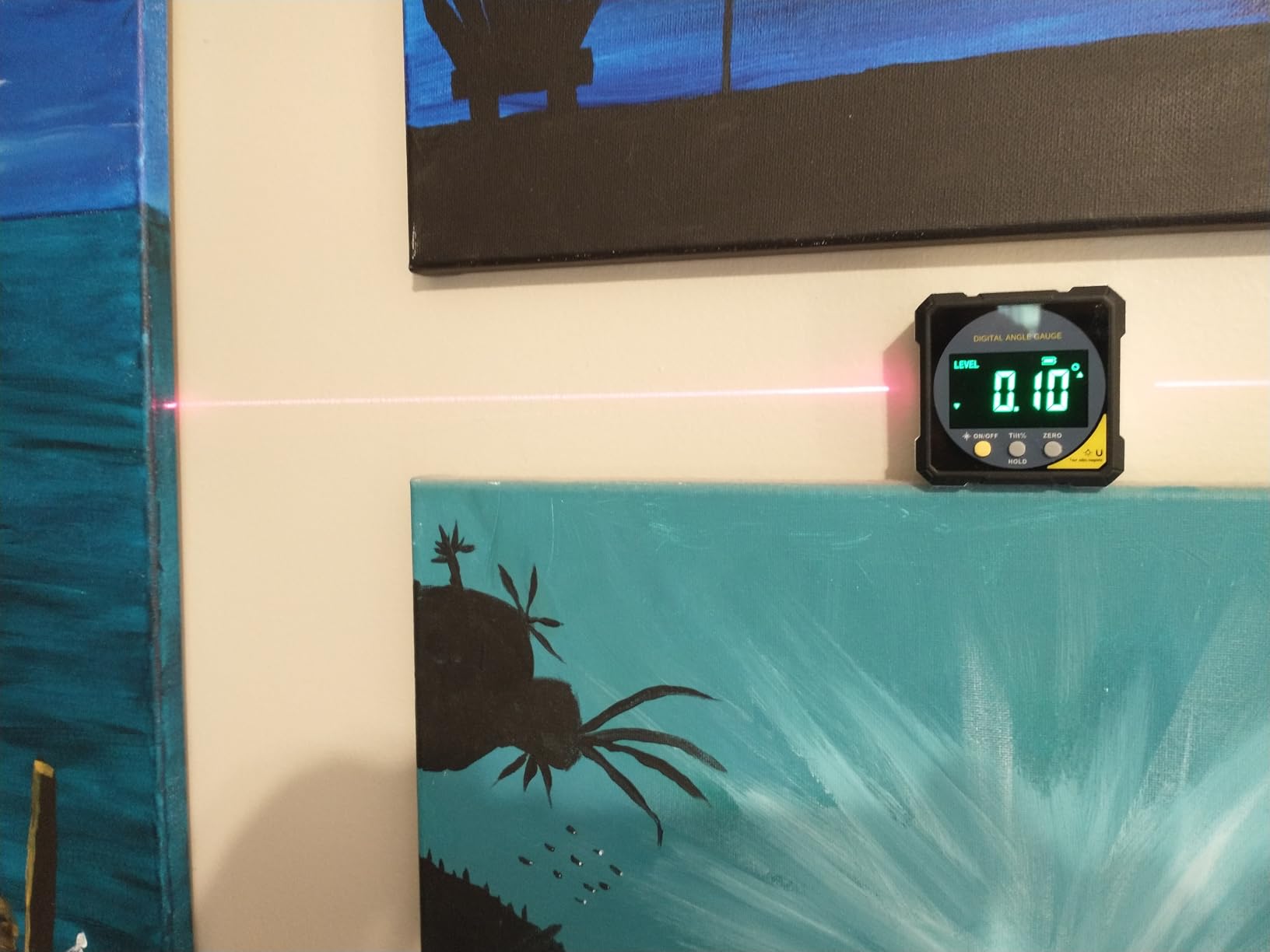
Be careful how you read that 0.05 figure. It is a resolution and a marketing claim, not a verified tolerance, and owners at 2290 ratings and 4.5 stars report two things consistently: some units need recalibrating after a period of use, and accuracy improves if you leave the unit powered on long enough to warm up before you take the reading. Calibration drift is the price of a gyroscope-based instrument with no replaceable sensor.
The instructions are the other weak point. Several owners describe them as hard to follow, so budget ten minutes with a known square on the kitchen table before you trust it on a finished joint.
Who should buy the Lytool angle finder
Buy it if you want a single cube that covers blade setup, slope checks, and reference alignment without juggling batteries, or if you work in places where a dead coin cell would leave you stuck mid-task. The laser lines make it genuinely useful for layout as well as measurement.
It is a good fit for a saw you use every day and for a shop where a charging cable is not an inconvenience.
Who should skip the Lytool angle finder
Skip it if you need a reading you can trust the moment the box opens, or if you work somewhere with no power to recharge. A tool that may need recalibration after a few months is a poor choice for the one time you need a number to close a joint.
7. S&F STEAD and FAST Digital Angle Gauge – The One That Reads Slope Percentage
S&F STEAD & FAST Digital Angle Gauge Magnetic, Angle Cube for Table Saw
- Plus-minus 0.2 degree accuracy with plus or minus 0.1 repeatability
- Self-inverting backlit display reads upside down
- Screw-free battery case makes cell swaps easy
- Hold function and auto-off after 3 minutes
- Slope percentage mode is useful for roofing and layout
- Very small 3 ounce body is less stable on large flat surfaces
- Readings can shift if the unit is bumped
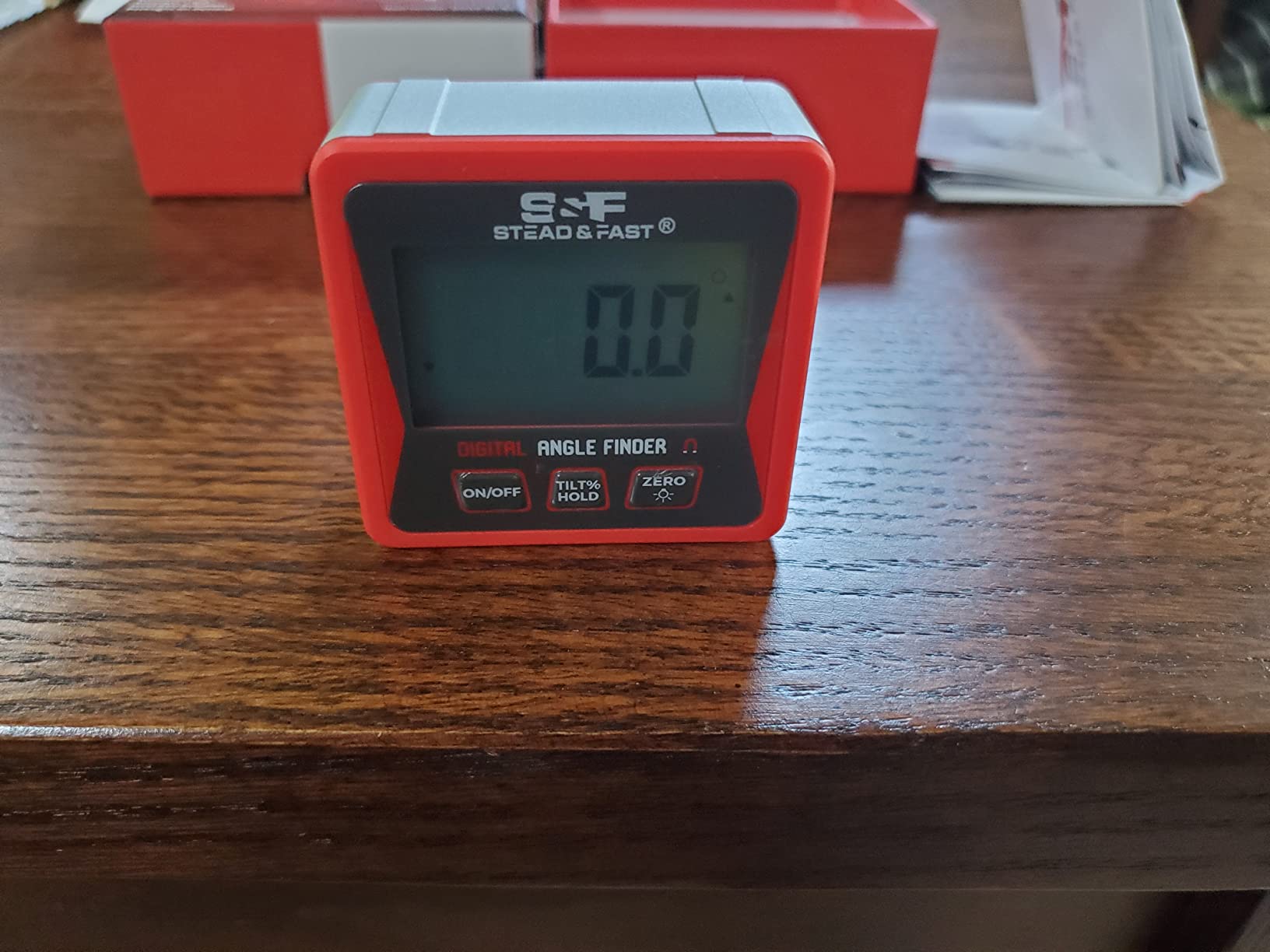
This is the one gauge here that outputs a slope percentage alongside degrees, and that is the feature that pulls it out of the generic cube category. When you are setting a wheelchair ramp, checking drainage fall, or laying out rafters, a percent grade answers a question that degrees do not, and owners use it that way regularly.
The numbers underneath are solid for the class: plus or minus 0.2 degree accuracy with plus or minus 0.1 degree repeatability, 0.1 degree resolution, a self-inverting backlit LCD, and both absolute and relative modes. The screw-free battery case takes two AAA cells and opens without a tool, which sounds minor until you are doing it with cold hands in a garage.
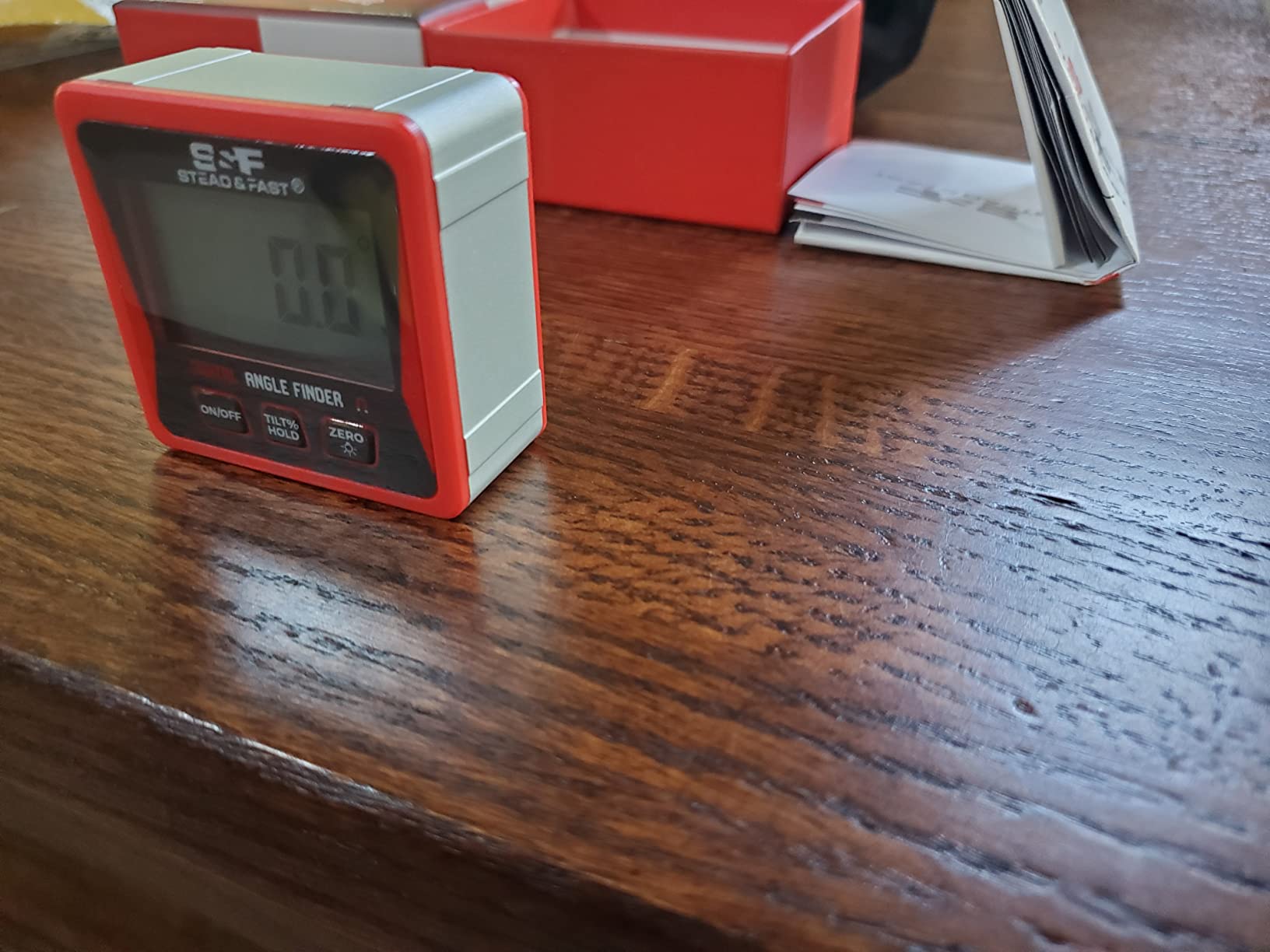
What you give up is size. At 3 ounces and about 2 inches square, this cube is the least stable on a large flat surface, and owners report that readings can shift a little if the unit is knocked. Set it down before you read it rather than holding it, and that concern mostly disappears.
Auto-off after 3 minutes is a sensible timer that balances battery life against losing your zero reference, which is a common complaint about shorter timeouts on other gauges. At 1356 ratings and 4.5 stars, the record here is solid without being deep enough to draw conclusions about multi-year drift.
Who should buy the S&F angle cube
Buy it if your angle work includes anything that is not a square miter. Ramp slopes, drainage grade, rafter layout, and shed and fence lines are all cases where reading percent instead of degrees saves a conversion and a trip back to the drawing.
For a general shop that does framing and trim, the tool-free battery door and the hold function make it a low-friction daily carry.
Who should skip the S&F angle cube
Skip it if you need to place the gauge on a wide flat surface such as a long fence or a table saw top, where a 3 ounce body is easy to tip. For fine finish joints on small stock it is also overkill for what you are paying to carry.
8. VOLCANOES CLUB Magnetic Digital Angle Finder – The Four-Mode Gauge for Mixed Work
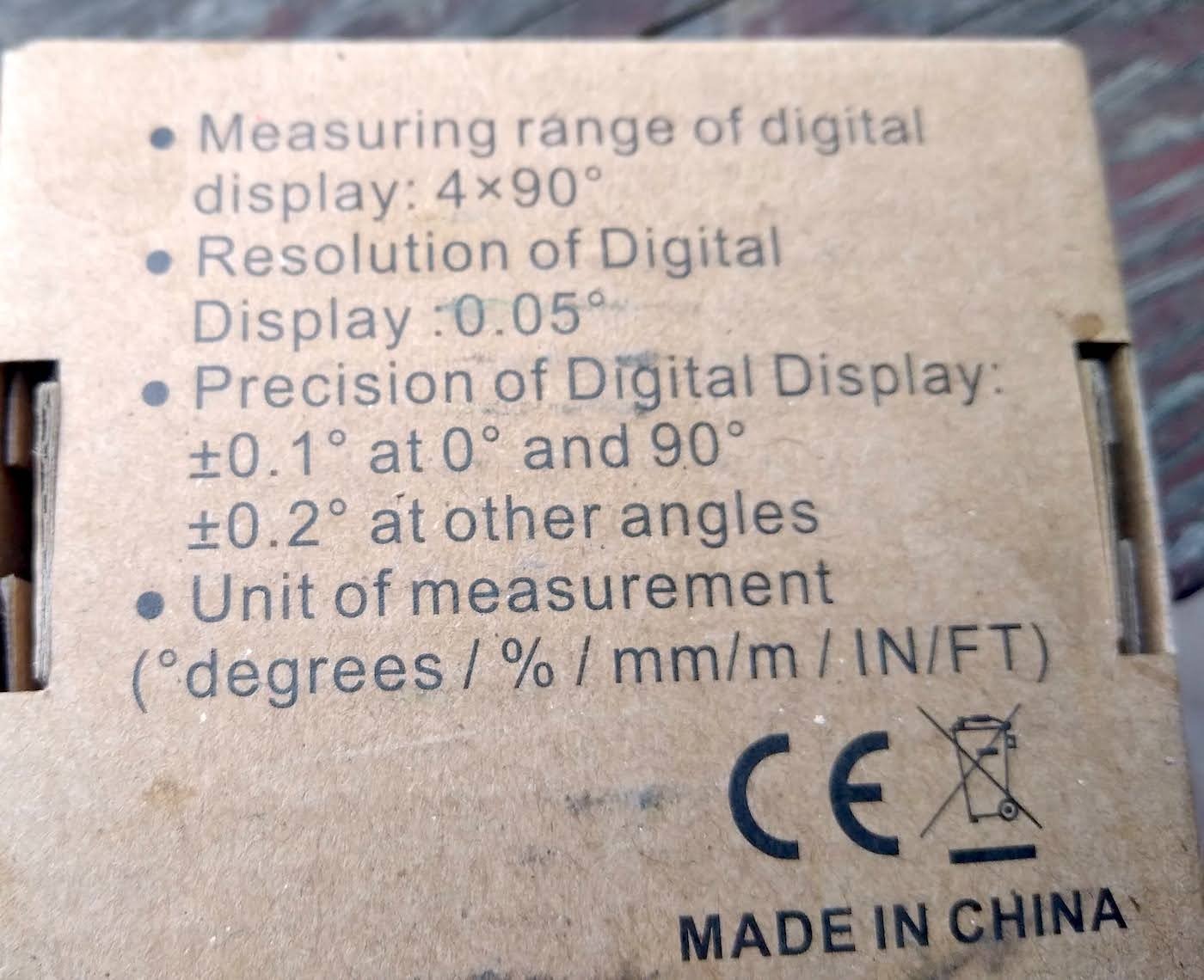
- Plus-minus 0.1 degree accuracy at 0 and 90 degrees
- 0.05 degree display resolution with a big backlit font
- Four readouts including mm/m and IN/FT
- Audible buzzer within 1 degree of level
- V-groove edges seat on pipes and curved stock
- Hard to read in bright direct sunlight
- Not fully sealed for a dusty shop
- Only one magnetized face
The VOLCANOES CLUB is the most specified small cube in the group for accuracy at the angles that matter. It holds plus or minus 0.1 degree at 0 and 90 degrees and plus or minus 0.2 elsewhere, which is the tightest critical-angle spec here and precisely the range that decides whether a miter saw stop is actually square.
It also does things the others do not. Four readouts cover degrees, percent, mm/m, and IN/FT, so a metric-based layout does not need a separate tool. An audible buzzer sounds within 1 degree of level, which is a genuinely useful feature when your eyes are on the cut rather than the screen.
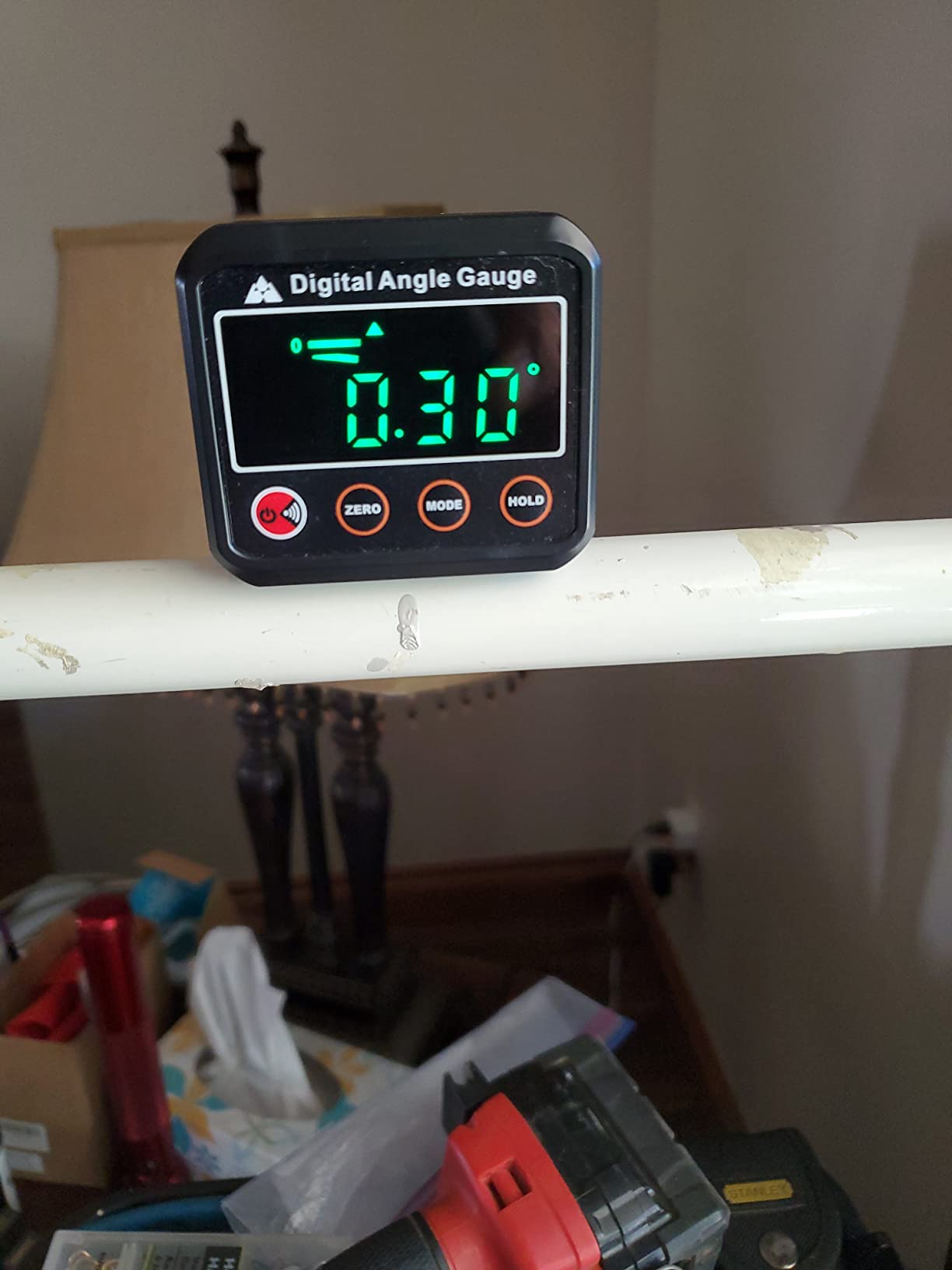
Owners at 917 ratings and 4.6 stars, with 76 percent at five stars, point to the large backlit numbers and the multi-mode flexibility as the reasons they keep reaching for it. A pouch with a belt loop is included, and several owners report long battery life on the original set of AAA cells, which is a good sign about the seal and the contact design.
The complaints are about environment and handling. In direct sunlight the screen washes out, and the unit is not fully sealed, so a shop full of sawdust will shorten its life compared with a gasketed body. Only one face is magnetized, so mounting options are more limited than a four-sided cube. The menu also needs a read of the instructions before it stops being confusing.
Who should buy the VOLCANOES CLUB gauge
Buy it if you mix metric and imperial work, or if you set square stops and bevels and want the tightest critical-angle spec available at this size. The buzzer alone makes it faster for repeated squaring checks, since you can keep your eyes on the blade.
It is a strong all-rounder for a shop that does not specialise in one type of cut.
Who should skip the VOLCANOES CLUB gauge
Skip it if you work outdoors in direct sun or in a genuinely dusty shop, because the screen and the unsealed body both work against you there. It is also a one-face magnet, so if you need to mount it flat against a vertical surface you will want a four-sided cube instead.
9. S&F STEAD and FAST 7 Inch Digital Angle Finder – The Continuous-Scale Ruler Protractor
S&F STEAD & FAST Stainless Steel Digital Angle Finder Tool, 7 Inch / 200 mm
- Continuous etched scale runs across both arms to 400mm
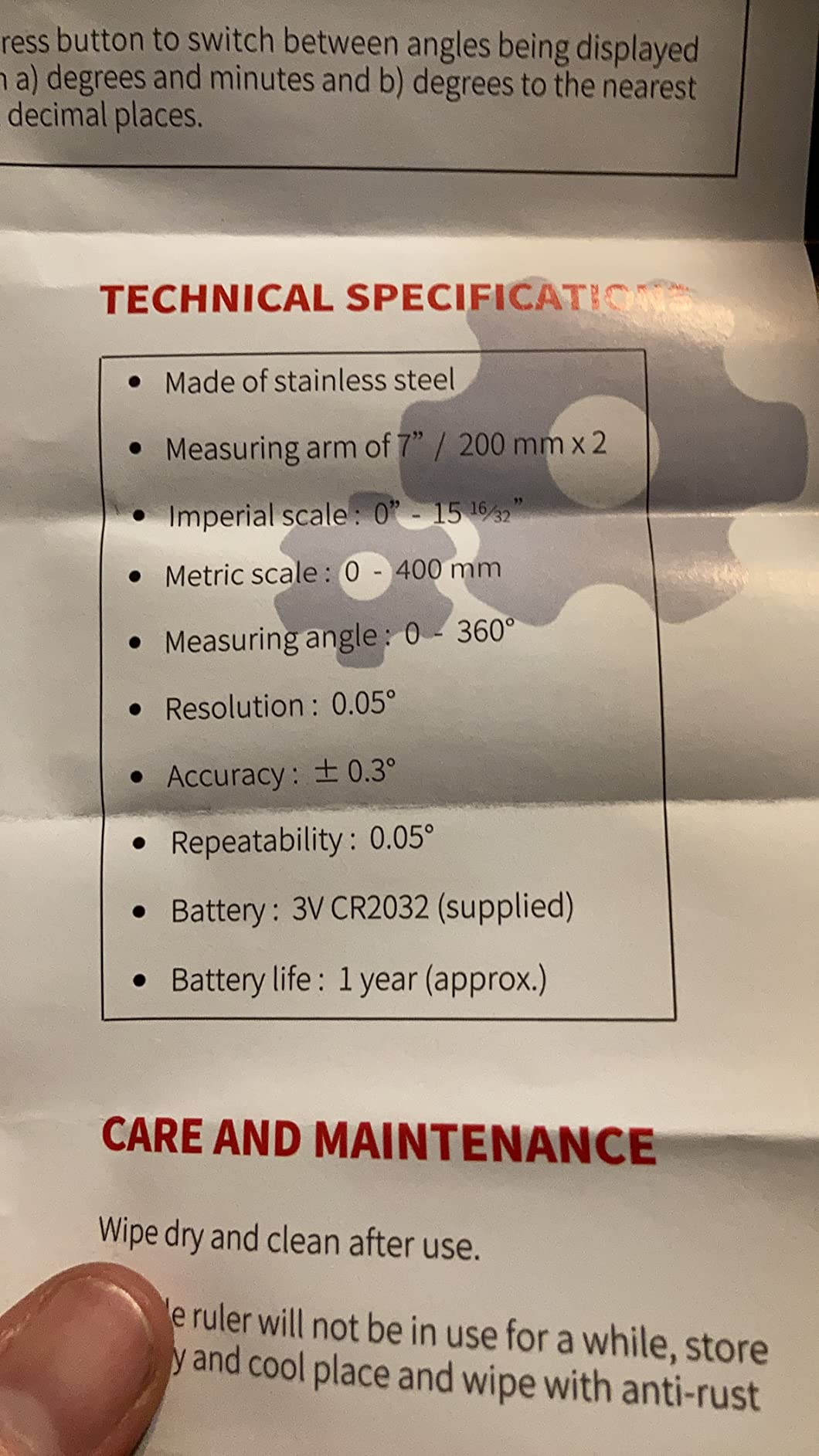
- 0.05 degree resolution in degrees or degrees and minutes
- Works as a protractor and a layout ruler
- Etched stainless scales resist corrosion
- Zero and hold functions for transferring angles
- Plus-minus 0.3 degree accuracy is looser than the magnetic cubes
- No backlit display for dark conditions
- 7 inch arms are limited for large material
This is a digital protractor for people who think in protractors. Unlike a conventional two-arm tool with a gap at the hinge, the etched scale runs continuously across both arms out to 400mm, so you can lay it along a workpiece and read a length while the angle stays live on the display.
That dual purpose is what makes it worth owning next to a magnetic cube. The gauge handles inside and outside corner capture, and the same frame is a stainless steel ruler for marking. Each unit carries a unique serial number, which is a small but real quality signal when the accuracy spec is only plus or minus 0.3 degrees.
The display reads 0.05 degree steps in either decimal degrees or degrees and minutes, and zero and hold functions let you capture a reference and freeze it. Power-off is automatic after 5 minutes with a pre-installed CR2032, which is long enough that you rarely lose a reference mid-setup.
Owners at 849 ratings and 4.6 stars, with 75 percent at five stars, like the format and the crisp readout. The two limits they name are the plus or minus 0.3 degree spec compared with the tighter magnetic cubes, and the absence of a backlight, which makes this a lit-bench tool rather than a basement tool.
Who should buy the 7 inch S and F protractor
Buy it if you want one tool that both measures a corner and lays out a cut, and if you work at a bench with good light. The continuous scale removes the guesswork of estimating arm length while you are trying to hold a reading.
It is a good companion to a magnetic cube in the same drawer, since they cover different halves of the job.
Who should skip the 7 inch S and F protractor
Skip it if you are matching expensive crown, where half a degree of tolerance can open a gap over a long run, or if you work in poor light. The 7 inch arms also reach across very wide profiles only awkwardly. For fine finish, spend your accuracy budget on a tighter gauge.
10. LEXIVON LX-DAF7 Digital Angle Finder Gauge – The 360 Degree Rule With a Locking Knob
- Ranks first in its category with 746 ratings
- Extra-large LCD at 0.05 degree resolution
- Full 360 degree range plus reverse-angle display
- Anodized aluminium rule with etched scales
- Angle Lock knob holds a set angle firmly
- Plus-minus 0.3 degree accuracy
- Only a 7 inch rule in this size
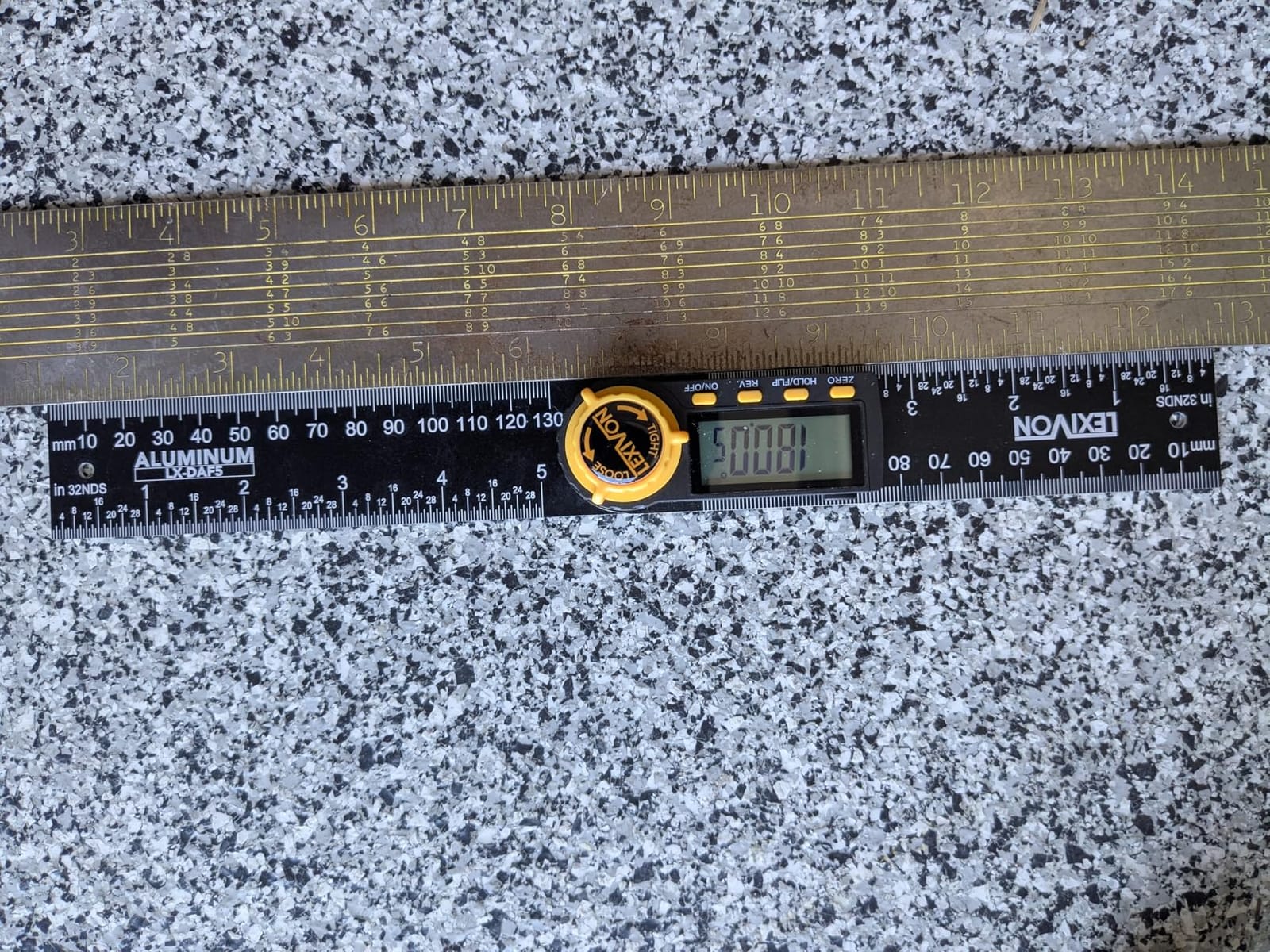
The LEXIVON LX-DAF7 solves a specific problem the others leave open. A 360 degree range plus a reverse-angle display means you can set a compound angle, read it overhead without craning your neck, and lock it with the Angle Lock knob while you carry it to the saw. Owners use it exactly that way for compound crown.
The interface is four buttons, which is about as few as you can get away with: zero, hold and flip, reverse, and on and off. The extra-large LCD shows 0.05 degree steps on a 7 inch anodized aluminium rule with laser-etched millimeter and inch markings, and a heavy-duty zippered pouch is included.
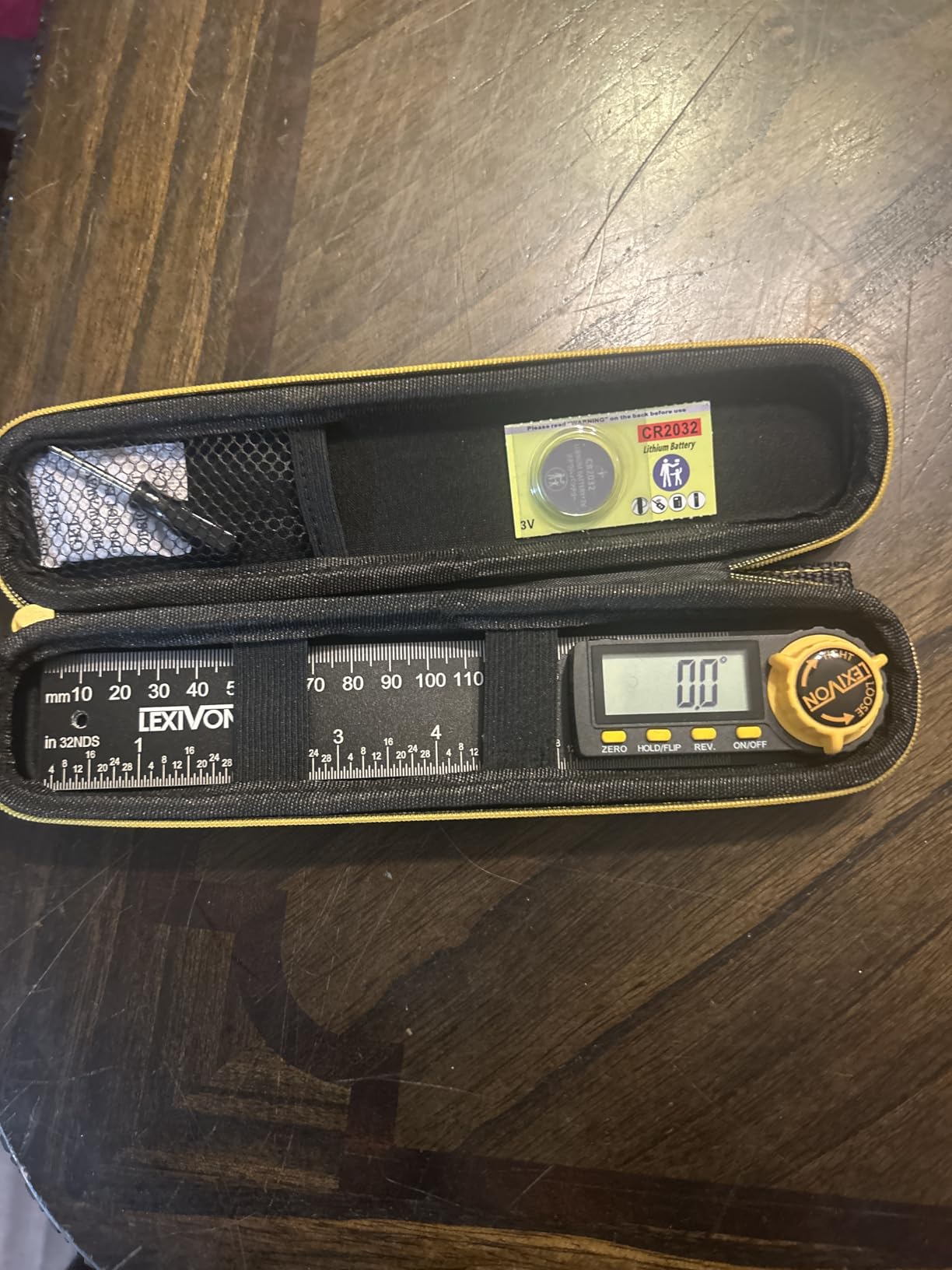
At 746 ratings and 4.6 stars, this has the highest share of five-star ratings in the group at 81 percent, but the shallowest rating history of the ten. That matters for a measuring tool. A well-reviewed instrument with a long record tells you about drift over years; 746 ratings tell you what the current production run does, not what your own unit will do after a few seasons on the saw.
Accuracy is quoted at plus or minus 0.3 degrees with unique serial numbers and QC testing on each unit, which is honest and specific. Set that against a need for a plus or minus 0.2 degree reading on fine work and the budget for a tighter gauge is the deciding factor, not the feature list.
Who should buy the LEXIVON LX-DAF7
Buy it if you do compound crown work and want to read a set angle overhead and lock it in place. The 360 degree range, the reverse-angle display, and the lock knob are a combination you will not find on a cheaper two-arm protractor.
The large display and the protective pouch also make it a good travel tool for a crew that shares equipment.
Who should skip the LEXIVON LX-DAF7
Skip it if accuracy at the finest level is your priority, because plus or minus 0.3 degrees will not beat a plus or minus 0.2 degree gauge in a critical comparison. It is also a 7 inch rule only, so wide profiles are out of reach.
Digital Gauge vs Digital Protractor vs Analog Miter Protractor
The cheapest decision you can make is picking the right archetype before you compare accuracy specs. The three tools answer different questions, and buying the wrong one is the most common reason a gauge ends up in a drawer.
Magnetic box gauge. Measures the angle a machine is holding right now. Use it for squaring a saw, setting bevel and miter stops, and checking a table saw blade. It cannot reach into a wall corner, so it cannot help you match an out-of-square corner. The Wixey WR300 Type 2 and the Trend DLB are the two worth considering here.
Ruler-style digital protractor. Captures an angle that already exists, either in a corner or against a workpiece, and lets you carry it to the saw with a lock holding the value. This is the trim and crown tool. The GemRed 82305 and the 7 inch S and F are the two to compare.
Analog miter saw protractor. The Starrett-style head drops over the saw’s spindle and mechanically aligns a pointer with the miter scale. Nothing to power, nothing to calibrate, and it cannot lose a zero reference, but it measures the saw rather than the cut, so it inherits any error in the saw itself. Several carpenters keep one as a backup for exactly that reason.
There is a hybrid worth knowing about. Carpenters propose mounting a magnetic box gauge onto a steel rule to get protractor capability from a gauge, which works but gives up the lock that makes transfer reliable. If corner transfer matters to your work, buy a real two-arm tool.
How to Calibrate and Use a Digital Angle Finder on a Miter Saw
Calibration is not a ritual. It is four minutes that tell you whether the number on the screen is worth cutting wood over, and most disagreements between a gauge and a square trace back to skipping it.
Check it against a known reference first. Lay the tool on a surface you trust, ideally a granite plate or a machinist square, and confirm it reads zero or 90 within its stated tolerance. If it is off, calibrate before anything else.
Verify a second range, not just one. Check an obtuse angle such as 45 or 30 as well as the square reading. A tool can be perfect at 0 and 90 and loose in the middle, which is exactly where crown molding lives.
Clean the magnet and the steel first. Resin and pitch on a blade build up into a film that quietly weakens the magnetic grip. Wipe both surfaces before mounting, or the tool sits proud of the surface and reads slightly wrong.
Zero to the saw, not to the world. If the saw table is not level, use the zero function to set the machine’s current position as your reference. You want relative angles from the machine, not absolute angles from gravity.
Set the stop, then re-verify. Swing the head to the target angle, make the cut on a scrap of the same material, and hold the scrap against a square. Check the corner with a ruler on the diagonal. If the diagonal from corner to corner is unequal, your cut is out of square regardless of what the screen said.
Re-zero after any long pause. Auto shut-off saves batteries and, on several of these tools, takes the zero reference with it. If the screen goes dark mid-setup, zero again before you trust the next reading.
One more note from practice. Kerf and blade flatness are separate error sources from the saw scale. A blade that is out of square on one side will read differently than the other side, so when a reading looks wrong, rotate the blade before you blame the tool. If the blade itself needs dressing or a fresh edge, our angle grinder guide covers the tools used for that work.
Crown Molding Angles and the 31.6 Degree Question
Crown molding confuses people for one reason: the number on the box is not the number on the saw. A standard crown profile has a 52 degree spring angle, meaning the face of the molding meets its back at 52 degrees, and that face angle is not a cut setting.
For an inside 90 degree corner, the rule is short. Take half of the spring angle for the miter, so 52 divided by 2 gives 26 degrees. Then subtract the spring angle from 90 for the bevel, which gives 38 degrees. A 45 degree crown uses a 22.5 degree miter with a 45 degree bevel, and a 38 degree profile uses a 19 degree miter with a 52 degree bevel. A 42 degree profile uses a 21 degree miter with a 48 degree bevel.
Where does 31.6 degrees come from? It is the angle of the compound joint line itself, not a saw setting. Taking the cosine of the 52 degree spring angle gives about 0.616, and the arctangent of that value is 31.6 degrees. That is the angle you see if you put a digital gauge directly on the cut face of a correctly compound-mitered crown piece, which is why a gauge reading near 31.6 can look like the saw is wrong when the saw is set correctly at 26 and 38.
This is also where a digital tool earns its keep. A dial protractor tells you the miter is at 26. A digital gauge that captures the actual joint face tells you whether the two parts will meet, which is the thing you care about when you are matching old molding in a house that has settled.
How to Choose a Digital Angle Finder: Factors That Matter
Accuracy versus resolution. These are different numbers and shoppers mix them up constantly. Resolution is how finely the display steps, so 0.1 degree resolution means the last digit changes every tenth. Accuracy is the tolerance the instrument actually holds. Several tools here show 0.05 degree steps while carrying a plus or minus 0.3 degree accuracy, and that is not a contradiction, it is just two separate claims.
Accuracy at the critical angles. Ask what the tool does at 0 to 1 degrees and at 89 to 91 degrees. Those are the ranges that decide whether your miter saw stop is truly square, and a tool can be excellent in the middle of its range and sloppy at the ends. The VOLCANOES CLUB states plus or minus 0.1 degree at 0 and 90, which is the most useful claim on this list.
Display and backlight. A backlit LCD is not a luxury if you set up saws in a garage or a basement. In a dim shop, a non-backlit screen costs you a squinting posture and a slow setup. An auto-inverting or auto-flip display matters when the gauge is mounted to a vertical blade or fence, which is a common position on a miter saw.
Magnetic base and mounting faces. One magnetized face restricts you to one orientation. Magnets on two or four sides let you mount the gauge flat on a vertical fence, a horizontal table, or an angled bevel without finding a compromise. Wipe resin and pitch off both the blade and the gauge before mounting, because a film of pitch reduces grip without looking obvious.
Zero and relative measuring modes. Relative mode is what lets you zero to an unlevel saw table or to a reference surface that is not true horizontal. It is the single most useful feature on a saw setup tool, and it is what stops you from chasing a phantom error that belongs to the machine rather than the gauge.
Power source and battery life. A CR2032 coin cell is cheap but can work loose in its tray and cause an unexpected shutdown mid-setup, which is a complaint several owners here repeat. A pair of AAA cells is easier to change and more widely available. A rechargeable Type-C cell removes the problem entirely if you have somewhere to charge it.
Degree range. A 180 degree range covers square and 45 degree work with room to spare. A 225 degree range handles obtuse compound references, and a full 360 degree range lets you read a compound angle from any orientation. Match the range to the cuts you actually make rather than the widest number available.
Review volume as a reliability signal. This one is unusual in a roundup and it is worth stating plainly. Star ratings are only as useful as the number behind them, and a measuring tool is exactly the kind of product where a thin rating history should make you cautious. Two units in this group have fewer than 1000 ratings. Both may be excellent, but you are buying on a short record.
One final habit. If a reading disagrees with a square you trust, do not immediately assume the gauge is wrong. Re-zero, let the tool warm up if it is electronic, clean the mounting faces, and take the reading a second time. A second opinion from a different maker, as carpenters do on forums, settles most of these arguments in under a minute.
Frequently Asked Questions
What is a good digital angle finder for miter cuts?
The GemRed 82305 is our top pick for miter cuts because it combines ruler and protractor arms with an angle lock, so you can capture a corner, carry the number to the saw, and set the stop without re-measuring. For verifying what the saw itself is doing, the Wixey WR300 Type 2 has a backlit display, zero calibration, and a magnetic base that grips blades and fences.
Are digital angle finders worth it?
Yes, for anyone who has had a miter joint fail to close. A saw scale is a painted pointer and a spring stop that drifts with use, humidity, and knocks, so the printed number and the real angle diverge. A digital gauge replaces that guesswork with a measured angle, and accuracy of 0.1 to 0.2 degrees is enough to close crown, baseboard, and framing joints on the first cut.
How do I use a digital angle finder on a miter saw?
Clean the blade and the magnet, mount the gauge, zero it to the current machine position, swing the head to the target angle, and set the stop. Then cut a scrap of the same material and check the corner with a ruler on the diagonal. If the two diagonals differ, the cut is out of square regardless of what the screen displayed.
Which digital angle finder is the most accurate?
Among the units we compared, the VOLCANOES CLUB states the tightest critical-angle spec at plus or minus 0.1 degree at 0 and 90 degrees. The Wixey WR300 Type 2 pairs plus or minus 0.2 degree accuracy with 0.1 degree resolution, and the Lytool claims 0.05 degree precision, which is a resolution figure rather than a verified tolerance.
How accurate is a digital angle finder?
Most of the gauges in this group fall between plus or minus 0.2 and plus or minus 0.3 degrees, and the ruler-style protractors sit at the looser end. A tenth of a degree is plenty to close baseboard and crown joints, while fine matched millwork is where a half-degree tolerance starts to show as a visible gap over a long run.
What is the best angle finder for crown molding?
For crown, a two-arm digital protractor with a lock is the right tool, because you need to capture an existing corner and carry the reading to the saw. For 52 degree spring angle profiles on an inside 90 degree corner, set the miter to 26 degrees and the bevel to 38 degrees, which is half the spring angle for the miter.
Why 31.6 degrees for crown molding?
It is the angle of the compound joint line itself, not a saw setting. The arctangent of the cosine of a 52 degree spring angle is about 31.6 degrees, which is what a digital gauge reads when it sits directly on the cut face of a correctly compound-mitered crown piece. The saw settings stay at 26 degrees miter and 38 degrees bevel.
What is the difference between an angle finder and a protractor?
A digital angle finder is an inclinometer that reads the tilt of a surface on a screen, usually to a tenth of a degree, and a magnetic one mounts to a saw blade or fence. A protractor measures an angle between two arms. An angle finder monitors the machine; a protractor transfers a corner angle to the saw.
Conclusion
After working through all ten, the best digital angle finder for miter saw work depends on which job you actually do. For corner transfer in trim and crown, the GemRed 82305 is the one to buy, with ruler and protractor arms, a lock, and the deepest rating history in the group. For verifying what the saw is doing, the Wixey WR300 Type 2 wins on accuracy, backlight, and zero calibration. For squaring a new saw, the Trend DLB cube is the right shape and size.
Whichever you choose, calibrate it against a square you trust before you cut anything, zero to the machine rather than to gravity, and keep the magnet clean of resin. Those three habits do more for your joints than any difference in the last decimal place on the box. If you are still outfitting the saw, our sliding compound miter saw guide covers the machines that pair best with these tools in 2026.