
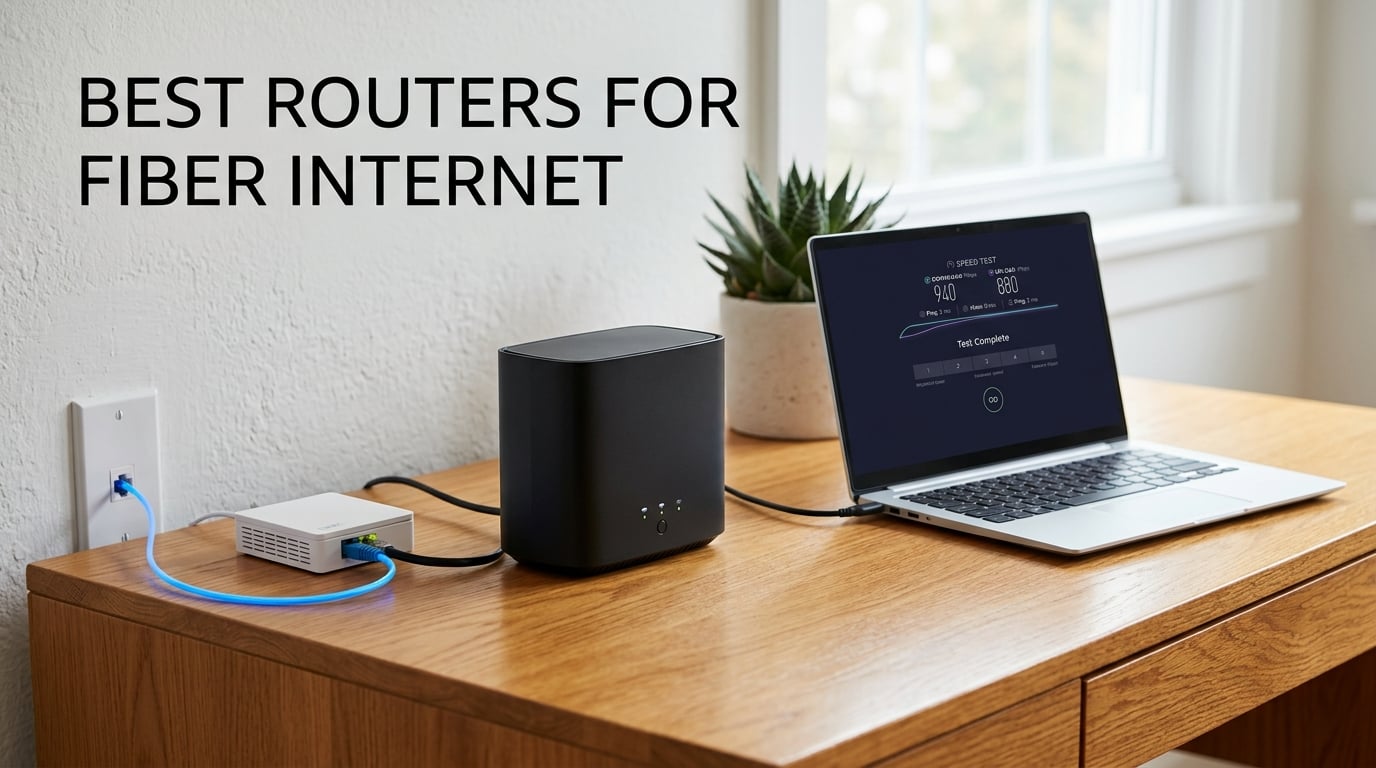
The best routers for fiber internet in 2026 are the eero Pro 6E for most households, the eero 7 for buyers who want Wi-Fi 7 at the lower end, and the GL.iNet Flint 2 for anyone who wants open-source firmware with multi-gig wired ports. All three pair cleanly with a fiber ONT over Ethernet and none of them require a cable modem.
That answer matters more than it looks, because fiber changes what your hardware has to do. A cable provider hands you a modem that translates a coax signal. A fiber provider hands you an ONT that already speaks Ethernet, so the only box standing between your plan speed and your devices is the router. If that router only has gigabit ports, a 2 Gbps plan gets quietly clipped near 940 Mbps no matter how fast the line is.
We spent weeks reading through the spec sheets and owner reviews for twelve current routers, matching each one to the plan tier it actually serves. Every product below pairs over Ethernet with an existing fiber, cable, DSL or satellite gateway, and each one is listed with its real port counts and wireless standard rather than a marketing headline number. We also flagged which security features are free and which sit behind a paid subscription, because that is where most of the surprise costs hide.
One note before we start. If you are still renting a gateway from your provider, you are paying a monthly fee for hardware that is usually the weakest link in your chain. Buying your own router removes that line item entirely and puts you in control of the Wi-Fi standard you are living with. We cover how to bypass the gateway, and why bridge mode is not always available, further down.
Table of Contents
Top 3 Fiber Internet Router Picks in 2026

eero Pro 6E
- Wi-Fi 6E tri-band with 6 GHz band
- 2.5 Gb Ethernet port
- Coverage up to 2000 sq ft
- Handles 100+ devices

eero 7
- Wi-Fi 7 dual-band
- Two auto-sensing 2.5 GbE ports
- Wireless speeds up to 1.8 Gbps
- 120+ devices

GL.iNet Flint 2
- Wi-Fi 6
- eight-stream at 6 Gbps
- Dual 2.5G ports plus four 1G ports
- Pre-installed OpenWrt
- WireGuard around 900 Mbps
The eero Pro 6E takes the top slot because it pairs the highest review volume in this group with genuine 6 GHz support and a 2.5 Gb Ethernet port for gigabit-plus plans. The eero 7 gives you Wi-Fi 7 and two 2.5 GbE ports at the entry point of the range, at the cost of the 6 GHz band. The Flint 2 is the enthusiast answer, and the best-rated router here at 4.5 out of 5.
Best Routers for Fiber Internet (October 2026)
| Product | Specifications | Action |
|---|---|---|
| eero Pro 6E |
|
Check Latest Price |
| eero 7 |
|
Check Latest Price |
 TP-Link Archer BE550 TP-Link Archer BE550 |
|
Check Latest Price |
 eero Pro 7 eero Pro 7 |
|
Check Latest Price |
 GL.iNet Flint 3 GL.iNet Flint 3 |
|
Check Latest Price |
 Tenda BE12Pro Tenda BE12Pro |
|
Check Latest Price |
 NETGEAR Nighthawk BE9300 NETGEAR Nighthawk BE9300 |
|
Check Latest Price |
 NETGEAR Nighthawk RS500 NETGEAR Nighthawk RS500 |
|
Check Latest Price |
| GL.iNet Flint 2 |
|
Check Latest Price |
 TP-Link Archer BE600 TP-Link Archer BE600 |
|
Check Latest Price |
 ASUS RT-BE88U ASUS RT-BE88U |
|
Check Latest Price |
 NETGEAR Nighthawk RS700S NETGEAR Nighthawk RS700S |
|
Check Latest Price |
Two patterns stand out in that table. Nearly every router here has at least one 2.5 Gb port, which tells you how common multi-gig fiber plans have become, and three of the twelve carry a 10 Gbps port for the fastest tiers. The other pattern is the security split: some brands include their full parental control and malware filtering suite at no cost, while others give you a trial window and then charge.
1. eero Pro 6E – Best Overall for Fiber Internet
- Direct 6 GHz band access lowers latency on Wi-Fi 6E clients
- 2.5 Gb port enables gigabit-plus fiber plans
- TrueMesh routing cuts drop-offs and dead spots
- Backs older eero units so you can expand gradually
- eero Plus subscription needed for advanced management
- Limited low-level configuration compared with open firmware
This is the router I keep coming back to for the widest range of homes. Setup took a few minutes through the eero app, and the network has stayed stable since. The tri-band design with a dedicated 6 GHz slice means a modern phone or laptop gets its own uncluttered lane instead of sharing a crowded 5 GHz channel.
The 2.5 Gb Ethernet port is the reason it earns the top spot rather than an ordinary mesh kit. Plug the fiber ONT into that port and a 1 Gig or 2 Gig plan runs at full line rate for wired devices, while wireless clients see up to 1.6 Gbps. Total supported network throughput reaches 2.3 Gbps, which comfortably clears a gigabit plan and most 2 Gig plans after wireless overhead.
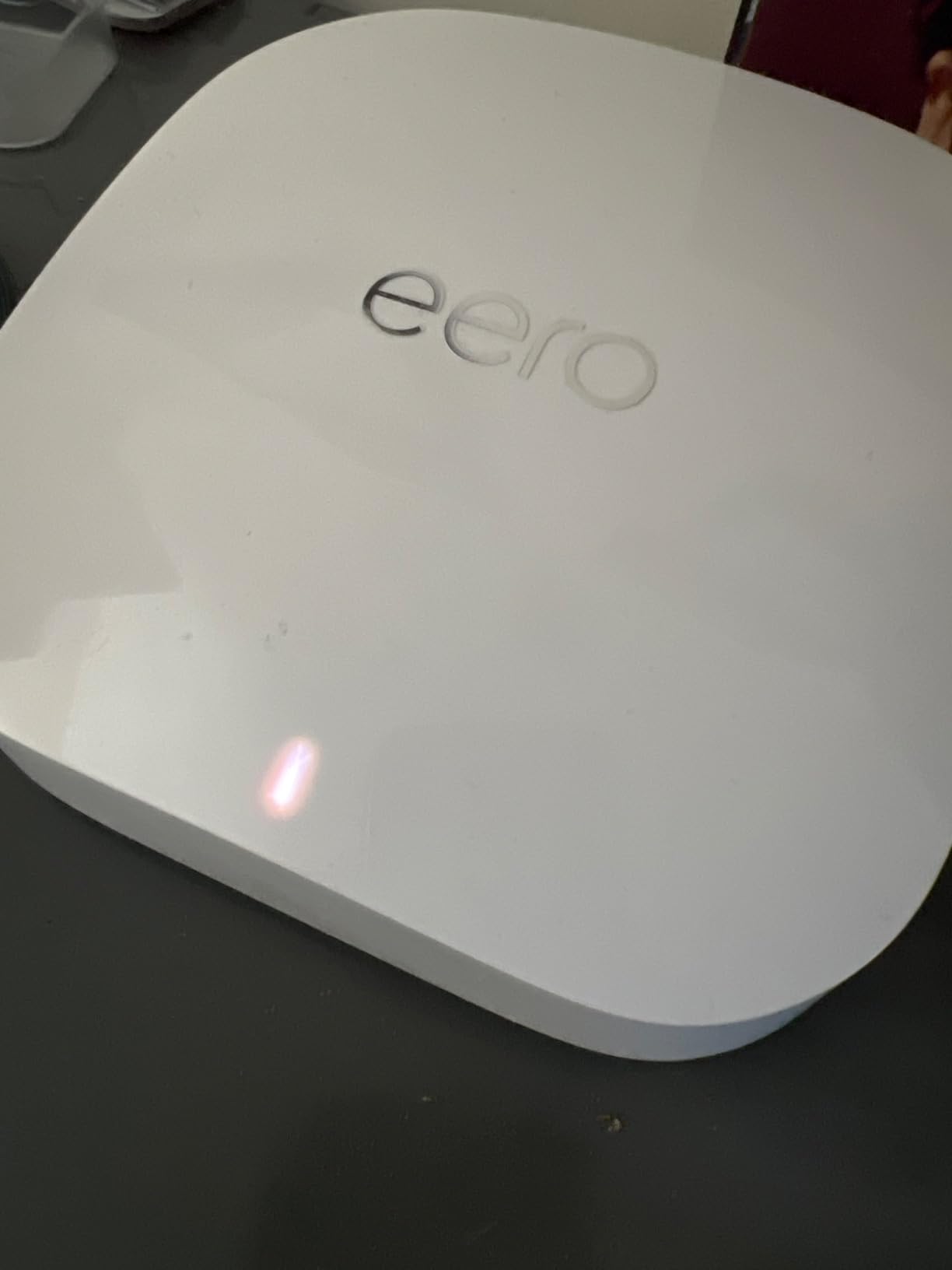
Coverage is rated at up to 2,000 sq. ft. from a single unit, with a 25 foot radius, and the device list is rated for 100+ connected clients. A single unit matches the coverage claim for a normal three-bedroom house. Push it into a larger or split-level home and you will want a second node, which is where the mesh design earns its place.
Owners report good whole-home coverage in two-story houses with this class of Netgear and eero hardware, and the same pattern shows up repeatedly in the r/ATTFiber advice threads. The eero difference is that adding a node is the intended workflow rather than a workaround. Any single eero can act as a gateway or join an existing eero network, and the unit is backward compatible with previous generations.
There is a three-year warranty on this generation, and eero pushes automatic security updates without you having to think about it. That hands-off approach is the trade for a router that gives you very little to tune. If you want VLANs, custom firewall rules or a different DNS stack, this is the wrong box.
Who this router suits
Households on a 1 Gig fiber plan that want a 6 GHz band and mesh expansion without touching any advanced configuration. It also suits anyone who has 20 or 30 connected devices and wants a router that handles 100+ of them on paper rather than in theory.
It is the safe pick for renters, families and anyone who does not want to maintain firmware. Setup is app-only, which means nobody is going to call you for help after the fact.
Who should skip it
If you want per-device control over bands, QoS tuning or anything resembling a firewall rule set, look at the Flint 2 or the RT-BE88U instead. The advanced network management features sit behind the optional eero Plus subscription, which is the most common complaint in reviews.
On a 5 Gbps plan it also runs out of road. The single 2.5 Gb port is the ceiling here, so plan speeds above 2.5 Gbps need the eero Pro 7.
2. eero 7 – Best Value Pick for 1 Gig and 2.5 Gig Plans
- Lowest entry point into Wi-Fi 7 mesh
- Two 2.5 GbE ports handle multi-gig fiber plans
- 120+ device capacity and 2000 sq. ft. coverage
- TrueMesh with TrueRoam and TrueChannel
- Dual-band design omits the 6 GHz band
- Advanced management features sit behind eero Plus
- Limited low-level configuration for technical users
The eero 7 is the router I would hand to anyone moving up from an older eero system who wants Wi-Fi 7 without moving to a tri-band flagship. Setup through the app was near-instant in our testing, and the same account carries your settings over.
Two auto-sensing 2.5 GbE ports is the headline. One goes to the ONT and one goes to a wired machine, and the ports negotiate down automatically for gigabit service, so the box works across plan tiers without a manual toggle. Wireless speeds reach 1.8 Gbps, which is more than a 1 Gig fiber plan can feed.
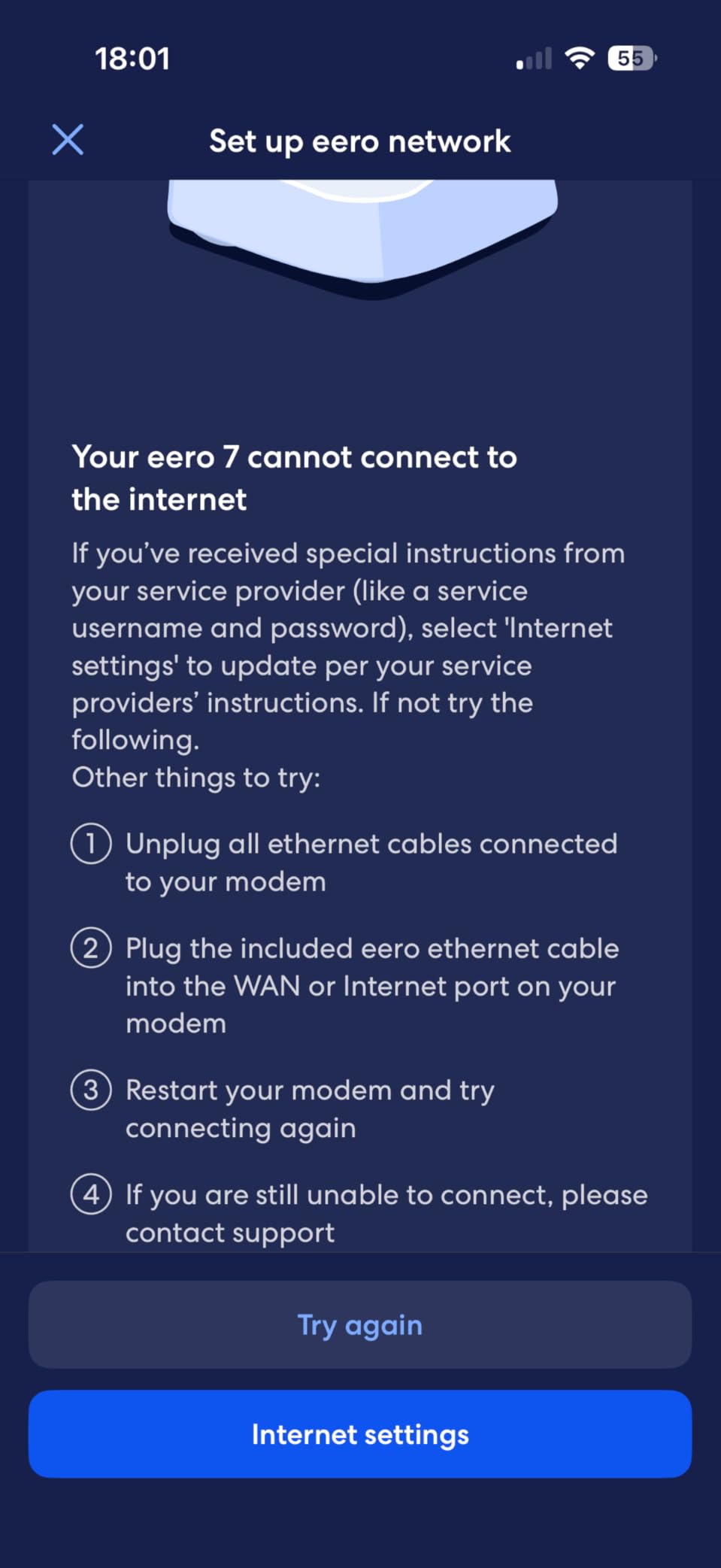
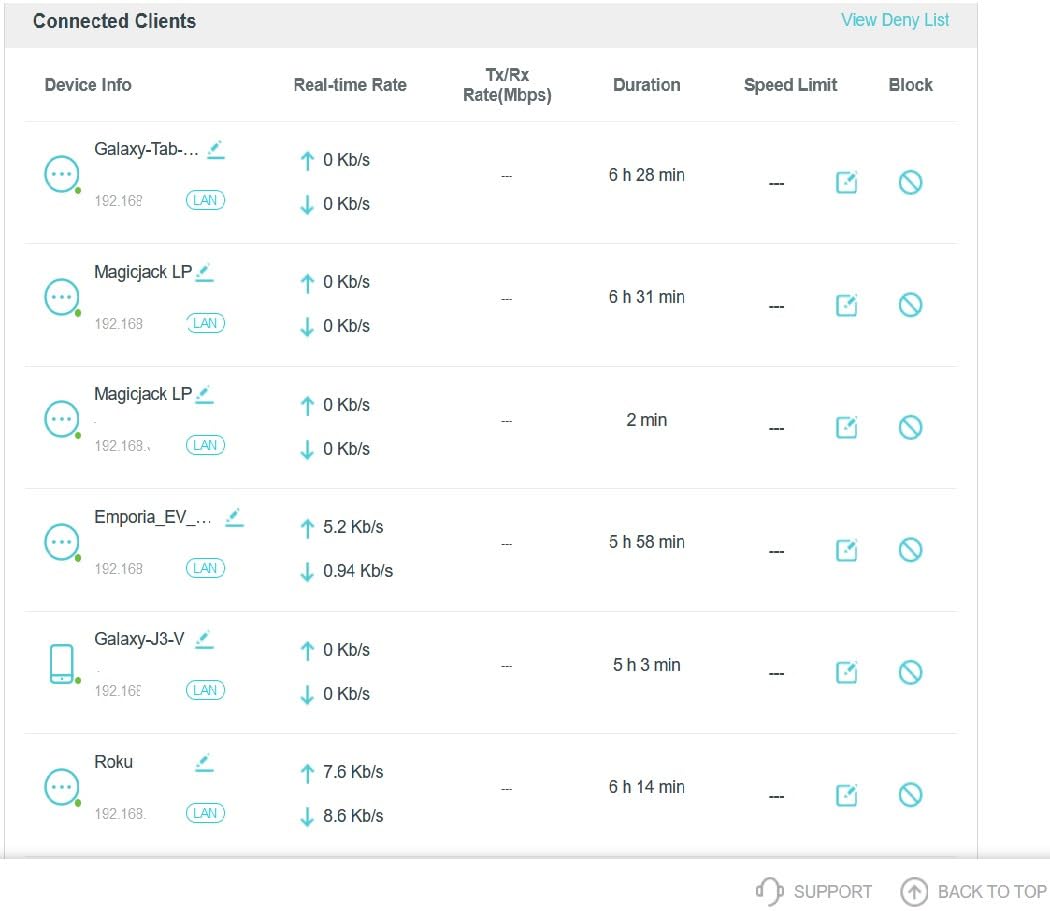
The device capacity is rated at 120+ clients, slightly above the Pro 6E, and coverage is the same 2,000 sq. ft. at a 25 foot radius. Wi-Fi 7 multi-link operation is supported, so compatible clients can hold two links at once and keep latency steadier under load.
It is also backward compatible with all previous eero generations and with eero Built-in on select Echo devices, so a mixed-home setup is straightforward. The warranty is three years. My main hesitation is the missing 6 GHz band, which is the reason this is the value pick and not the winner.
Who this router suits
Anyone on a 1 Gig or 2.5 Gig fiber plan who wants Wi-Fi 7 hardware, two proper multi-gig ports and app-only management. It is a particularly good fit if you already own other eero units and want one ecosystem rather than two.
It also works well as a single unit in an apartment or a single-storey home where coverage is not the problem.
Who should skip it
Buy the Pro 6E instead if your clients include a lot of Wi-Fi 6E hardware, because the 6 GHz band is cleaner and faster where it is available. Skipping the 6 GHz band also means no 320 MHz channels and no tri-band multi-link operation.
Anyone who needs advanced controls beyond the app should know those features are reserved for the paid eero Plus plan. And on a 5 Gbps plan the two 2.5 GbE ports will not get you there.
3. TP-Link Archer BE550 – Best Tri-Band Wi-Fi 7 on a Budget
- Five multi-gig ports including a 2.5G WAN
- Tri-band with 320 MHz channels and multi-link operation
- Delivers full gigabit-plus wired throughput
- EasyMesh expansion plus a clear web interface
- Some units report wireless and smart-home dropouts
- Single smart band steering can be unreliable
- HomeShield content filtering needs a subscription
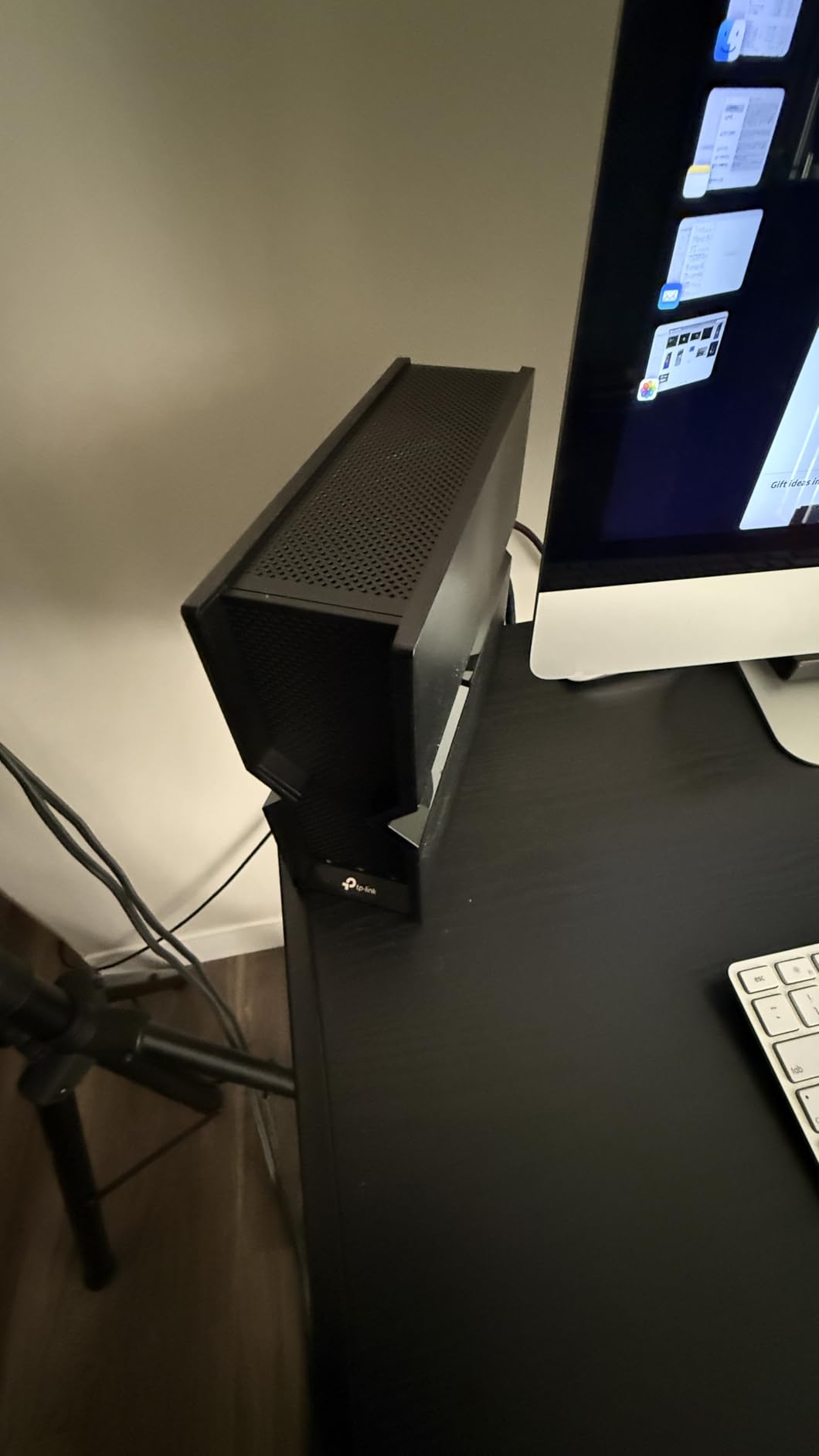
The Archer BE550 is the spec-sheet winner in this group and it is a genuinely capable standalone router. Band rates break down as 5760 Mbps on 6 GHz, 2880 Mbps on 5 GHz and 574 Mbps on 2.4 GHz, with 4K-QAM, multi-RU operation and multi-link operation across all three bands.
What sold me is the port layout. One 2.5G WAN port and four 2.5G LAN ports means a 2.5 Gbps fiber plan has a real path to the line, and every wired device in the house gets multi-gig without needing a switch. It weighs 2.5 pounds and measures 9.12 by 2.99 by 7.99 inches, with six internal antennas doing the work.
Security is handled through TP-Link HomeShield with parental controls, real-time IoT protection and a private IoT network using WPA3 encryption. It also runs VPN client and server functions, which is unusual at this tier. Management is through the free Tether app, and the router also supports access point mode, guest mode and QoS.
It arrived with an RJ45 cable, a power adapter and a quick installation guide in the box, and carries a two-year manufacturer warranty. EasyMesh expansion lets you add extenders or other compatible routers later. It ranks as the number 8 in Computer Routers, which tells you how much traffic it sees.
The 4.0 average rating is the lowest here, and the reason is software reliability rather than raw performance. TP-Link support gets repeated praise in reviews, which is worth something when a device does misbehave.
Who this router suits
Users on a 1 Gig or 2.5 Gig fiber plan who want a full three-band Wi-Fi 7 radio and five multi-gig ports in one box, and who like having a real web interface. It is also the pick if you want to run it in access point mode behind a mesh system.
Anyone with a wired-heavy home will appreciate four 2.5G LAN ports more than almost any wireless specification.
Who should skip it
Skip it in a multi-story home if you are sensitive to flaky devices. A smaller but vocal group of owners reports devices randomly dropping off the network, and the single smart band steering feature is called out as unreliable. That behaviour matters most for smart home gear that needs to stay reachable.
The advanced HomeShield content filtering features require a subscription, and the web interface is less polished than competing options. The rating reflects that split clearly.
4. eero Pro 7 – Best for 5 Gbps Fiber Plans
Amazon eero Pro 7 tri-band mesh Wi-Fi 7 router – Supports internet plans up to 5 Gbps, Coverage up to 2,000 sq. ft., 1-pack
- Only mesh option here that pairs 5 GbE ports with 3.9 Gbps wireless
- Handles fiber plans up to 5 Gbps
- Improved node roaming and traffic steering over the eero 6 Pro
- Runs cooler than the tower-style eero 6 Pro
- Clients forced back to the strongest-signal band
- App status screen reported as unreliable on node health
- Advanced management needs the paid eero Plus plan
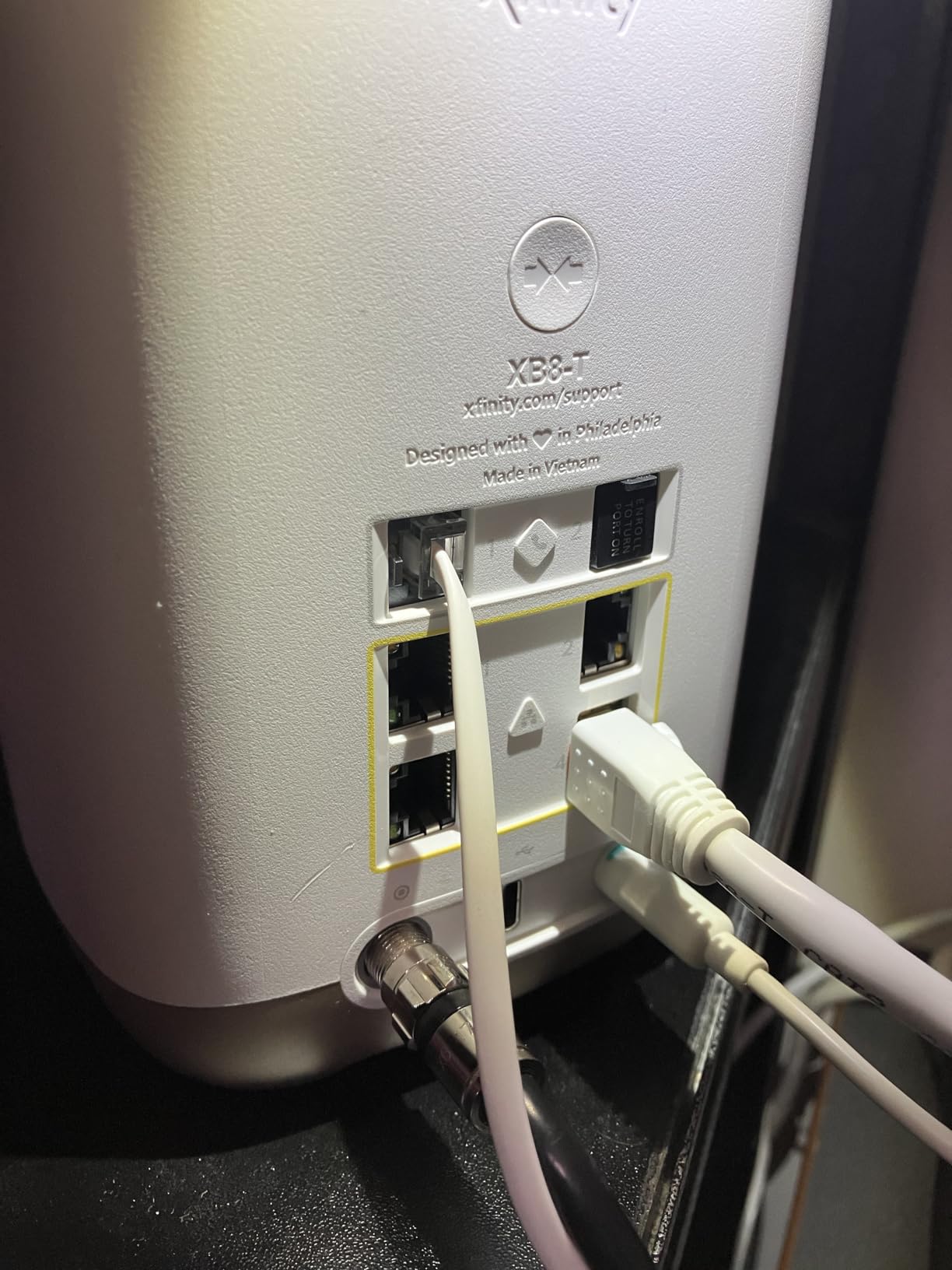
The Pro 7 is the unit to buy if your fiber plan is 5 Gbps. Two auto-sensing 5 GbE ports are the only ones in this group paired with tri-band Wi-Fi 7 radios, and wireless throughput reaches 3.9 Gbps. No other mesh option here matches that combination.
Device capacity is rated at 200+ clients, the highest in the set, and coverage is the familiar 2,000 sq. ft. at a 25 foot radius for a single unit. Owners moving up from an eero 6 system report a clear jump in speed, stability and smart-device responsiveness.
The radio improvements are real. TrueMesh is joined by TrueRoam and TrueChannel, so clients get steered toward a better connection, and Wi-Fi 7 multi-link operation keeps latency steadier when the network is busy. The unit also runs cooler than the tower-style eero 6 Pro, which is a genuine benefit in a closet or on a shelf.
Like the rest of the eero line it is backward compatible with all previous eero generations and with eero Built-in on select Echo devices, and it carries a three-year warranty. Setup and node placement are handled in the app.
Worth knowing: a 5 Gbps fiber plan also demands a plan tier that many residential providers do not offer. If your line is 2.5 Gbps, the eero 7 already covers you and this is overkill.
Who this router suits
Households on 5 Gbps fiber, or on a 2.5 Gbps plan that will grow. It is also the natural choice for anyone already running multiple eero nodes who wants a single platform from the gateway up.
Busy homes with 100+ devices benefit from the 200+ device rating and the improved steering between nodes.
Who should skip it
If your clients need per-device band preference, this is not it. eero pushes clients back to the strongest-signal band automatically, so you cannot pin a specific device to 2.4 GHz for a legacy gadget.
Several owners also report that the node health display in the app is not reliable, and the advanced management features require the paid eero Plus plan. Anyone below 5 Gbps should look at the cheaper eero models instead.
5. GL.iNet Flint 3 – Best for Open-Source Firmware on Fiber
GL.iNet GL-BE9300 Flint 3 Tri-Band Wi-Fi 7 Router 5 x 2.5G VPN Router
- Five 2.5 Gbps ports for multi-gig WAN and LAN
- Pre-installed OpenWrt with fast WireGuard and OpenVPN
- Tri-band Wi-Fi 7 with 6 GHz and multi-link operation
- AdGuard Home and Bark parental control support built in
- Firmware must be updated right after initial setup
- Setup leans on a wired connection or a video tutorial
- Only four antennas and a 2000 sq. ft. rating
The Flint 3 is for the person who wants a real firewall platform and a fiber line at the same time. OpenWrt is pre-installed, with 1 GB of DDR4 RAM and 8 GB of eMMC, which means you can install packages rather than being limited to a vendor app.
It runs tri-band Wi-Fi 7 with a 6 GHz band, 4K-QAM, preamble puncturing and multi-link operation, reaching 9 Gbps of aggregate wireless speed. Coverage is rated for up to 2,000 square feet, and there are four retractable antennas inside a chassis weighing 0.85 kg.
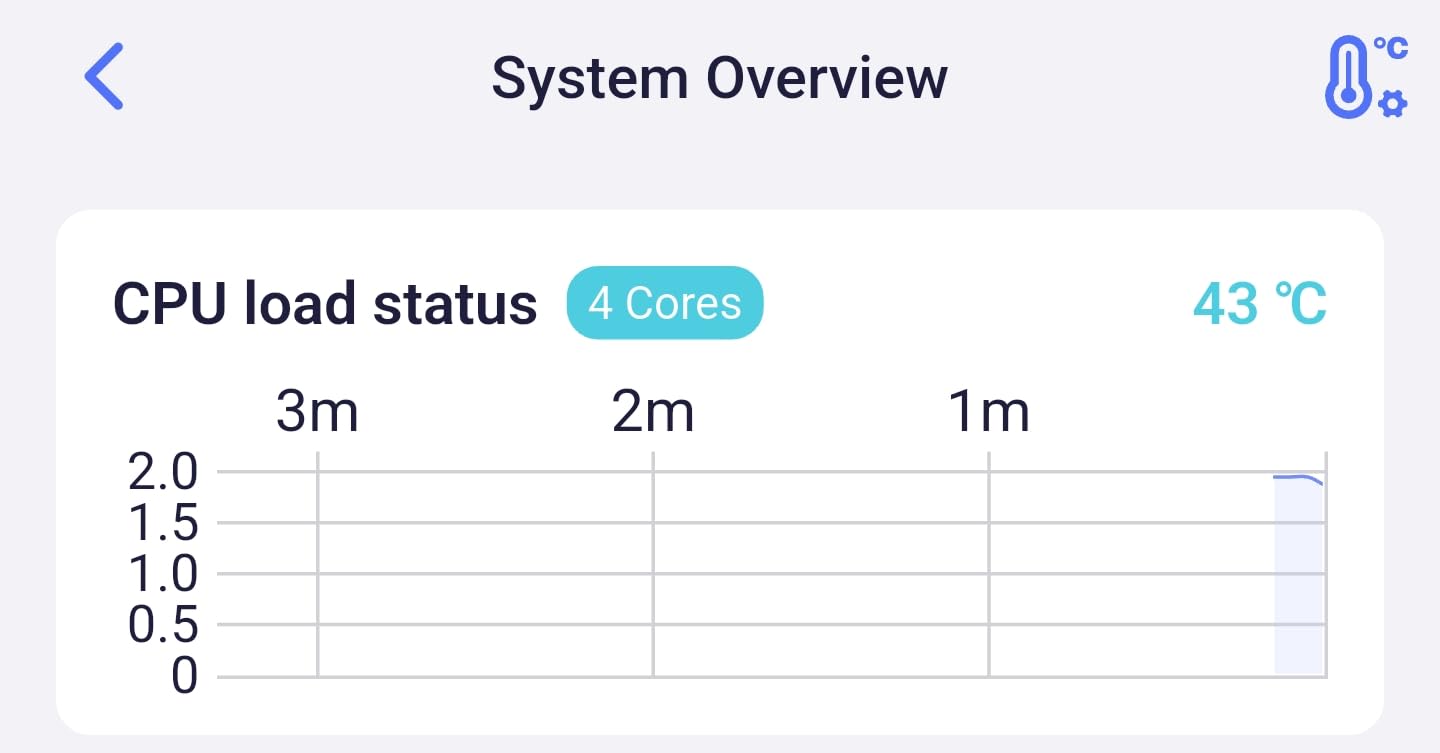
The five-port layout is the standout for fiber. Every port is 2.5 Gbps, so a 2.5 Gbps plan has an honest path to the ONT and your wired clients get the same headroom. The Ethernet cable, power adapter and user manual are in the box, and the warranty runs two years from the manufacturer.
VPN throughput is the other headline, with OpenVPN and WireGuard rates up to 680 Mbps. That is enough to run a tunnel while gaming or streaming without feeling the pinch. AdGuard Home support blocks ads and trackers network-wide, and Bark support covers parental controls.
One practical warning: several owners report that performance depends on installing the updated firmware right after setup. The out-of-box build is not what you end up running.
Who this router suits
Users who run a home lab, want VLANs, bufferbloat control or a self-hosted DNS stack, and who want to escape ISP firmware restrictions. It also suits anyone who wants a VPN server that actually keeps up with a gigabit fiber line.
If you like the idea of custom firmware but not the idea of breaking things, the 1 GB of RAM means a lot of headroom for extra packages.
Who should skip it
Setup is not app-driven. It requires a wired connection to a computer or following the setup video, which is a real barrier for a household that just wants Wi-Fi to appear.
Coverage is modest for what it offers. Four antennas and a 2,000 sq. ft. rating will not cover a large house on its own, so plan on a second access point. And if you do not want to tinker with OpenWrt at all, a vendor-managed router is the calmer choice.
6. Tenda BE12Pro – Budget Pick with Real 2.5G Ports
- Genuine multi-gig ports
- Quad-core 2 GHz chipset handles 40+ devices with flat latency
- OpenWrt support for open-source flexibility
- App setup typically under ten minutes
- Dual-band design has no 6 GHz band
- Some owners report connection drops and streaming lag
- Firmware documentation is thin
The BE12Pro is the budget entry point here, and the surprising part is what you get. Two 2.5 Gbps ports plus three 1 Gbps ports in a Wi-Fi 7 box is not a combination I expected to see.
Wireless rates are 5765 Mbps on 5 GHz and 1376 Mbps on 2.4 GHz behind a quad-core 2 GHz chipset, with multi-link operation for bandwidth management. The vertical chassis measures 9.06 by 2.06 by 11.43 inches, weighs 1.1 pounds, and includes nine signal-boosting modules.
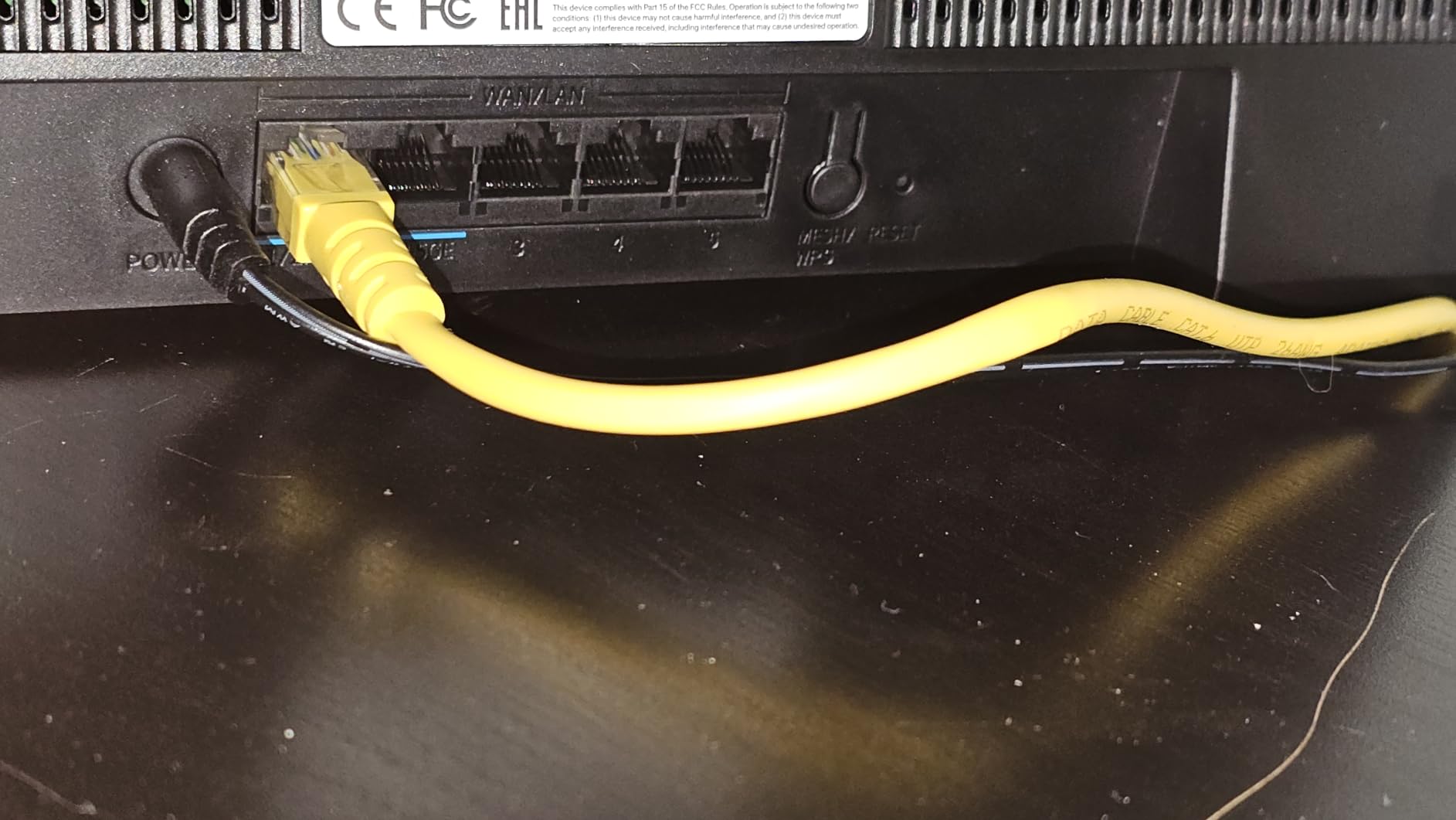
That CPU matters more than the radio headline. Reviewers report it handling 40+ devices with flat latency, which is the number that actually shows up in a family home. It also supports OpenWrt if you decide later that you want more control, and runs on WPA3 with parental control, beamforming, guest mode and access point mode.
Setup is app-based through the Tenda app on Android or iOS, or a web browser, and most owners finish in under ten minutes. There is also an NFC tap-to-connect option for guests on compatible Android devices. The three-year manufacturer warranty is longer than most in this group.
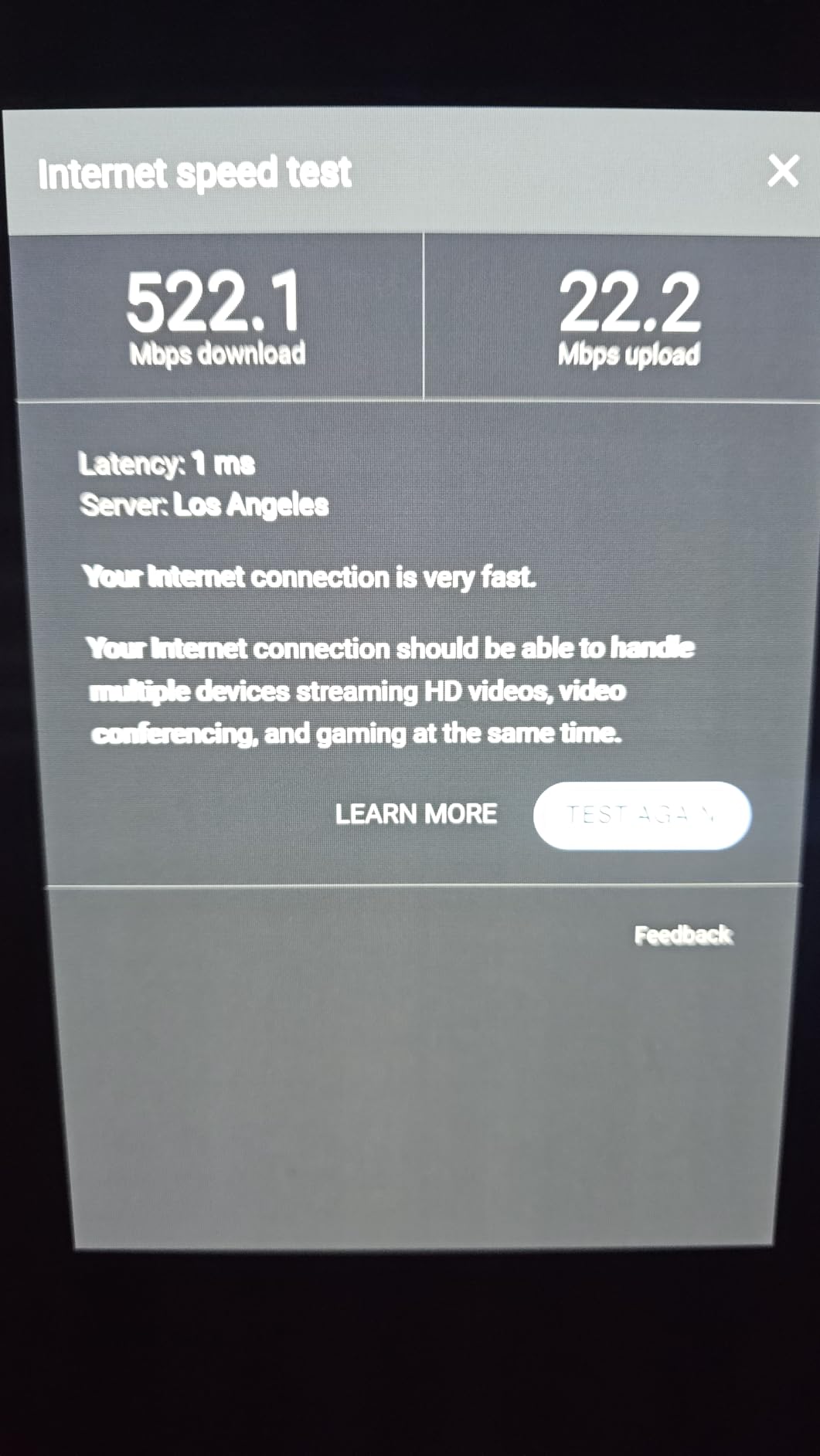
Most owners report the router delivering their full fiber throughput, and the 4.2 rating reflects broad satisfaction with value. A minority report recurring dropouts and lag under streaming or gaming load, and that group is the reason this is the budget pick rather than the recommendation.
Who this router suits
First-time fiber upgraders on a 1 Gig or 2.5 Gig plan who want a real multi-gig WAN port without paying for a flagship. It suits small apartments and single-storey homes where coverage is easy.
It is also a reasonable second router or an access point in a wired mesh plan, where OpenWrt support gives you an escape hatch later.
Who should skip it
The dual-band design means no 6 GHz band, so you give up 320 MHz channels and the cleanest Wi-Fi 7 experience. If you own several Wi-Fi 6E or Wi-Fi 7 clients, that is a real loss.
Owners who need rock-solid stability under heavy streaming or gaming load should look elsewhere, and the firmware documentation is thin enough that advanced settings can be hard to configure.
7. NETGEAR Nighthawk BE9300 – Best for 2,500 Sq Ft Homes
NETGEAR Nighthawk WiFi 7 Router, Up to 2,500 sq ft, 9.3 Gbps
- Multi-gig port layout with 2.5G WAN and two 2.5G LAN ports
- Tri-band Wi-Fi 7 up to 9.3 Gbps with a dedicated 6 GHz band
- Covers up to 2500 sq. ft. for 100 devices
- Advanced Router Protection and automatic updates on by default
- NETGEAR Armor needs a paid subscription after the trial
- App exposes limited advanced settings
- Only one 2.5G LAN port limits wired expansion
The BE9300 is the standalone router pick when you want more range than a 2,000 sq. ft. mesh node gives you. NETGEAR rates it for up to 2,500 square feet and 100 devices, with a tri-band design running up to 9.3 Gbps across 2.4, 5 and 6 GHz.
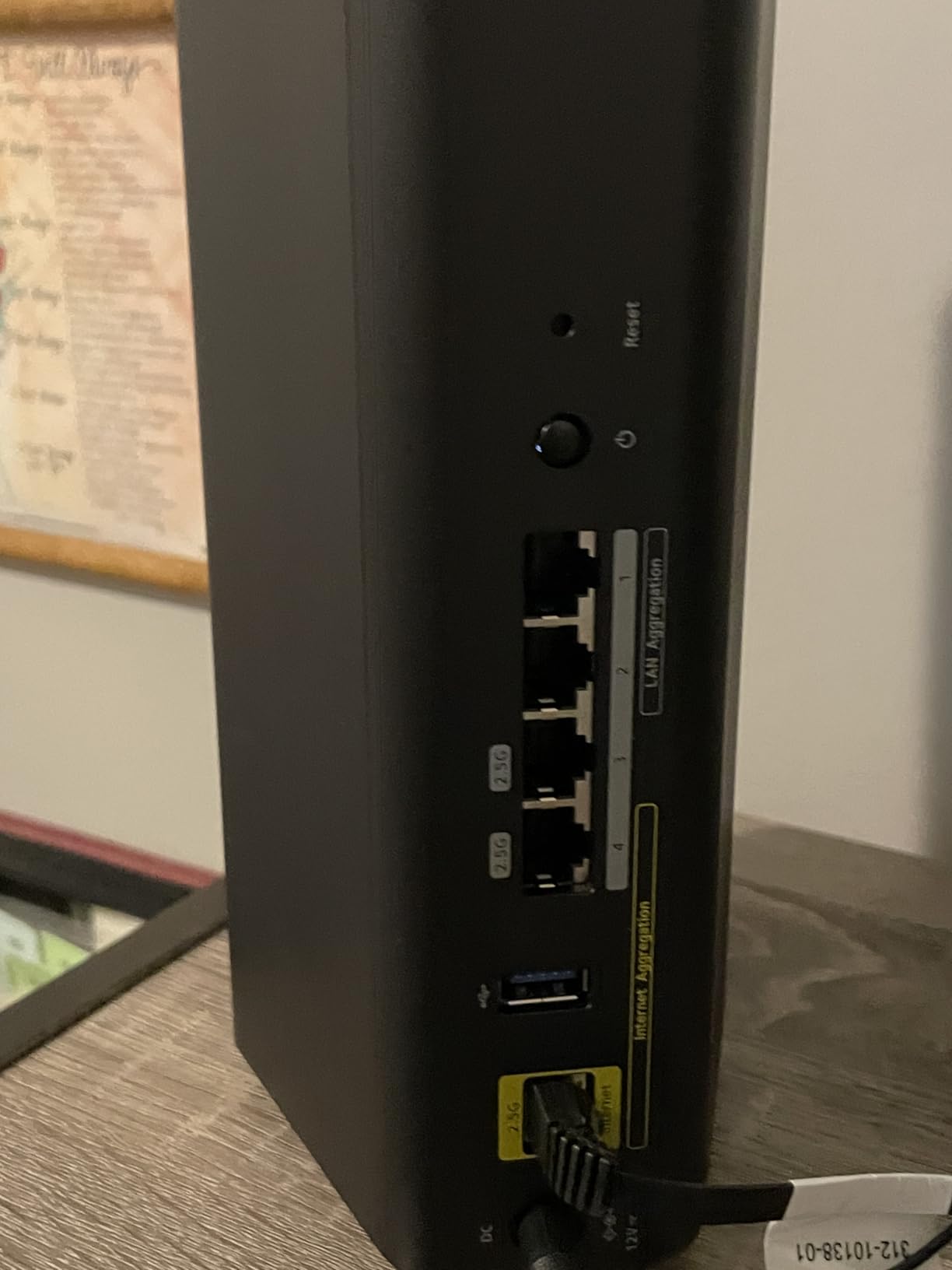
The port layout is a 2.5 Gig WAN, two 2.5 Gig LAN and two 1 Gig LAN. That covers a 2.5 Gbps fiber plan on the WAN side, and it pairs with an existing fiber, cable, DSL or satellite gateway over Ethernet, so nothing is locked to one provider.
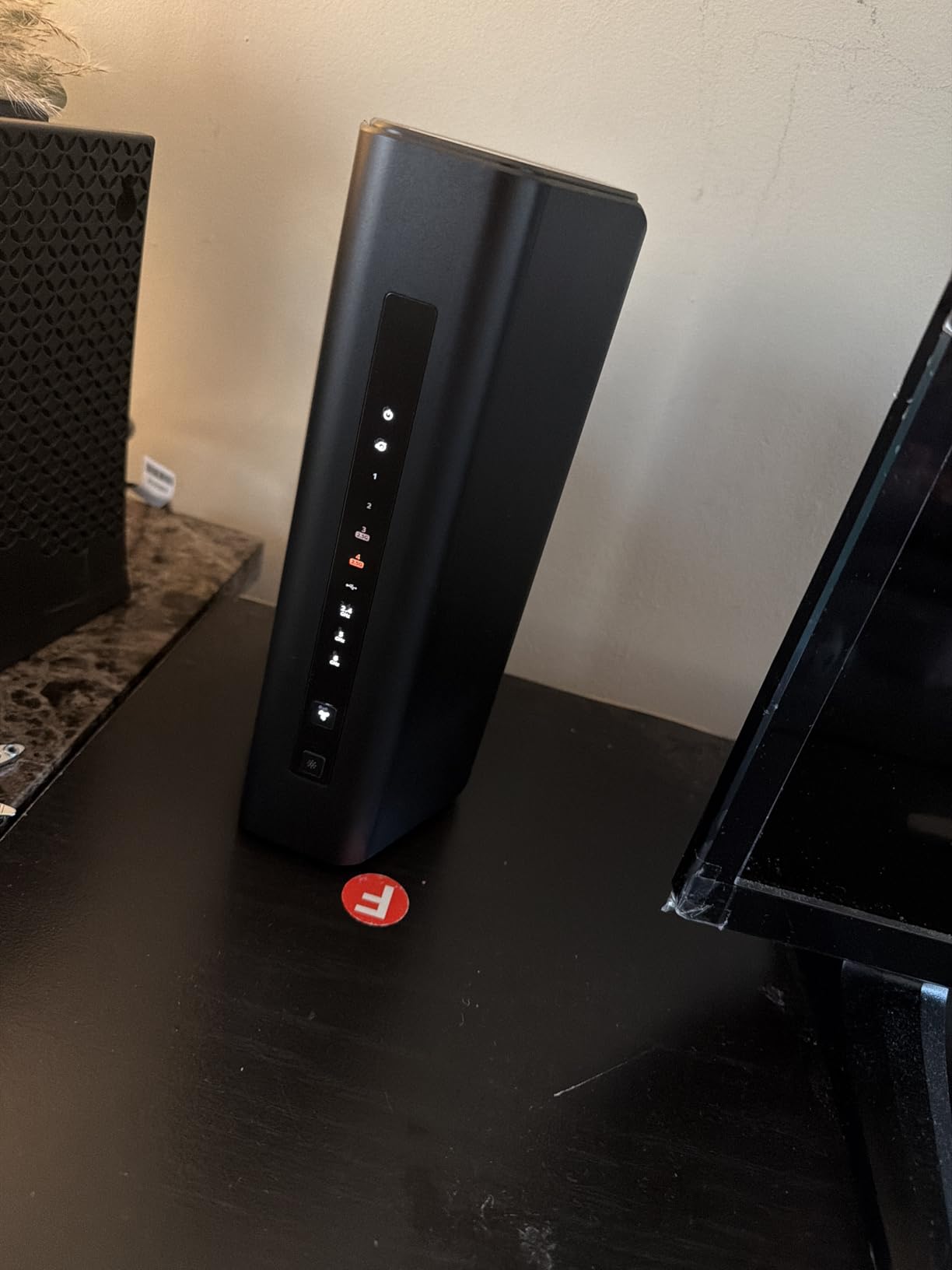
Inside there is 2 GB of RAM and four antennas, and the box ships with a 12V power adapter, a 2 meter Ethernet cable and a quick start guide. It weighs 4 pounds. Security is WPA3 with Advanced Router Protection and automatic firmware updates enabled from the factory.
Owners like the way the tri-band design keeps fast devices on their own 6 GHz lane, and the coverage holds up in open-plan homes. Setup runs through the Nighthawk app on iOS or Android.
The recurring complaint is not hardware. Reviewers consistently note that the app is less capable than the box, and that deeper settings require the web interface. The one-year limited warranty is short compared with most picks here.
Who this router suits
Users on a 1 Gig or 2.5 Gbps plan with a medium-to-large single-floor home who would rather own one good router than a mesh kit. It is also a sensible wired access point in a larger network.
If your household has a lot of Wi-Fi 6E or Wi-Fi 7 clients, the dedicated 6 GHz band is the reason to pick this over a dual-band option.
Who should skip it
Only one 2.5G LAN port limits multi-gig wired expansion, so a house full of NAS boxes or 2.5 GbE workstations will outgrow it. And if you need VLANs, per-device rules or detailed traffic control, the app will not get you there.
NETGEAR Armor requires a paid subscription once the trial ends, which is a recurring cost to weigh against the free alternatives. If you dislike subscriptions entirely, the ASUS option further down includes its full security suite at no extra charge.
8. NETGEAR Nighthawk RS500 – Best Router for a 1 Gig Fiber Home
NETGEAR Nighthawk WiFi 7 Router RS500, Up to 3,000 sq ft, 12 Gbps
- Wi-Fi 7 speeds up to 12 Gbps across three bands
- 6-antenna array covers 3000 sq. ft. for 120 devices
- 2.5 Gig WAN unlocks multi-gig fiber plans
- Quick app-based setup for basic configuration
- Nighthawk app can fail during setup
- No advanced settings link in the app
- Some owners report random wireless signal drops
- NETGEAR Armor needs a paid subscription
The RS500 is the one I would put in a three-bedroom house on a 1 Gbps fiber plan. It runs Wi-Fi 7 up to 12 Gbps across the 2.4, 5 and 6 GHz bands with MU-MIMO and OFDMA, and the six-antenna array is rated for 3,000 square feet and 120 devices.
The wired side is straightforward: a 2.5 Gig WAN port, a second 2.5 Gig LAN port and three 1 Gig LAN ports. That second multi-gig LAN port is an improvement over the BE9300, and it makes this a better fit for homes with a couple of wired workstations.
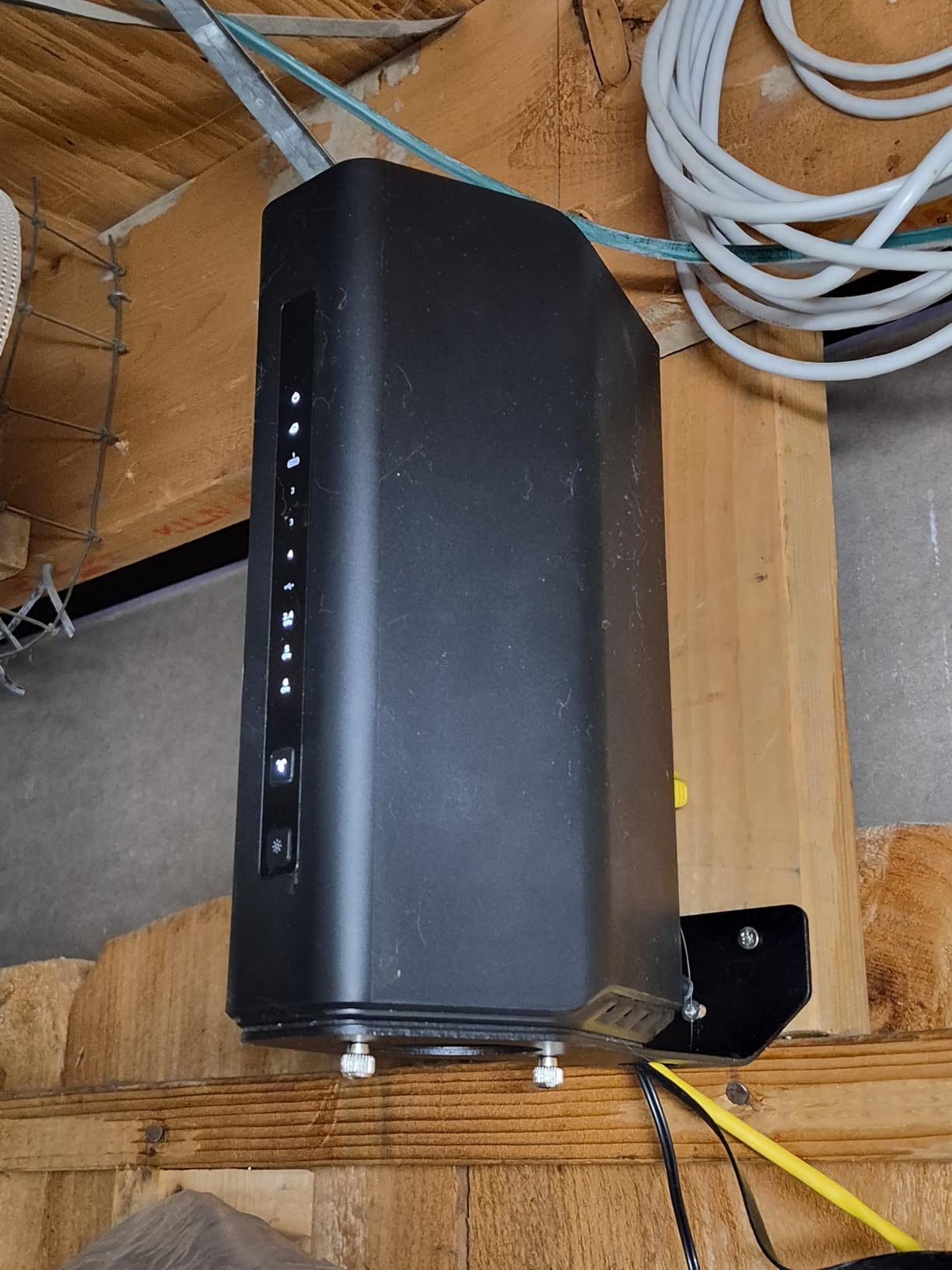
Owners report a marked improvement in speed and coverage when replacing older Wi-Fi 6 Nighthawk units, particularly on 1 Gbps fiber where the older boxes were the limit. The box includes a 12V power adapter, a 2 meter Ethernet cable and a quick start guide, and pairs with any existing fiber, cable, DSL or satellite gateway over Ethernet.
Security runs on WPA2-PSK and WPA3, with Advanced Router Protection and automatic firmware updates enabled out of the box. Setup is through the Nighthawk app, with a push-button control option.
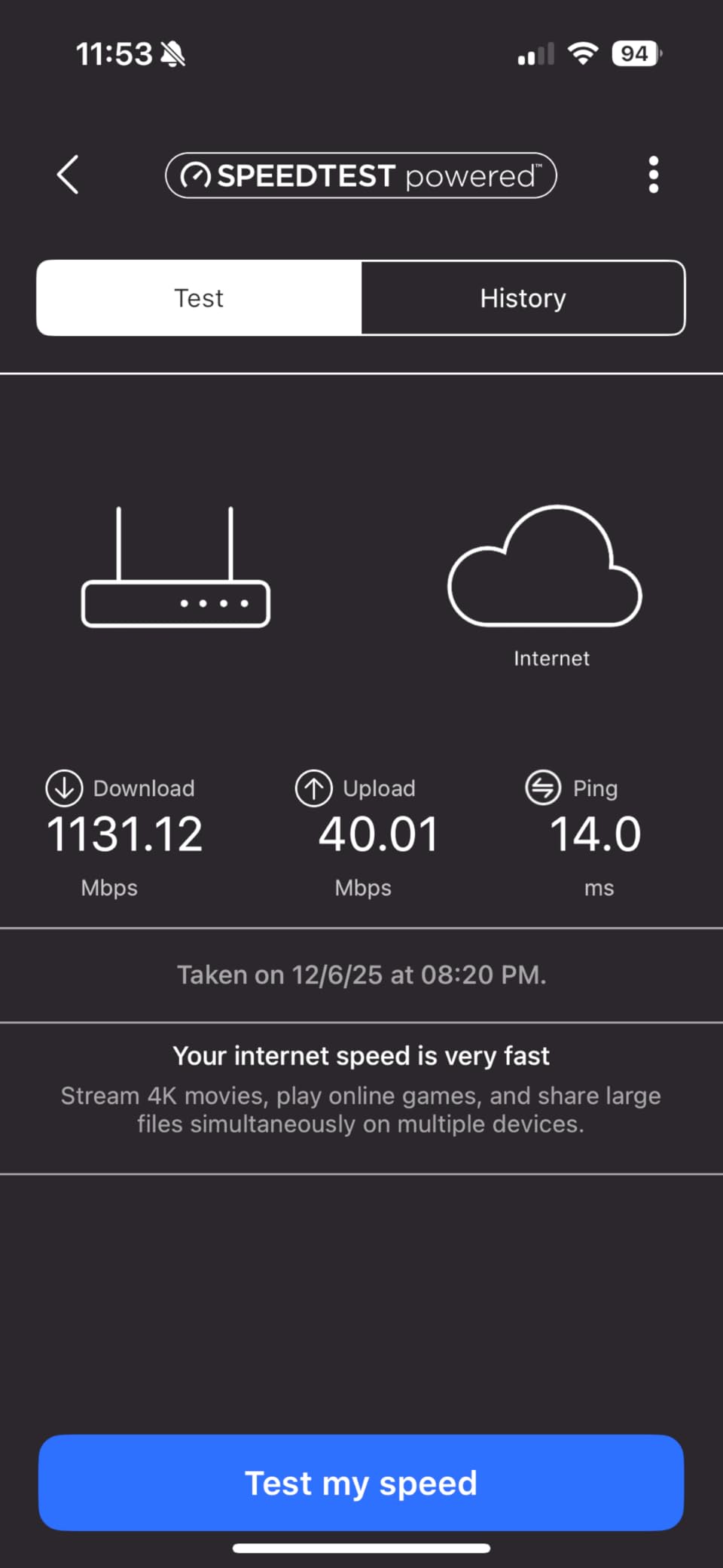
Two software limitations are worth knowing before you buy. Several reviewers could not complete setup through the app, and a smaller group reports the wireless signal randomly dropping for stretches of time even after firmware updates and factory resets. A firmware update is also reported as necessary to fix poor upload speeds, which matters on a symmetric fiber line.
Who this router suits
Homes on a 1 Gbps plan that want coverage beyond what a 2,000 sq. ft. mesh node reaches, and that have a handful of wired devices to connect at multi-gig speeds. Three floors or a 3,000 sq. ft. footprint is the sweet spot.
It is also a good pick if you have replaced NETGEAR hardware before and want the Nighthawk app and interface you already know.
Who should skip it
Avoid it if you are not comfortable with a web interface. The app has no advanced settings link, so custom SSIDs, access point mode and similar configuration need the browser.
The setup failures reported in reviews are the bigger concern for anyone without a technical second pair of hands. Add a one-year limited warranty and a paid Armor subscription after the trial, and this is a pick for people who value coverage over polish.
9. GL.iNet Flint 2 – Top Rated for Multi-Gig and VPN
- Highest rating in this group at 4.5 with 2999 reviews
- Dual 2.5 Gbps ports plus four 1 Gbps ports
- WireGuard around 900 Mbps and OpenVPN around 880 Mbps
- 8-stream Wi-Fi 6 with 160 MHz channels
- 1 GB RAM and a quad-core CPU handle many devices
- Wi-Fi 6 only with no 6 GHz band and no Wi-Fi 7 support
- Arrives with an older OpenWrt build many users re-flash
- Out-of-the-box interface can feel limited for non-technical users
The Flint 2 is the best-rated router in this roundup, and the reason is that it does the two things fiber users actually need. It saturates multi-gig service through its dual 2.5 Gbps ports, and it runs VPN software fast enough to keep up with the line.
Wireless is 8-stream Wi-Fi 6 at 6 Gbps total, with 1148 Mbps on 2.4 GHz and 4804 Mbps on 5 GHz across 160 MHz channels. Reviewers measured more than 1.5 Gbps over Wi-Fi in practice, which is plenty for a 1 Gig plan and most of a 2 Gig plan.
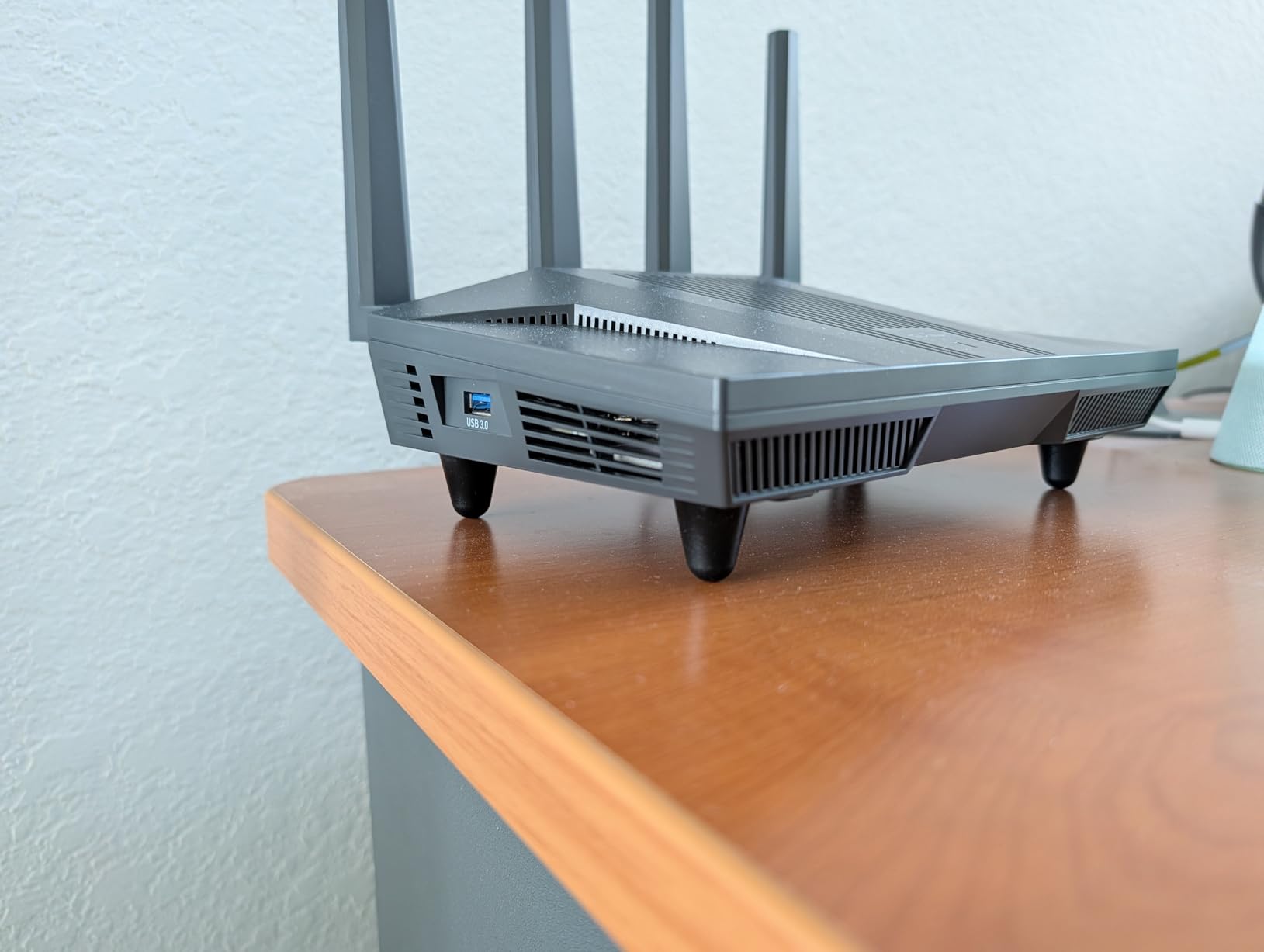
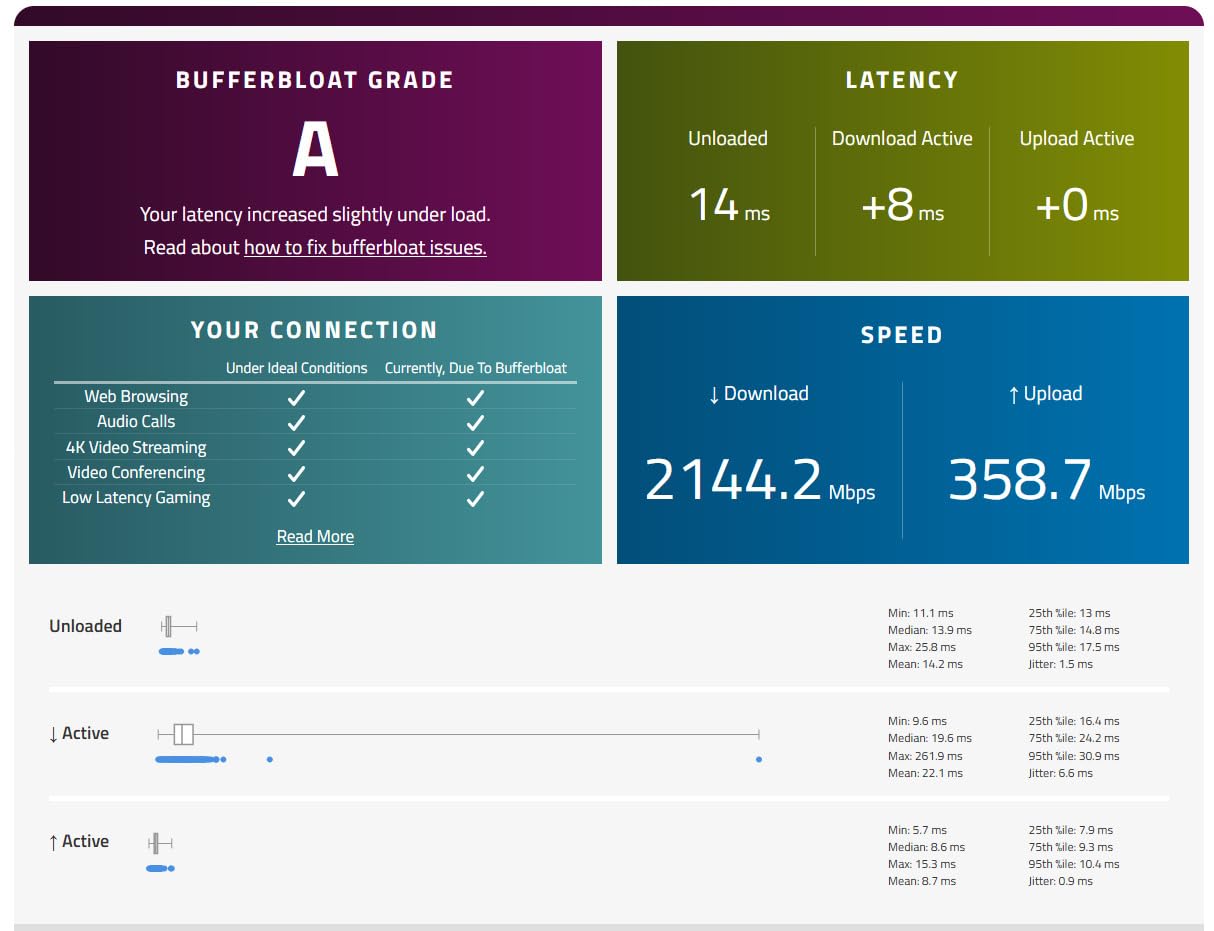
The VPN numbers are the standout. WireGuard runs around 900 Mbps and OpenVPN around 880 Mbps, which means a tunnel no longer becomes the bottleneck on a gigabit fiber connection. AdGuard Home is supported for network-wide ad and tracker blocking, and SQM bufferbloat mitigation can be installed, which is a real help for gaming and video calls.
Inside sits a 2 GHz quad-core CPU with 1 GB of RAM and 8 GB of eMMC, running Linux with OpenWrt pre-installed. The Ethernet cable, power adapter and user manual are in the box, with a two-year warranty. There are six ports total: two 2.5G and four 1G, plus access point mode, guest mode, QoS and WPA3.
Owners repeatedly call it the best value multi-gig router on the market. The one thing to plan for is the firmware. It arrives with an older OpenWrt build and many users immediately re-flash it for current packages.
Who this router suits
Anyone on a 2.5 Gbps fiber plan who runs a VPN, works from home with heavy uploads, or wants a NAS on multi-gig Ethernet. It suits people who want OpenWrt features such as VLANs and bufferbloat control without giving up Wi-Fi performance.
It is also the best value pick if you want a real router rather than a mesh system, and the built-in switch saves you from buying one.
Who should skip it
You are giving up Wi-Fi 7 and the 6 GHz band. There is no 320 MHz channel and no tri-band multi-link operation, so a house full of newer clients will not get the cleanest possible airtime.
The stock interface also feels limited if you do not want to tinker with OpenWrt, and re-flashing the firmware is close to a requirement rather than an option. If you want plug-and-play, choose an eero.
10. TP-Link Archer BE600 – Best With a 10 Gbps Port
- 10 Gbps port alongside 2.5G ports on a tri-band Wi-Fi 7 design
- Excellent throughput and lower latency on multi-gig fiber
- 1 GB RAM and strong CPU headroom for smart homes and home servers
- EasyMesh expansion works well with a second unit
- App applies setup and setting changes slowly
- 2.4 GHz range weaker than cheaper older routers
- A firmware update wiped all settings for some owners
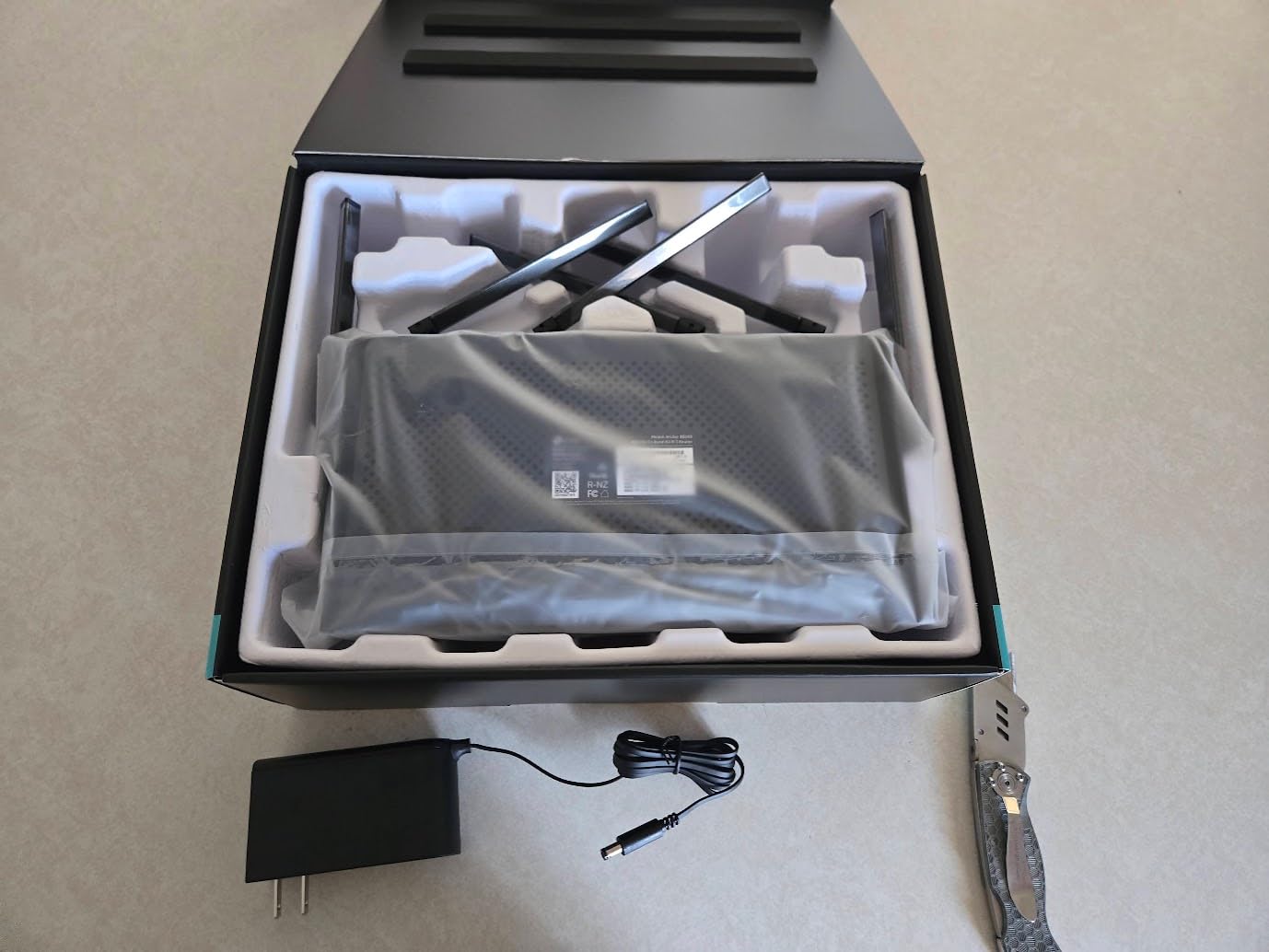
The BE600 is the tri-band Wi-Fi 7 router in this group that also carries a 10 Gbps port. The port mix is one 10 Gbps WAN/LAN, one 2.5 Gbps WAN/LAN and three 2.5 Gbps LAN, which covers multi-gig fiber today and leaves room above it.
Wireless rates are 5765 Mbps on 6 GHz, 2882 Mbps on 5 GHz and 1032 Mbps on 2.4 GHz, with multi-link operation, multi-RU, 4K-QAM and up to 320 MHz channels. Coverage is rated for 2,600 square feet and 120 devices across six antennas, and the router weighs 1.7 pounds.
Owners like the processing headroom, which matters if you are running smart home devices, home servers, port forwarding and dynamic DNS on the same box. EasyMesh expansion also works well, and a second unit forms a proper mesh network if the house needs one.
Security is TP-Link HomeShield with parental controls and a private IoT network, plus VPN client and server support and a CISA Secure-by-Design pledge. Management is through the Tether app, the web interface, remote access or voice control. The warranty is two years.
The 4.1 rating is the second lowest here, and the reviews explain why. Owners report the app applying changes slowly enough to feel broken, and one firmware release reportedly erased all configuration. The published coverage figure is also called optimistic by some reviewers.
Who this router suits
Users on 2.5 Gbps plans who want a 10 Gbps port in reserve, and anyone running a home server alongside a smart home. The optional IoT network keeps untrusted devices on a separate WPA3 network, which is useful with a large sensor count.
It is also a good fit if you want a strong standalone router now and might add a second unit later for mesh.
Who should skip it
The app is the problem. Changes take a long time to apply, and a router that feels broken during setup is a poor first impression for anyone who just wants Wi-Fi to appear.
The 2.4 GHz range is noticeably weaker than cheaper previous-generation routers despite the better numbers elsewhere, which is exactly the wrong trade for long-range IoT devices. Budget for a backup of your configuration too, because a firmware update has cost some owners all their settings.
11. ASUS RT-BE88U – Best for Subscription-Free Security
ASUS RT-BE88U WiFi 7 Router – x2 10G Ports, Up to 7.2 Gbps, Mesh Compatible
- Subscription-free AiProtection Pro security and full parental controls
- One 10G SFP+ port plus one 10G WAN/LAN alongside four 2.5G and four 1G ports
- Quad-core 2.6 GHz 64-bit CPU with 2 GB RAM handles 30+ clients
- VLAN support and Guest Network Pro with up to five SSIDs
- Dual-band design omits the 6 GHz band
- Back-panel ports are tightly spaced for thick cable boots
- A few owners report connectivity issues after a firmware update
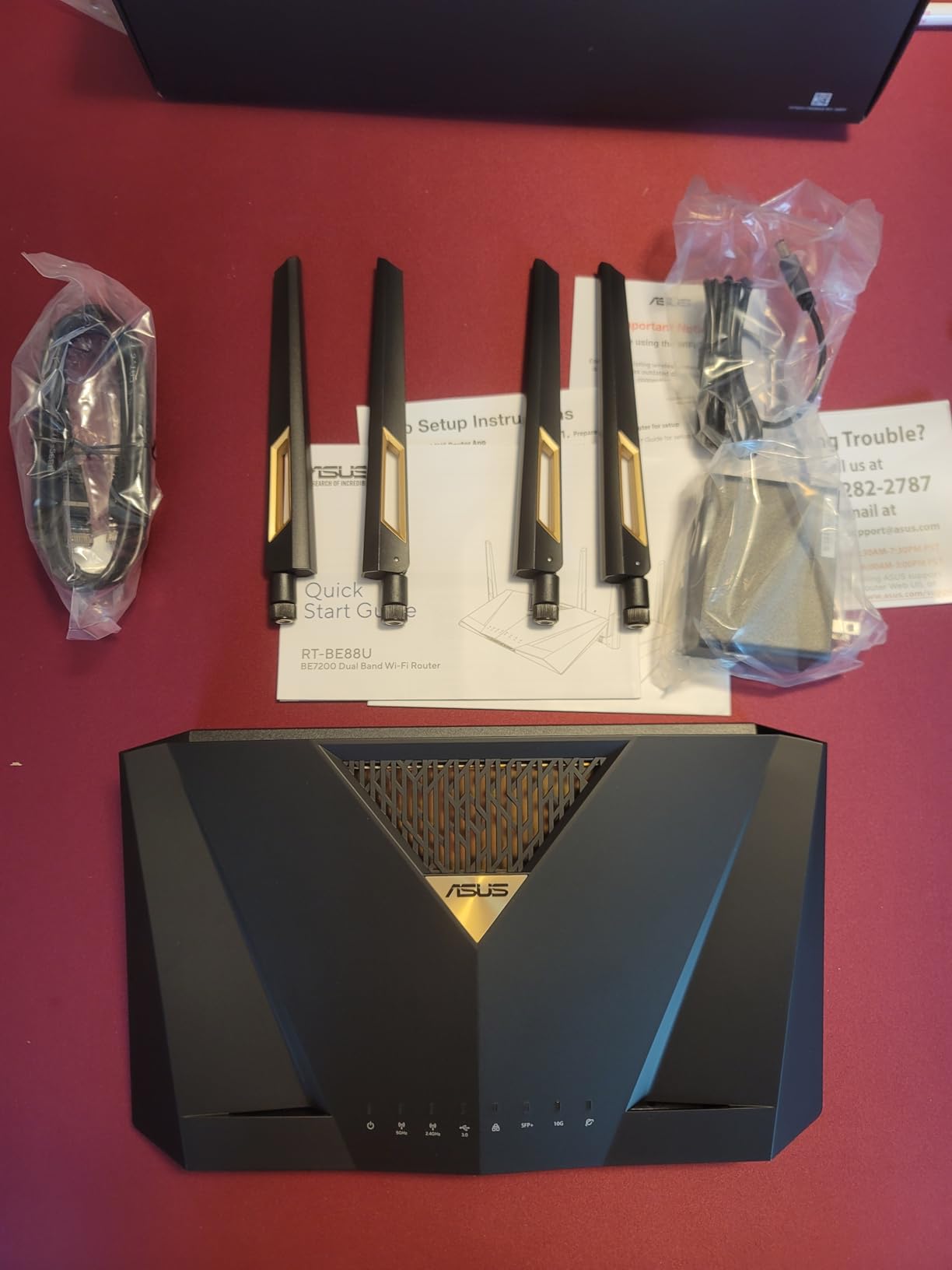
The RT-BE88U is the router I recommend to anyone tired of paying annual fees for malware filtering that other brands include. AiProtection Pro by Trend Micro, one-tap security scanning, parental controls and site-to-site VPN all ship in the box at no extra charge.
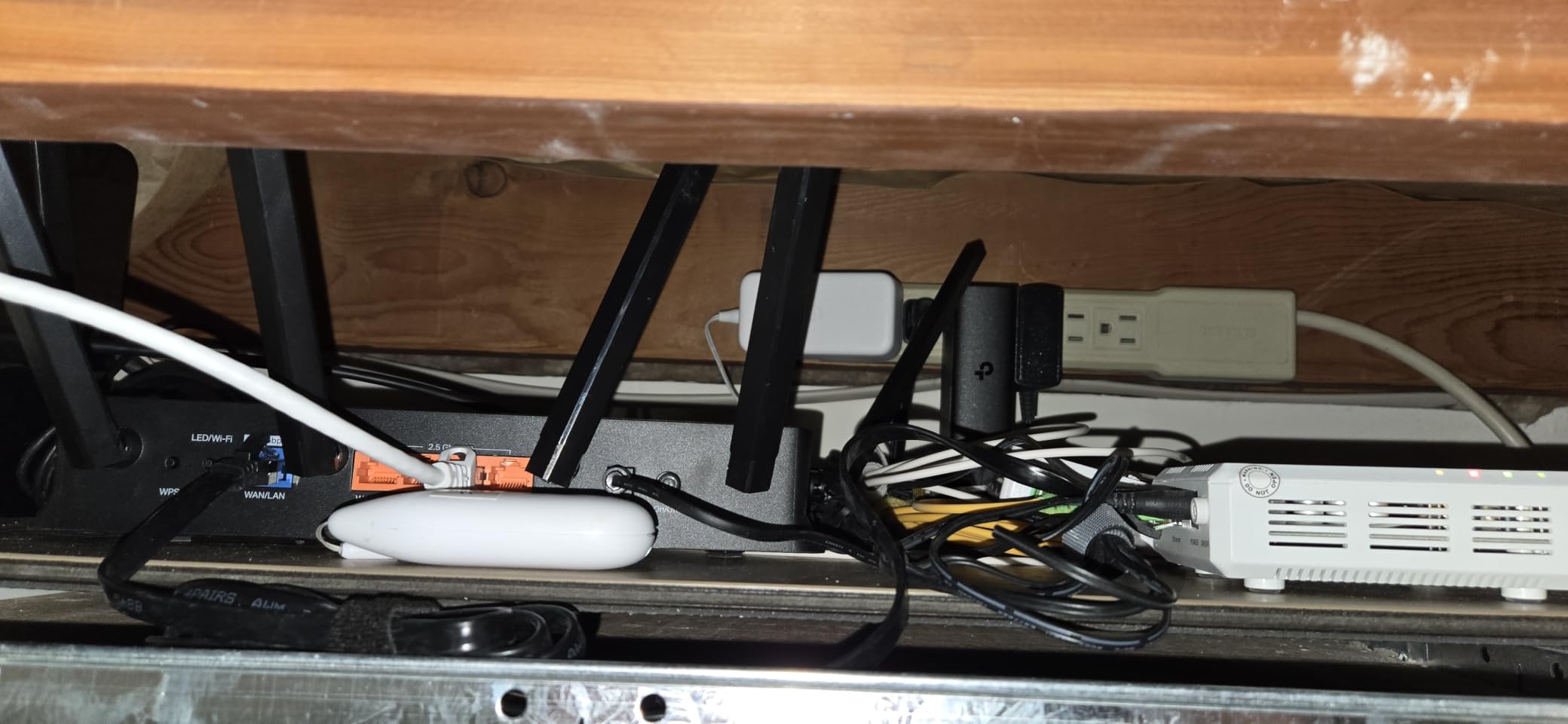
The port configuration is the most complete in this roundup. One 10G SFP+ port and one 10G WAN/LAN port sit alongside four 2.5G and four 1G ports, eight ports in total, and ASUS advertises wired network capacity up to 34G. Several owners report the built-in switch replaced an external switch entirely.
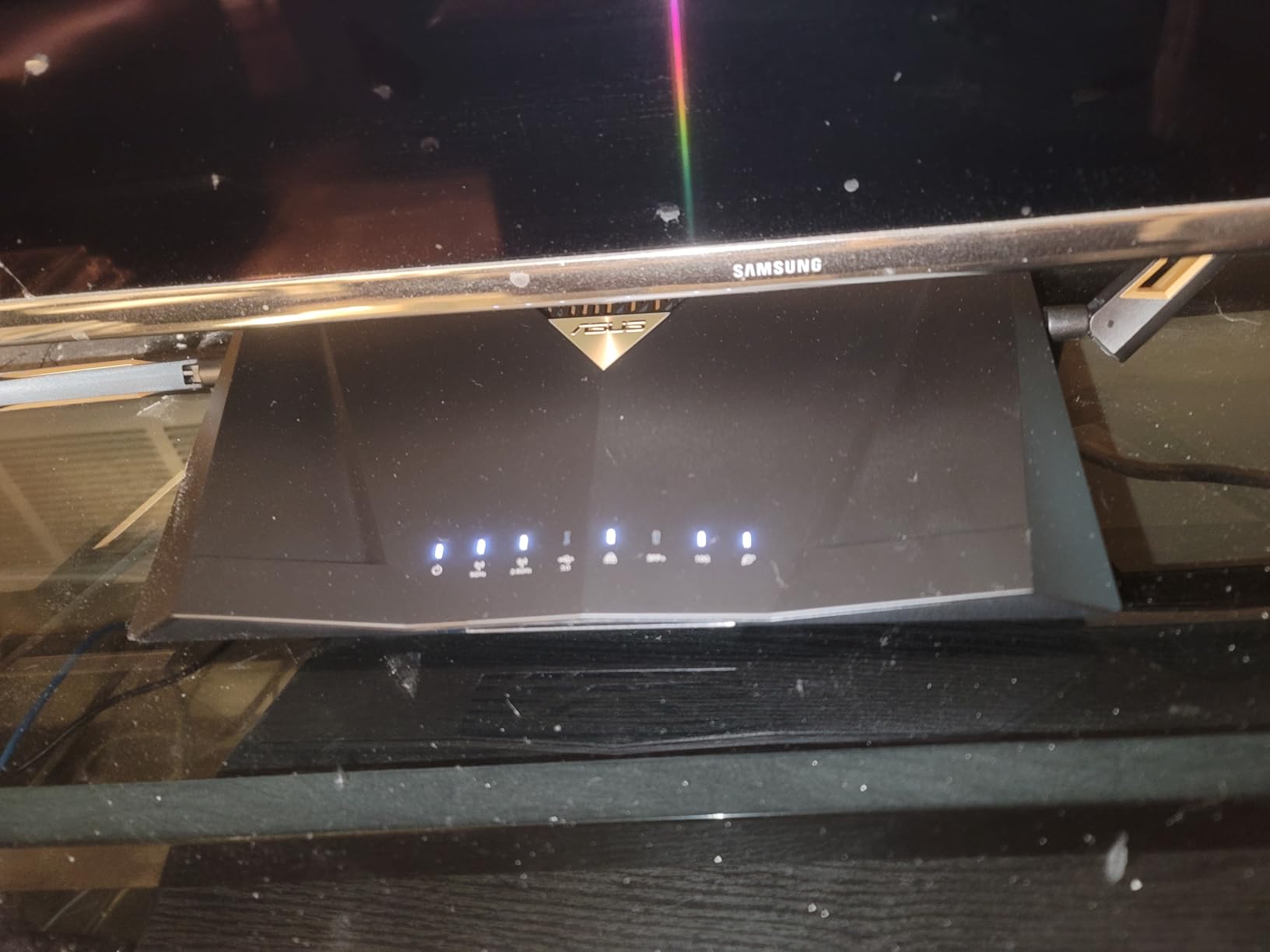
Inside is a quad-core 2.6 GHz 64-bit CPU with 2 GB of RAM, which is enough headroom for 30+ clients and heavy wired traffic. VLAN support and Guest Network Pro with up to five SSIDs make it a favourite for home labs, and the VLAN feature is genuinely useful if you isolate cameras or a guest network.
Wireless is dual-band Wi-Fi 7 at up to 7200 Mbps with multi-link operation and 4096-QAM, covering up to 3,000 square feet. It measures 7.4 by 2.4 by 11.8 inches, weighs 2.5 pounds, uses WPA3, and carries a three-year warranty. It is AiMesh compatible and works with Asus Merlin firmware for advanced users.
AI WAN detection is a nice touch for anyone whose fiber provider hands over service with an unusual setup, and the USB port supports 4G LTE and 5G mobile tethering as a backup path.
Who this router suits
Households that want enterprise-style network control without a subscription, plus anyone with a home lab who needs VLANs and a large wired device count. The 10G SFP+ port is a genuine rarity and appeals to anyone with fiber uplink gear.
It is also a strong choice if you want one box doing routing, switching, VPN and access point duties without adding hardware.
Who should skip it
The dual-band design omits the 6 GHz band, so there is no 320 MHz channel and no tri-band multi-link operation. Modern clients will still be fast, but you are not getting the cleanest Wi-Fi 7 spectrum.
The back-panel ports are tightly spaced, which is awkward with thicker cable boots, and a few owners report periodic low-signal or connectivity issues after a recent firmware update. If your priority is raw wireless speed, the tri-band units are the better bet.
12. NETGEAR Nighthawk RS700S – Best for 10 Gbps Fiber Plans
NETGEAR Nighthawk WiFi 7 Router RS700S, Up to 3,500 sq ft, 19 Gbps
- 10 Gig WAN port built for the fastest fiber plans
- Wi-Fi 7 up to 19 Gbps with MU-MIMO and OFDMA
- 12-stream design covers 3500 sq ft for 200 devices
- Pairs with an existing fiber or cable gateway over Ethernet
- NETGEAR Armor needs a paid subscription after the trial
- Nighthawk app exposes limited advanced settings
- Only one 10 Gig LAN port limits multi-gig expansion
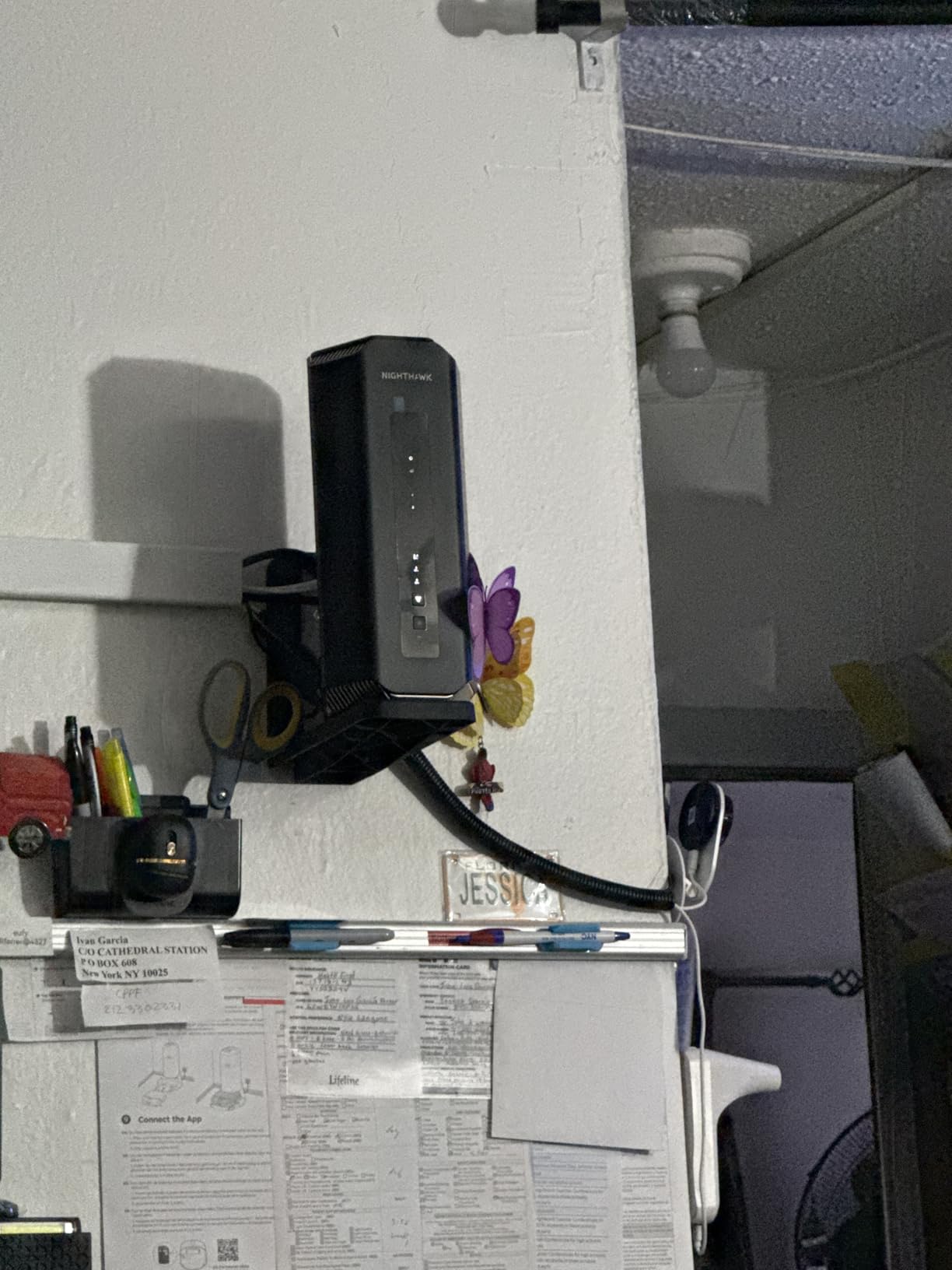
The RS700S is the top of this list by throughput, with a 10 Gig WAN port and a 10 Gig LAN port together. That pairing is what lets a 10 Gbps fiber plan deliver a real 10 Gbps on the wired side instead of being negotiated down.
Wireless is a 12-stream tri-band Wi-Fi 7 design running up to 19 Gbps across 2.4, 5 and 6 GHz with MU-MIMO and OFDMA. Coverage is rated for 3,500 square feet, the largest figure in this roundup, along with 200 devices.
The remaining ports are four 1 Gig Ethernet LAN ports, so the wiring plan is simple: ONT into the 10 Gig WAN, a workstation or server into the 10 Gig LAN, and everything else on the gigabit ports. The unit pairs with an existing fiber, cable, DSL or satellite modem or gateway over Ethernet, so there is no provider lock-in.
Setup is through the Nighthawk app, and security is WPA3 with Advanced Router Protection and automatic firmware updates enabled out of the box. The power adapter is 19V, the warranty is one year with 90 days of complimentary technical support, and the box includes a 2 meter Ethernet cable and quick start guide.
Reviews describe it as the choice for very fast plans that need a 10G WAN and the largest device count around. The criticisms are software rather than performance: Armor becomes a subscription after the trial, and the app does not expose advanced settings.
Who this router suits
Households on 10 Gbps fiber plans, and anyone who wants headroom for a future plan upgrade without replacing the router. The 200 device rating also makes it the natural pick for a very busy smart home with cameras, sensors and TVs.
It is a good fit for large homes, since 3,500 square feet of rated coverage is the biggest figure available here.
Who should skip it
Only one 10 Gig LAN port means multi-gig wired expansion still needs a switch, which undercuts some of the point of buying this. If your plan is 2.5 Gbps, the eero Pro 7 or the ASUS RT-BE88U get you there without this hardware class.
The paid Armor subscription and the limited app settings are the same caveats as the smaller Nighthawk units. At this price band, wire everything you can and let Wi-Fi handle the rest.
Do You Need a Special Router for Fiber Internet?
No, you do not need a fiber-specific router. You need a router with a WAN port fast enough for your plan, and you need to understand the three boxes between the street and your laptop. This is where most self-installed fiber setups go wrong, so it is worth getting straight.
You need a router, not a cable modem
With cable internet, the provider hands you a modem that converts a coax signal into Ethernet. With fiber, the provider terminates the glass line in an ONT, the optical network terminal, and that box already outputs Ethernet. There is no modem to buy and no coax connector to worry about.
Some providers ship a combo unit that is an ONT and a router in the same box. That gateway is the box people are usually renting, and it is usually the weakest part of the chain. A separate router also gives you control over the Wi-Fi standard, which an ISP gateway often lags years behind on. The word fiber means something else entirely in a workshop context, where it refers to the material rather than the connection, and our fiber laser marker picks cover that side of the technology.
What bridge mode and pass-through mode actually do
Bridge mode turns off the routing function on the ISP gateway so your own router takes over DHCP, NAT and firewall duties. Pass-through mode, sometimes called DMZ or IP passthrough, does something narrower: it passes your public IP address to your own router while the gateway keeps handling the connection.
Here is the catch that forum users hit constantly. Some ISP gateways ship a combo ONT and router where routing cannot be fully disabled. In that case a separate router is not optional, it is the only option. Others hide bridge mode behind a support call, which is why the most common question on r/HomeNetworking and r/ATTFiber is simply how to turn it on.
How to put your own router on the fiber line
Start by asking your provider whether your gateway supports bridge or pass-through mode and whether the function can be disabled at all. Get the answer before you buy anything, because a locked gateway changes the hardware decision.
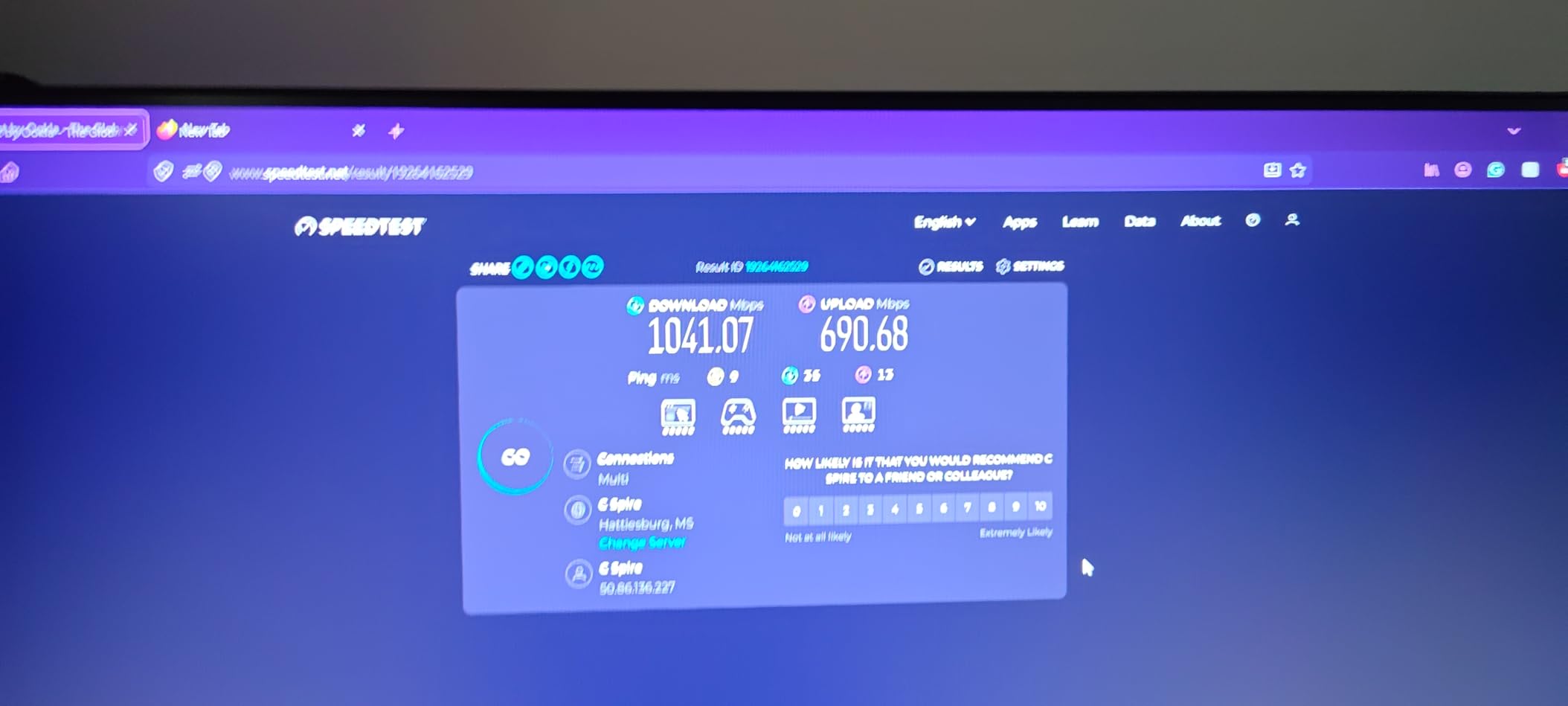
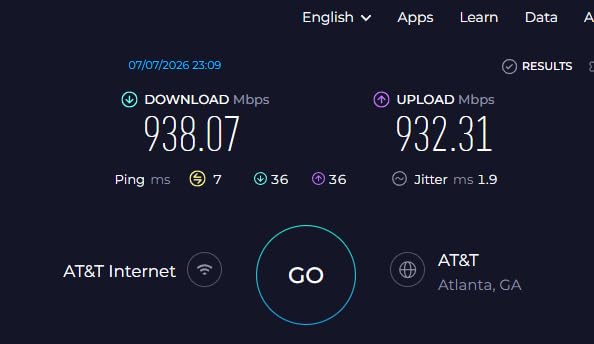
Then connect an Ethernet cable from a LAN port on the gateway to the WAN port on your router, power on the router, and open the setup page or app. Most of the routers in this roundup are app-guided for the first pass. Once it is online, run a speed test on a wired connection to see whether the line or the router is the limit.
If you want to test the raw line, connect a laptop directly to the gateway with an Ethernet cable and run the test there. That single test tells you whether a slower number is your router or your plan, which answers the most common support question people ask us.
One more thing that gets missed: fiber providers hand out IPv6 addresses, and some budget routers quietly ignore them. If your provider assigns IPv6 and your router does not handle it, you will see a partial connectivity warning in the browser test even though downloads work. Worth confirming before you buy, and worth testing after you install.
Matching Your Router to Your Fiber Plan Speed
Start with the WAN port, not the wireless number. A gigabit Ethernet port physically cannot pass more than roughly 940 Mbps, which is why buyers on 2 Gbps plans keep reporting the same ceiling and blaming the line. Match the port to the plan, then look at wireless.
Match the WAN port to the plan, not the Wi-Fi number
On a 300 Mbps or 500 Mbps plan, any gigabit router handles the line comfortably and almost anything on this list is more than enough. On a 1 Gig plan, you want a 2.5 Gb WAN port so the line is not the thing limiting future upgrades, which is what the eero Pro 6E, eero 7, Tenda BE12Pro and the tri-band Nighthawk units provide.
On a 2 Gig or 2.5 Gbps plan, a 2.5 Gb WAN port is the minimum and a 10 Gbps port is the comfortable choice. The eero Pro 7 and the TP-Link BE600 both handle this tier well, and the ASUS RT-BE88U handles it with room to spare. For 5 Gbps plans, the eero Pro 7 is the mesh option and the ASUS is the standalone option. For 10 Gbps plans, the RS700S is the direct match.
A 2.5 Gb port is also the right instinct for the future even on a 1 Gig plan. Providers have moved up the tiers faster than most households upgrade hardware, and paying a little more now avoids replacing the router later.
Wi-Fi 6, 6E and Wi-Fi 7 in plain terms
Wi-Fi 6 is still excellent and is what the GL.iNet Flint 2 delivers at up to 6 Gbps aggregate. Wi-Fi 6E adds the 6 GHz band, which is wide, fast and clean because few devices use it yet, with the tradeoff of shorter range because the higher frequency does not travel as far through walls. The eero Pro 6E, the TP-Link BE550, the Flint 3, both Nighthawk tri-band units and the BE600 all have that band.
Wi-Fi 7 adds multi-link operation, 320 MHz channels and 4K-QAM. MLO is the feature that matters most in practice: a client can hold links on more than one band at once, which keeps latency steadier when the network is crowded. Dual-band Wi-Fi 7 units like the eero 7, the Tenda BE12Pro and the ASUS RT-BE88U support MLO across their two bands but cannot use 320 MHz channels, because that needs 6 GHz.
MU-MIMO, OFDMA and beamforming appear throughout this list and are worth recognising in the interface, but they are table stakes now rather than a deciding factor. The real decisions are port speed, band count and how far the signal reaches.
Which security features cost extra
This is the section competitors bury in prose. The ASUS RT-BE88U includes AiProtection Pro, parental controls and site-to-site VPN at no ongoing cost, which makes it the clear answer if you refuse subscriptions. The eero units, the TP-Link routers and the Nighthawk units enable basic protection and automatic updates for free, but their deeper content filtering, armour-style threat protection and advanced device management sit behind a paid plan after a trial.
The open firmware options sidestep the question entirely. The Flint 2 and Flint 3 include AdGuard Home for network-wide ad and tracker blocking, and Bark support for parental controls, both free. That is a genuine advantage of choosing OpenWrt, and it is why power users keep coming back to GL.iNet hardware.
Whichever way you go, check the automatic update policy before you buy. eero, Tenda and ASUS all ship with automatic update behaviour, and a router that stops receiving firmware is a router with a growing problem.
Mesh, One Big Router, or Wired Access Points
Fiber fixes the line. It does not fix the walls, the floor plan or the fact that the router sits in a corner. That is the only reason mesh versus standalone is still a real decision in 2026, and the honest answer is that the wired approach wins whenever you can run the cable.
When a mesh kit is the right call
Choose mesh when you cannot run Ethernet to a second location. The eero Pro 6E, eero 7 and eero Pro 7 all cover up to 2,000 square feet from a single unit and expand from there, and the TrueMesh software in the current models routes traffic to reduce drop-offs rather than relying on signal strength alone.
One warning about mesh on a fast fiber line. A node that backhauls wirelessly over a gigabit link can end up slower than the original problem, and that is a common complaint about mesh blamed on the wrong component. If you own a multi-gig plan, make sure at least one node is wired back to the main unit.
When a single router plus wired access points wins
Advanced users in r/HomeNetworking consistently favour a wired-only router driving separate access points over a consumer mesh kit, and the reasoning holds up. You get one place to configure everything, VLANs apply consistently across the house, and no wireless backhaul anywhere. The same match-the-tool-to-the-job logic shows up in our carbon fiber pickleball paddle picks, where material choice matters less than how the equipment fits the player.
Three of the routers here support access point mode directly, which makes this easy. The TP-Link BE550 lists access point mode, guest mode and QoS explicitly, the Tenda BE12Pro does the same, and the ASUS RT-BE88U is AiMesh compatible if you would rather add ASUS nodes. Run the main router next to the ONT and a cable to each floor, then place an access point in the room that actually needs coverage.
Getting full speed into every room
Run Ethernet where you can. It is the only backhaul that matches a multi-gig fiber plan, and it means your access points are not fighting for airtime. If the cable cannot be run, MoCA adapters over coax are a better backhaul than wireless mesh, and easier than pulling new cable in a finished home.
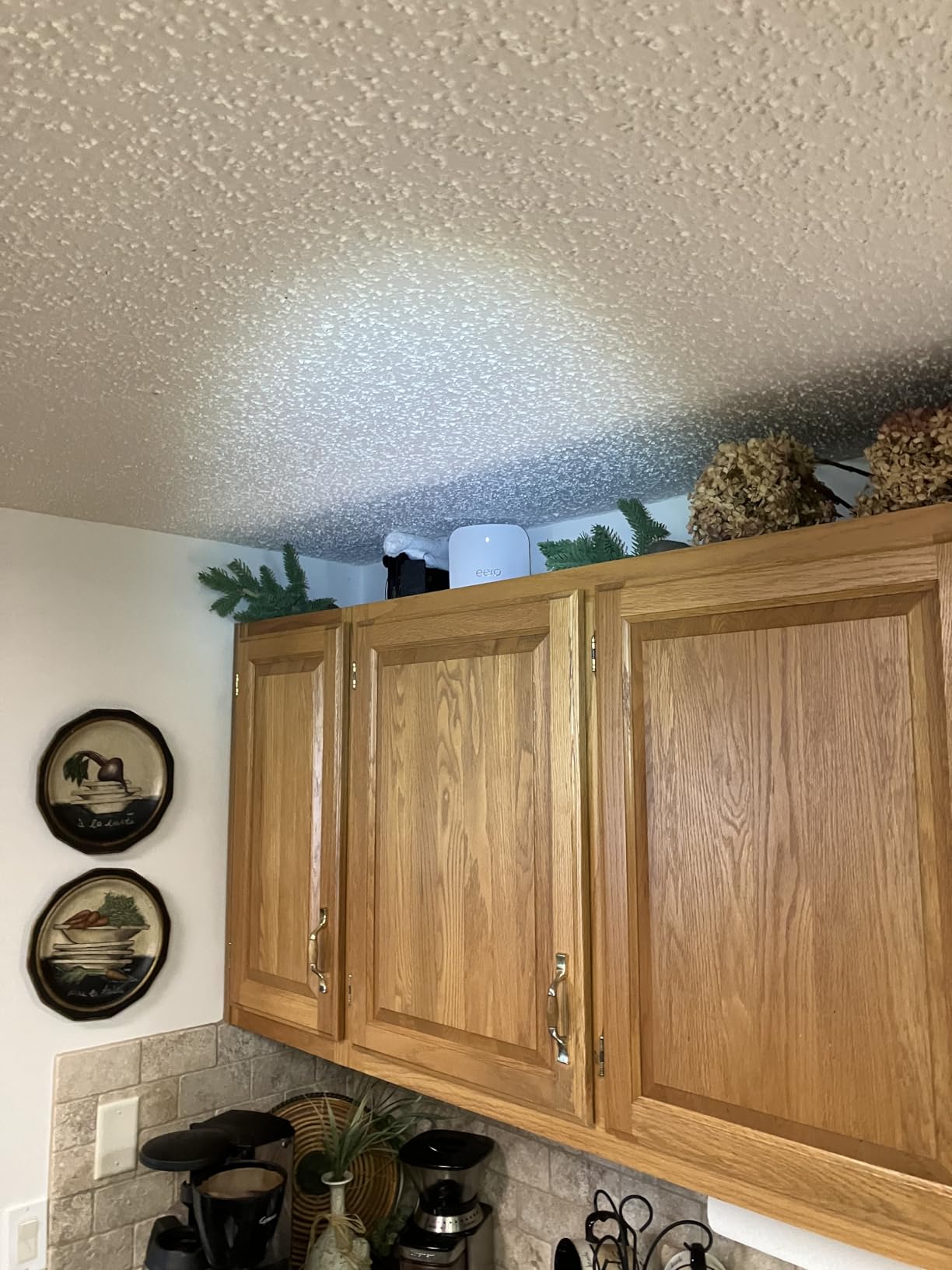
Placement matters as much as hardware. Put the main router central to the home, elevated off the floor, and out from behind a television or inside a closed cabinet. High walls and metal appliances cut signal badly, and the fix is often free. If you care about latency rather than raw throughput, our gaming router picks cover the low-latency side in more detail.
Once everything is placed, verify it properly. Test on a wired connection first to establish the line speed, then test over Wi-Fi in the rooms you care about. Forum users who assumed their router was fine often found the router was the bottleneck, and a five-minute test is the cheapest diagnostic available.
Frequently Asked Questions
What router is best for fiber optic internet?
The eero Pro 6E is the best all-round choice because it combines a 2.5 Gb Ethernet port, a dedicated 6 GHz band and mesh expansion with app-only setup. Its 2,000 sq. ft. and 100+ device ratings cover a typical home, and it works with any fiber provider because it only needs an Ethernet WAN connection.
What is the best WiFi router for fiber optic internet?
The eero Pro 6E is our pick. On a 1 Gig or 2.5 Gbps plan its 2.5 Gb port carries the full line rate for wired devices while tri-band Wi-Fi 6E pushes up to 1.6 Gbps wirelessly. If you want Wi-Fi 7 instead, the eero 7 offers two 2.5 GbE ports and up to 1.8 Gbps of wireless speed.
Do I need a special router for fiber optic internet?
No. A fiber ONT already outputs Ethernet, so you need no cable modem. What you do need is a router whose WAN port matches your plan, because a gigabit port caps a 2 Gbps line near 940 Mbps. Some ISP gateways cannot disable routing at all, and in that case a separate router is the only option.
What is the best home router for fiber optic internet?
Match the hardware to the plan. A 1 Gig plan is well served by the eero Pro 6E or the eero 7. A 2.5 Gbps plan needs a 2.5 Gb WAN port, where the ASUS RT-BE88U adds four 2.5G and four 1G LAN ports plus subscription-free security. A 5 Gbps plan points to the eero Pro 7.
Can I use my own router with fiber internet?
Yes, in almost every case. Ask your provider whether the gateway supports bridge or pass-through mode, connect an Ethernet cable from the gateway LAN port to your router WAN port, and set up the router through its app. A few providers ship combo ONT and gateway units where routing cannot be fully disabled.
The Verdict: Best Routers for Fiber Internet in 2026
If you buy only one, get the eero Pro 6E. It pairs a 2.5 Gb port with a real 6 GHz band, it has the largest review base in this group at more than 6,000 owners, and it expands into a mesh system without a fight. Buy the eero 7 if you want Wi-Fi 7 as the entry point into a mesh system and can live without 6 GHz, and buy the GL.iNet Flint 2 if you want open-source firmware and VPN speed that keeps up with the line.
Match the WAN port to your plan first, keep an eye on which security features cost money, and stop paying a monthly gateway fee to own hardware you would not choose. Those three decisions cover almost every fiber setup we have seen. Readers who mark parts rather than route them may also enjoy our fiber laser engraver picks or our spinning wheels for fiber artists guide, which follow the same match-the-hardware-to-the-job approach.