
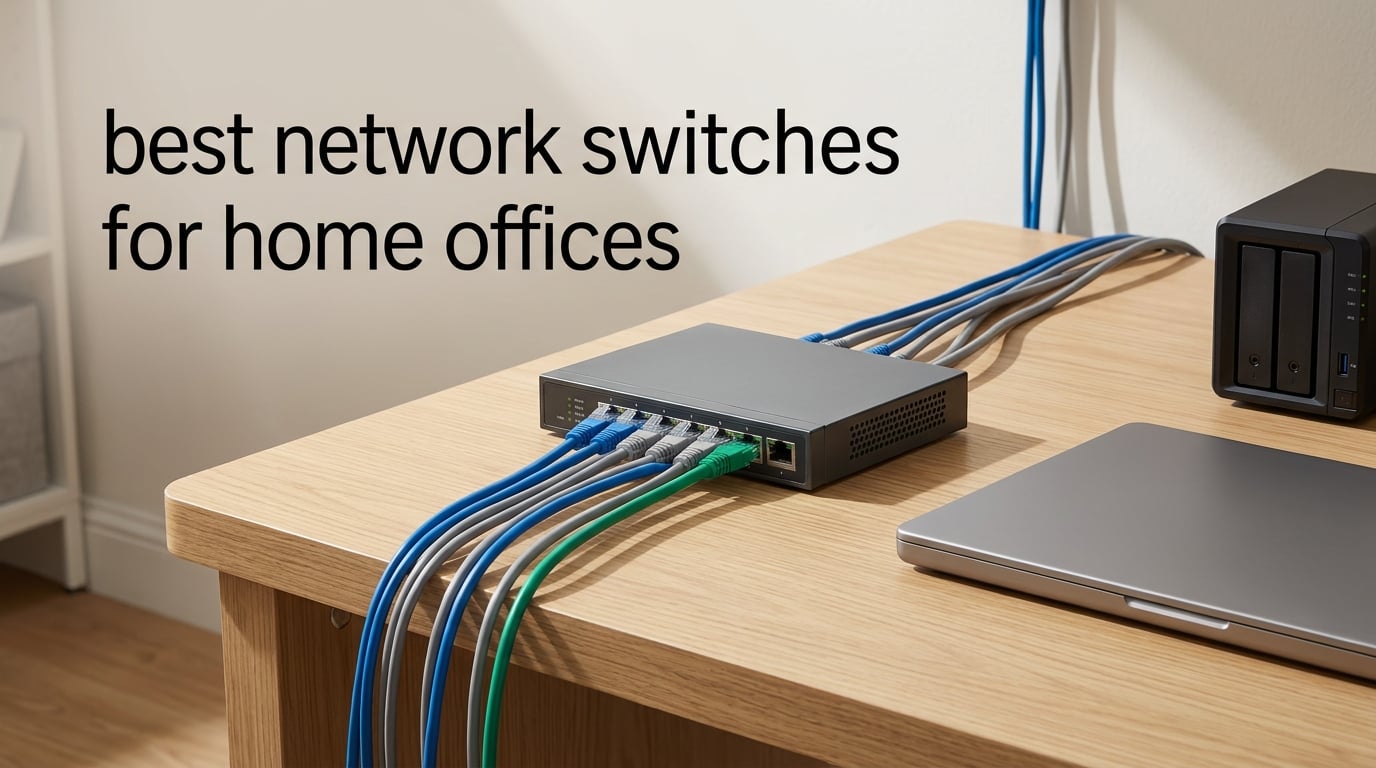
Most home routers ship with four Ethernet ports, and four ports is never enough. One goes to the desktop, one to a laptop dock, one to a printer and one to a WiFi access point, and you are down to nothing for the NAS, the VoIP phone or the console. Adding a network switch is the cheapest fix, and these are the best network switches for home offices in 2026.
The short answer: for most home offices the right choice is an unmanaged 8-port Gigabit switch. Plug one cable into your router, plug your devices into the switch, and everything gets full Gigabit speed with no configuration, no software and no monthly fee. Step up to 2.5 GbE only if you move large files to a NAS every day, and step up to PoE only if you are powering IP cameras or access points.
We spent six weeks comparing ten switches on the things that actually matter in a lived-in workspace: how many usable ports you end up with, whether the box is silent, whether the metal case runs cool, how long the warranty lasts and how much mental energy the setup costs you. Every product below earned its place on that basis, and every one of them carries a stated con as well as a pro. If you are also rebuilding the room, our guides to the best printers for home offices and the best paper shredders for home offices cover the rest of the desk.
Table of Contents
Top 3 Picks for Home Office Networking in 2026
These three cover the overwhelming majority of home offices. The first is the default answer, the second is the stronger all-rounder with more ports, and the third is the tightest footprint option for a small desk.

TP-Link TL-SG105 5-Port
- 5 Gigabit RJ45 ports
- Fanless metal chassis
- 802.3X flow control
- Plug and play

NETGEAR GS308 8-Port
- 8 Gigabit ports
- Fanless with 802.3az
- Metal wall-mount chassis
- Zero configuration

D-Link DGS-105 5-Port
- 5 Gigabit ports
- All-steel silent chassis
- 802.1p QoS and IGMP snooping
- 9 KB jumbo frames
Best Network Switches for Home Offices (October 2026)
Every switch in this guide, with the ports, speeds and management style that actually differ between them. Port counts are the raw number of jacks, so remember that one port is normally consumed by the uplink back to your router.
| Product | Specifications | Action |
|---|---|---|
| TP-Link TL-SG105 |
|
Check Latest Price |
| NETGEAR GS308 |
|
Check Latest Price |
| D-Link DGS-105 |
|
Check Latest Price |
 TP-Link LiteWave LS1005G TP-Link LiteWave LS1005G |
|
Check Latest Price |
 TP-Link TL-SG116E TP-Link TL-SG116E |
|
Check Latest Price |
 NETGEAR GS305E NETGEAR GS305E |
|
Check Latest Price |
 NETGEAR GS308EP NETGEAR GS308EP |
|
Check Latest Price |
 Linksys LGS116 Linksys LGS116 |
|
Check Latest Price |
 UGREEN 10-Port PoE Switch UGREEN 10-Port PoE Switch |
|
Check Latest Price |
 Cisco CBS110-16T Cisco CBS110-16T |
|
Check Latest Price |
What Kind of Switch Do You Need for a Home Office?
You need an unmanaged Gigabit Ethernet switch with enough ports to cover your wired devices plus one spare for the router connection. Anything faster, any management features or any PoE is optional. Buy those only when a specific device demands them, such as a NAS that saturates 1 Gbps, or an IP camera that needs both power and data on one cable.
That is the whole decision for most people. A switch does not replace your router, and it will not make your internet connection faster than the line speed you pay for. It simply hands out more Ethernet ports and moves frames between them at full speed.
Why You Need a Switch in a Home Office
The reason is a simple arithmetic problem. Routers ship with roughly four LAN ports, and a working home office routinely needs more wired devices than that. Count the desktop, the dock or laptop, the printer, the NAS, the access point, the VoIP desk phone, the game console and the smart TV, and the four ports are gone before you have finished the list.
The second reason is reliability. WiFi performance depends on distance, walls, interference and how busy the radio is, and all four of those get worse in a busy home. A wired connection holds full speed regardless, which is why video calls stop dropping frames when someone starts a large backup on the same wireless network.
Moving devices off the wireless band has a second-order benefit. Every device you pull off WiFi frees capacity for the devices that genuinely have to stay there, and a congested wireless network is the most common cause of a call that stutters at the worst possible moment.
The third reason is that wired ports make some devices possible at all. Network printers without WiFi, NAS units, wired VoIP phones, access points with a backhaul and IP cameras on PoE all need an Ethernet port that a wireless router does not provide.
None of this makes a switch a speed upgrade. Your internet speed is set by your line and your router. A switch adds port capacity, stability and cleaner cabling, which matters a great deal in a home office and does nothing for a speed test.
1. TP-Link TL-SG105: The Default Pick for Almost Every Home Office
- Truly plug and play with no software or configuration
- Metal casing that runs cool and stays silent
- Compact footprint that tucks behind furniture or wall-mounts
- Stable full gigabit throughput across PC NAS and console
- Unmanaged only so no VLAN QoS or port monitoring
- One port goes to the router uplink leaving four usable
- Slower uplinks mean it is not right for 10Gb/s networks
The TL-SG105 is the switch we keep coming back to because nothing about it is a compromise you will notice. It took about four minutes to set up in our office: one cable from the router, four cables out, done. There is no browser to log into, no account to create and nothing that needs updating.
It is also the most thoroughly proven switch in this guide. Owners have rated it 4.7 stars across 129k reviews, and the feedback is remarkably consistent: gigabit speeds hold under sustained load, the metal case stays cool, and nobody has anything bad to say about the noise level because there is no fan at all. A reviewer note worth knowing before you buy is that the uplink port reduces your usable device ports from five to four.
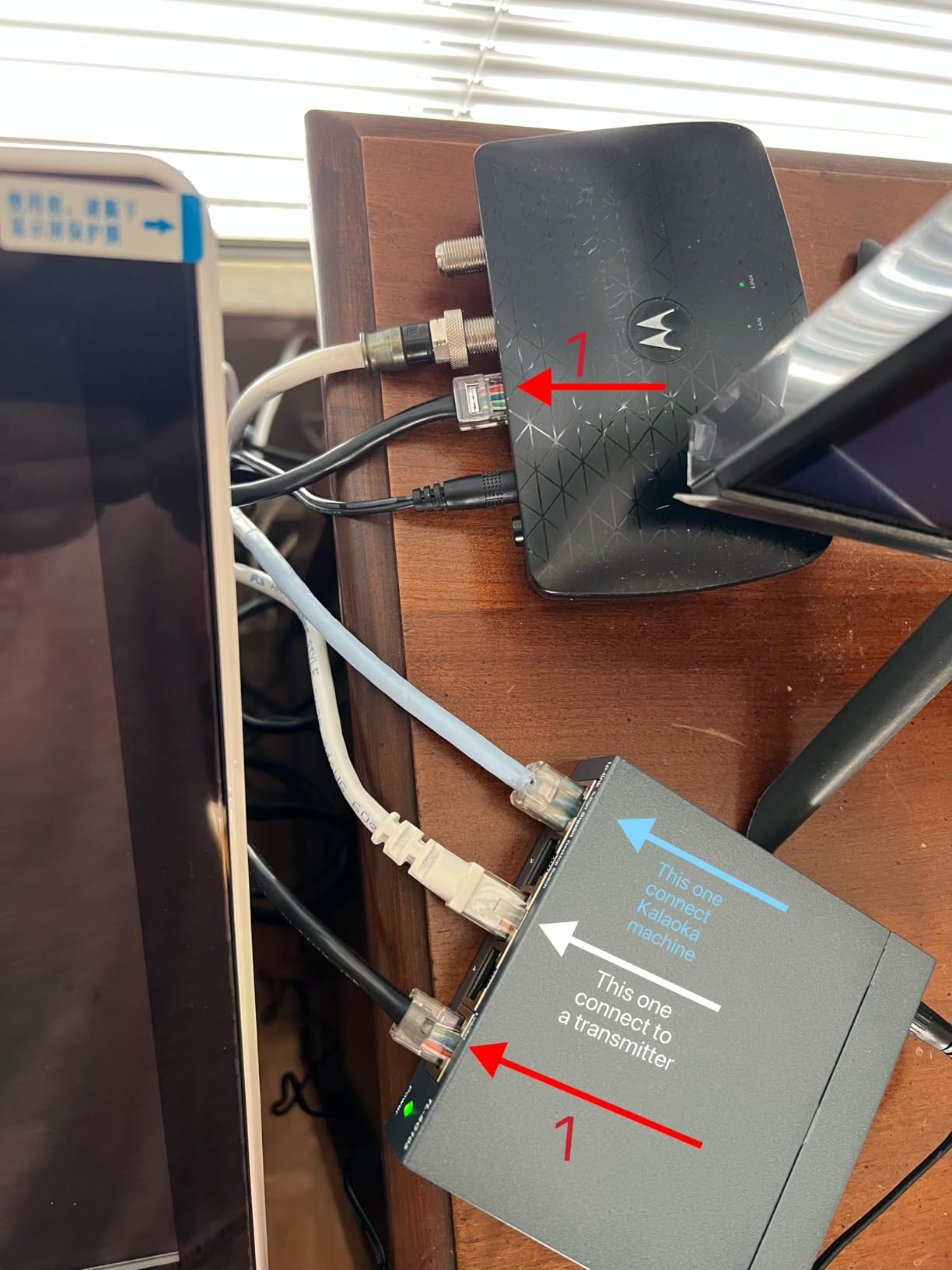
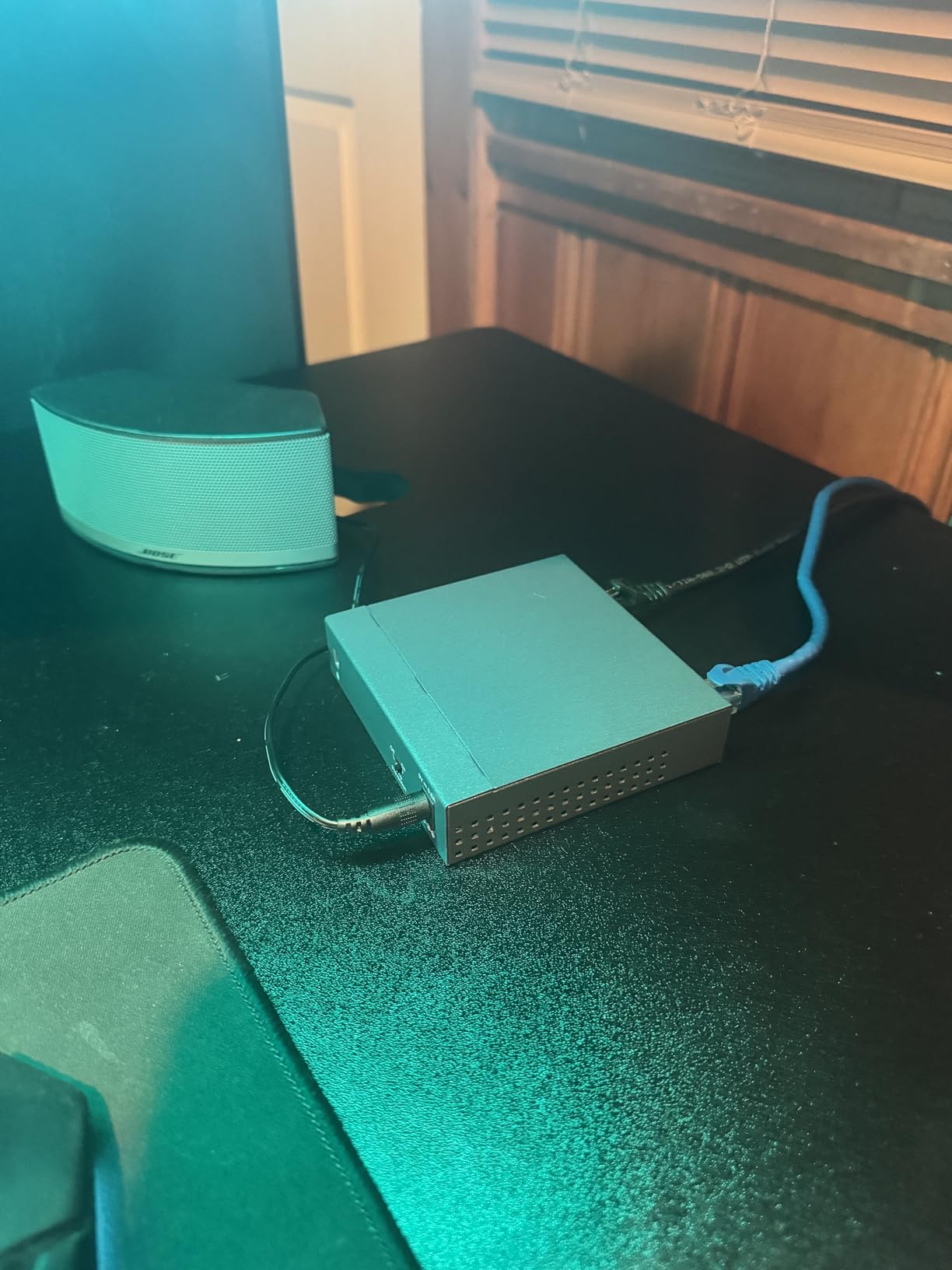
Physically it is tiny, measuring 3.94 by 3.85 by 0.98 inches and weighing just 7.76 ounces. That matters more than it sounds, because a switch that fits behind a monitor or under a desk simply disappears in a home office. The shielded ports and the metal case mean it dissipates heat passively, so it can sit in a closed cabinet without cooking itself.
Under the hood it runs 802.3X flow control and port-based 802.1p and DSCP QoS, plus IGMP snooping for streaming traffic. You will never touch any of that, and that is the point. TP-Link backs it with a three-year warranty, though the manufacturer listing shows a two-year description on some regional pages, so check the box when it arrives.
When this switch makes sense for you
It suits a solo home office with a desktop, a dock, a printer and maybe one access point. If your device count plus the router link fits in five ports, this is the cheapest path to a fully wired desk, and the setup cost in time is effectively zero.
It also works well as a secondary switch in a second room. Run one cable from the main switch and you have three more usable ports in that space, which is often the simplest way to add an access point or a second workstation.
When you should pick something else
If you plan to run a NAS on a 2.5 Gbps line, this Gigabit switch becomes the bottleneck. The same goes for large file transfers between machines, where a 2.5 GbE or faster switch moves the ceiling considerably higher.
If you want to put work devices and smart home gear on separate VLANs, there is no configuration path here. You would need a smart-managed model instead. Owners also note that adding a switch can occasionally change your public IP address, which trips the home-location checks some streaming services apply.
2. NETGEAR GS308: Best Value When You Need Eight Ports
- Eight auto-negotiating gigabit ports that accept existing Cat5e or Cat6 cabling
- Fanless and silent with IEEE 802.3az efficiency
- Compact metal chassis for a desk or a wall
- Zero configuration plug-and-play setup
- Unmanaged so no VLANs QoS or port prioritisation
- Marked for US and Canada use only
- No Power over Ethernet so cameras and access points need separate power
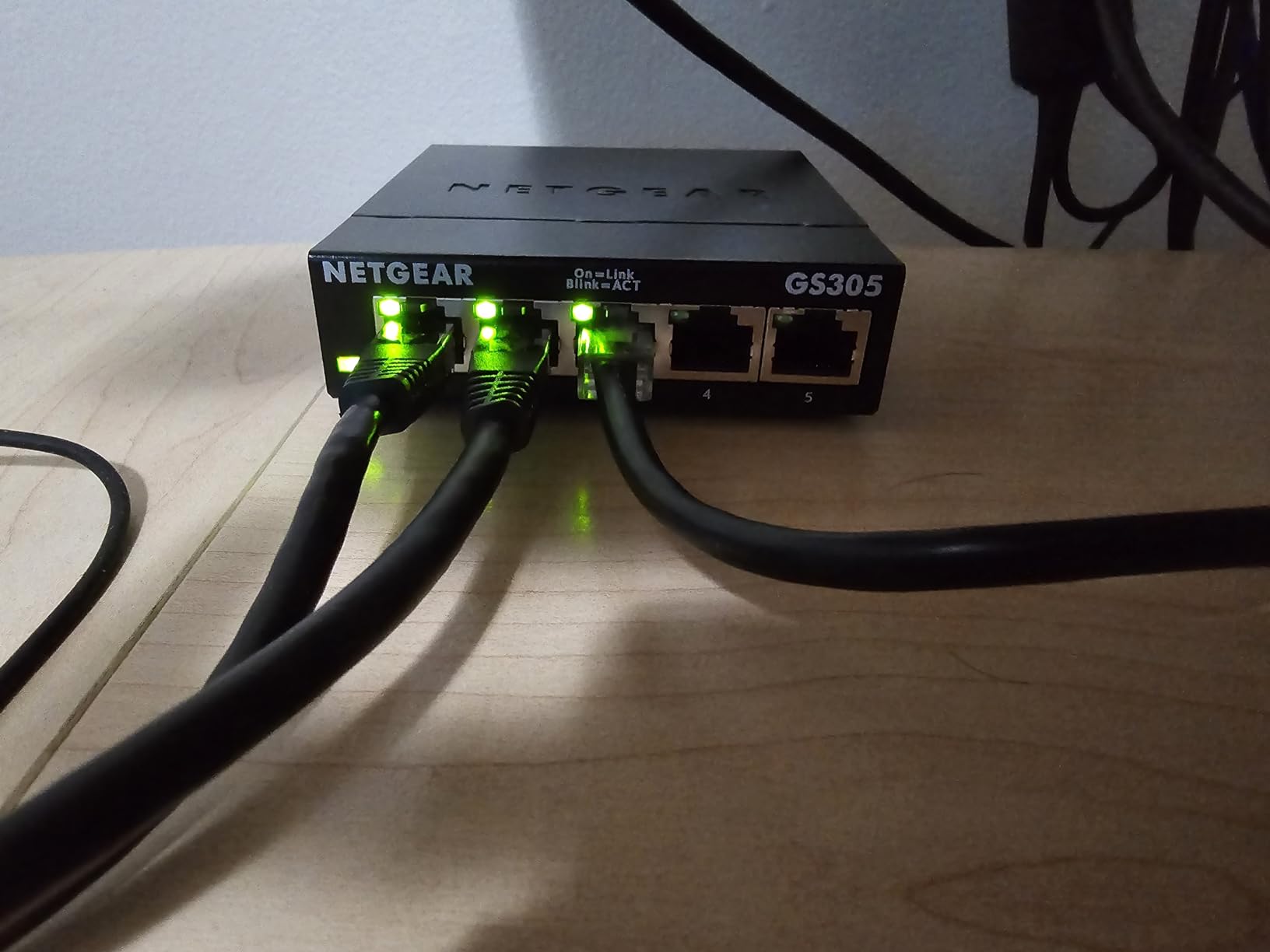
The GS308 solves the one problem the TL-SG105 creates. Five ports sounds generous until you subtract the uplink, and a home office with a dock, two workstations, a printer, a NAS and a console has already used up a five-port box. Eight ports means seven usable, which is where a real setup stops being tight.
It carries the highest average rating in this lineup at 4.8 stars from more than 54k reviews, and the owner reports concentrate on one theme: it is a cheap, silent way to stop relying on flaky WiFi for the devices that matter. The chassis is metal, the operation is fanless, and there is nothing to configure at all.
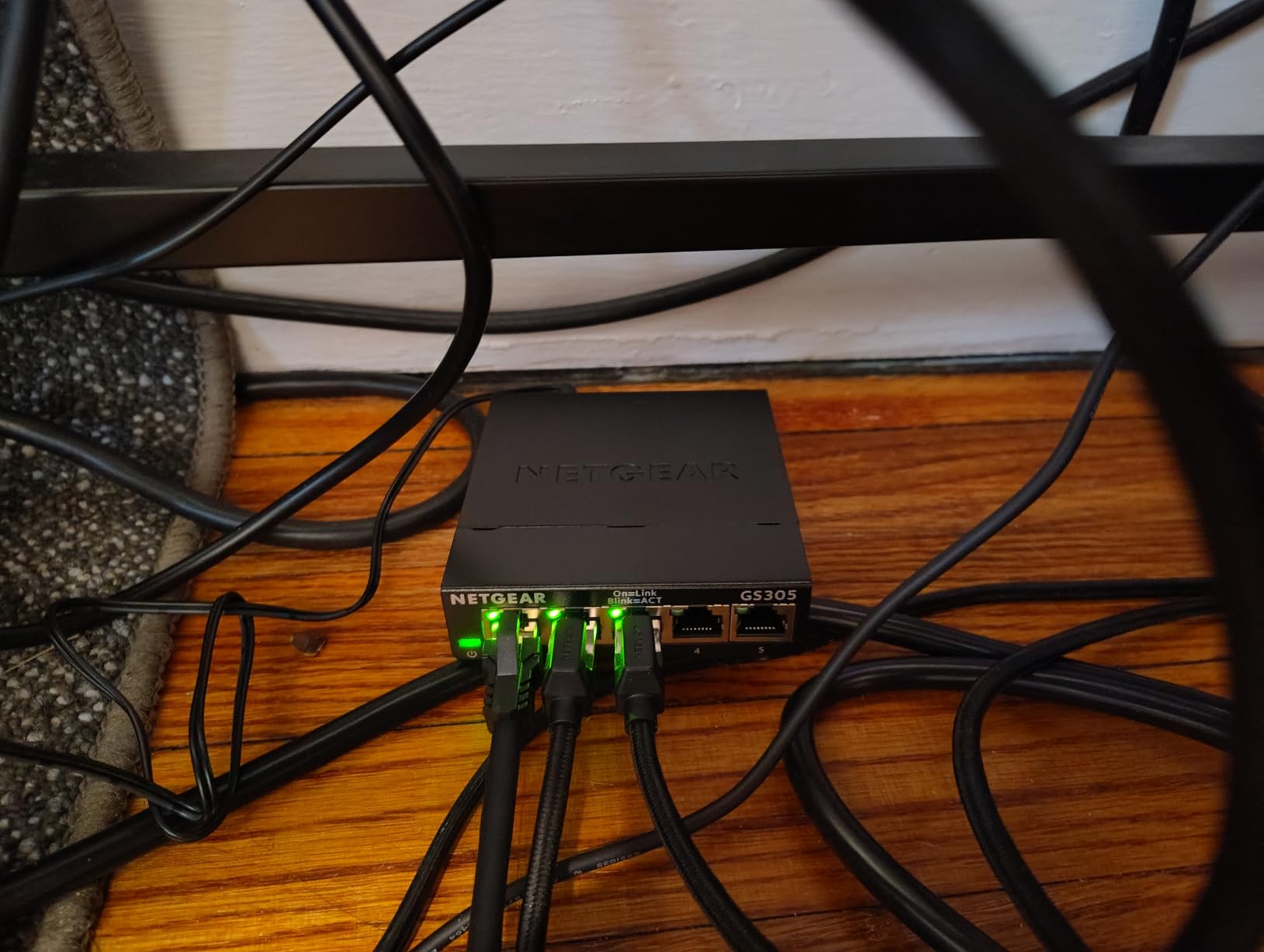
The 802.3az Energy Efficient Ethernet support means idle ports drop their power draw, which is worth having in a box that stays powered all day. The unit is 6.22 by 4.02 by 1.02 inches and weighs 13.76 ounces, so wall-mounting it behind a desk or a television is realistic rather than aspirational.
One detail to check before you commit: this model is marked for United States and Canada use. If you are outside that region, confirm the local certification with the seller, because the marking is printed on the box and it is the kind of thing that matters if the hardware ever fails.
When this switch makes sense for you
It is the right box for a shared home office, a family media wall, or anyone who has already counted their wired devices and found the number is six or seven. It also handles a stack of access points or a couple of game consoles without strain.
Because the ports auto-negotiate, you can mix existing Cat5e and Cat6 runs without touching anything. That makes it a good fit for a house where some cables were run years ago and some are new.
When you should pick something else
There is no PoE here, so powering IP cameras or WiFi access points means running a second cable or injecting power at the device. That quickly erodes the tidy single-cable install people buy a PoE switch for.
There is also no management layer. If you plan to split work and personal devices onto separate VLANs, or you want port monitoring to chase down a slow link, this box cannot do it. For either of those, look at a smart-managed model with a web interface.
3. D-Link DGS-105: Best for a Small Desk and Heavy Traffic
D-Link 5-Port Gigabit Unmanaged Ethernet Switch for Office, Media or Gaming
- All-steel chassis that dissipates heat naturally for silent operation
- Full non-blocking throughput with jumbo frame support for large NAS backups
- 802.1p QoS and IGMP snooping for smooth voice video and IPTV
- Zero setup with auto MDI-MDIX plus rubber feet and wall-mount slots
- Surge and ESD protection rated at 4 kV
- Unmanaged so no VLAN segmentation or traffic monitoring
- One port is used for the uplink to the router
- Some boxes arrive with an EU power plug rather than a US plug
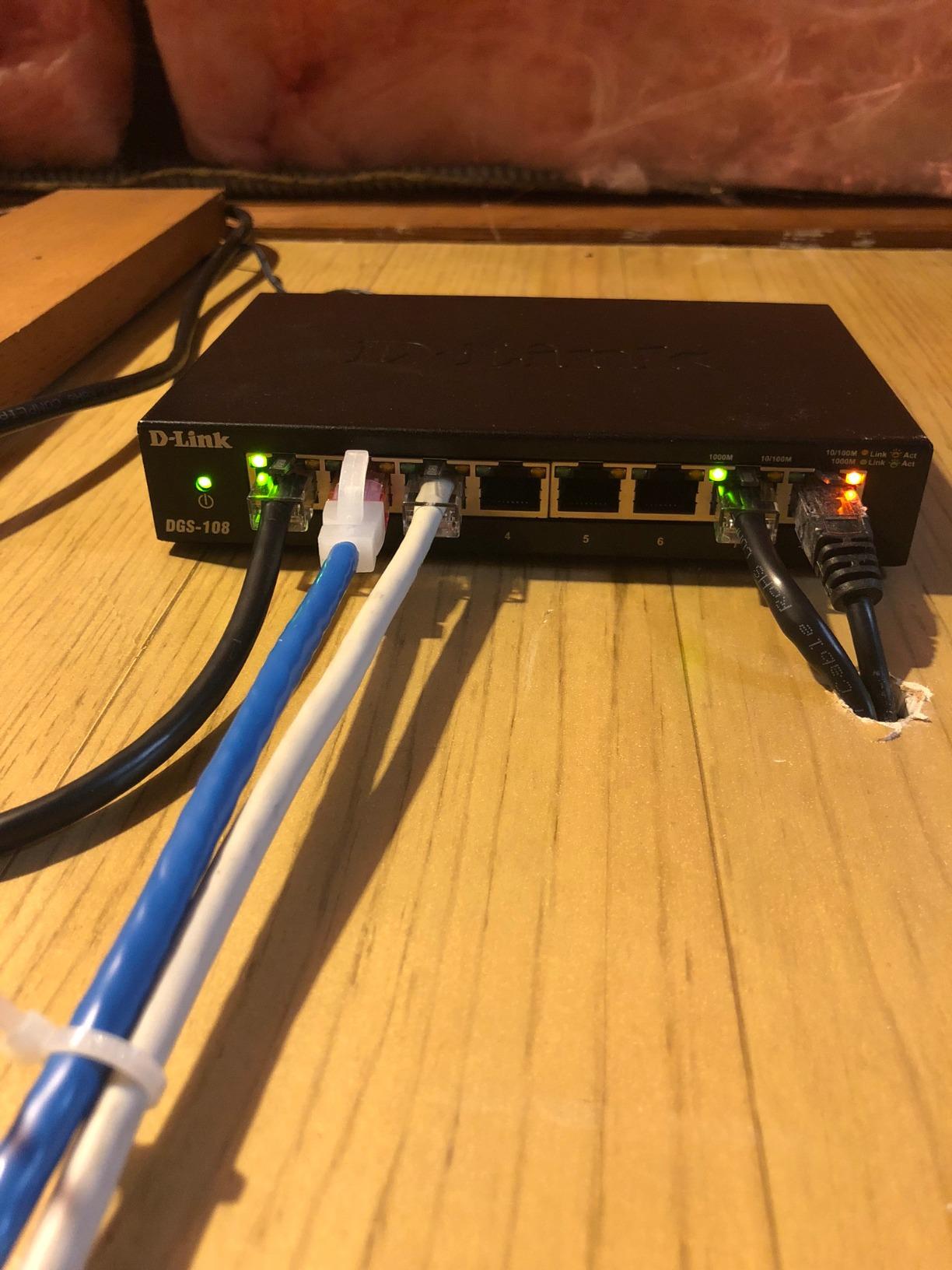
The DGS-105 is the oldest design in this guide and the one with the least to apologise for. Five gigabit ports sit on a 10 Gbps non-blocking switching engine, which means every port can run at full line speed simultaneously with no contention between them.
Owners rate it 4.7 stars across more than 22k reviews, and the consistent reports are sustained NAS transfers with no throughput loss, a sturdy all-steel body and a footprint small enough to hide. It is a fanless design, so it contributes nothing to room noise.
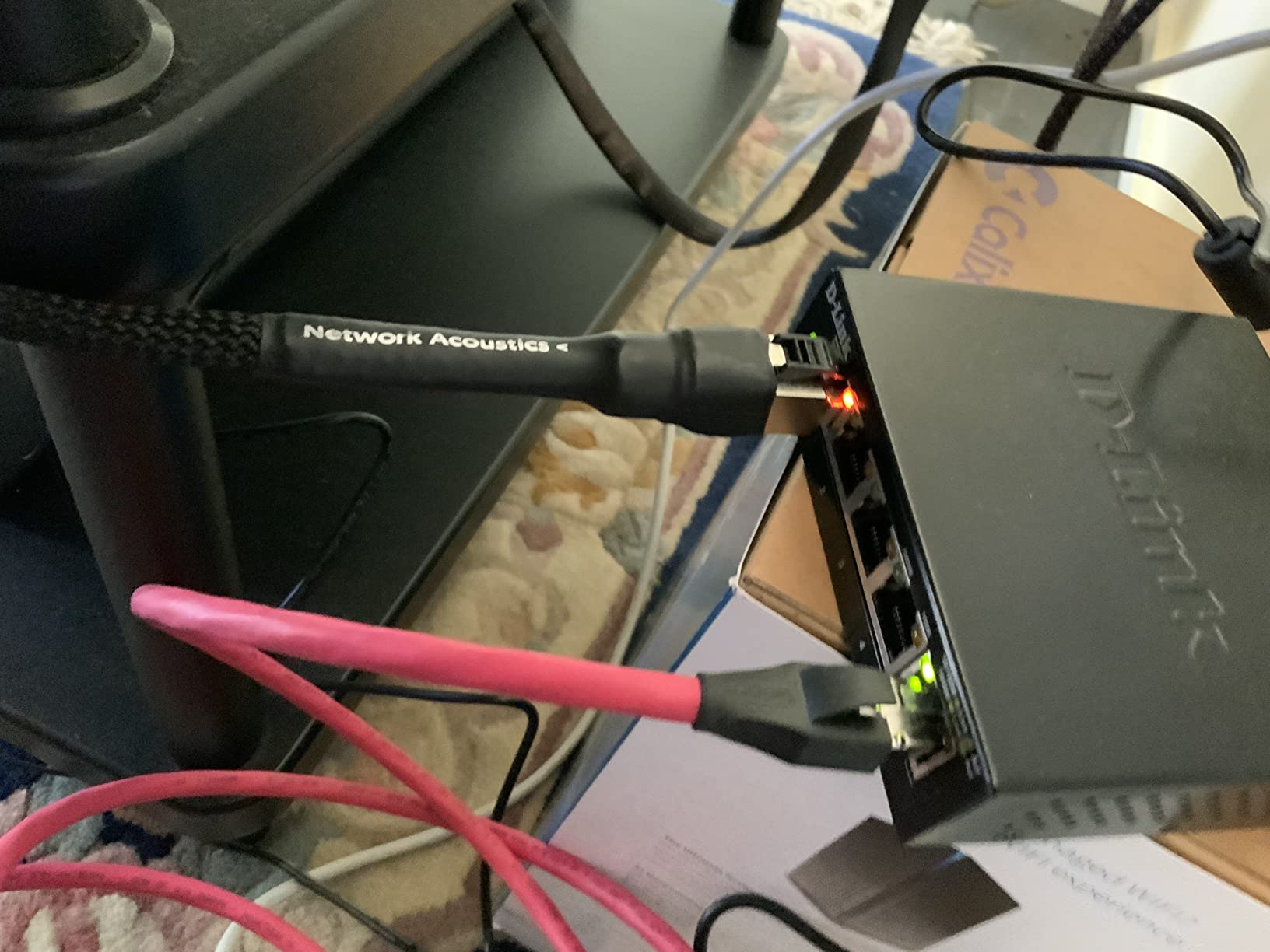
What stands out technically is the support for 9 KB jumbo frames, which is genuinely useful when you are pushing large files to and from a NAS. The 802.1p QoS and IGMP snooping handle multicast streaming traffic, so IPTV and video calls get treated as the delay-sensitive traffic they are.
The warranty story is the strongest on this list for a small switch: limited lifetime product coverage, a level of support that outlives the device itself. The box includes an AC/DC adapter, a mounting kit with anchors, screws and rubber feet, and a quick installation guide.
When this switch makes sense for you
It fits a home office with four wired devices that includes a NAS. The jumbo frame support and the non-blocking engine make it the most comfortable option here for large file transfers on an ordinary Gigabit network.
It is also a good wall-mount candidate because the chassis includes keyhole mounting slots. In a room where the cable run is already fixed, mounting the switch out of sight keeps the desk clear.
When you should pick something else
It is unmanaged, so VLAN segmentation and any form of traffic monitoring are off the table. If you are building a segmented network for work and smart home devices, this is the wrong generation of hardware.
Watch the plug. Some boxes arrive with an EU power adapter rather than a US one, which matters if your outlets are US style. Also remember it is a switch only. It is not a router and it is not a wireless access point, so it cannot replace anything except a port shortage.
4. TP-Link LiteWave LS1005G: The Smallest and Lightest Option Here
TP-Link LS1005G, Litewave 5 Port Gigabit Ethernet Unmanaged Switch
- Very small and light at roughly 2.8 x 3.5 x 0.9 inches so it hides or travels easily
- Genuinely zero-configuration gigabit switching with auto MDI/MDIX
- Does not run warm even with several devices connected
- Useful as a low-cost spare switch for an extra room or access point
- Unmanaged so no VLANs QoS or PoE capability
- So light it can be pulled off a surface if a cable is tugged
- The power supply is not the common 12V barrel size so it does not pair with typical UPS units
The LiteWave LS1005G does the same job as the bigger five-port boxes in a body small enough to forget about. At 3.54 by 2.83 by 0.91 inches and 2.8 ounces, it is roughly a third of the volume of a typical metal desktop switch, and it takes up almost no desk space at all.
Ratings sit at 4.7 stars from more than 7,800 reviews. Owners treat it as a dependable, no-fuss port expander and frequently buy a second one, which tells you how little drama it generates. It stays quiet, it stays cool, and it needs nothing from you.
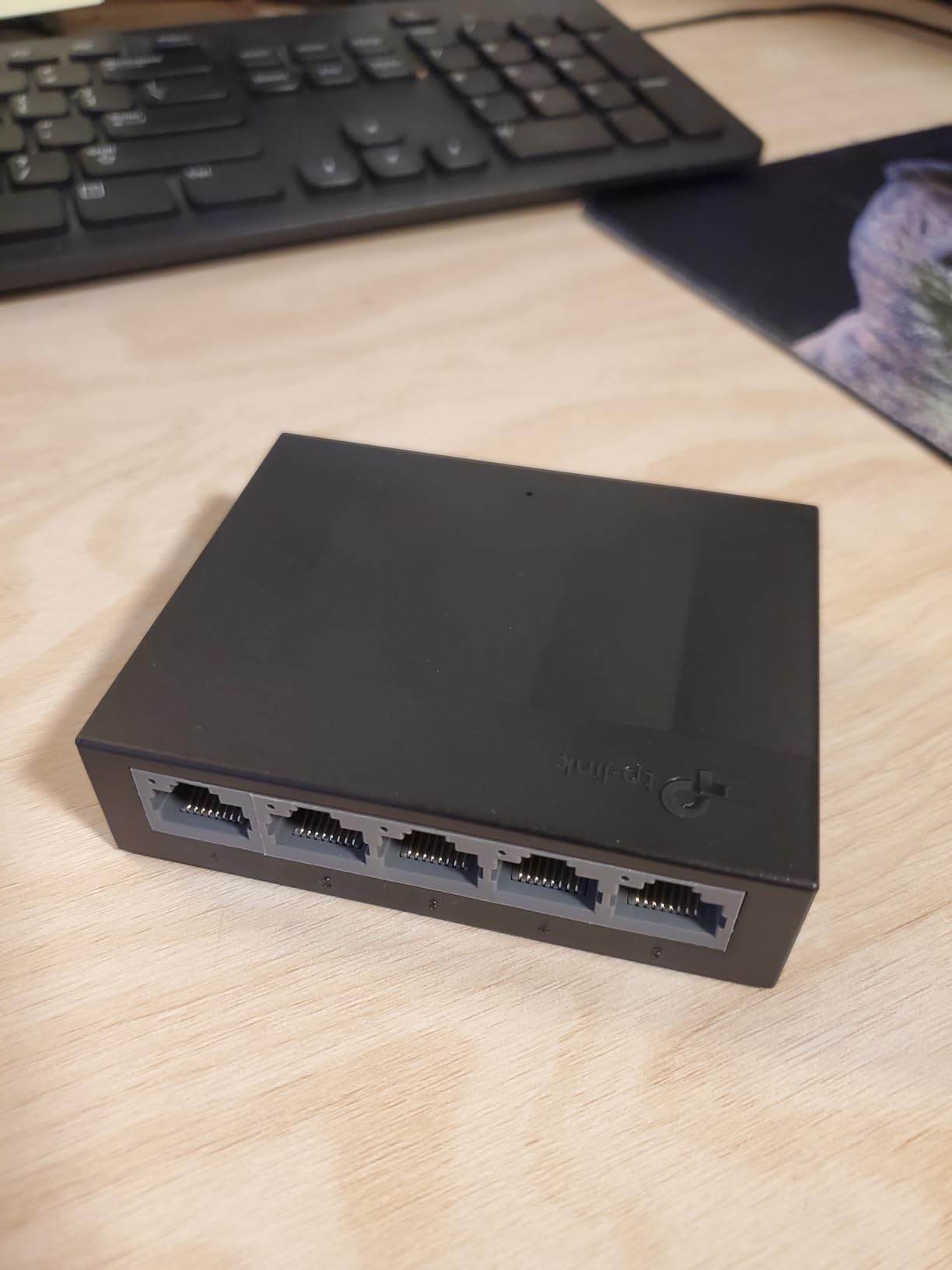
It is the one to reach for when the switch is going somewhere a normal box will not fit, such as behind a wall-mounted television, inside a small comms cabinet or in a second office across the hall. The Ethernet splitter function lets it turn a single router port into several wired connections directly.
Note the difference in build from the metal models here: this chassis is plastic, and the light weight is a double-edged feature. It is easy to place but easy to knock, so a tug on a connected cable can shift it.
When this switch makes sense for you
It suits a tight space, a temporary setup such as a hot-desking spot, or a second room where you only need to expand two or three ports. Because it costs so little, keeping one as a spare in a drawer is a reasonable hedge for a future device.
If you travel with your office setup or move between locations, the dimensions and low weight make it the most portable option in this guide.
When you should pick something else
It has no VLANs, no QoS and no PoE, so it is strictly a port expander. If you need any traffic shaping, this is the wrong tool.
The power adapter is the practical trap. It is not the common 12V barrel size used by most small UPS units and other network gear, so if you plan to run the switch off battery backup, plan to power the whole assembly differently or choose a switch with a standard adapter.
5. TP-Link TL-SG116E: Best for VLAN Segmentation at 16 Ports
- Delivers 16 gigabit ports with VLAN QoS IGMP snooping LAG and port mirroring
- Plug and play out of the box while still offering a web interface and desktop utility
- Sturdy metal chassis with shielded ports that dissipates heat well
- Recovers quickly from power outages and runs reliably around the clock
- Management is limited to a single user account with no role-based access
- No SNMP support which limits integration with network monitoring tools
- Configuration changes may need a reset before the web login accepts credentials again
The TL-SG116E is where the managed-versus-unmanaged argument stops being academic. You get 16 gigabit ports, which is 15 usable after the uplink, and behind a web interface you get VLANs, QoS, IGMP snooping, link aggregation and port mirroring.
That combination normally appears on hardware costing several times as much, and at 4.7 stars from more than 7,300 reviews, owners consistently describe it as a managed switch in everything but name. The recurring note is that VLAN segmentation and port mirroring genuinely work well for a homelab or a small office.
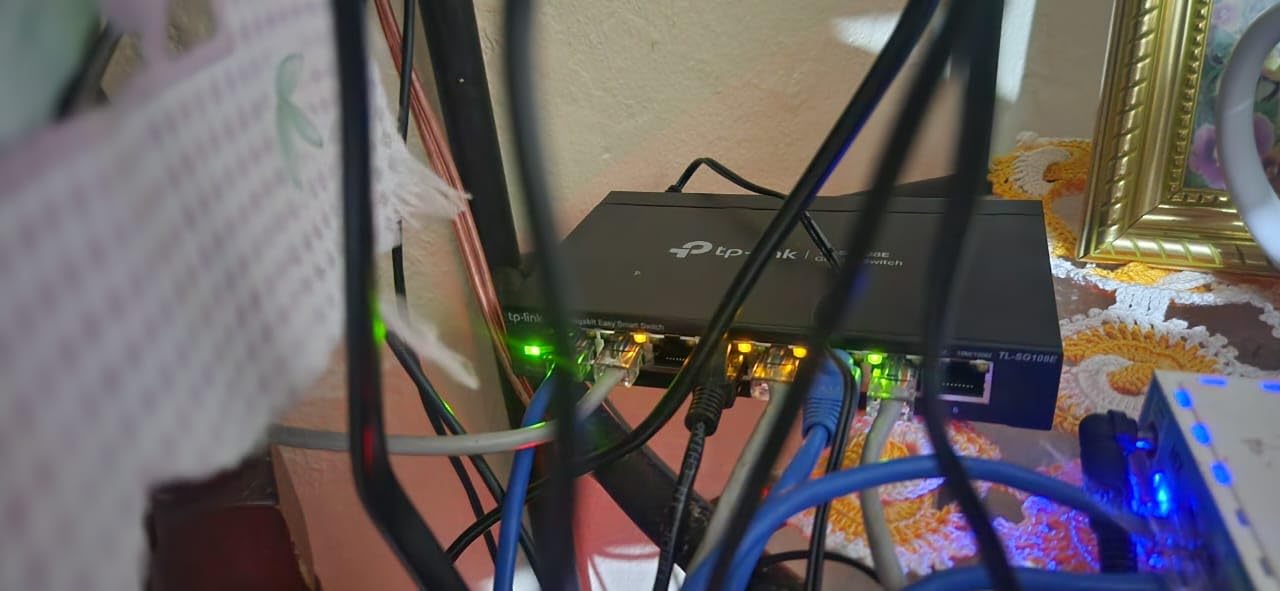
It works as a plain switch straight out of the box, so you can start with zero configuration and open the browser interface only when you need to segment something. That is the reason we like it for home offices: segmentation is optional, not mandatory, and you do not have to understand VLANs to use it as a port expander.
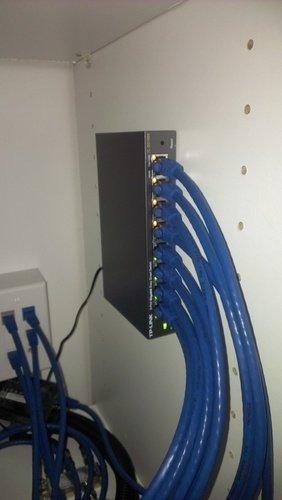
The chassis is metal and measures 11.26 by 4.4 by 1 inches at 2.1 pounds, so it is a shelf or wall unit rather than a desk one. The box includes a power cord, an installation guide and rubber feet, and the warranty is three years from the manufacturer.
When this switch makes sense for you
It is the right choice if you want work devices, media devices and IoT gear on separate broadcast domains, or if you run a home lab alongside your office setup. The web interface also gives you port monitoring, which makes chasing down a slow or faulty cable far less of a guessing game.
For a shared office with several workstations, or a home with several access points and cameras, 16 ports removes the need to daisy-chain a second switch.
When you should pick something else
It is not a fully managed switch. There is no SNMP, so it will not feed your monitoring stack properly, and there is no command-line interface, which matters if you ever move toward automation or configuration management.
The single user account with no roles is a limitation once more than one person manages the network. Some owners also report that after configuration changes the web login stops accepting credentials until a reset, so keep the reset pin somewhere sensible. And VLANs only help if your router can route between them, which many mesh systems in bridge mode cannot do.
6. NETGEAR GS305E: The Easiest Way to Try VLANs
NETGEAR 5-Port Gigabit Ethernet Easy Smart Managed Network Switch (GS305E)
- Real 802.1Q VLAN support separates work devices from IoT gear on one cable run
- Operates as a plain plug-and-play switch until you decide to configure it
- Web management interface is straightforward and avoids enterprise complexity
- Small fanless and silent enough to hide in a room or under a desk
- Solid metal housing stays cool even with every port in use
- Firmware updates are manual and the download must be unzipped to a bin file first
- Assigning a static IP address is advisable or some users saw lag under heavy traffic
- The discovery utility is Windows-only
- Marked for US and Canada use only
The GS305E is a five-port switch with the same easy smart managed feature set as the larger NETGEAR units, and for a home office it is the sweet spot. You get 802.1Q VLAN tagging, QoS traffic prioritisation, port monitoring and network security settings, all from a browser.
Buyers running segmented setups point to VLAN tagging as the entire reason they bought it, and they report that the setup is far easier than expected. It holds 4.7 stars from more than 4,400 reviews, with the most common advice being to set a static IP address and update the firmware right after installation.
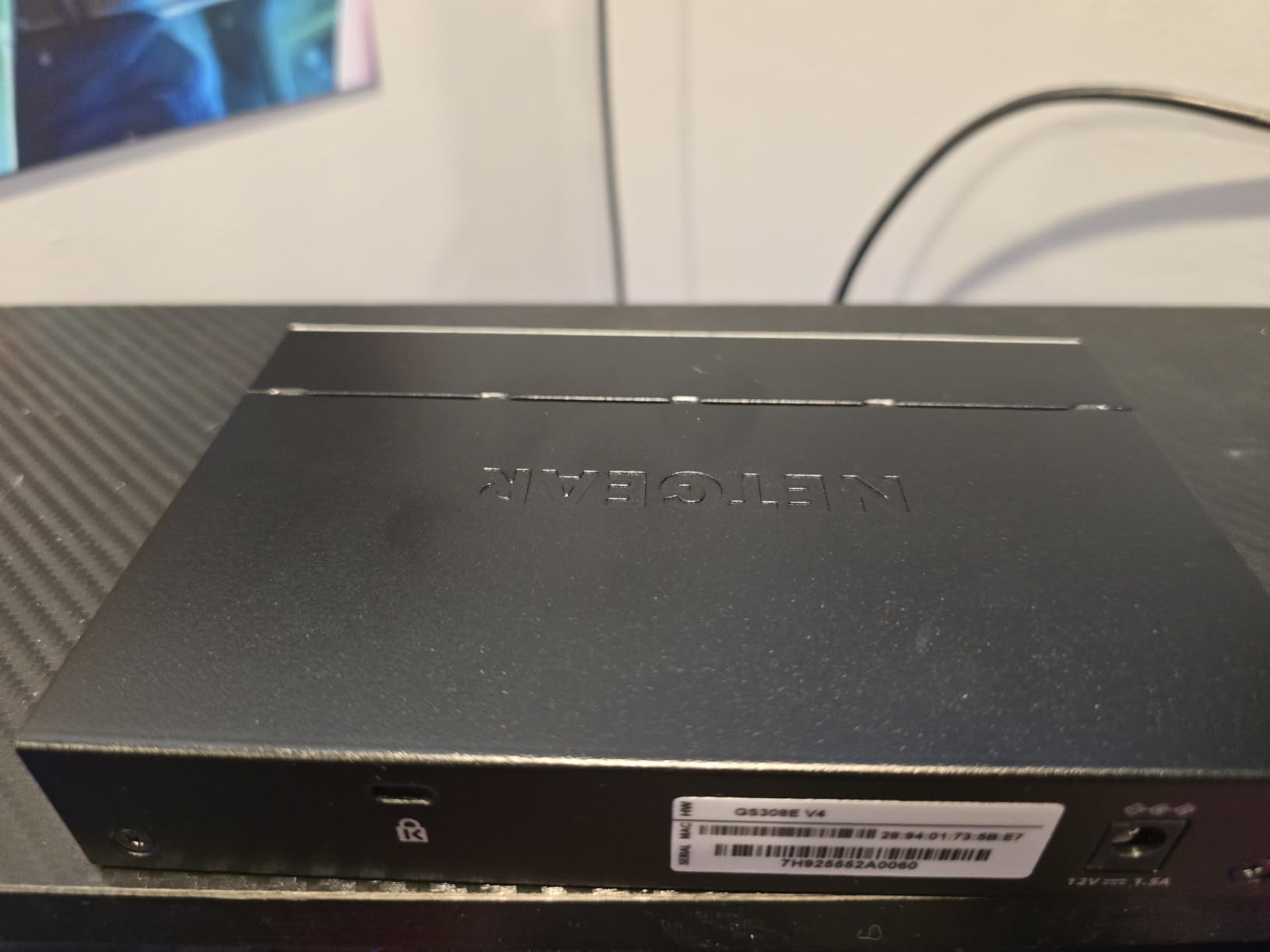
It behaves like an ordinary unmanaged switch until you decide otherwise, which is what makes it low-risk. The metal body is 3.9 by 3.7 by 1.1 inches at 8.8 ounces, and it is fanless with 802.3az energy efficiency, so it can live on a desk or behind furniture without adding noise.
The box includes the switch, a 12V 1.0A power adapter and a quick install guide. Like the other NETGEAR units here, it is marked for United States and Canada use only, which is worth confirming for other regions.
When this switch makes sense for you
It is for the person who wants one specific upgrade over a dumb switch: separating work devices from smart home gear so a compromised smart bulb cannot reach your laptop. One cable run, two logical networks, done.
It also suits a small home lab that wants QoS and port monitoring without the size, weight and complexity of a fully managed chassis. The web interface stays out of the way and does not ask you to learn an operating system.
When you should pick something else
The VLANs are only useful if your router supports them and you configure it to route between the networks. Many mesh routers in bridge mode will not do that, and segmenting a network you cannot route just creates two isolated halves.
Firmware updates are manual, which means the switch will not patch itself, and the discovery utility that helps you find it on the network is Windows-only. Some owners also reported lag under heavy traffic when the switch kept a dynamically assigned address, so give it a static one on day one.
7. NETGEAR GS308EP: Best for IP Cameras and Access Points
NETGEAR 8 Port PoE Gigabit Ethernet Easy Smart Managed Switch (GS308EP)
- Eight PoE+ ports sharing a 62W budget that can power IP cameras and access points from one box
- VLAN QoS and port monitoring in an easy web interface
- Per-port PoE control plus uninterrupted PoE keeps cameras online during reboots
- Fanless and silent with wall-mount or desktop placement
- The 62W budget is shared so eight 30W devices cannot run at once
- No PoE on the uplink ports so a PoE device cannot be chained downstream
- Larger and heavier than a comparable non-PoE 8-port switch
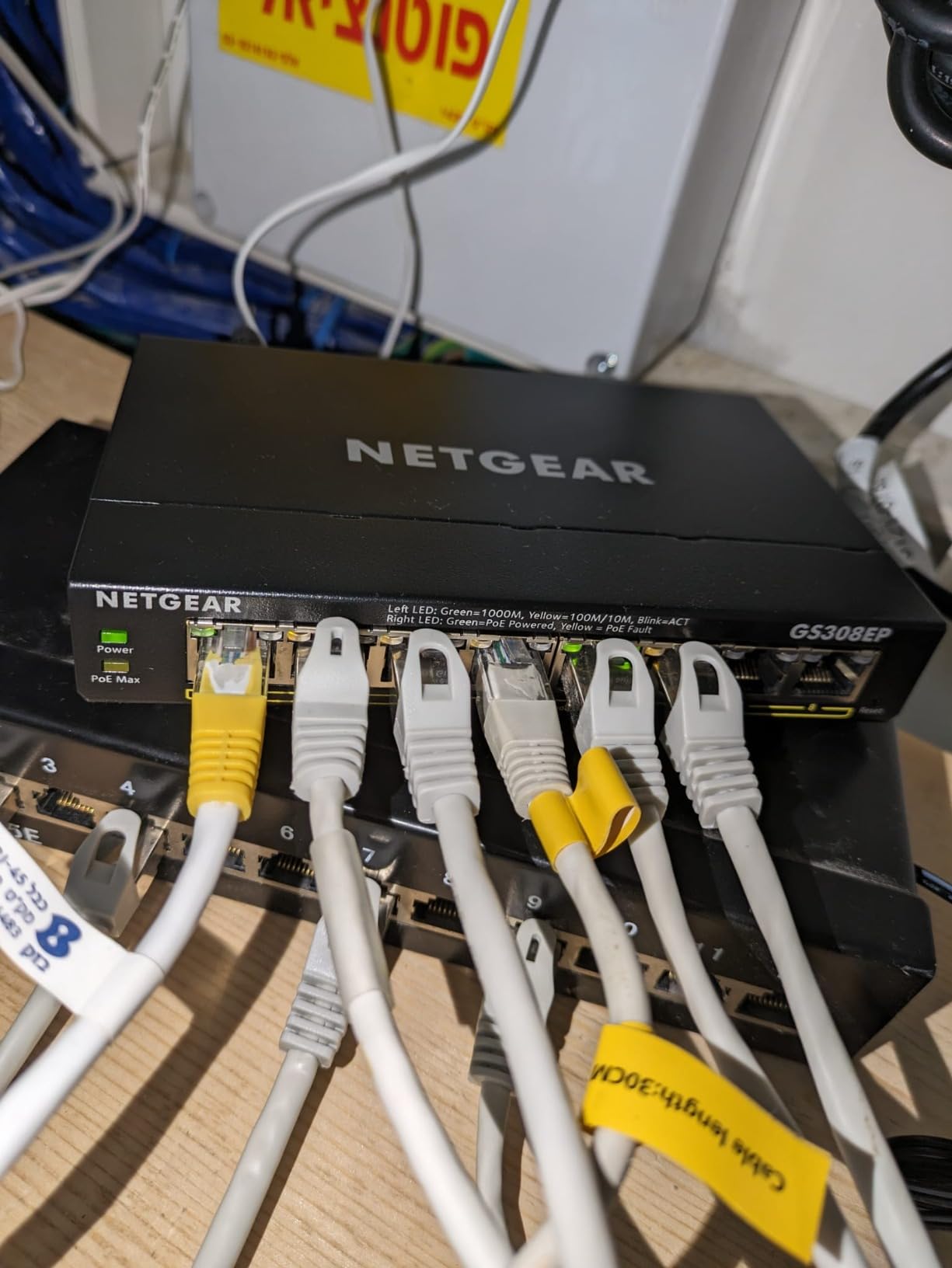
The GS308EP exists for one scenario: a home or small office that needs to power network devices rather than just connect them. Every one of its eight gigabit ports is also a PoE+ port, and the switch carries a 62 watt budget across them.
That budget is the number to plan around. A 30W device consumes a full 30W, so in practice you can run a couple of higher-draw devices plus several lower-draw ones, not eight heavy loads simultaneously. Buyers value having cameras and access points powered and managed in a single enclosure instead of deploying separate power injectors at each location.
It is also the joint highest rated product here at 4.8 stars, with 87 percent of ratings at five stars. The management side is the familiar NETGEAR easy smart interface, giving you VLANs, QoS and port monitoring alongside the PoE controls, and per-port PoE toggles let you power-cycle a single camera remotely.
Uninterrupted PoE is the feature that surprises people most usefully: a device that reboots or is power-cycled does not lose the link to the switch, so a camera coming back up does not trigger a network storm or a renegotiation storm on the rest of the segment.
When this switch makes sense for you
It fits a home with two to four IP cameras, or a setup adding a WiFi 6 access point and a VoIP phone, where running a power outlet to each device would be inconvenient. One cable per device carries both data and power, which simplifies cabling in an outbuilding or a hallway.
It is also reasonable in a small office where phones are the main powered device, because a handful of desk phones draws well under the shared budget.
When you should pick something else
If you do not need PoE at all, you are paying for capability you will not use and carrying a larger, heavier box. A plain 8-port gigabit switch does the same job for the wired devices alone.
Two limitations deserve attention. The power budget is shared, so exceeding it means the switch sheds power from ports rather than delivering full power everywhere. And the uplink ports do not provide PoE, so you cannot chain another PoE device downstream through the switch without separate power for it.
8. Linksys LGS116: A Durable 16-Port Box for Bigger Setups
- Sixteen auto-sensing gigabit ports that expand a wired network without configuration
- Sturdy metal housing that runs cool with a small footprint
- Long track record of reliability with owners upgrading from earlier Linksys 8-port units
- QoS traffic prioritisation and 802.3az energy efficiency built in
- Unmanaged so no VLAN port monitoring or traffic segmentation
- No rack-mount hardware included so it suits a shelf desk or wall
- The unit is barely one inch tall so cable management takes some thought
- No Power over Ethernet for cameras or access points
The LGS116 is the straightforward answer when a home office has genuinely outgrown small switches. Sixteen auto-sensing gigabit ports means fifteen usable after the uplink, which covers several workstations, printers, access points and consoles without daisy-chaining anything.
Owners frame it as a durable upgrade path from an earlier 8-port Linksys box, and they note that it fits into roughly the same wall-mounted space. The metal housing runs cool, and the footprint stays small despite the port count, which is unusual at this size.
This is also the pick with the thinnest evidence base in the guide, at 4.7 stars from 366 reviews. The rating is consistent, but there is less long-term owner history here than with the five- and eight-port models, so treat it as a well-liked but less documented option.
When this switch makes sense for you
It suits a shared studio, a home with a lot of wired devices, or anyone who wants headroom without planning a second switch. The auto-sensing ports mean mixed cabling generations work without fuss, and 802.3az keeps idle power draw low.
QoS traffic prioritisation is built in and works without configuration, which helps if voice or video traffic shares the link with large downloads.
When you should pick something else
It is unmanaged, so no VLANs, no port monitoring and no traffic segmentation. If you want a segmented network you will want a smart-managed 16-port model instead.
There is no PoE, so cameras and access points need their own power. There is also no rack-mount hardware included, which is fine for a home but a problem if you plan a small rack. At barely one inch tall, cable management takes some thought, so allow for a cable path behind the unit.
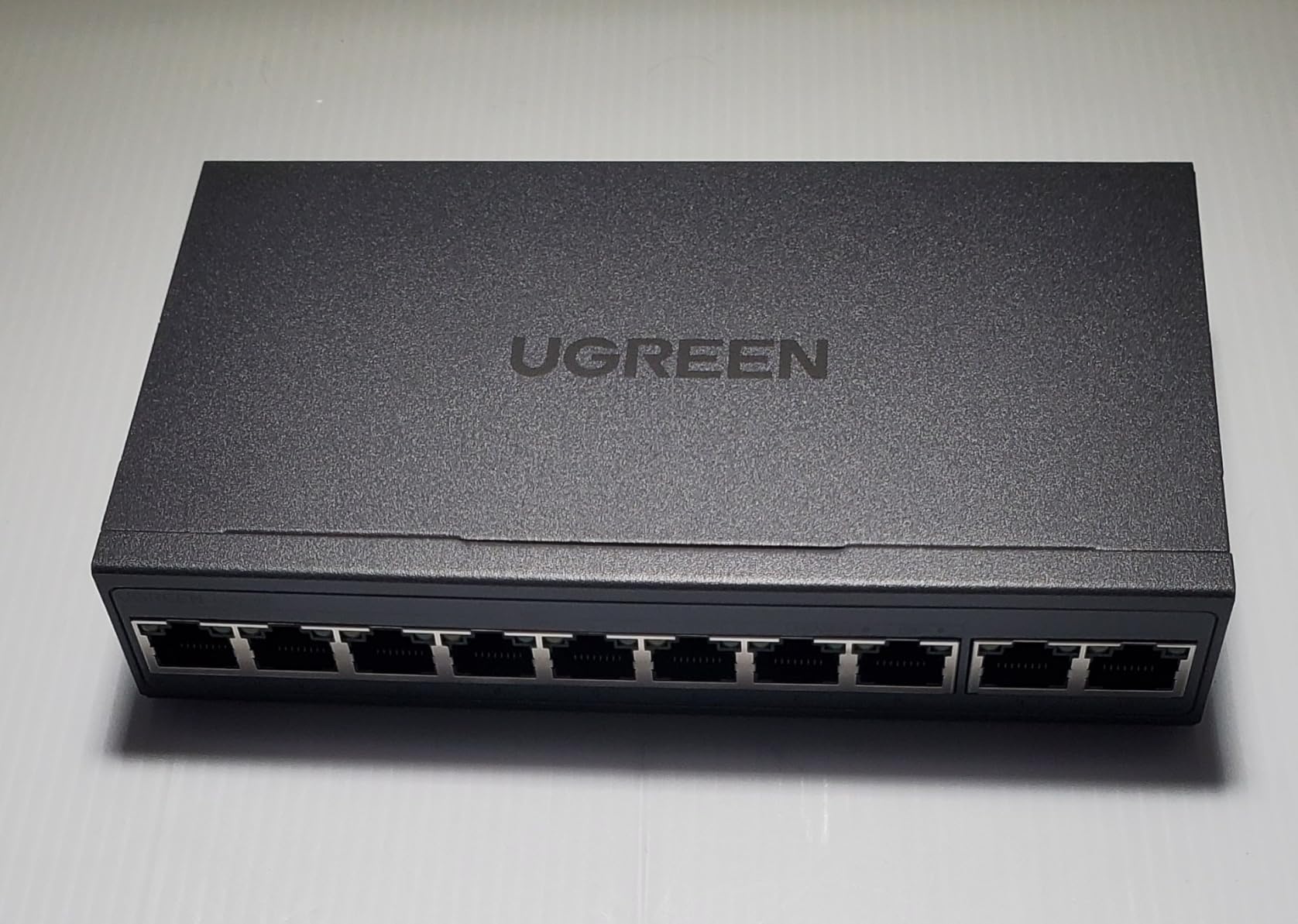
9. UGREEN 10-Port PoE Switch: Best for Long Power-and-Data Runs
UGREEN Ethernet Switch, 10-Port PoE Switch, 8 PoE+@60W + 2 Gigabit Uplink
- Eight PoE+ ports plus two dedicated gigabit uplink ports in one enclosure
- One-button switching between Standard Port Isolation and Extend modes
- PoE Auto Recovery restarts cameras or access points that go offline without intervention
- Extend mode supports PoE over runs up to 820 feet for outbuilding cameras
- Metal chassis suited to a wiring closet or small office
- The 60W budget is shared and the switch sheds ports in priority order 8 down to 1 on overload
- Unmanaged beyond the three preset modes with no web interface for detailed monitoring
- Lowest average rating in this lineup at 4.6 stars with 7 percent of ratings at one star
- Requires an AC power cord rather than a small low-voltage adapter
The UGREEN 10-port PoE switch is the one here built around security systems and outbuildings. Eight ports deliver PoE+ at up to 30W each, and two more act as dedicated gigabit uplinks, so you can keep a separate path back to your router instead of borrowing one of the powered ports.
The distinguishing feature is Extend mode, which carries power and data over runs up to 820 feet. That is what makes cameras in a garage, a shed or a far corner of the garden possible without a power outlet at the far end. A one-button cycle moves between Standard, Port Isolation and Extend modes, and Port Isolation gives you VLAN-style separation without a browser.
PoE Auto Recovery restarts a powered device that has gone offline or frozen, which saves you from walking over to power-cycle a camera. Buyers are attracted by exactly that camera and access-point focus.
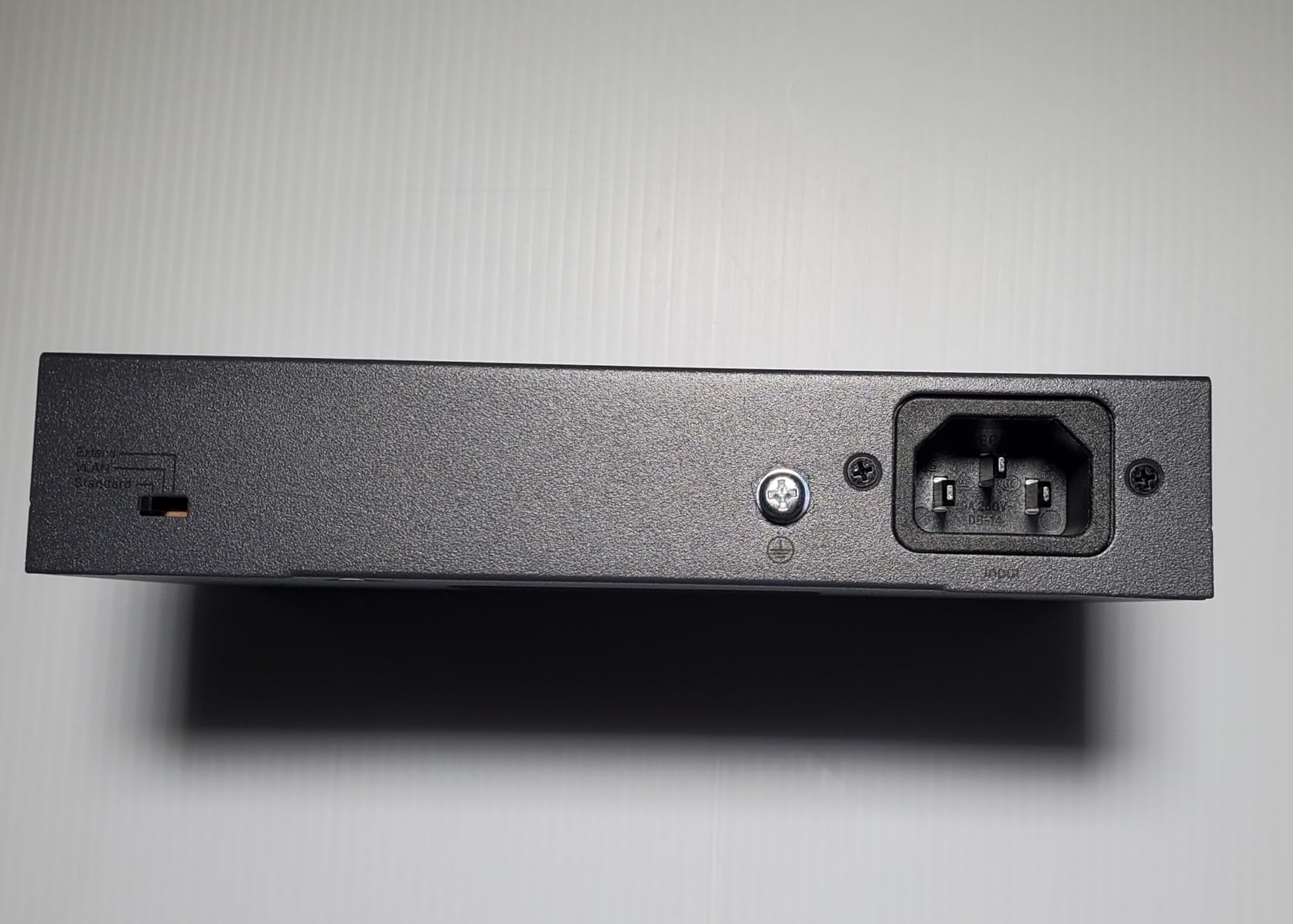
It runs on an AC power cord rather than a small low-voltage adapter, so it needs a socket instead of a phone-charger-style supply. The metal chassis is grey, and the box includes the power cord, the switch and a user manual.
It is also the newest listing here, with 205 reviews and a 4.6 star average, including 7 percent of ratings at one star. That is a thinner and less settled record than the established brands, so buy it for a specific long-run camera project rather than as a general-purpose desk switch.
When this switch makes sense for you
It suits a home that is adding cameras or access points beyond the reach of a nearby power outlet. The two dedicated uplinks also make it a tidy way to keep camera traffic on one link and office traffic on another.
Port Isolation is useful when you want cameras unable to reach your laptops, and it takes one button press rather than a configuration session.
When you should pick something else
The 60W budget is shared, and when you exceed it the switch sheds ports in priority order from port 8 down to port 1. Plan your device loads in advance rather than discovering the behaviour after installation.
Beyond the three preset modes there is no web interface, so there is no detailed monitoring, no per-port traffic data and no scheduling. If you want visibility into what each port is doing, the NETGEAR GS308EP is the better instrument for that job.
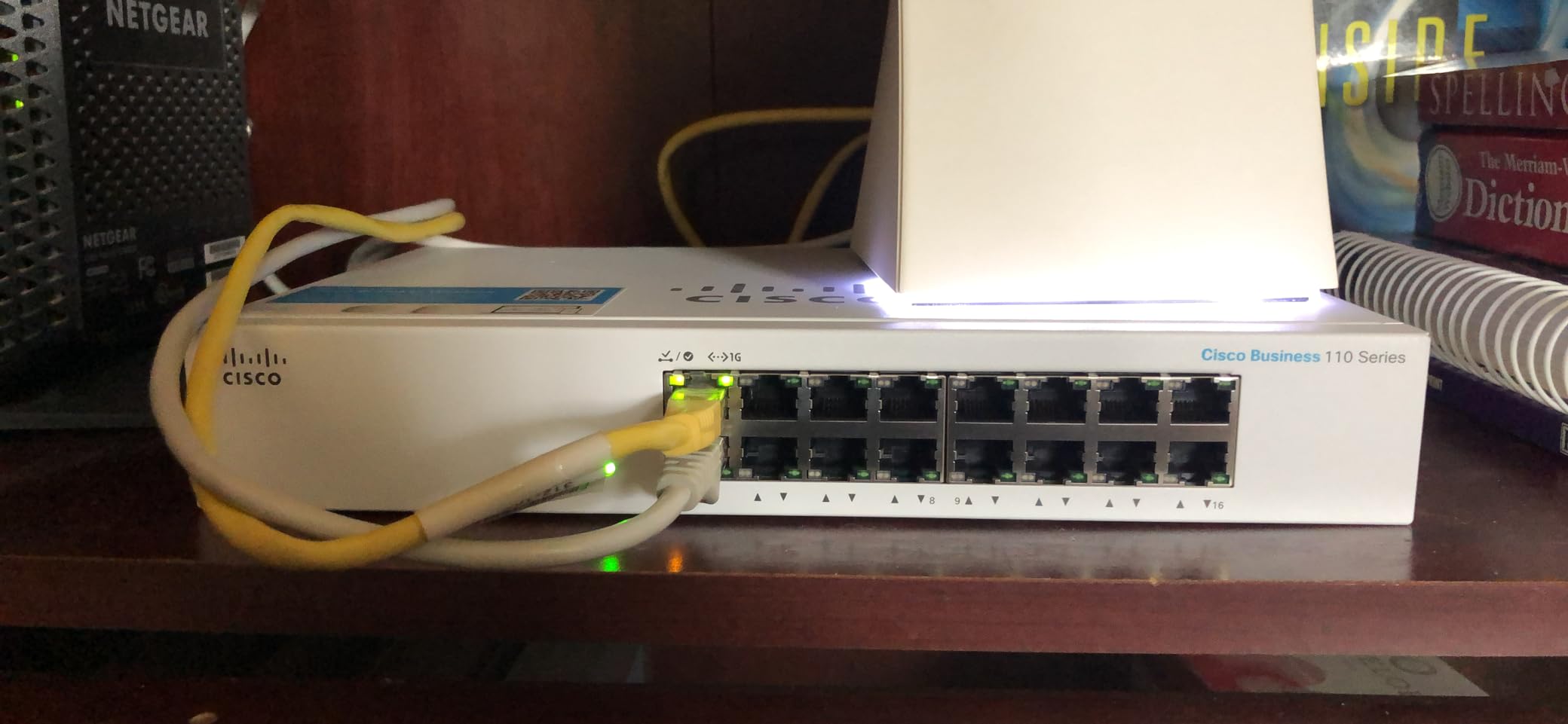
10. Cisco Business CBS110-16T: Best Warranty Cover
Cisco Business CBS110-16T Unmanaged Switch | 16 Port GE | Limited Lifetime Protection (CBS110-16T-NA)
- Business-grade 16-port gigabit switch with a limited lifetime warranty and return-to-factory replacement
- Integrated QoS intelligence prioritises delay-sensitive voice and video traffic
- Fanless across all models so it adds no noise to a quiet office
- IEEE 802.3az Energy Efficient Ethernet lowers the operating cost
- Plug-and-play operation needing no IT knowledge
- Unmanaged so no VLANs port mirroring or remote monitoring
- No Power over Ethernet in this 16-port model
- Smallest review base in the lineup at 128 ratings
- Basic plastic casing rather than the metal used by cheaper models
The CBS110-16T is the option you pick when the warranty matters more than the price. It carries a limited lifetime warranty with return-to-factory replacement, plus one year of complementary phone support through the vendor’s small business support centre, which is the most generous support commitment on this list.
Functionally it is a straightforward unmanaged 16-port gigabit switch. Integrated QoS intelligence prioritises delay-sensitive voice and video traffic without configuration, and every model in the range is fanless, so it adds no noise to a quiet office.
The trade-off is cost. This is the most expensive switch we looked at, and at 128 ratings it also has the smallest evidence base in the lineup, so buyers are effectively paying for the warranty and the business-class support rather than for features.
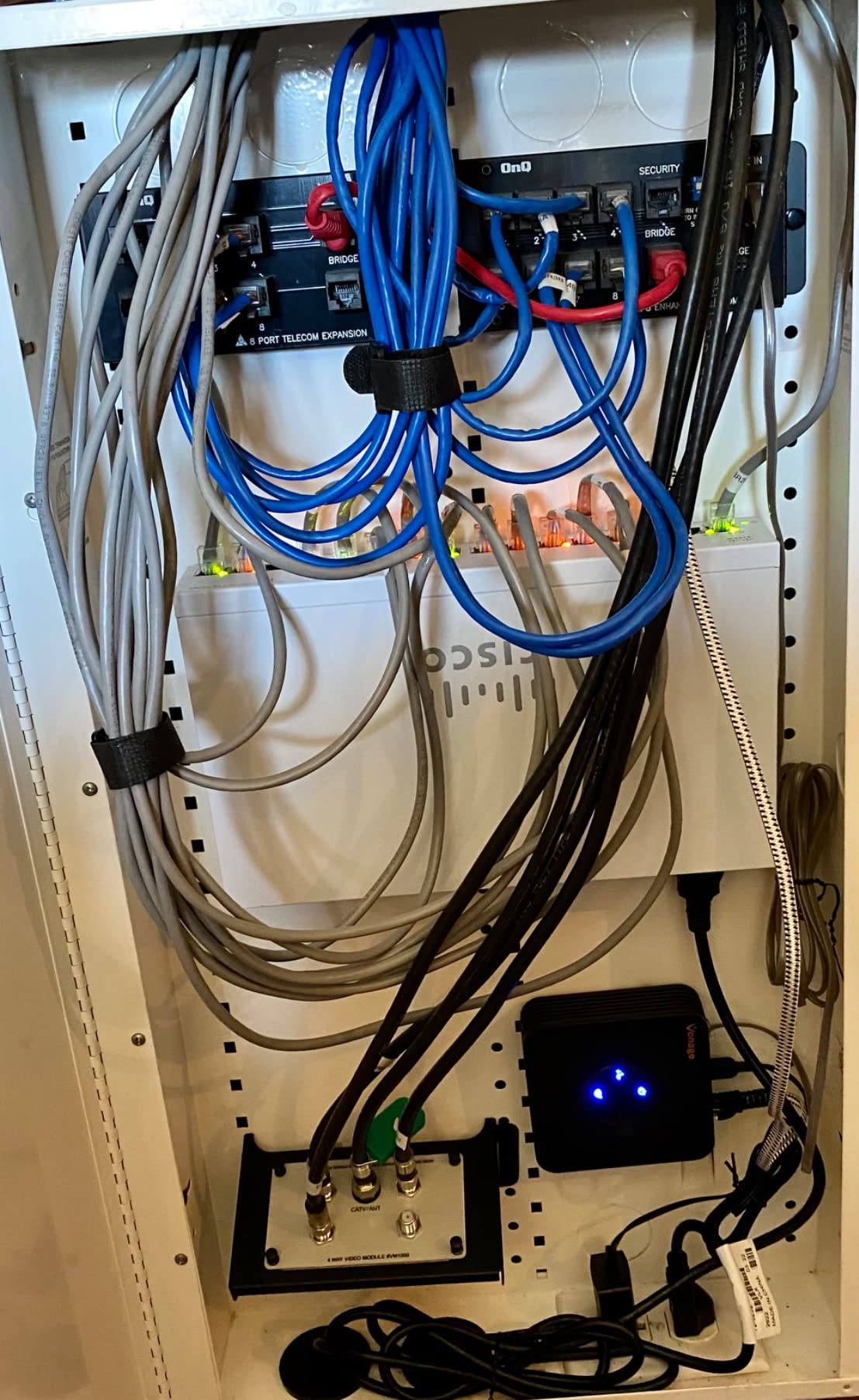
The casing is plastic rather than metal, and the listed dimensions of 18 by 12 by 3 inches reflect the packaging rather than a desk footprint. In the box you get the switch, a power cord or adapter, mounting hardware and a quick start guide.
One point of confusion worth flagging: the product listing shows a PoE interface note, but this specific 16-port GE model has no Power over Ethernet. If you need PoE, you need a different model number from the same range.
When this switch makes sense for you
It fits a shared office or a home business that wants hardware to outlive several router refreshes, and where having phone support during a setup session is worth paying for. The 802.3az efficiency also keeps idle power draw down on a box that runs all day.
For a quiet room, the fully fanless design across the range means it will not compete with your desk microphone during a call.
When you should pick something else
It is unmanaged, so no VLANs, no port mirroring and no remote monitoring. If you want to segment or observe the network, the metal-chassis smart-managed models elsewhere in this guide cost less and do more.
There is no PoE, so cameras and access points need separate power. The plastic chassis also runs warmer than the metal alternatives, and with the smallest review count here you have the least community history to lean on when something goes wrong.
How to Choose a Network Switch for a Home Office
Count your ports first and everything else becomes easier. Add up every device you want wired, then add one more for the uplink to the router. A five-port box covers four wired devices, an eight-port box covers seven, and a sixteen-port box covers fifteen.
Check what you already have plugged in. If a wired printer is part of your setup, our guide to the best printers for home offices covers the models that pair well with a wired switch. If you handle paperwork at the same desk, the best paper shredders for home offices is the companion guide.
Decide on management next. An unmanaged switch forwards frames and does nothing else, which is why it needs no configuration. A smart-managed switch adds VLANs, QoS and port monitoring through a browser but still works as a plain switch until you configure it. A fully managed switch adds SNMP, command-line control and per-port scheduling for people running the network as a system.
Match the speed to the slowest thing that matters. Gigabit, at up to 1000 Mbps per port, is correct for browsing, video calls, printing and streaming. Multi-gig 2.5 GbE over 2.5GBASE-T becomes worthwhile when a NAS sits on the network, because a single Gigabit link caps large file transfers and backups. 10G is a home-lab tier rather than a home-office one.
Look at cooling and warranty last, but do look. Every switch in this guide is fanless, which is a hard requirement for a switch living in a study. Warranty terms range from two years on the LiteWave model to a limited lifetime on the D-Link, and that difference matters over a five to ten year replacement horizon.
Finally, decide whether you actually need a switch. If your router already has enough free LAN ports and you have no plan to add cameras or an access point, you do not. Adding hardware to solve a problem you do not have only creates another box to power, cable and eventually replace.
Unmanaged vs Smart-Managed vs Managed Switches
Unmanaged switches cost least and need nothing. Smart-managed switches add VLAN segmentation, QoS and port monitoring through a browser while still working out of the box. Fully managed switches add SNMP, command-line access and automation hooks, and they are the only tier that plays well with monitoring software.
For a home office, smart-managed is the useful middle. The deciding question is not whether VLANs sound good, but whether your router can route between them. Many mesh systems in bridge mode cannot, so a managed switch paired with the wrong router gives you two isolated halves of a network and no way to talk between them.
Owners on home networking forums consistently frame the decision the same way: buy unmanaged unless you have a specific reason not to. The specific reason is usually a camera or smart home device that should not be able to reach a work laptop.
How Many Switch Ports Do You Actually Need?
Most solo home offices land in the four to seven wired device range, which means an eight-port switch. Shared offices, media walls and homes with several access points move into the fifteen device range, where sixteen ports avoids a second switch.
A five-port switch is the sensible choice when the count is genuinely small, such as a laptop dock, a printer and a single access point. Remember that one port always goes back to the router, so a five-port box gives you four usable connections, not five.
Plan the layout alongside the port count. If you are thinking about the physical side of the workspace, our guides to the best whiteboards for home offices and the best large cork boards for home offices cover the planning side of the same room.
Where to Put a Switch in a Home Office Without Hearing It
Fanless is the requirement, not a preference, and every switch in this guide meets it. A metal chassis dissipates heat passively, so a fan-cooled alternative in the same room would be the thing you notice on a video call.
Leave airflow room. These boxes are designed to draw cool air from below and vent it out the sides, so avoid wedging one into a closed shelf or stacking it under a router that has already warmed the enclosure.
Wall-mounting is the tidy option when the switch is not near the desk. Most models here include keyhole slots and rubber feet, so it can go behind a desk, beside a television or inside a comms cabinet as long as the cabinet is not sealed. A basic cable path, and a decision about where documents are stored, round out the setup alongside our best fireproof safes for home offices guide.
Cat5e vs Cat6 for a Home Office Switch
Cat5e is enough. All ten switches here are Gigabit, and Gigabit Ethernet runs fine on Cat5e for the full 100 metre limit. If your house already has Cat5e wired into the walls, there is no reason to re-run anything.
Cat6 earns its place when you plan to move to 2.5 GbE or 10G, or when a run passes near mains cabling and you want headroom for interference. Re-pulling cable is disruptive, so decide the cabling once rather than twice.
Whichever standard you have, keep runs under 100 metres and terminate cleanly. Almost every fault we would expect to see in a home office is a bad crimp or a cat5e run stretched beyond spec, not a limitation of the switch.
PoE Explained: How Much Power Do You Actually Need?
PoE delivers electrical power over the same Ethernet cable that carries data, so a camera or an access point needs one cable instead of two. The standards matter because they set the ceiling per port: 802.3af, commonly called PoE, allows up to 15.4W per port, while 802.3at, called PoE+, allows up to 30W.
The trap is that the number printed on the box is rarely the number you get. Both PoE switches in this guide have a shared total budget rather than 30W on every port, and the GS308EP’s 62W covers all eight of its ports together. A single 30W device therefore takes half the entire budget, and a second one exhausts it.
Doing the arithmetic for a typical four-camera home is instructive. Two cameras drawing under 15W each, one access point drawing around 13W and a VoIP phone drawing under 5W totals somewhere near 48W, which fits inside 62W with room for a second phone. Swap those cameras for higher-draw models and you are over budget, so count the actual draw of each device before you pick a switch.
For people who run cameras in a garage or a garden office, the UGREEN switch’s Extend mode is worth knowing about. It carries power and data over much longer runs than a standard installation, which removes the need to run mains electricity to a remote corner of the property.
What Owners Say About These Switches in Practice
The community consensus around home networking forums is consistent on three points. First, name-brand gear is preferred over unbranded hardware, largely because firmware updates and warranty coverage are unclear on unknown manufacturers. Second, fanless is treated as a hard requirement rather than a preference, because a switch in a quiet office is audible the moment it is not. Third, people think in terms of a five to ten year replacement horizon rather than buying for the speed of the internet plan they have now.
Buyers also report that switching to wired connections tends to happen for one specific reason, a device that misbehaves on WiFi. A printer that drops off the network mid-print, a video call that stalls when someone upstairs starts streaming, or a NAS backup that crawls over a congested wireless link all push people toward a switch.
The most common regret reported is buying too small. Owners of five-port units frequently describe running out of usable ports once the uplink is accounted for, and moving to an eight- or sixteen-port model a year later. Counting devices before you buy avoids that.
Frequently Asked Questions
What is the best network switch for a home network?
For most home offices the best network switch is an unmanaged 8-port Gigabit model, such as the NETGEAR GS308 or the TP-Link TL-SG105. Seven usable ports after the router uplink covers a dock, workstations, a printer, a NAS and an access point with room to spare, and nothing needs configuring.
Which Ethernet switch is best for home?
The best Ethernet switch for a home is whichever matches your device count and nothing more. Four wired devices means a five-port unit, six or seven wired devices means an eight-port unit, and anything at fifteen or above means a sixteen-port model. Fanless metal construction matters more than any other single feature.
What kind of switch do I need for a home network?
You need an unmanaged Gigabit Ethernet switch with enough ports for your wired devices plus one spare for the router connection. Faster speeds, management features and PoE are optional extras that only matter if you have a NAS, a 2.5G connection or IP cameras to power.
Do you lose speed with a network switch?
No. A switch forwards frames at full line speed on every port simultaneously, so a Gigabit switch delivers the same 1000 Mbps to each connected device as a direct router connection would. The only limit is the slowest port involved, and the slowest device on the network.
Is a network switch worth it?
A network switch is worth it whenever your router has fewer free LAN ports than you have wired devices, which is the situation in most home offices today. Routers commonly ship with four ports, and a switch is the simplest way to add capacity without replacing the router.
Do I need a managed or unmanaged switch?
Start with unmanaged, because it needs no configuration and costs less. Move to smart-managed only if you want VLAN segmentation, QoS or port monitoring, and check first that your router can route between VLANs, since many mesh systems in bridge mode cannot.
Conclusion: Which Switch Is Right for Your Home Office?
For most people reading this, the TP-Link TL-SG105 is the answer. Five gigabit ports, a silent metal body, no configuration and the deepest owner history of anything we looked at. If your device count runs past four wired connections, take the NETGEAR GS308 instead and stop counting for a few years.
Reach for the smart-managed and PoE models only when something forces you to. VLANs matter if you want cameras or smart home devices unable to reach your work laptop, and PoE matters if you would rather not run power to each camera. Everything else in a home office is solved by a plain unmanaged gigabit box.
Whichever one you choose, count your ports first, confirm the uplink leaves you enough connections, and keep the box somewhere with airflow. That is the whole decision, and the best network switches for home offices in 2026 are the ones that make it this simple.