
The best SD card for 4K video recording overall is the SanDisk 256GB Extreme, a V30 UHS-I SDXC card that reads up to 180MB/s and writes up to 130MB/s. That rating guarantees a minimum sustained write speed of 30MB/s, which covers 4K 24p, 30p and 60p on most mirrorless and DSLR bodies. If your camera records 10-bit 4:2:2, 4K 120fps or 8K, move up to a V60 or V90 card instead.
We compared ten full-size SD cards against the same criteria: the Video Speed Class guarantee, the UHS bus, real-world read and write figures, and what buyers report after months of shooting rather than after one afternoon of testing. The list deliberately mixes UHS-I value cards with UHS-II professional options, because most people buying a card for 4K video are not shooting 8K RAW.
A note on the numbers before we start. The 300MB/s on the front of a card is a maximum read speed measured in ideal conditions, and it is a marketing figure. The number that actually decides whether your recording keeps running is the V-rating, which is a guaranteed minimum sustained write speed. Every product below is judged on that second number first. Forum threads on camera boards make the same point repeatedly: people buy a card because of the big read figure, then wonder why 4K stops recording after twelve minutes.
One more thing worth saying early. Buy from an authorized retailer, check the serial number on the back of the card, and reformat it in the camera before the first shoot. Counterfeit cards are the single most repeated complaint in camera forums, and a formatted, genuine card from a known seller removes most of the risk. If you also record streams or hybrid events, our guide to the best video switchers for live streaming covers the capture side of the same workflow.
Table of Contents
Top 3 Picks for 4K Video in 2026
Those three cover the most common situations. The SanDisk Extreme wins on the combination of a huge review base and a guaranteed write floor that matches standard 4K. The 64GB Extreme PRO earns its place for compact bodies and short shoots where capacity matters less than reliability. The Lexar 1667x is the card to buy if your camera writes 10-bit 4:2:2 and you would rather not pay for V90 headroom you will never use.
Best SD Cards for 4K Video in 2026
| Product | Specifications | Action |
|---|---|---|
 SanDisk 256GB Extreme SanDisk 256GB Extreme |
|
Check Latest Price |
 Lexar 128GB Professional 1667x Lexar 128GB Professional 1667x |
|
Check Latest Price |
 ProGrade Digital 128GB Iridium V90 ProGrade Digital 128GB Iridium V90 |
|
Check Latest Price |
 PNY 256GB EliteX-PRO60 PNY 256GB EliteX-PRO60 |
|
Check Latest Price |
 ProGrade Digital 128GB V60 Gold ProGrade Digital 128GB V60 Gold |
|
Check Latest Price |
 Lexar 256GB Professional 2000x Lexar 256GB Professional 2000x |
|
Check Latest Price |
 GIGASTONE 256GB 4K Camera Pro GIGASTONE 256GB 4K Camera Pro |
|
Check Latest Price |
 PNY 128GB Elite-X PNY 128GB Elite-X |
|
Check Latest Price |
 GIGASTONE 128GB 4K Camera Pro GIGASTONE 128GB 4K Camera Pro |
|
Check Latest Price |
 SanDisk 64GB Extreme PRO SanDisk 64GB Extreme PRO |
|
Check Latest Price |
1. SanDisk 256GB Extreme: Best Overall for 4K 24p, 30p and 60p
SANDISK 256GB Extreme SD Memory Card, Up to 180MB/s Read Speeds, UHS-I
- Genuine V30 and U3 ratings for uninterrupted 4K capture
- 256GB holds hours of footage without a card swap
- Waterproof
- shockproof
- temperature proof and X-ray proof
- Recognised immediately after formatting in camera
- UHS-I bus cannot exploit UHS-II camera slots
- Advertised read speeds fall short on ordinary card readers
- 32MB/s sustained write floor rules out high bitrate and 6K or 8K
This is the card we keep coming back to. Out of more than twenty-two thousand reviews, the recurring sentence is some version of records without buffering, and that is exactly what a V30 card is supposed to deliver at 4K 24p or 30p. The 130MB/s write figure is well above the 30MB/s the rating guarantees, which means there is real headroom for 4K 60p in cameras that do not push bitrates past 100Mbps.
Capacity is the reason this is our first pick rather than the 64GB card. Two hundred and fifty-six gigabytes means a full day of 4K 30p clips on a single card for most shooters, and fewer card swaps means fewer chances to lose footage or fumble a slot in low light. The card weighs two grams and fits the usual full-size SD slot in a mirrorless body, DSLR or camcorder.
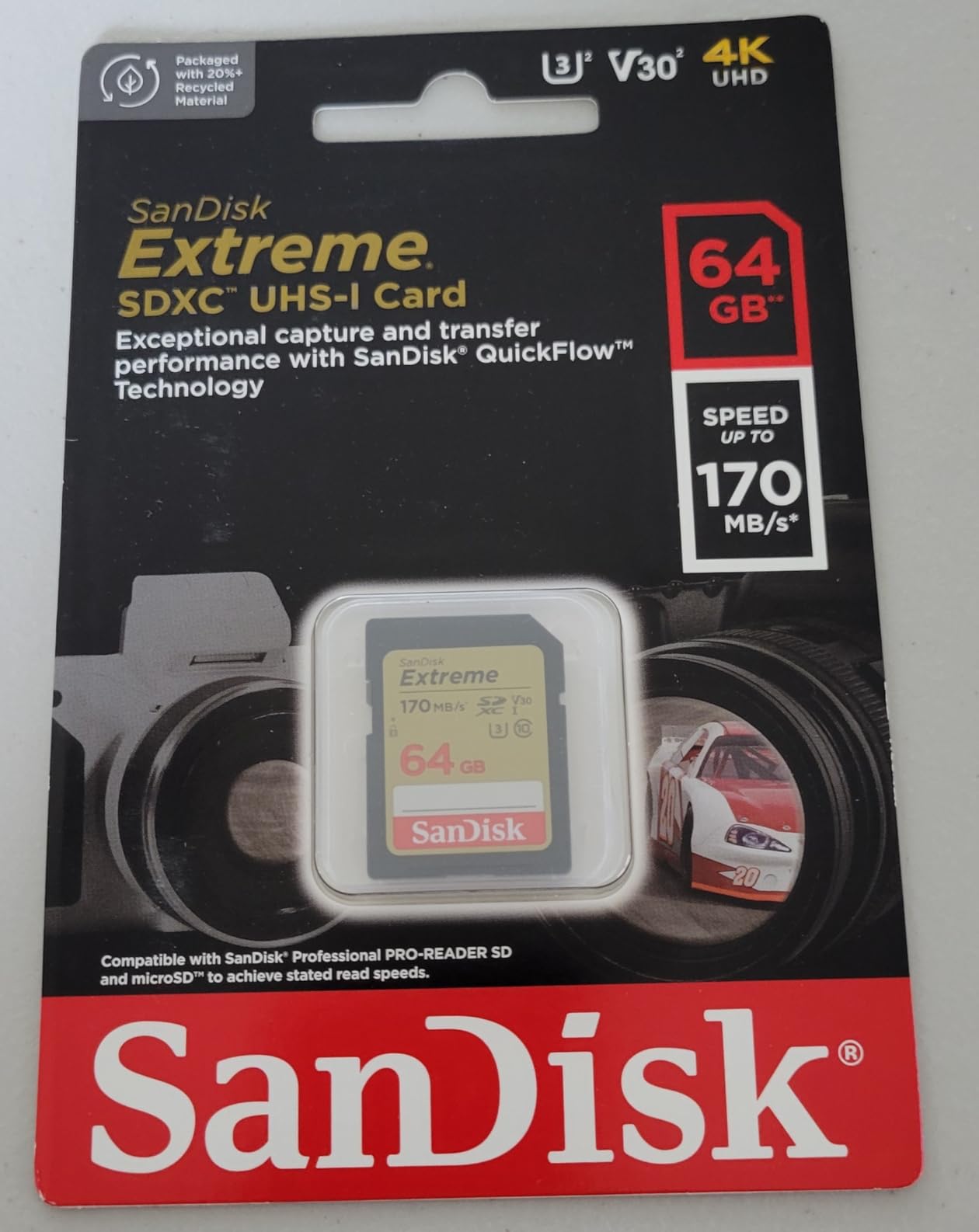
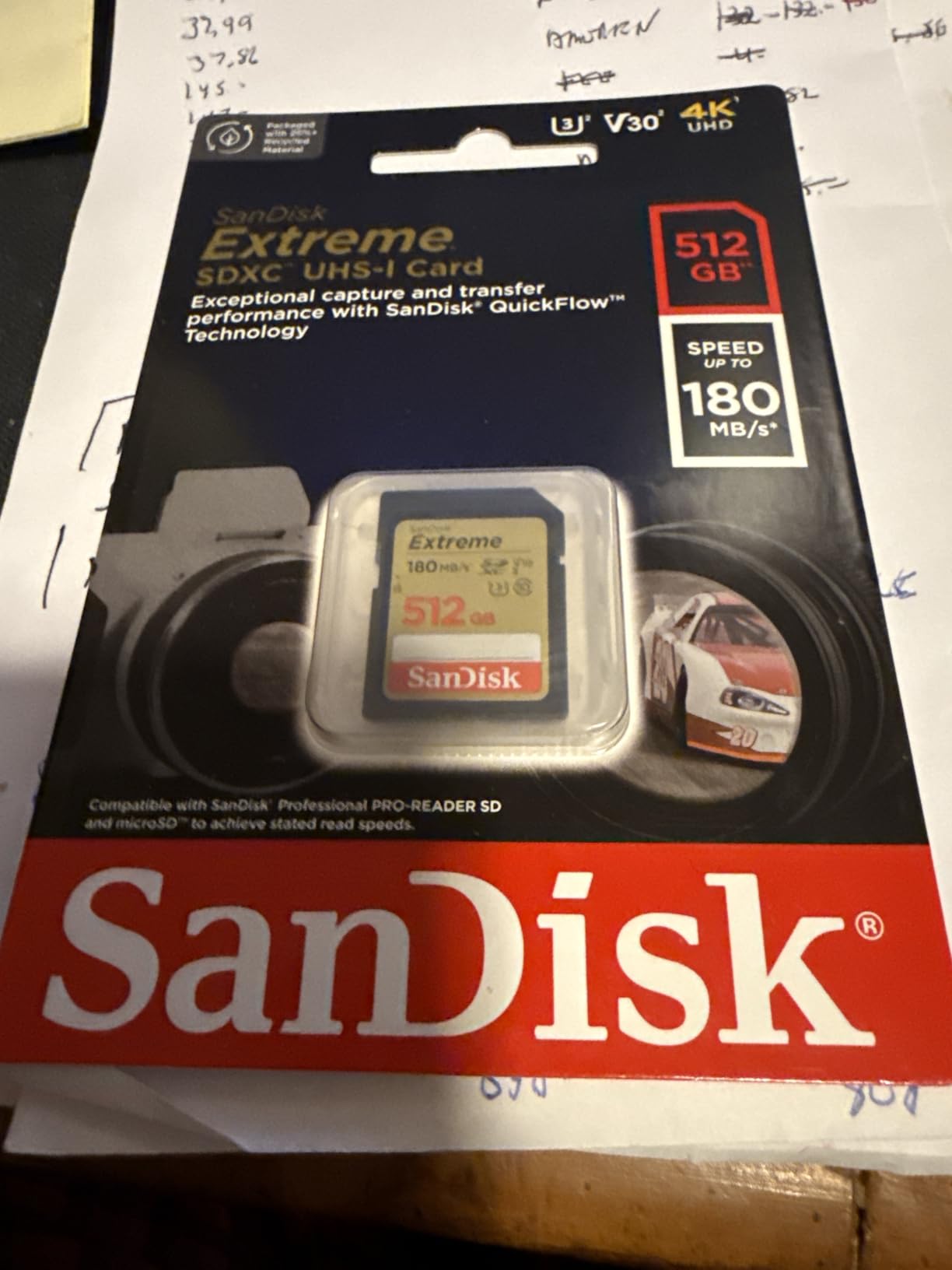
The physical design is unremarkable in a good way. The label is grey and gold, the shell is a standard SDXC shape with no moving write-protect slider, and the ratings printed on the front are U3, V30 and Class 10. Buyers report the card being recognised by cameras and computers straight after an in-camera format, which removes the compatibility guesswork that shows up with some budget rivals.
Where the numbers stop being impressive is with 10-bit 4:2:2 recording or slow-motion at 4K 120fps. The guaranteed 30MB/s floor is a 240Mbps ceiling in bitrate terms, and high-bitrate modes sit comfortably above that. Nothing in the reviews suggests a card failure, only that owners on those bodies upgraded rather than troubleshoot.
What to check before you buy it
Confirm your camera lists SDXC support. Every 4K-capable mirrorless body does, but older DSLRs and some compact cameras top out at SDHC, which caps capacity at 32GB. Then check the maximum record limit in your camera menu, because some bodies cap a single clip at 30 minutes regardless of how large the card is.
Look at how your camera handles two slots. If it offers relay recording or backup to a second card, this is a solid choice for the primary slot and for the backup slot on a body that only writes to whichever card it likes best. The UHS-I bus is not a problem here, since these are UHS-I cards working in a UHS-I slot at their full rated capability.
Where it falls short
If your camera has a UHS-II slot, you are leaving speed on the table for offloading. The read figure of 180MB/s is only reached with a good UHS-I reader, and a mid-range reader will deliver a fraction of it, which is the most common complaint in the reviews. On a UHS-II body, a V60 card in the same slot will typically offload faster even though it writes slower.
There is also a small authenticity concern. Roughly two percent of reviews are one star, and a portion of those describe cards that behaved oddly or arrived looking wrong. That is a counterfeit-screening issue rather than a defect rate, and it is another argument for buying from an authorized retailer rather than the cheapest marketplace listing.
2. Lexar 128GB Professional 1667x: Top Rated UHS-II V60 Card
- UHS-II bus delivers up to 250MB/s reads for fast offloads
- V60 rating holds high bitrate 4K without dropped frames
- Backwards compatible with UHS-I devices
- Long track record with no reported file corruption
- V60 falls short of some very high bitrate 4K and 6K modes
- Needs an in-camera format for optimal performance
- Some buyers report usable capacity below the labelled figure
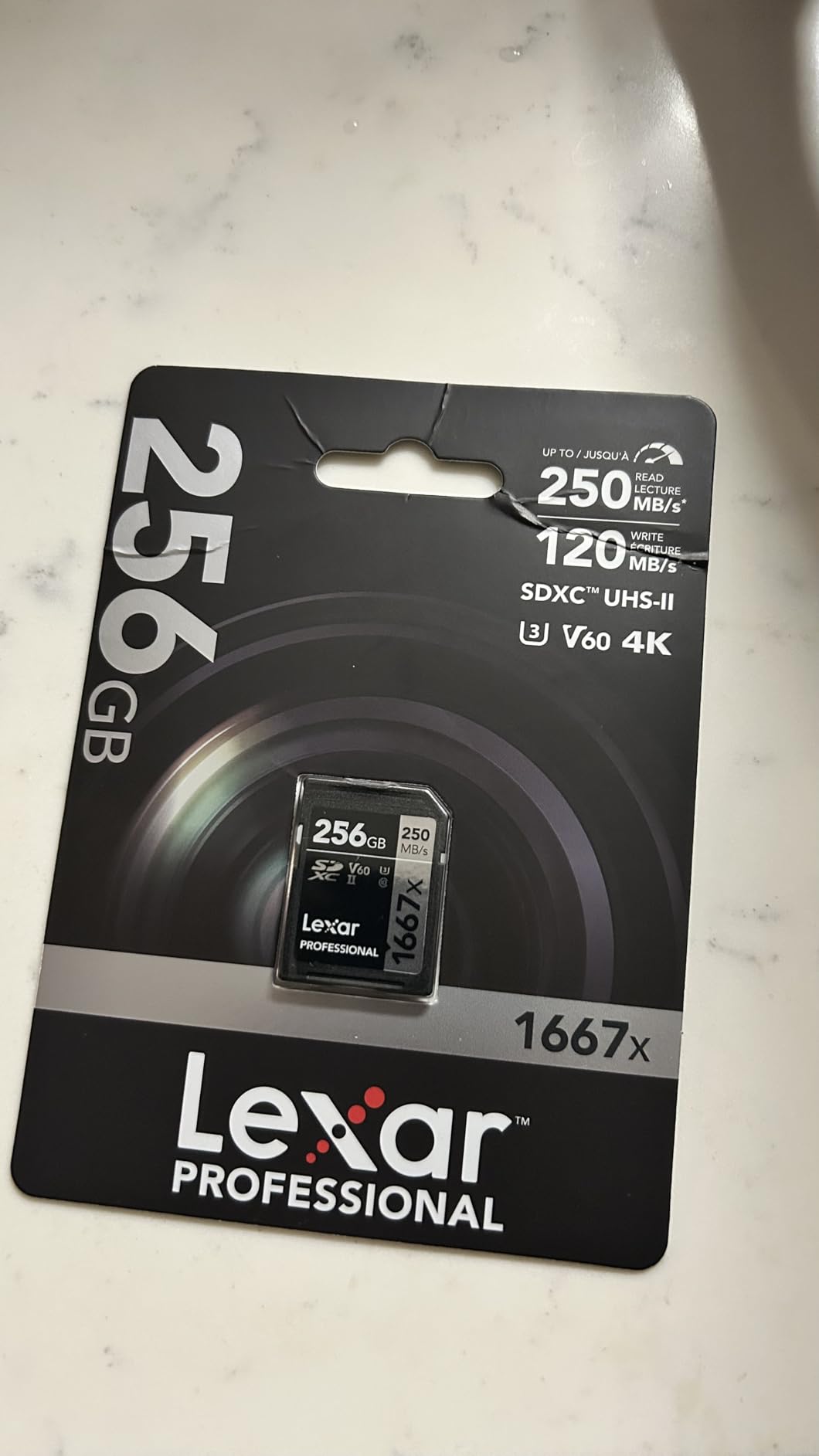
This is the card that keeps coming up in camera forum threads when people ask where the value sits between a V30 and a V90. The 1667x is a UHS-II V60 card, so it carries a 60MB/s guaranteed write floor, which is double what a V30 promises. In bitrate terms that is a 480Mbps ceiling, comfortably above the 200 to 400Mbps range most 10-bit 4K modes produce.
Users on the GH5 and the Lumix S5 II describe it as the card that simply keeps recording through long takes with no write-speed error messages. That is the entire point of the V60 rating, and it is why this card sits so high in the list despite being 128GB rather than 256GB.

The UHS-II second row of contacts is what makes it interesting beyond the write guarantee. Read speeds up to 250MB/s shorten the gap between shooting and backing up, which matters on a documentary schedule where the card goes straight into a laptop and a drive. In a UHS-I camera it simply works at UHS-I speeds, with no compatibility problem.
The rated read speed is a ceiling, so the reader still matters. A UHS-II reader is needed to see the full 250MB/s. In a UHS-I reader the card behaves like a fast UHS-I card, and it will still record your footage exactly as the V60 rating promises, because write speed is independent of the bus.
What to check before you buy it
Decide between this and a V90 honestly. If your highest mode is 4K 60p 10-bit 4:2:2 or 4K 120fps at moderate bitrate, V60 is the smarter purchase. If you shoot 8K, all-intra 400Mbps, or a RAW codec that bursts past 60MB/s, the floor matters and you should step up a tier.
Capacity is the trade-off here. At 128GB, a 400Mbps 10-bit shoot gives you a much shorter card than the 256GB options in this list. If you shoot long single takes, consider pairing two of these or choosing the 256GB V60 card further down instead.
Where it falls short
A minority of reviews report lag recording when the camera writes video directly to this card on very high bitrate settings, which is the expected V60 ceiling rather than a fault. A few buyers also query the stated capacity, so if you are recording paid work, verify the full size of the card on arrival before formatting it.
It also requires formatting in the camera for best results. Cards formatted on a desktop sometimes show up with a different allocation in the camera menu, which can waste a surprising share of the capacity. This is true of most cards, but reviewers mention it more often on this one.
3. ProGrade Digital 128GB Iridium V90: Best for 8K and All-Intra Recording
ProGrade Digital SDXC UHS-II V90 Iridium Memory Card (128GB)
- V90 guarantees 90MB/s sustained writes for 4K60
- 6K and 8K
- Up to 300MB/s read and 200MB/s write for fast offloads
- 100 percent card testing with serialized component tracking
- Handles hours of continuous recording in high heat
- Premium cost against V60 UHS-II alternatives
- Needs a UHS-II host and reader to reach advertised speeds
- Health monitoring software sold separately
The Iridium is the card to buy when the camera writes more than 60MB/s. A V90 rating guarantees a minimum sustained write speed of 90MB/s, which is a 720Mbps ceiling in bitrate terms, and that is the threshold for 8K, all-intra 400Mbps and similar modes where a V60 card will eventually stall.
Cinema and photo professionals in the reviews report long-form recording on bodies like the Sony FX6 and the ZV-E1 without errors, including 4K 10-bit 4:2:2 with safety tracks. Several describe recording through long hot days where lower-tier cards started throwing errors.
Two details make this card unusual. Every unit is tested before it ships, and components are tracked by serial number, which is the same counterfeit-resistant approach that camera rental houses rely on. The controller and firmware are tuned for cinema bodies and RAW workflows rather than for phone apps, which is exactly the priority for 4K video.
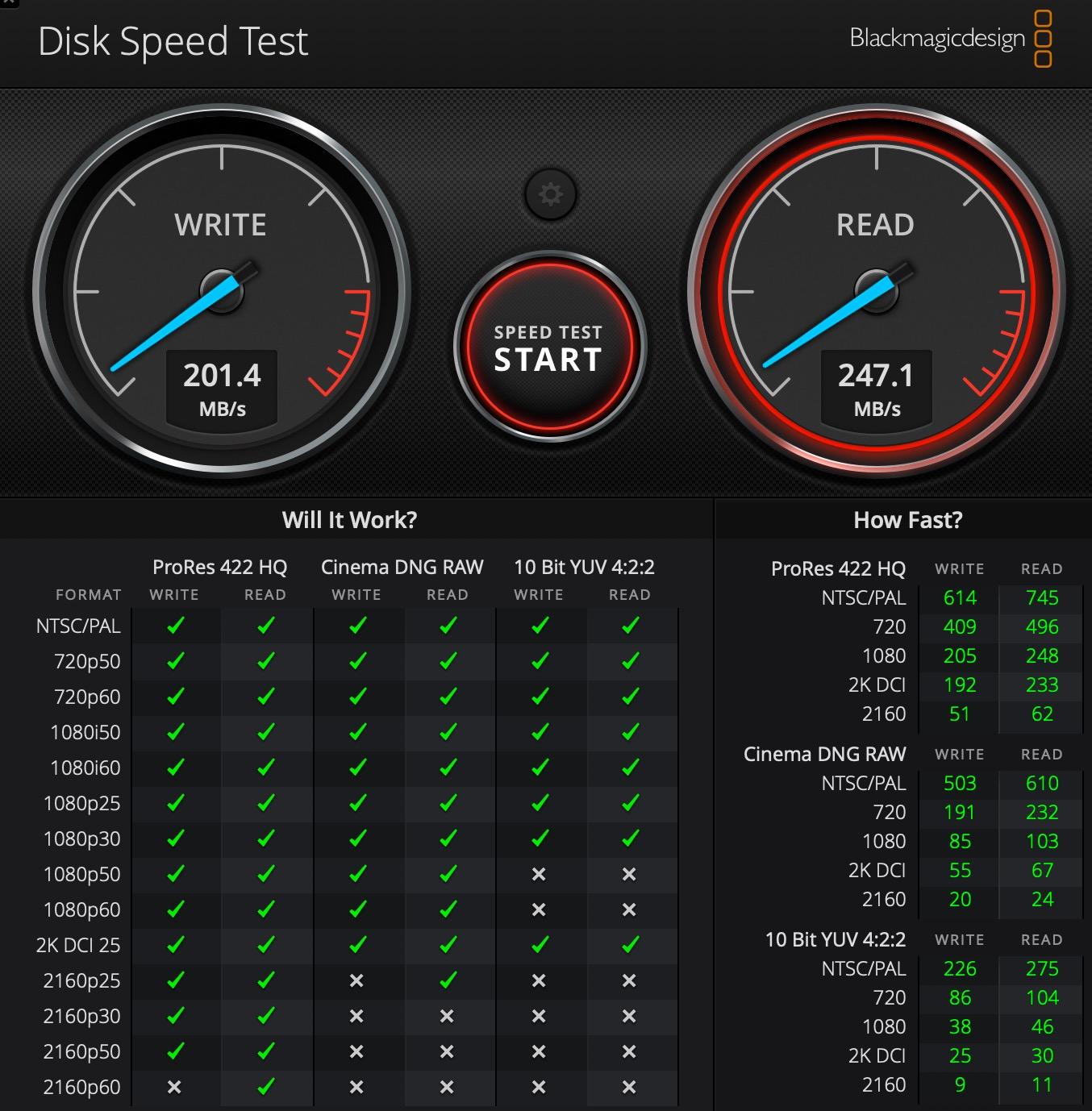
The 300MB/s read figure is only achievable with a UHS-II reader, and reviewers using a UHS-I reader see a fraction of it. That does not affect recording quality, since the write guarantee is what the camera relies on during capture.
What to check before you buy it
Check the bitrate ceiling of your camera in its manual or menu. If the highest bitrate your body can produce at 4K sits under 400Mbps, a V60 card will do the job and free up budget for more cards or a bigger drive. V90 earns its place above roughly 400Mbps, at 8K, or when a codec writes in an intra-only mode.
Also check for a UHS-II slot. In a UHS-I body this card records identically but the extra read speed is wasted. If your plan involves offloading on location, budget for a UHS-II reader, otherwise the read figure buys you nothing.
Where it falls short
Cost is the recurring reservation in the reviews, and reviewers who try it generally conclude the performance justifies the spend. It is also 128GB, which is small for 8K work, where the bitrates mean a card fills quickly. Consider the 256GB V90 further down the list if you shoot long 8K sessions.
The warranty here is three years rather than a limited lifetime warranty, and the Refresh Pro health-monitoring software is a separate purchase. If you want to know how many write cycles a card has used, budget for that tool or accept that you will not get that data.
4. PNY 256GB EliteX-PRO60: Best UHS-II V60 for 4K 120fps Dual-Slot Bodies
PNY 256GB EliteX-PRO60 U3 V60 UHS-II SDXC Flash Memory Card, 4K Ultra HD
- Up to 280MB/s read and 180MB/s write
- V60 rating verified for 4K 10-bit 4:2:2 at 150MB/s
- Handles 4K 120fps on the Sony FX30 with consistent writes
- Often praised as strong value among UHS-II V60 cards
- One of two units a reviewer bought failed within a few months
- Write speed can fall short of the rated figure in some setups
- Minimal packaging is easy to lose
The EliteX-PRO60 fills a gap the other cards leave open: a 256GB UHS-II V60 option. Many shooters want the UHS-II bus for faster offloading and dual-slot recording, but do not need to pay for V90 headroom. This card delivers a 60MB/s guaranteed floor at double the capacity of most V60 cards in circulation.
Users treat it as a workhorse for Sony and Canon bodies, reporting 4K 60p and 4K 120p recording with no errors and quick buffer clearing. One review specifically cites verified 4K 10-bit 4:2:2 at 150MB/s on a dual-slot body, which is the kind of specific claim that shows a card was actually worked rather than benchmarked.
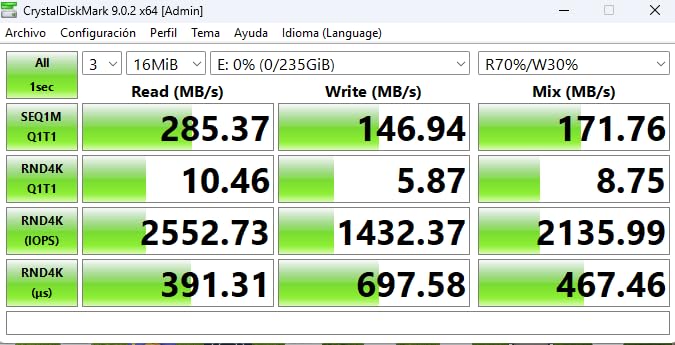
The rated 180MB/s write and 280MB/s read figures are useful context even though only the V60 floor is guaranteed. In practice reviewers report the card clearing bursts and multi-slot workflows without hesitation, and the UHS-I backwards compatibility means it also works in older bodies and in any reader you own.
Magnet, shock, temperature and water resistance cover the usual field conditions. The card is a standard full-size SDXC, so it fits any camera or reader that takes full-size cards.
What to check before you buy it
If your body records 4K 120fps, check the bitrate of that mode specifically. Many 120fps modes are lighter than their frame rate suggests, which is why a V60 card can work. A mode that writes above 480Mbps will not, and needs a V90.
For dual-slot bodies, read the manual on which slot handles high-bitrate recording. On many cameras only one slot is wired to the faster controller, and putting a V60 card in the wrong slot is a common cause of the write-error messages users post about this card.
Where it falls short
The most significant negative in the reviews is an isolated early failure, where one of two units stopped working within a few months and was replaced by the seller. One report is not a pattern, but it is worth formatting and testing the card before a paid shoot rather than after.
Write speed can also fall short of the rated figure in setups where the host device or reader is the limit. With only a little over thirteen hundred reviews behind it, this is also the smallest review base in the group, so treat the rating as encouraging rather than proven by volume.
5. ProGrade Digital 128GB V60 Gold: Best for 10-bit 4:2:2 and Burst Stills
- Verified write speeds around 130MB/s clear large RAW buffers quickly
- Up to 250MB/s reads make bulk offloads very fast
- Independent testers measured roughly 260MB/s read and 200MB/s write
- V60 proved ample for 4K 10-bit 4:2:2 on the Lumix S5 II
- Needs a UHS-II reader to realise full transfer speeds
- Small paper-only packaging is easy to misplace
- Some users reformat the card in camera on every insertion
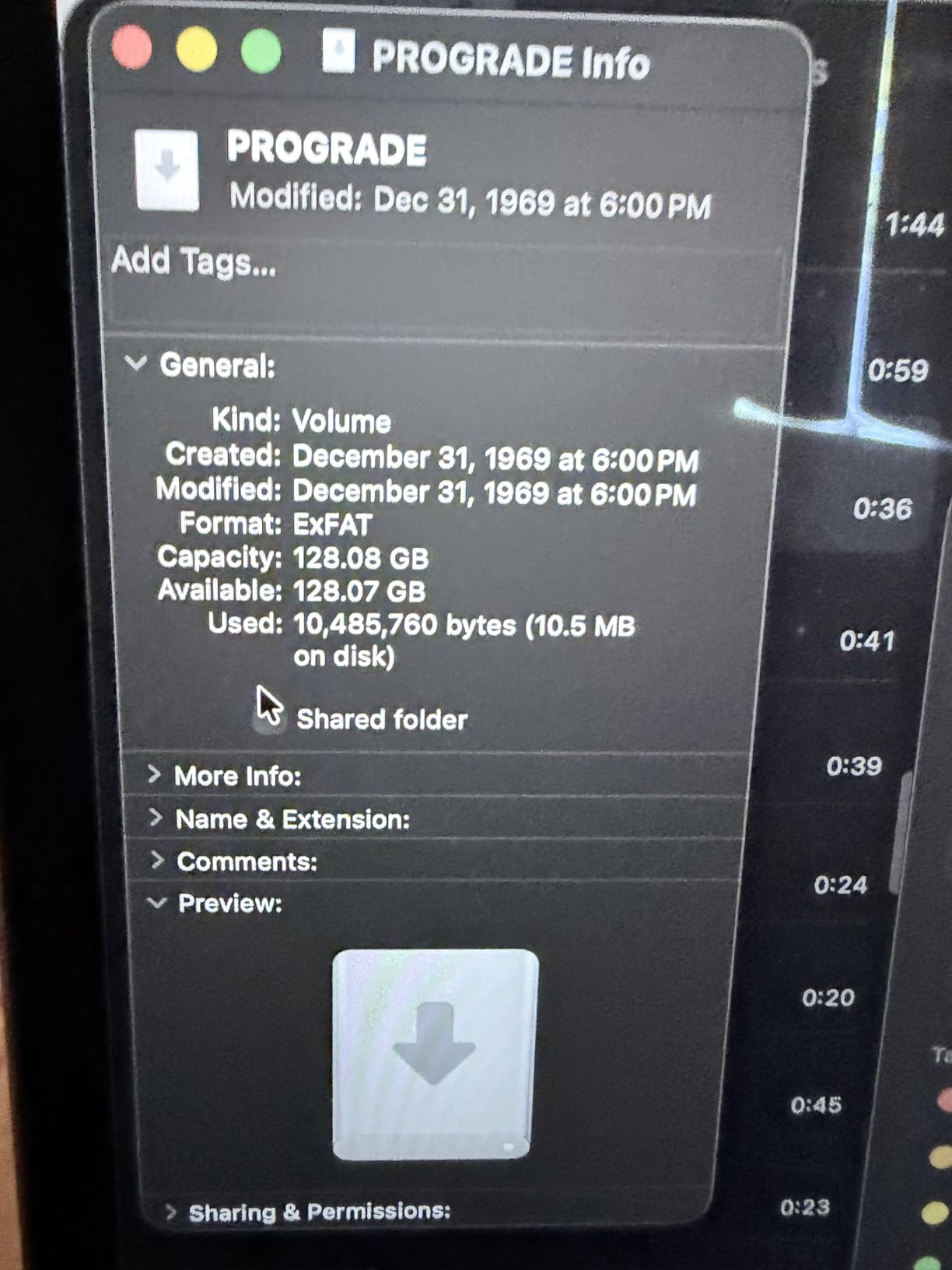
The V60 Gold is the one on this list that reviewers have benchmarked with third-party equipment rather than just plugged into a camera. Independent testers measured roughly 260MB/s read and 200MB/s write on this line, which is above the printed figures. That matters because it means the guaranteed 60MB/s floor has real headroom behind it.
Photographers and videographers describe it as strong value: fast buffer clearing, long burst sequences, stable 4K and 6K recording with no dropped frames. One user reports 4K 10-bit 4:2:2 on the Lumix S5 II with no write-speed errors at all.
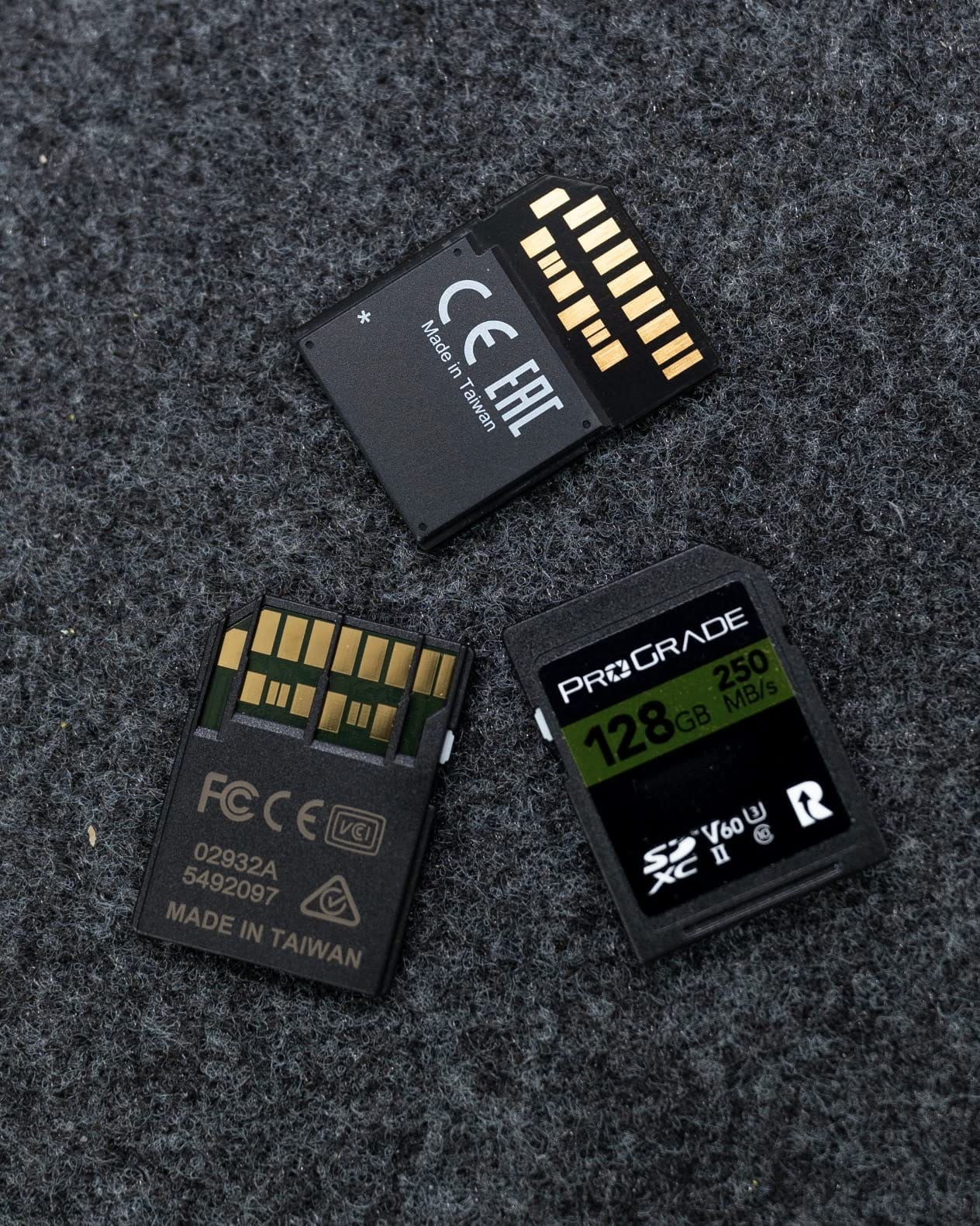
Laser-etched serial numbers are the detail that separates it from cheaper V60 cards. The etching cannot be replicated with a printed sticker, so a genuine card can be verified before a shoot, and the Recovery Pro software is included rather than sold separately. It is temperature, water and X-ray proof, which covers hot locations and humid shoots.
For a hybrid shooter the burst figures matter as much as the video ones. Clearing a large RAW buffer quickly is the same physical job as writing video frames, and the measured write speed gives it an edge over slower UHS-II V60 options.
What to check before you buy it
Confirm you own or will buy a UHS-II reader. Without one, the 250MB/s read figure is unreachable and you are using a card in a way that wastes part of its design. A UHS-II reader is inexpensive and it changes the offload time on a full day of footage.
At 128GB, pair it with a second card of the same class rather than one large card, so a single failure or loss does not take the shoot with it. If your body offers relay recording across two slots, this card works well in either role.
Where it falls short
The packaging is small paper, and reviewers mention losing it or misplacing the card in a bag. That is a small complaint, but it is repeated often enough to be worth noting if you keep spare cards in a case rather than in the camera body.
A few users report needing to reformat the card in the camera on every insertion, and others find the plastic feels thin compared with older, heavier cards. Neither affects recording, but both are signs this is a card built for value rather than for abuse.
6. Lexar 256GB Professional 2000x: Best for Long 8K Sessions
Lexar 256GB 2000x SD Memory Card, 300MB/s Read, 8K, V90, U3, UHS-II
- UHS-II transfer speeds up to 300MB/s read for fast offloads
- V90 supports cinema quality 8K and high bitrate 4K
- Durable against drops
- temperature
- vibration and X-rays
- Large 256GB capacity for long sessions
- Highest cost in this group for mainstream 4K work
- UHS-II host and reader required to reach 300MB/s
- V90 headroom is unnecessary for standard 4K capture
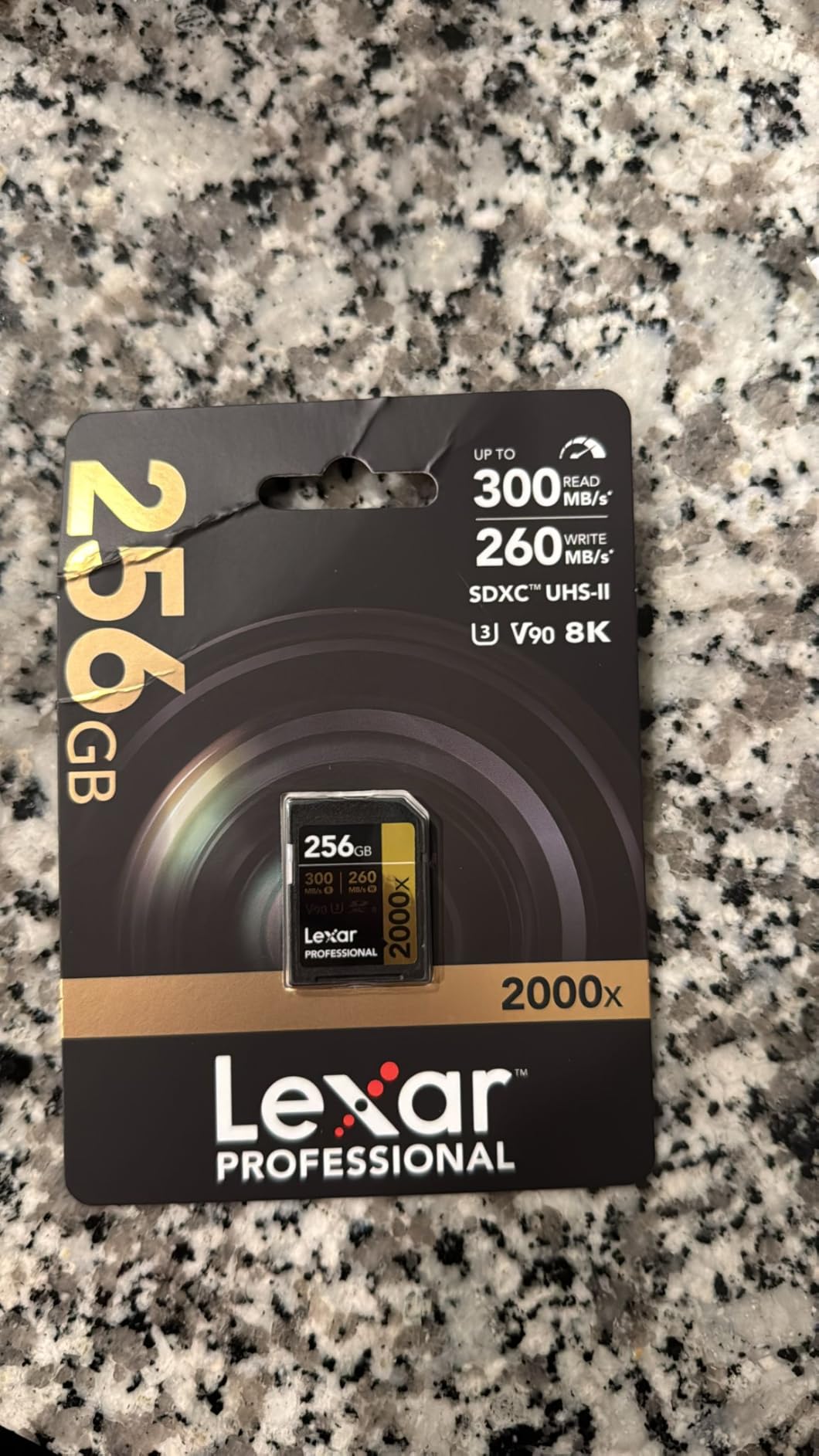
Where the ProGrade Iridium gives you the V90 floor in 128GB, the 2000x gives it to you in 256GB. That combination is what makes it the pick for 8K work or any shoot where you do not want to change cards mid-take. At 8K bitrates, capacity is the binding constraint as often as speed.
The card carries a V90 and U3 rating with a 90MB/s guaranteed write floor, and it is built to survive drops, vibration, temperature extremes and X-ray exposure. Reviewers using it for high-bitrate work report strong reliability, and the limited lifetime warranty is a genuine manufacturer commitment rather than a marketing line.
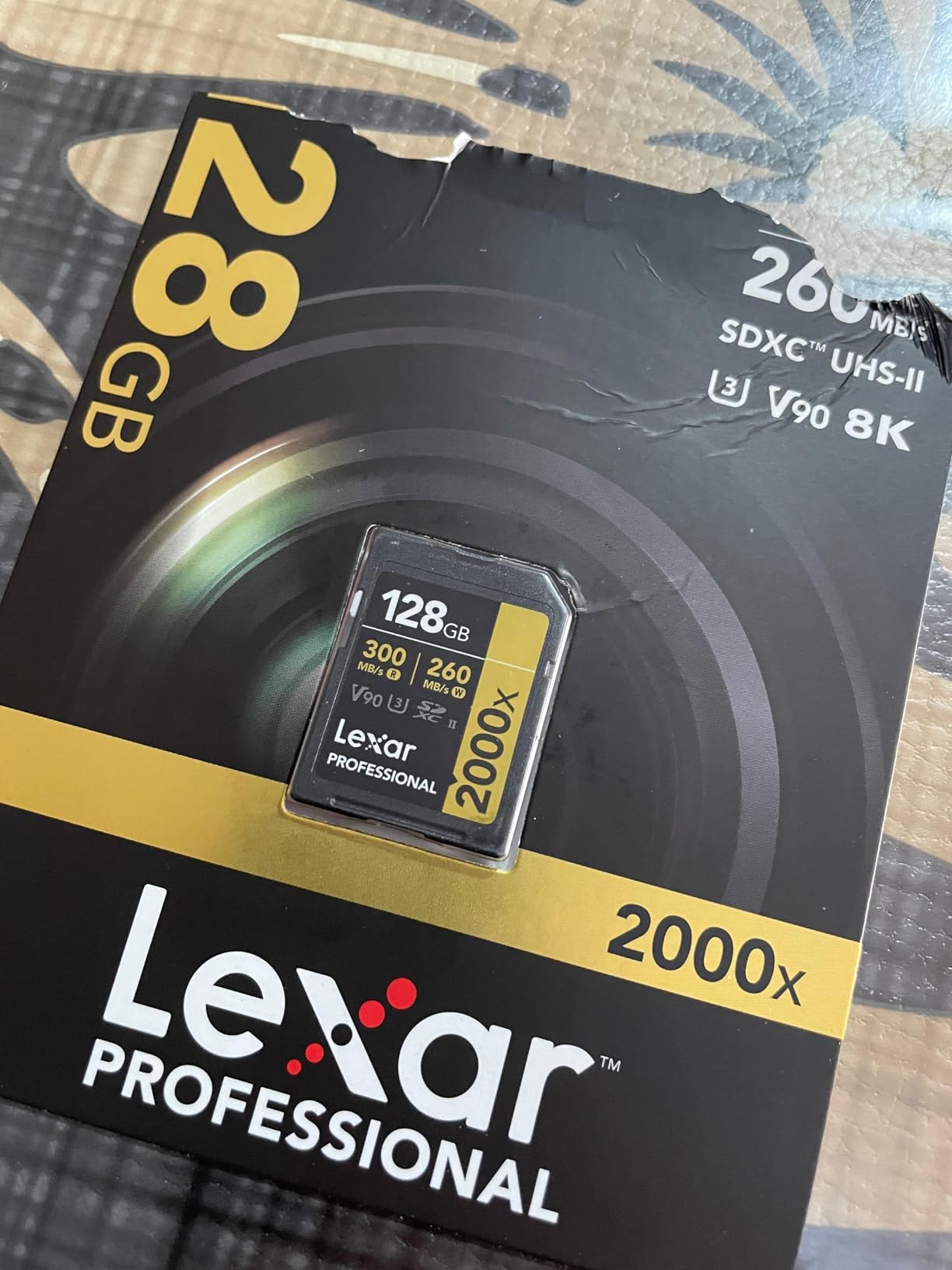
It stays backwards compatible with UHS-I devices, so it works in an older body or a UHS-I reader, just without the extra read speed. For offloading you need a UHS-II reader to see anything near the 300MB/s figure, which is the same requirement as every other UHS-II card here.
The practical difference from the Iridium is workflow rather than capability. Both guarantee 90MB/s sustained writes. The 2000x simply holds twice the footage, which means fewer swaps, fewer chances of a dropped card and fewer backups to manage in the field.
What to check before you buy it
Work out your actual per-clip length before spending here. If your highest mode is 4K 60p at a modest bitrate, this card solves a problem you do not have, and a V60 card at 256GB gives you the same runtime with money left over. If you shoot 8K or all-intra, the headroom is genuinely useful.
Check the size limits of your camera too. Some bodies cap SDXC cards at 256GB, and a few older bodies only read 128GB, in which case the 128GB V90 options on this list are the better buy.
Where it falls short
Price is the recurring reservation, and it is the most expensive card in this group. Reviewers who do not need 8K describe it as paying for performance they never use, which is a fair criticism of any V90 purchase outside professional work.
Without a UHS-II host, the 300MB/s figure is unreachable and you are carrying a UHS-I card. The V90 write floor still holds, so recording quality is unaffected, but the read speed you paid for is being ignored by the device.
7. GIGASTONE 256GB 4K Camera Pro: Best for Full-Size SD Slots and Long Warranties
【5-Yrs Free Data Recovery】 GIGASTONE 256GB SD Card, 4K Camera Pro, UHS-I A1 V30 SDXC Memory Card 4K UHD Video Speed up to 170MB/s Compatible with Digital Camera, with 1 Mini Case
- Up to 170MB/s transfer speed for 4K UHD capture
- 256GB capacity supports long 4K sessions
- 5 year limited warranty plus 5 years free data recovery
- Waterproof
- temperature
- X-ray
- shock and magnetic proof
- V30 write class limits it to standard bitrate 4K
- UHS-I interface is a bottleneck in UHS-II slots
- Bundled mini case is easily lost
Not every 4K device has a UHS-II slot. Camcorders, older mirrorless bodies and a lot of budget cinema cameras take a single full-size UHS-I card, and for those the extra bus is irrelevant. The GIGASTONE 4K Camera Pro is a plain, durable V30 UHS-I card at 256GB, which is a sensible match for that equipment.
Buyers describe it as a dependable, no-frills card that handles 4K UHD in DSLRs and camcorders without trouble. The appeal is durability and capacity rather than headline speed, and the A1 and V30 ratings printed on the label are genuine rather than aspirational.

The warranty and recovery package is unusually generous. Five years of limited manufacturer warranty plus five years of free data recovery is more cover than most cards in this list offer, and it matters more than it sounds once you are shooting paid work. Water, temperature, X-ray, shock and magnetic resistance cover the conditions a card actually meets on location.
It is a full-size card measuring 32mm by 24mm, so it drops straight into a DSLR, a point-and-shoot or a camcorder slot. A small mini case is included, which is easy to misplace but easy to live without.
What to check before you buy it
Check the bitrate of your device. A V30 floor of 30MB/s translates to 240Mbps, so any 4K mode above that will not be sustained. Most consumer 4K modes sit well under it, but a camcorder with a high-bitrate codec may not.
If your camera has a UHS-II slot, this card will work in it but will run at UHS-I speeds. In that situation one of the V60 UHS-II options is a better use of the slot, and offloads will be considerably faster.
Where it falls short
There is no high-bitrate headroom, so 10-bit 4:2:2 at 200Mbps and above is out of reach on a sustained basis. The UHS-I bus also means it cannot exploit the read speed of a UHS-II reader, so offloads are limited by the bus as well as the card.
At 256GB this is one of the larger V30 options available, which is a strength for long standard-bitrate shoots and a weakness if you need faster sustained writes. Buyers focused on burst RAW sequences will find the UHS-II V60 cards a better match.
8. PNY 128GB Elite-X: Best Value for 4K UHD
- Genuine U3 and V30 ratings for 4K UHD at a low cost
- Up to 100MB/s read is adequate for 4K and burst HD
- Magnet
- shock
- temperature and water proof
- Widely compatible with point-and-shoot
- DSLR and camcorder slots
- UHS-I read speed caps at 100MB/s
- V30 write ceiling rules out high bitrate and 4K 60 or 120 modes
- 1-star review share slightly higher than the group average
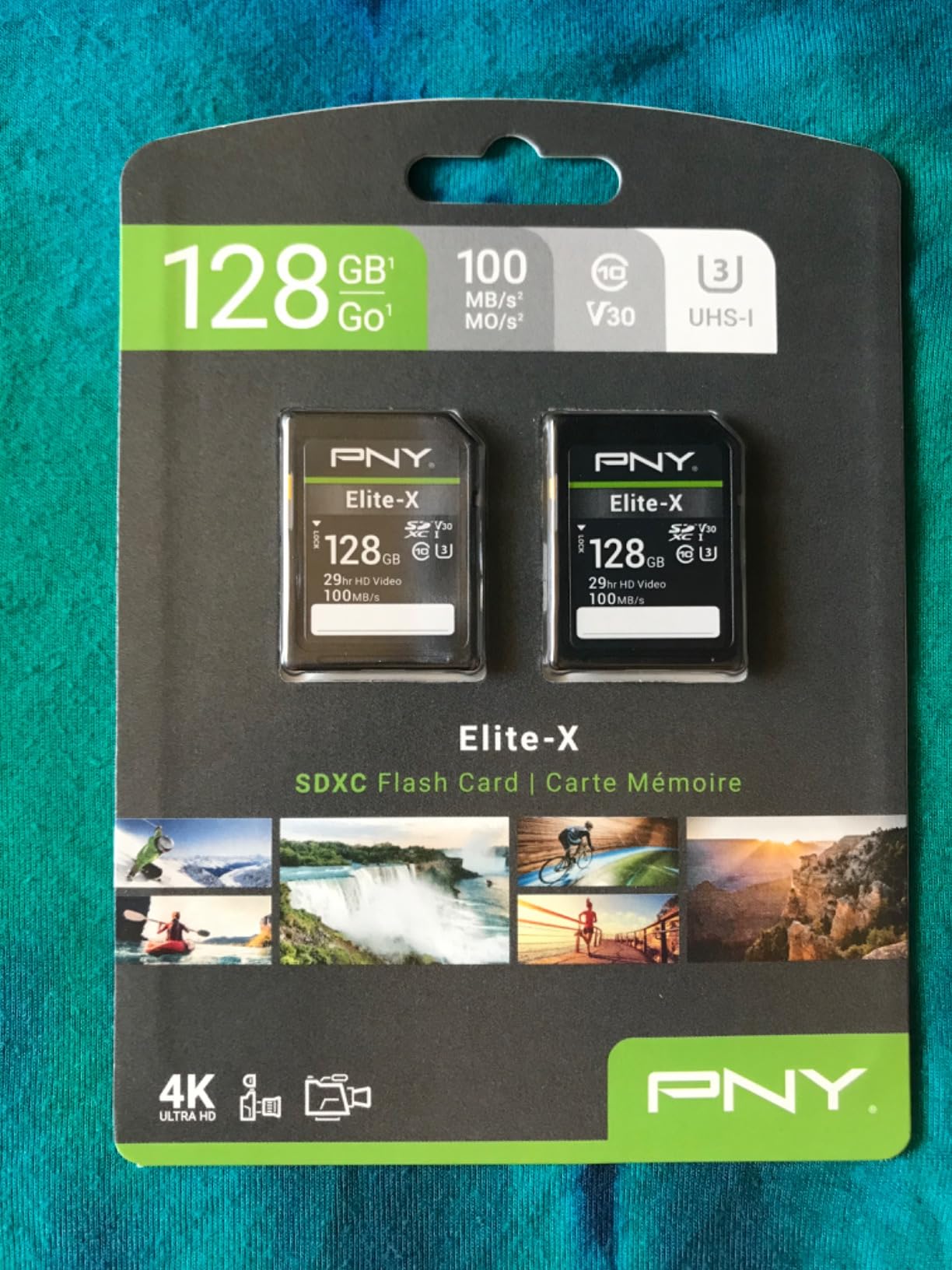
The Elite-X is the cheapest way into 4K recording that still carries a real V30 and U3 rating. A lot of cards at this end of the market advertise 4K UHD on the label without the V30 rating, which means no guaranteed write floor at all. This one has it, printed on the card, and that is the difference between a gamble and a specification.
Buyers accept the modest 100MB/s UHS-I read speed in exchange for the cost and a genuine 4K rating. Feedback is positive on reliability and durability, and the recurring limitation is stated plainly by owners: it is not a card for high-bitrate 4K modes or for UHS-II slots.

The limited lifetime warranty is a genuine plus at this price point, and the physical construction is magnet, shock, temperature and water proof. It fits anything that takes a full-size SDXC card, from a compact camera to an older DSLR to a camcorder.
One detail to be aware of: the 128GB capacity fills quickly with 4K footage. On a standard 100Mbps 4K 30p mode that is roughly an hour and a half before the card is full, so plan on rotating through more than one during a shoot day.
What to check before you buy it
Match it to your camera menu. If your body offers a 4K 30p mode at a bitrate under 240Mbps, this card records it reliably. If the same body also offers 10-bit 4:2:2 or 120fps, treat those modes as off the table and buy one tier higher.
Capacity is the other check. A 128GB card is a good second or third card in a kit rather than the only card you own. For long event work, a 256GB V30 card gives you the same speed class with twice the runtime.
Where it falls short
The UHS-I bus caps read speed at 100MB/s, so offloads take longer than with any UHS-II card in this list. On a 128GB card that is a noticeable wait after every card, and it is the main reason professional shooters skip this tier entirely.
The rating distribution is also slightly weaker than the group, with about four percent of reviews at one star against closer to two percent for the SanDisk and Lexar cards. The durability ratings are solid, but it is not the choice for a card you expect to pass between shooters.
9. GIGASTONE 128GB 4K Camera Pro: Best Warranty and Data Recovery Cover
【5-Years Data Recovery】GIGASTONE 128GB SD Card 4K Camera Pro, 150MB/s Read
- V30
- U3 and Class 10 ratings support 4K UHD recording
- Affordable mid-tier capacity for extended shoots
- 5 year warranty plus 5 years of data recovery coverage
- Waterproof
- temperature
- X-ray
- shock and magnetic proof
- Listed 150MB/s headline exceeds the 100MB/s technical figure
- UHS-I only with a V30 write ceiling for high bitrate modes
- Slower offloads than UHS-II cards of similar capacity
This is the card to pick when the warranty matters more than the headline speed. Five years of limited manufacturer warranty plus five years of data recovery coverage is the strongest after-sales package here, and for a photographer whose income depends on recovering a card that went read-only, that is worth more than a faster read figure.
Reviewers see a solid everyday 4K card with genuine durability at a modest cost. The rating set is A1, V30, U3 and Class 10, which is everything a consumer 4K body asks for, and the full-size 32mm by 24mm form factor works across digital cameras, camcorders and PCs.

One thing to be aware of before you compare it to other cards: the listing headline says 150MB/s while the technical specification lists 100MB/s, and several reviews point out the discrepancy. The V30 rating is unaffected, because a V30 guarantee is a floor of 30MB/s and this card clears it easily. Judge it on the rating, not the headline.
A V30 floor translates to 240Mbps of bitrate, so it covers standard 4K 24p, 30p and most 60p modes. It does not cover 10-bit 4:2:2 above that, or 4K 120fps, and the UHS-I bus limits read speeds during offload.
What to check before you buy it
Decide whether recovery cover changes your buying decision. If you shoot once a year for a family event, it probably does not. If you shoot weddings, live events or documentary work, five years of recovery is a real risk reduction and it separates this card from the rest of the V30 group.
Check your camera’s bitrate ceiling as always. Anything above 240Mbps needs a V60 card, and any of the UHS-II V60 options in this list will handle a 10-bit 4:2:2 mode without complaint.
Where it falls short
It is UHS-I only, so offloads are slow relative to the UHS-II cards here, and the V30 write ceiling rules out high-bitrate modes. The mismatched headline speed figure is also worth remembering if you are comparing specification sheets side by side.
At 128GB it fills quickly on a long 4K shoot, so for all-day recording a 256GB card is the smarter purchase. The mini case included with the card is also the first thing to go missing in a kit bag.
10. SanDisk 64GB Extreme PRO: Best Compact Card for Smaller Cameras
SANDISK 64GB Extreme PRO SDXC UHS-I Memory Card – C10, U3, V30, 4K UHD, SD Card – SDSDXXU-064G-GN4IN
- Up to 200MB/s read and 90MB/s write with QuickFlow
- V30 and U3 ratings handle 4K UHD without buffering
- Shockproof
- temperature
- waterproof and X-ray proof
- Recognised instantly by cameras and computers
- 64GB fills quickly and needs frequent changes
- UHS-I and V30 rule out very high bitrate 4K and 6K or 8K
- Real-world read speed depends on the host reader
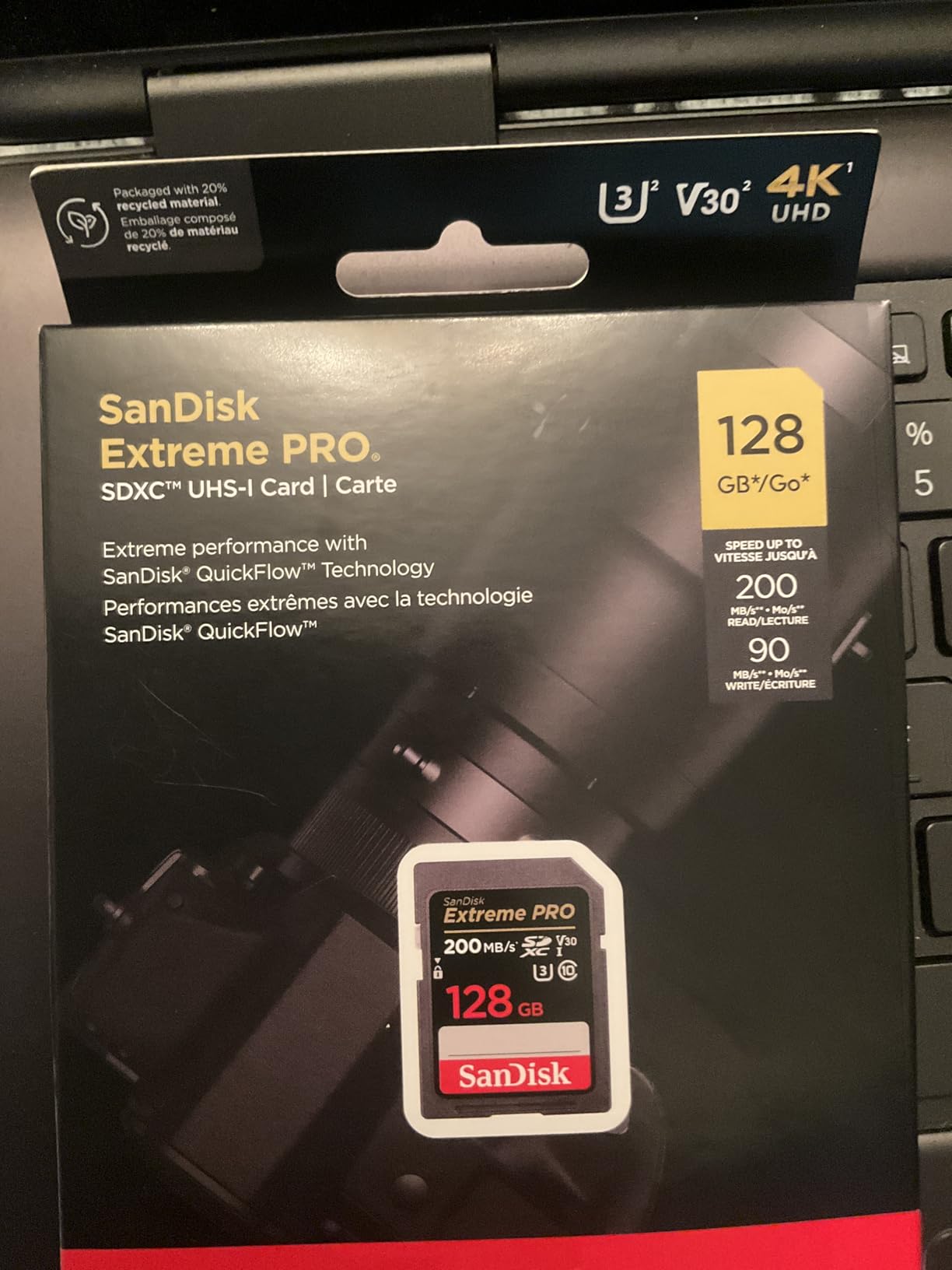
The Extreme PRO line is the most reviewed SD card family in this list, and this 64GB version carries the highest rating of the ten. For compact and mirrorless cameras where a small card keeps the body balanced, it is the card to carry when you are not carrying a pouch of spares.
Reviewers rely on it for Canon EOS R and OM-system bodies, reporting dependable 4K capture, no lag in burst mode and quick offloads when paired with a good reader. The V30 and U3 ratings mean 4K UHD records without buffering, and the 90MB/s write figure sits well above the 30MB/s floor.
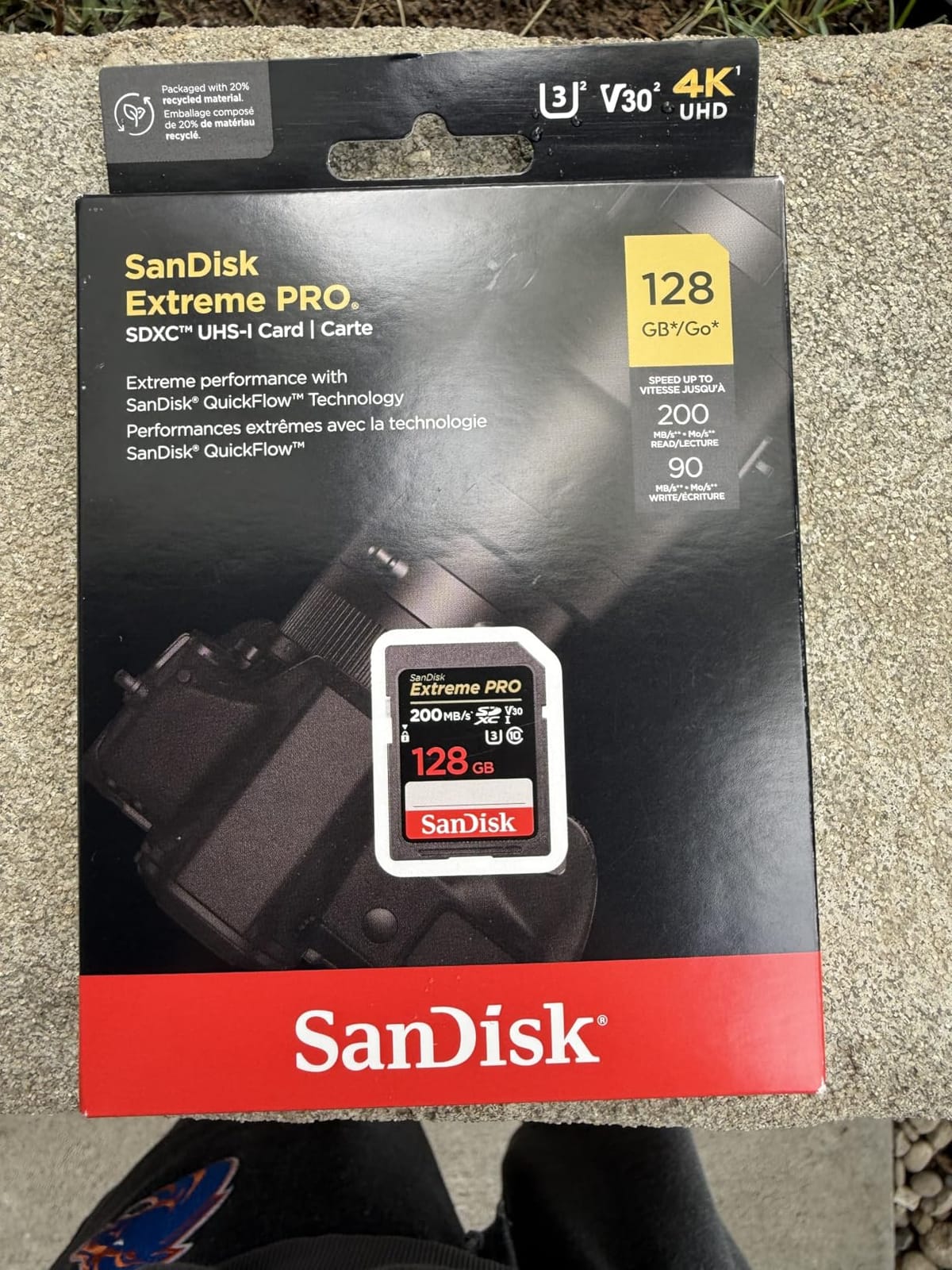
Durability is a genuine selling point rather than a checkbox. The card is shockproof, temperature proof, waterproof and X-ray proof, and the lifetime limited warranty is backed by the manufacturer rather than the seller. It weighs two grams and carries a write-protect design without a moving slider, so there is no mechanism to snap in a bag.
The QuickFlow technology is worth understanding properly. The 200MB/s read figure is only reached with a compatible SanDisk reader, and even then it is a maximum. With a generic card reader, the real transfer rate will be considerably lower, which is the most common comment across the reviews for this card.
What to check before you buy it
Capacity is the deciding factor. Sixty-four gigabytes sounds small until you run the numbers, and at standard 4K bitrates it gives you roughly half an hour to an hour per card depending on the mode. Buy two or three rather than one, and treat them as a set you rotate through.
Check the counterfeit risk on any SanDisk card bought from a marketplace seller, and this one in particular. The reviews mention occasional authenticity concerns. Verify the serial number printed on the back, buy from an authorized retailer, and test the full capacity on arrival before you rely on it.
Where it falls short
The UHS-I bus and V30 write class together mean this card cannot handle very high bitrate 4K or any 6K or 8K capture. In a UHS-II body it works, but at UHS-I speeds, so the second row of contacts on the camera goes unused.
About four percent of reviews are one star, higher than the other SanDisk card in this list, and part of that reflects fake units rather than defects. Real-world read speed also depends heavily on the reader, so judge this card on its V30 rating and warranty rather than the printed read speed.
V30 vs V60 vs V90: Which Speed Class Your 4K Camera Actually Needs
The Video Speed Class is a guarantee, not a measurement. A V30 card will never drop below 30MB/s sustained writes, a V60 card will never drop below 60MB/s, and a V90 card will never drop below 90MB/s, for the life of the card. That is the entire number that matters for recording, and it is the one to match to your camera.
The conversion is simple. Video bitrate is measured in Mbps and card speed in MB/s, so divide the bitrate by eight to get the MB/s you need. A camera recording 4K 60p at 200Mbps needs about 25MB/s, which sits just inside a V30. A 400Mbps all-intra mode needs 50MB/s, which is why it demands a V60 or better. A 720Mbps mode needs 90MB/s, which is exactly a V90.
Forum threads on camera boards converge on the same conclusion: V60 handles 200 to 400Mbps comfortably and is described as far easier on the wallet than V90, while V90 is chosen for peace of mind on all-intra and 8K work. The mistake to avoid is paying for V90 when a V30 floor already exceeds your camera’s bitrate.
Our own mapping, based on the ratings each card in this list carries:
V30, 30MB/s minimum, 240Mbps ceiling: 4K 24p and 30p in most cameras, 4K 60p in H.264 at standard bitrates, and consumer camcorder 4K modes. This is the entry point for 4K video and where most shooters should stop.
V60, 60MB/s minimum, 480Mbps ceiling: 4K 60p in 10-bit 4:2:2, 4K 120fps at moderate bitrate, 6K capture, and high-bitrate H.265 from mirrorless bodies. This is the sweet spot most forums point to.
V90, 90MB/s minimum, 720Mbps ceiling: 8K recording, all-intra 400Mbps and above, RAW and ProRes external recording, and any body that documents a write-error threshold. Buy this when your camera manual names a bitrate above 480Mbps.
How Much 4K Video Fits on 128GB, 256GB and 512GB
Capacity works the same way as speed: divide the bitrate by eight, and remember that usable space is slightly less than the labelled figure because the file system takes a slice and the file system type matters. A card formatted as exFAT, which is what cameras expect, handles large files and capacities beyond 32GB that FAT32 cannot.
Rough guides per card, assuming you lose about 5 percent to formatting overhead: a 128GB card gives roughly 85 minutes at 100Mbps, 40 minutes at 200Mbps and 20 minutes at 400Mbps. A 256GB card doubles those figures to about 2 hours 50 minutes, 1 hour 20 minutes and 40 minutes. A 512GB card again doubles them.
Those numbers explain why the 256GB cards on this list are so popular. A 256GB card gives a 4K 60p 10-bit shooter more than an hour per card, which usually covers a project before you need to swap, and it halves the number of cards you have to carry and back up.
Two practical rules from people who have lost footage. First, prefer four 128GB cards over one 512GB card, because a lost or corrupt card costs you a quarter of a shoot rather than all of it. Second, use your camera’s relay recording or dual-slot backup feature where it exists, so a second card is writing the same footage at the same time.
UHS-I vs UHS-II: When the Second Row of Contacts Matters
UHS-I and UHS-II describe the bus, which is the electrical pathway between the card and the device, not the guaranteed write speed. A UHS-I card has one row of contacts and a bus ceiling of up to 200MB/s. A UHS-II card adds a second row of contacts and can reach up to 300MB/s. The V-rating is printed on both types and is what protects your recording.
This is the single most misunderstood point in SD card buying. A UHS-II card in a UHS-I camera works perfectly, at UHS-I speeds. A UHS-I card in a UHS-II camera works perfectly, at UHS-I speeds. The extra pins do nothing unless the host device drives them, so paying for UHS-II in a body with one UHS-I slot buys you a faster transfer, not a better recording.
Where UHS-II genuinely pays off is offloading. Read speeds of 250 to 300MB/s versus 100 to 180MB/s on UHS-I cards can cut a full day of footage backup from an evening to a coffee break, provided you also own a UHS-II reader. That is the real argument for UHS-II, and it is a workflow argument rather than a recording one.
For anyone building a home studio or an editing setup, the wider gear side matters as much as the storage side. Our picks for the best 4K projectors for home theaters and the best teleprompters for video creators cover the rest of a 4K setup, from monitoring to on-camera delivery.
How to Keep Your Cards From Failing on a Paid Shoot
The most painful forum posts in this niche follow the same pattern: a camera stops recording 4K after ten or twenty minutes, or a card goes read-only with footage still on it. Almost all of those are preventable. None of the ten cards above failed at a rate that would justify buying a different brand, so the failures people describe are about handling and counterfeit stock rather than defective cards.
Format in the camera before every shoot, not once when you bought the card. Cameras allocate the file system in their own way, and a card formatted on a computer sometimes shows less usable space or behaves oddly in a high-bitrate mode. The reviews on the Lexar 1667x and the ProGrade V60 Gold both mention in-camera formatting as the fix for odd behaviour.
Buy from an authorized retailer and check the serial number on the back of the card against the manufacturer’s verification page. Counterfeit SanDisk cards are the most repeated complaint in camera threads, and they typically fail by writing far below their claimed speed, which shows up as a camera that stops recording. Buying from a seller you can return to is part of the fix too.
Take heat seriously, because it is the failure mode people underestimate. A card left in a parked car in summer can corrupt its own file table, and recovery is expensive or impossible. Carry cards in a case, keep spares in your bag rather than the camera body, and let a hot card cool before you handle it.
Back up before you reformat, every time. Copy the clips to two separate drives before touching the card, keep the card out of the camera until you have verified the copies, and never format a card that still holds footage you have not backed up. A weekly archive of the shoot day to at least two locations protects you from the card dying during the transfer rather than during the recording.
Finally, for long unattended recording such as a dashcam or a fixed security camera, choose a card marketed as high-endurance rather than any card on this list. Endurance cards are built for constant write cycles and loop recording. If you are covering entrances and driveways, our roundups of the best video doorbells for large homes and the 4K video cards here cover both ends of that setup.
Frequently Asked Questions
Which SD card is best for recording 4K video?
The SanDisk 256GB Extreme is the best all-round card for 4K video recording. Its V30 rating guarantees a minimum sustained write speed of 30MB/s, which is a 240Mbps ceiling and comfortably covers 4K 24p, 30p and most 60p modes. If your camera records 10-bit 4:2:2 or 4K 120fps, choose a V60 UHS-II card such as the Lexar 1667x instead.
How fast of an SD card do I need for 4K video?
Match the V-rating to your camera’s bitrate by dividing the bitrate by eight. A 100Mbps 4K 30p mode needs about 13MB/s, so a V30 card is enough. A 400Mbps all-intra mode needs about 50MB/s, so you need V60. Anything above 480Mbps, including 8K and all-intra 720Mbps modes, needs a V90 card with its 90MB/s guarantee.
Is a V30 SD card good for 4K video?
Yes, for most 4K recording. A V30 card guarantees 30MB/s sustained writes, equal to a 240Mbps ceiling, which covers 4K 24p, 30p and standard-bitrate 4K 60p in most mirrorless and DSLR bodies. It is not enough for 10-bit 4:2:2 above 240Mbps, for 4K 120fps at high bitrate, or for 6K and 8K capture. Check your camera’s bitrate before buying.
Which SD card is better, V30 or V60?
V60 is the better card if your camera records 10-bit 4:2:2, 4K 120fps at moderate bitrate, or high-bitrate H.265, because its 60MB/s guarantee doubles the V30 ceiling to 480Mbps. V30 is the better value choice for standard 4K 24p, 30p and 60p recording. Camera forum users consistently describe V60 as the price-to-performance sweet spot, since 200 to 400Mbps fits comfortably inside it.
How many hours of 4K video fit on a 256GB SD card?
At 100Mbps, a 256GB card holds roughly 2 hours 50 minutes of 4K. At 200Mbps for 4K 60p 10-bit, about 1 hour 20 minutes. At 400Mbps for all-intra or 4K 120fps, roughly 40 minutes. Allow about 5 percent for formatting overhead, and prefer several smaller cards over one large one so a single failure costs you part of a shoot rather than all of it.
Is UHS-1 enough for 4K?
Yes, for standard 4K recording. UHS-I carries the V30 and V60 ratings just as UHS-II does, so a UHS-I card records 4K exactly as reliably as a UHS-II card in the same V class. The difference is read speed during offloading, where UHS-II reaches up to 300MB/s against a 200MB/s UHS-I ceiling. A UHS-II card in a UHS-I camera still works, at UHS-I speeds.
Conclusion
The best SD cards for 4K video are the ones whose V-rating matches your camera’s bitrate and whose capacity matches your shoot length. The SanDisk 256GB Extreme is our pick for most people: a genuine V30 guarantee, 256GB of capacity and the largest review base of any card here. Buy the Lexar 128GB Professional 1667x if you record 10-bit 4:2:2 and want UHS-II offload speed without V90 pricing.
Step up to a V90 only when your camera documents a bitrate above 480Mbps, whether that is 8K, all-intra 400Mbps or a RAW codec. Whatever you buy, buy it from an authorized retailer, format it in the camera, and back up every card before you reformat. That habit has saved more shoots than any speed rating on this list.