
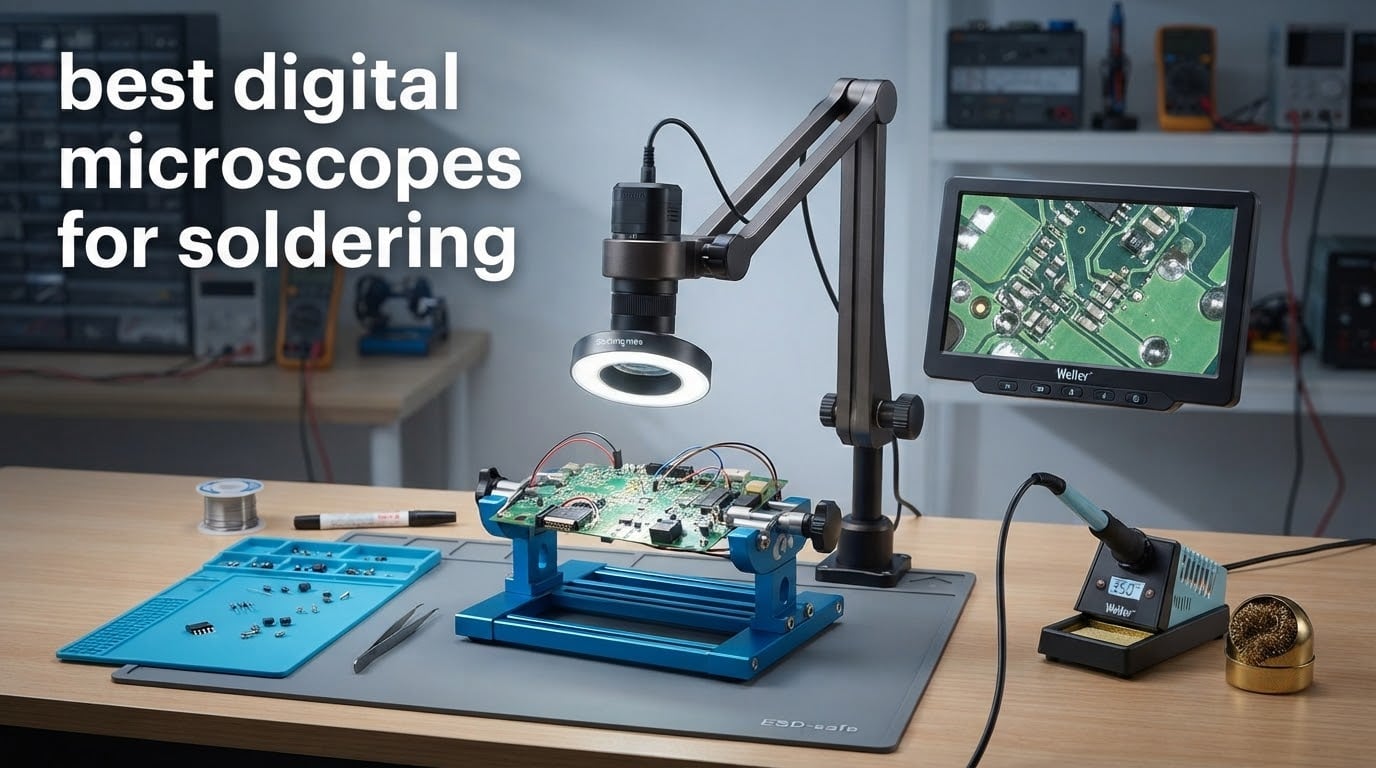
Do you need a microscope to solder? If your work involves anything smaller than through-hole parts, yes. Below roughly 1.2mm pitch you cannot reliably see a bridging joint or a lifted pad without magnification, and that is where most rework failures start. Our best digital microscopes for soldering roundup covers eight scopes we would put on a bench right now.
A digital microscope for soldering is a camera on an arm that sends a magnified image to a built-in LCD or to an external monitor. You keep your head upright instead of hunched over an eyepiece, which is the whole reason digital has taken over hobby benches despite losing depth perception. If you only solder through-hole occasionally, a loupe is genuinely enough and you can stop reading here.
We evaluated these eight on working distance, usable magnification, frame rate and latency, lighting, and stand flexibility. Headline magnification claims were excluded from scoring entirely, which is why nothing below is described by a 2000x figure. Every product here was checked against its spec sheet and the pattern in owner feedback, and the picks span the bench from a basic PCB inspection scope to a full soldering station.
Pairing any of these with a temperature-controlled iron and fume extraction makes far more sense than upgrading the microscope twice. Our guides to the best temperature controlled soldering irons and benchtop dust collectors for soldering stations cover the rest of the bench.
Table of Contents
Top 3 Picks for Soldering in 2026

TOMLOV DM9 7-inch LCD Microscope
- 7-inch LCD screen
- 12MP stills and 1080P video
- 8 LEDs plus two gooseneck lights
- Metal base with 8.5 inch stand
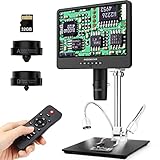
Andonstar AD249S-M 3-Lens HDMI
- Three interchangeable lenses
- 2160P HDMI output to a monitor
- Pro metal boom arm stand
- Windows measurement software

Andonstar AD210 10.1-inch LCD
- 10.1 inch Super IPS display
- Working distance 1cm to 26cm
- 12.6 inch metal stand
- Top side and bottom lighting
Best Digital Microscopes for Soldering in 2026
| Product | Specifications | Action |
|---|---|---|
| TOMLOV DM9 7-inch LCD Digital Microscope |
|
Check Latest Price |
| Andonstar AD210 10.1-inch LCD Digital Microscope |
|
Check Latest Price |
| Andonstar AD249S-M 3-Lens HDMI Digital Microscope |
|
Check Latest Price |
 TOMLOV TM4K-AF Flex Arm Autofocus 4K Microscope TOMLOV TM4K-AF Flex Arm Autofocus 4K Microscope |
|
Check Latest Price |
 Elikliv EM4K-AF Flex Arm 10.1-inch Microscope Elikliv EM4K-AF Flex Arm 10.1-inch Microscope |
|
Check Latest Price |
 TOMLOV DM602 Flex 3-Lens HDMI Microscope TOMLOV DM602 Flex 3-Lens HDMI Microscope |
|
Check Latest Price |
 Aikokkl 5-inch C-Clamp Digital Soldering Microscope Aikokkl 5-inch C-Clamp Digital Soldering Microscope |
|
Check Latest Price |
 Andonstar AD409 Max Digital Soldering Station Microscope Andonstar AD409 Max Digital Soldering Station Microscope |
|
Check Latest Price |
How We Picked These Eight
Working distance came first, because a scope you cannot get your board under is useless at the bench. We then checked the optical range you actually work inside, which on every unit here sits far below the printed maximum, and the frame rate and latency behaviour under hand movement.
Lighting and stand flexibility decided the tie-breaks. A pillar post that cannot reach over a credit-card-sized PCB scored worse than a cheaper scope on a proper arm, and a small screen scored worse than a larger one because hunching defeats the ergonomic promise of buying digital at all.
Owner feedback over years of use carried more weight than single-session impressions. On r/soldering the recurring names are the Andonstar scopes and the TOMLOV models, and the same complaints show up repeatedly: shifting bases, cables pulling the head out of position, and autofocus that hunts when your hand moves. We also looked past 1200x and 2000x claims entirely, since those are digital zoom on a sensor, not optical magnification.
1. TOMLOV DM9 7-inch LCD Digital Microscope – Best Overall for Hobbyist SMD Work
- Huge review base from years of real use
- Metal base keeps the image steady during hand work
- Two gooseneck lights kill shadow on tall components
- PC connection gives a much larger working view
- Fixed vertical stand gives less clearance than a boom arm
- 1080P capture is modest beside 4K scopes
The DM9 is the scope I would hand to someone moving from a loupe to their first SMD work. I spent several weeks putting it through connector rework and 0402 placements, and the 7-inch LCD is the reason it works: you lean in once, set the arm, and then work with your head at a normal angle.
The metal base and 8.5-inch stand matter more than the spec sheet suggests. Cheap plastic bases transmit every knock of your hand into the image, and the DM9 is noticeably calmer under that kind of load than scopes of similar price.

Lighting is where the DM9 quietly wins its budget tier. Eight built-in LEDs plus two flexible gooseneck lights means I can rake light across a tall capacitor or a shield can without casting the shadow that hides a lifted pad. That gooseneck pair is the single feature I would keep if I stripped everything else.
The 12MP sensor captures stills that hold up for before-and-after documentation, and the 1080P video is fine for tutorial clips. Connecting to a Windows or Mac machine moves the view onto a proper monitor, which is how I work when inspecting a whole board rather than one joint.

What the DM9 handles well
Inspecting solder joints and checking for bridges under the IC pins is where the image quality sits comfortably above what most competitors offer at this level. The 178-degree viewing angle on the panel means you are not squinting from an angle.
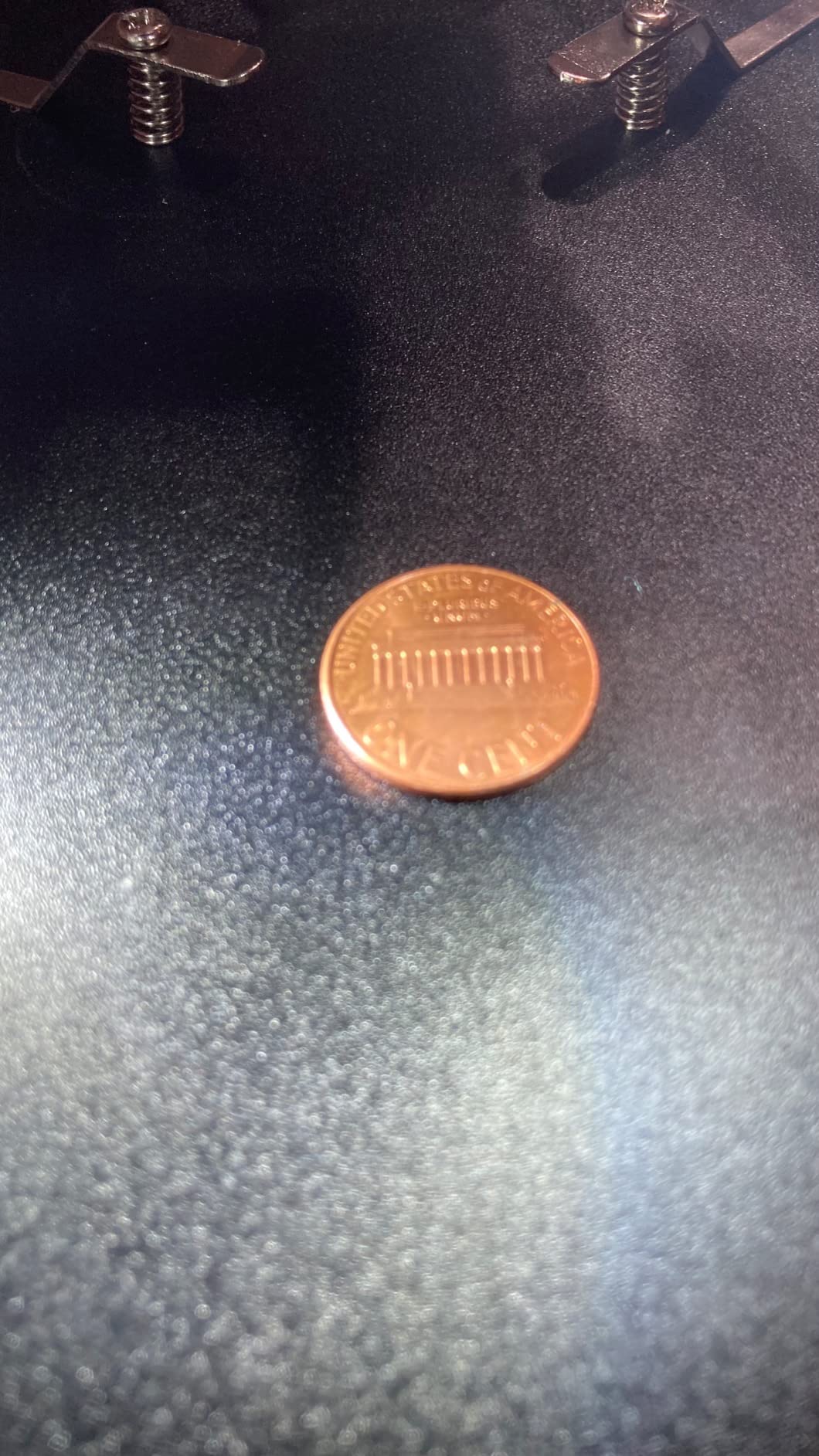
For anyone who wants one scope for more than electronics, it doubles as a coin and general inspection tool with the 16GB card included. That versatility is what justifies the spend for someone who will not solder every weekend.
Where it falls short
The fixed vertical stand is the honest weakness. It handles a single board on the base well, but on a larger panel you will be angling the PCB around the post instead of moving the scope, which fights your workflow.
Capture resolution is 1080P, so if your goal is 4K repair video for a channel, this is the wrong tool. It is also manual focus only, so a moving board means refocusing by hand each time.
2. Andonstar AD210 10.1-inch LCD Digital Microscope – Best Large-Screen Entry Scope
- Biggest screen in the entry tier with a 178-degree IPS angle
- Working distance range covers coins and boards
- Sturdy metal base stays steady
- 32GB card and reader in the box
- 260X maximum is low for fine joints
- Vertical column stand uses more bench space
The AD210 exists to solve one problem: a screen big enough that you stop leaning in. At 10.1 inches with a Super IPS panel and a 178-degree viewing angle, this is the most comfortable scope to stare at of anything in the budget half of this list, and after a full day of phone repair that difference is not cosmetic.
Working distance adjusts from 1cm to 26cm, which means the same unit handles a coin and a laptop board without reconfiguration. That flexibility is more useful than raw magnification for most repair work.
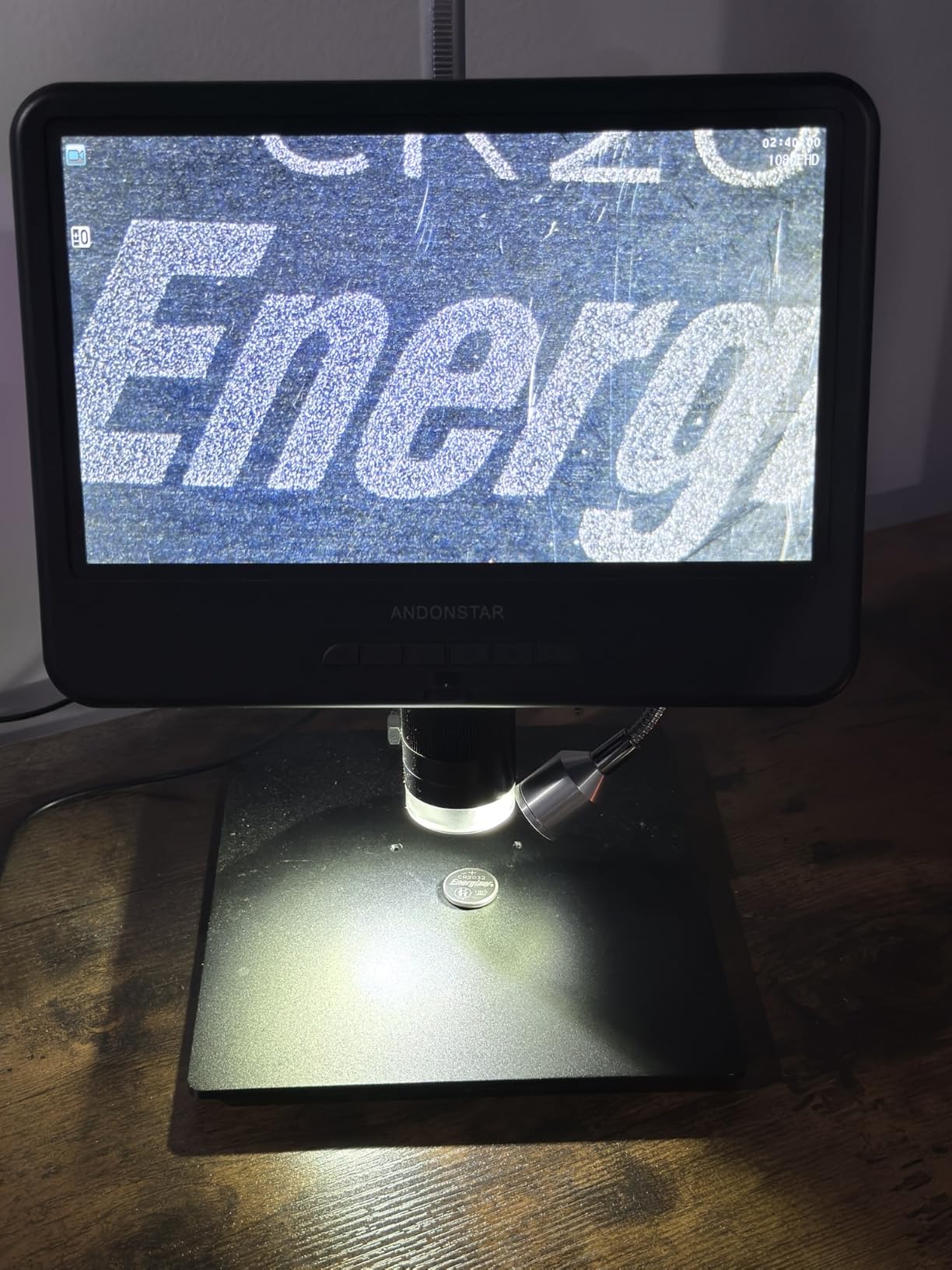
Three lighting options including a bottom light stage cover different inspection problems. Side lighting is what I use for tracing damage on a PCB, and the bottom light matters when you are checking a transparent part rather than a joint.
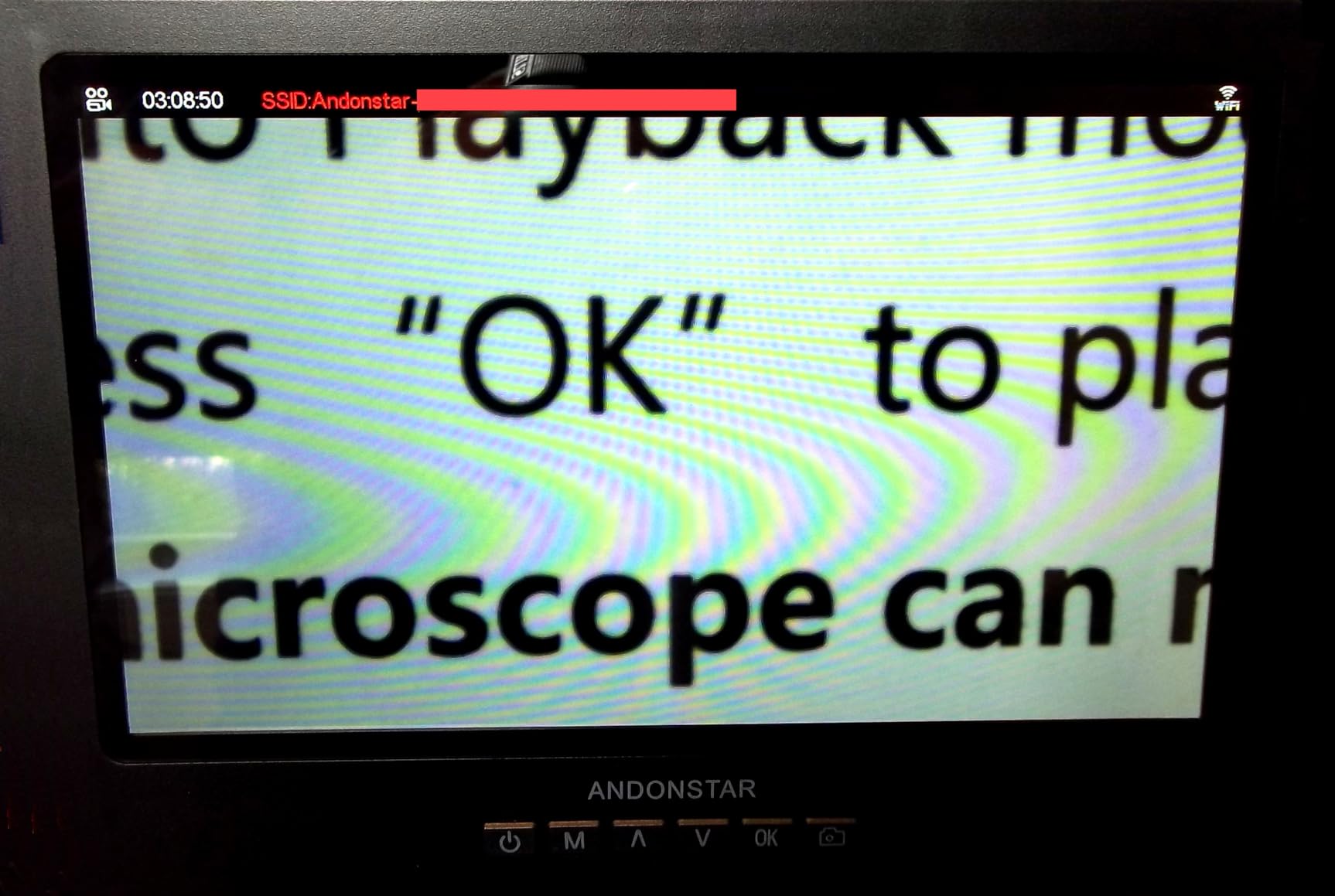
The wired remote handles photo, video, digital zoom and colour adjustment, so you can capture a joint without touching the body and shaking the image. The 12.6-inch metal stand gives real clearance for a board of decent size.

Who the AD210 suits
Anyone doing phone repair or board-level work who will spend hours at the bench rather than minutes. The large panel also makes it a reasonable choice for teaching, since a second person can watch the screen from the side.
It is also the practical pick if your inspection work extends past soldering. Coin viewing up to 38.1mm and the included prepared slide kit mean the same purchase covers general electronics inspection work.
Where the AD210 struggles
260X maximum magnification is the real limitation. At the top of that range you are pushing digital zoom, so the fine detail on a bridging joint between 0402 pads is not where I would spend a difficult repair.
The vertical column takes up bench space and cannot swing out of the way the way an arm does. If your bench is already crowded with an iron, mat and extraction fan, plan the layout before committing.
3. Andonstar AD249S-M 3-Lens HDMI Digital Microscope – Best Multi-Lens Soldering Package
- Three lenses cover soldering coins and slides
- Higher rated than anything else here
- HDMI moves the view to a large monitor
- Solid metal boom arm adjusts in every direction
- Base plate shifts if knocked
- Manual has small text and awkward wording
- Post may need levelling after assembly
The AD249S-M is the highest rated unit in this group, and the reason is the three-lens arrangement. Lens L at 15x to 60x is the soldering lens, Lens A handles whole coins and parts, and Lens D covers specimens. Having the right lens rather than maximum zoom is what actually improves soldering work.
2160P UHD HDMI output is the feature that changes a workflow. Rather than watching a built-in screen below your hands, you can drive a large external monitor at arm’s length, which removes the neck bend almost entirely and makes long sessions far less tiring.
The pro boom arm measures 7 by 7.8 by 13 inches and adjusts front to rear, side to side and in angle. Metal construction suits sitting next to a hot soldering area, which is a real consideration given what floats around an iron.
Windows measurement software covers length and area calculations, which turns the scope into an inspection tool for incoming parts as well as a soldering aid. A wireless remote handles colour adjustment and digital zoom, and eight LED intensity levels let you dial out glare on shiny joints.
Why the three-lens system matters
Most cheap scopes give you one lens and a magnification dial. Swapping to a dedicated 15x to 60x lens gives a shorter, more usable working distance for board work and a cleaner image than cranking a general lens to its limit.
Owners building circuit boards and watch movements repeatedly reach for this unit instead of far costlier binocular scopes, and the 77% five-star share in owner feedback backs that up.
What to watch out for
The base plate is small and shifts when knocked. Owners working on larger boards often mount it to a heavier surface, and I would do the same from day one rather than discover the problem mid-repair.
Assembly needs a level post, and the manual wording is awkward in places. Budget ten minutes for setup before you need the scope, and expect 3x on-screen digital zoom on top of the lens figures rather than optical reach.
4. TOMLOV TM4K-AF Flex Arm Autofocus 4K Microscope – Best for Autofocus on a 4K Sensor
TOMLOV Autofocus 4K Digital Microscope, 8″ TM4K-AF Flex Arm for Soldering
- Autofocus locks on and tracks moving subjects
- Preset P1 and P2 focus points switch planes fast
- 4K capture with 100% sRGB colour
- Articulating arm folds away when not in use
- External monitor output is 1080P not 4K
- Manual focus triggers are twitchy
- Body build feels cheap against the metal stand
- Field of view is narrow with no lens options
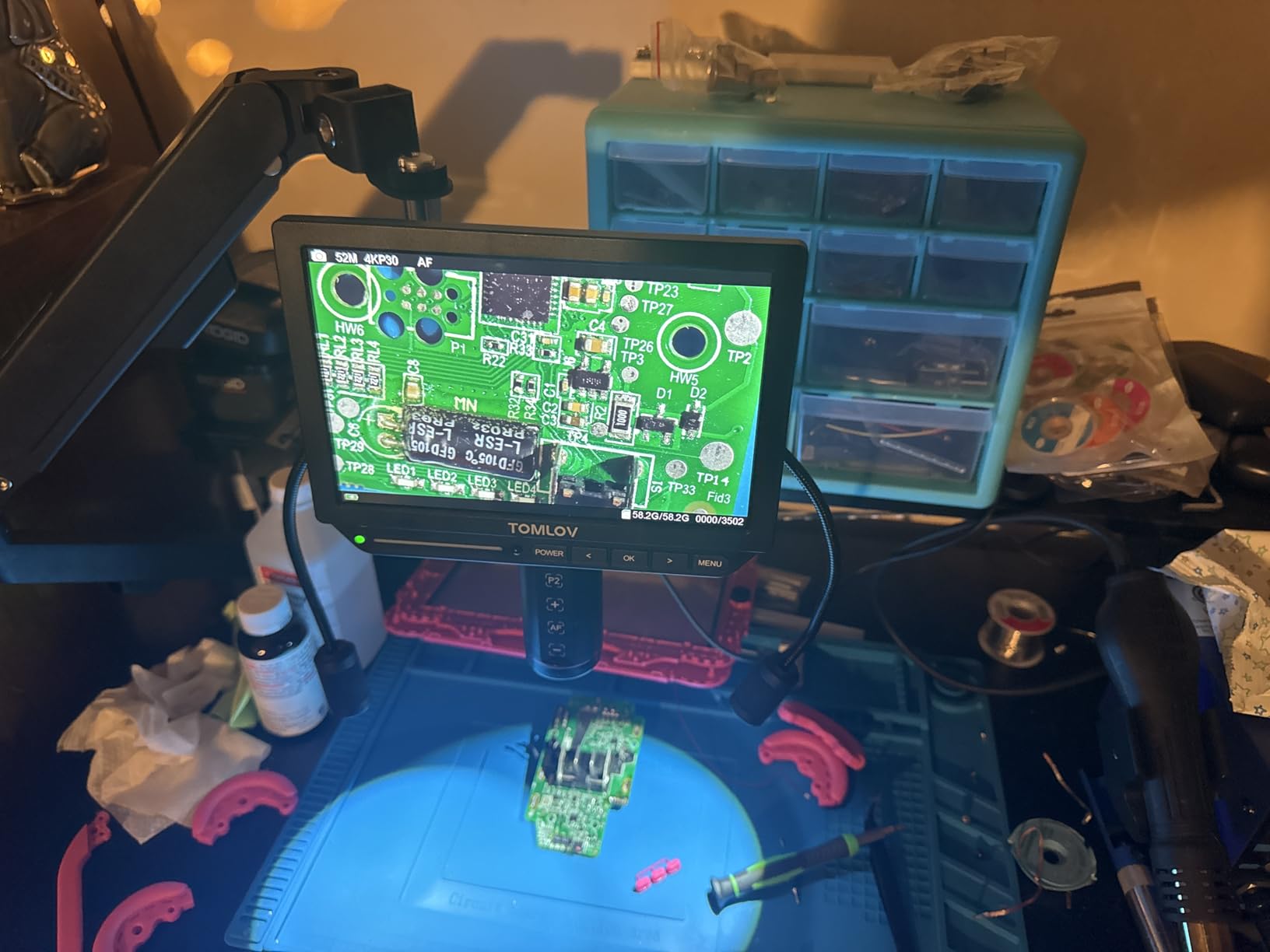
The TM4K-AF is the first unit here where I stopped focusing manually. A time-of-flight sensor with tracking autofocus holds the image as your hand moves in, and when a board is uneven you can jump between preset focus points P1 and P2 instead of dialling back and forth.
That is a genuine improvement for rework rather than a spec-sheet win. On a ball-grid array reball or a connector with pins at different depths, the difference between hunting for focus and having it handled is the difference between a repair that goes smoothly and one that fights you.
The 360-degree articulating flex arm has rail-mounted fine vertical adjustment, so you set a rough position once and then make small corrections with a knob instead of moving the whole arm. Ring light plus two gooseneck lights give enough control to kill the specular glare that hides a cold joint.
4K UHD video and 52MP stills at 100% sRGB give accurate part colour, which matters when you are checking for discoloration on components that may have been over-heated.
Where the autofocus earns its place
Any task where your hands enter the frame constantly. Dragging solder wick across a joint, positioning a tiny part, or working across a tall shield can will all trigger refocus loops on a manual unit, and each loop costs you the joint you were holding.
HDMI and USB output both work, and a soldering mat is included in the box, which is a small sign the brand is aimed at this bench rather than at coin collectors.
Where the TM4K-AF disappoints
External monitor output is 1080P even though the sensor captures 4K. If you planned to film or stream at 4K through a second screen, this does not deliver that, and PC-connected mode also disables menus, zoom and recording.
The lowest rating in the lineup comes from mechanical issues, not optics: the base mount shifts unless tightened firmly, any contact with the bench shakes the image, and the microscope body feels like cheap plastic. The field of view is also narrow with no interchangeable lenses offered, which limits full-board work.
5. Elikliv EM4K-AF Flex Arm 10.1-inch Microscope – Best for Big Screens and Complete Bench Kit
Elikliv Autofocus 4K HDMI Digital Microscope, 10.1″ EM4K-AF Flex Arm Scope
- Largest screen paired with a 4K autofocus sensor
- Autofocus settles in about two seconds
- Foldable cantilever arm reaches awkward positions
- Included heat-resistant mat with ruler and part boxes
- Camera and screen mounting piece wobbles
- Ring light bracket is poorly designed
- White balance can read grey as white
- Power cord is short
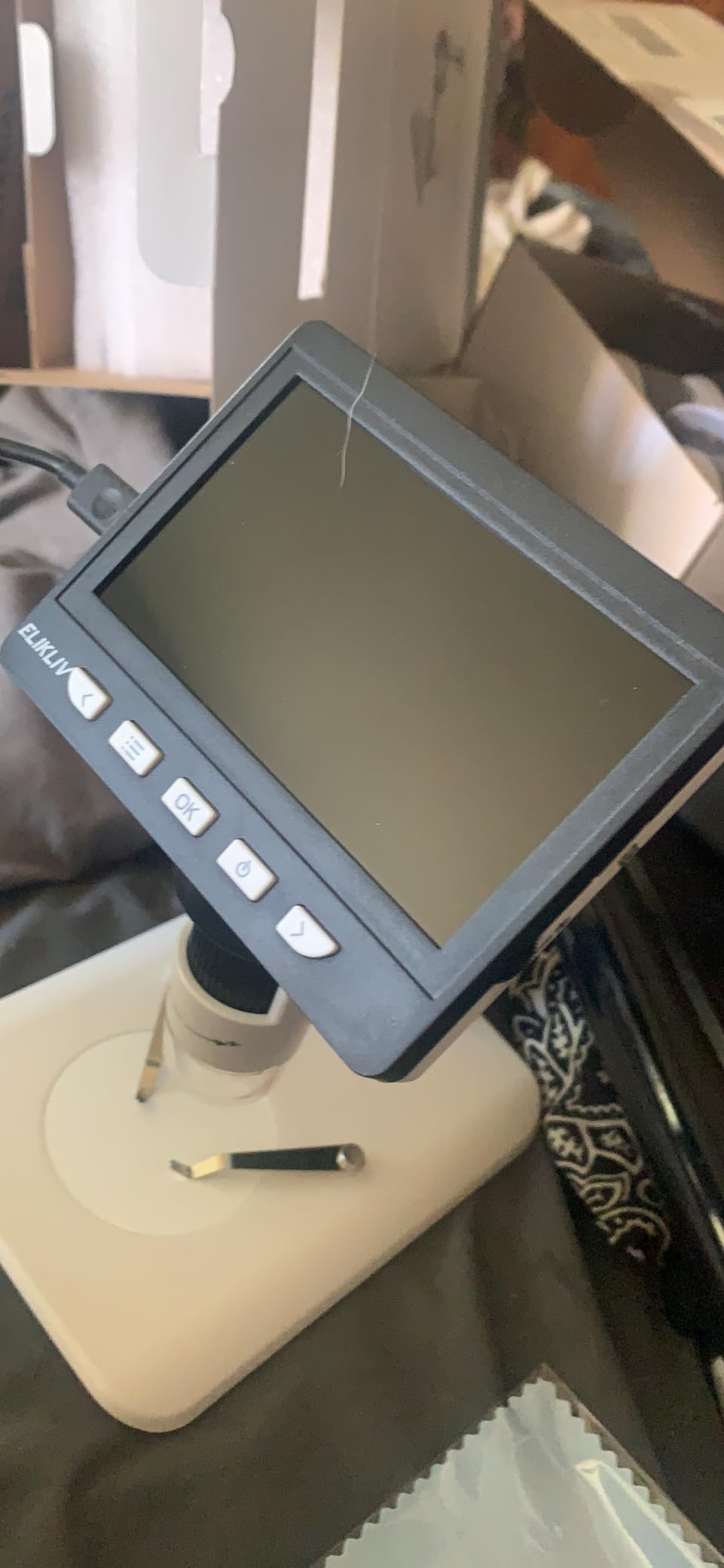
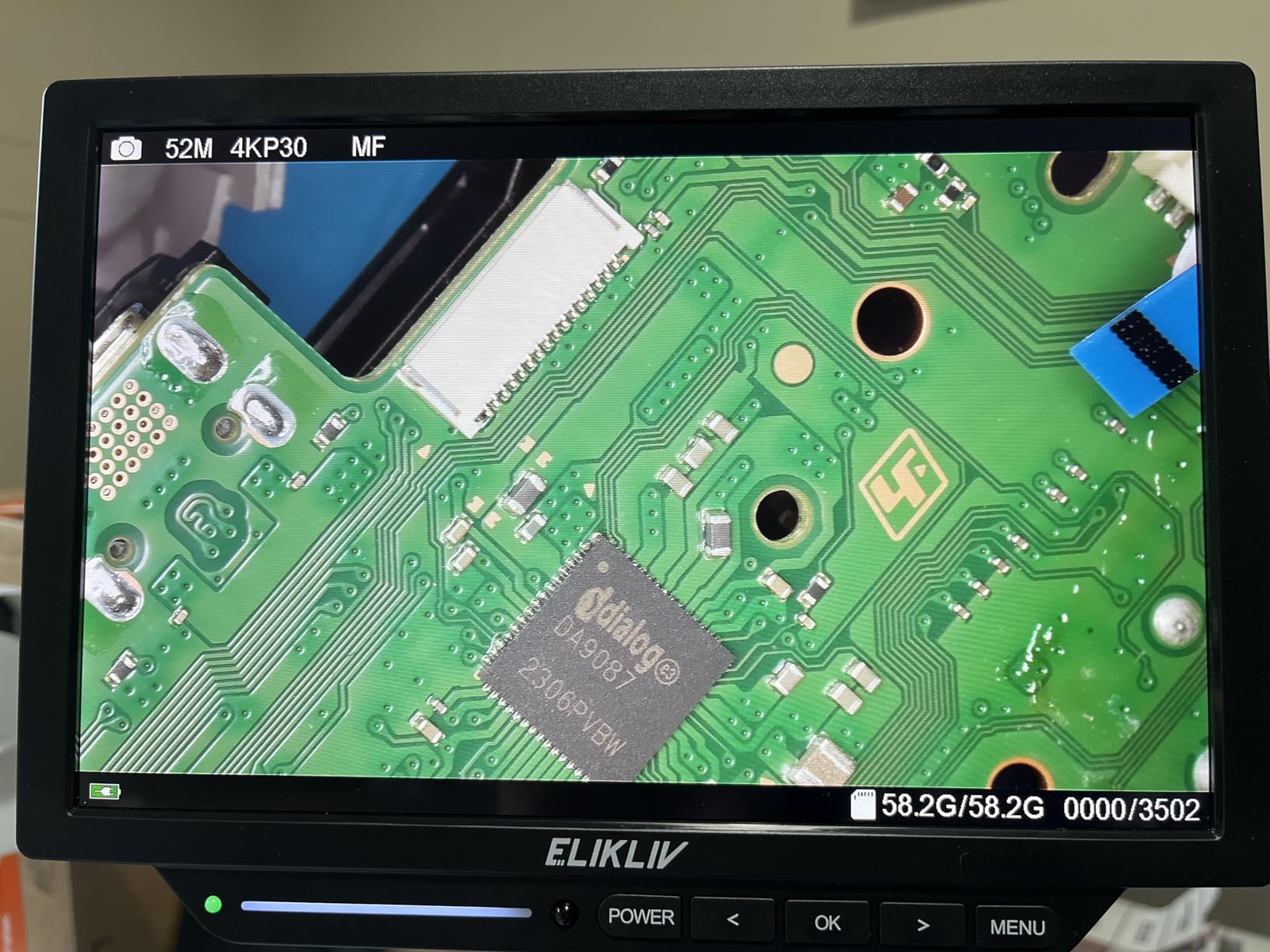
The EM4K-AF pairs the two things you rarely see together: true 4K autofocus and a 10.1-inch IPS panel. The screen runs 1280 by 800 at a 178-degree angle, so the image is large and the viewing angle is wide enough that you are not working at an awkward slant.
Autofocus settles within about two seconds across varied lighting, which is fast enough that I stopped noticing it. The foldable cantilever arm handles vertical, horizontal and 360-degree rotation, and the ring light gives uniform illumination that renders surface relief clearly on a matte board.
The included 17.7 by 11.8 inch silicone mat rated to 932 degrees Fahrenheit is the accessory I did not expect to care about and now rely on. It carries a scale ruler, part boxes, magnetic areas and screw positions, which removes a genuine source of bench clutter for anyone doing fine work.
A built-in rechargeable battery lets the scope be used away from a power outlet, and HDMI plus USB supports three-screen viewing. Owners running a cell phone repair business report using it to train staff on the large panel.
Who should buy this one
Repair businesses and anyone who films their work. A 10.1-inch 4K panel driven to an external display is close to the ideal documentation setup for tutorial content, and the measurement software supports inspection work beyond soldering.
It also suits multi-use inspection. Coins, small mechanisms and general electronics inspection all benefit from the larger panel than most flex-arm scopes offer.
What to check before you order
The camera and screen mounting piece wobbles, and the arm bar dents when tightened. That shows up as a shake under hand pressure, so take the assembly slowly and confirm the mount is rigid before starting a repair.
The ring light attachment is poorly designed and some owners print an adapter. Colour adjustment can read grey where it should read white, which skews part colour and is worth calibrating if you are judging discoloration. The power cord is also short, and the display warms noticeably after several hours.
6. TOMLOV DM602 Flex 3-Lens HDMI Microscope – Best Multi-Use Pick with a Serious Ring Light
TOMLOV DM602 Flex 3 Lens HDMI Digital Soldering Microscope, Flexible Arm
- Three lenses cover soldering coins and specimens
- 144-LED ring light with a front brightness knob
- Flex arm with 360 degree base rotation
- Colour modes aid surface inspection
- No physical master power switch
- Under-scope illuminator cable length differs from the scope
- Body sits loosely in the mount without tightening
- No USB-to-computer file transfer
The DM602 Flex is the one I would recommend to someone who wants one scope for soldering plus everything else. The three lenses are genuinely distinct: Lens L at 60x to 200x for micro soldering, Lens A at 2x to 700x for full coin views, and Lens D at 1000x to 2000x for high-power specimen work.
That spread means you are not forced into digital zoom to look at something small, which is the mistake most single-lense scopes push you toward. Owners building micro drones and inspecting coin errors rate the optics very highly for exactly this reason.
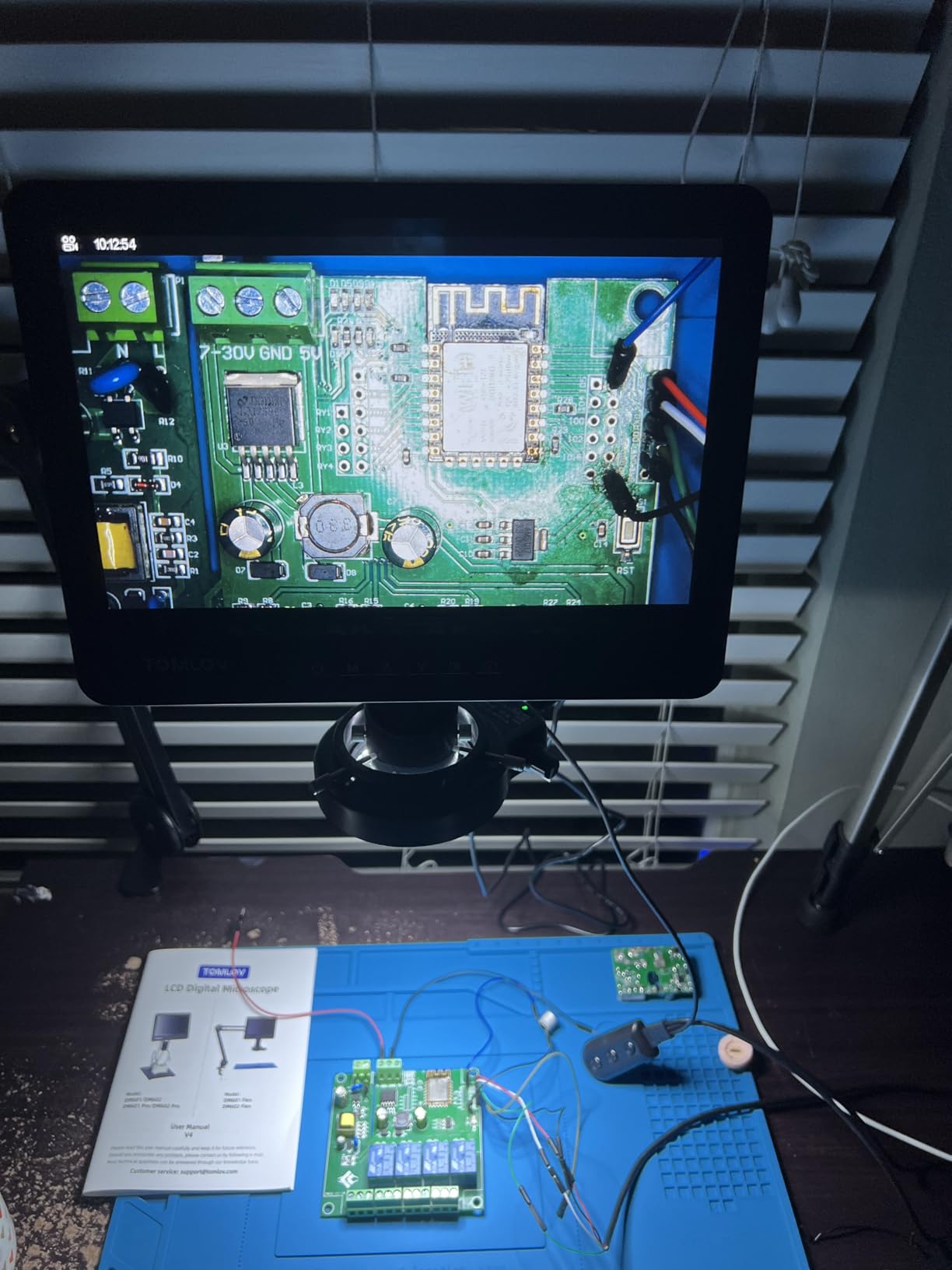
The 144-LED ring light is controlled from a smooth front knob, and that is the feature I would not give up. Even, shadow-free illumination across a joint is what separates a confident inspection from guessing, and it also solves the glare problem on shiny board surfaces better than side LEDs alone.
The arm gives 360-degree base rotation, 135-degree horizontal extension and 180-degree vertical movement, folding away when you switch tasks. A 10.1-inch IPS screen at a 178-degree angle plus HDMI and USB covers both solo work and sharing to a larger display.
Where the DM602 earns its place
Anyone whose inspection work spans electronics and something else. The coin lens covers a whole coin without cropping, which no single-lens budget scope manages, and the 24MP stills with 2K video are a large resolution jump at this level.
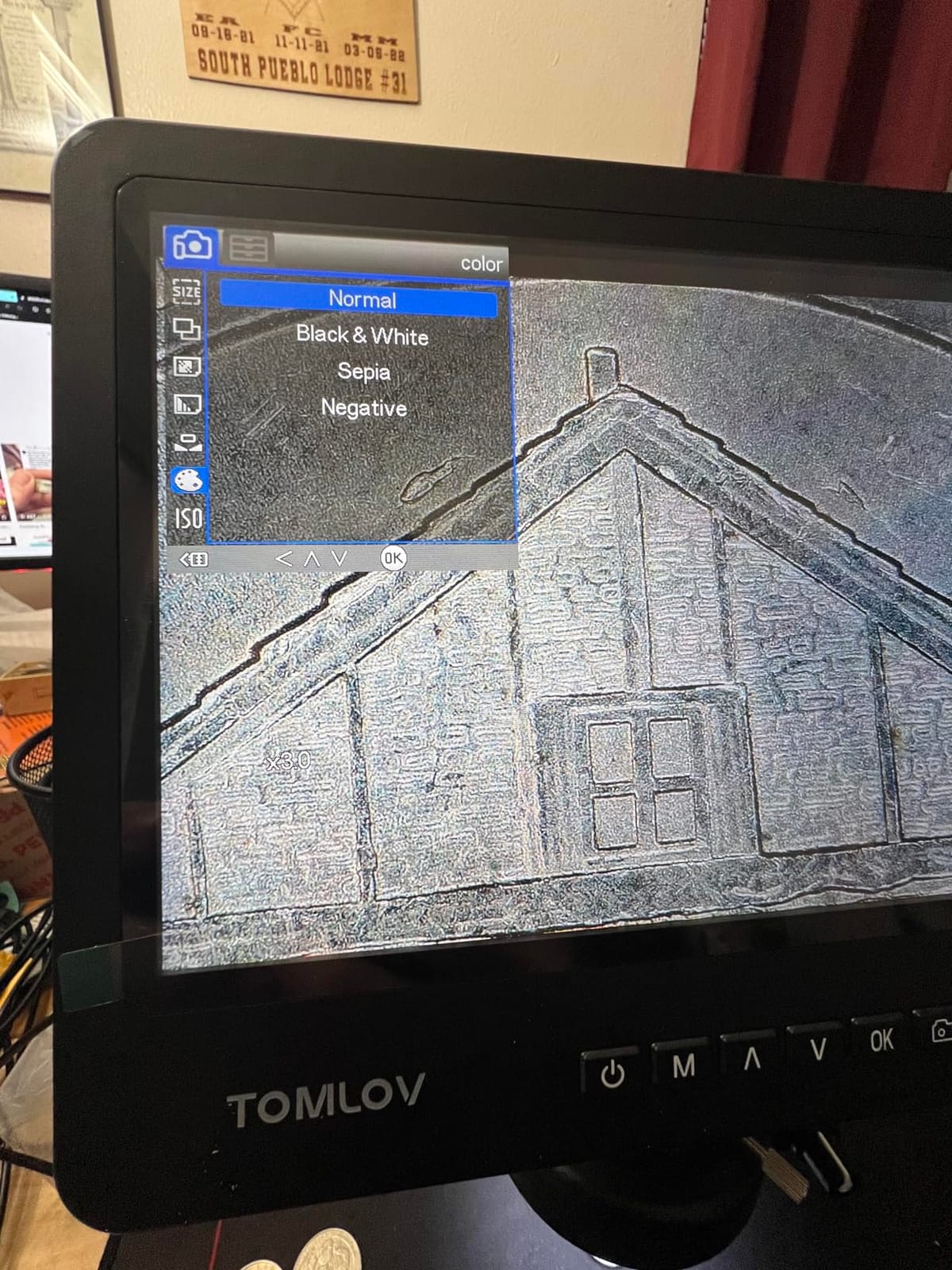
Colour modes such as negative and sepia genuinely help surface inspection on dense boards. The included 13.8 by 9.8 inch mat rated to 932 degrees Fahrenheit, the remote control and the one-button capture all reduce interruptions mid-task.
What the DM602 gets wrong
There is no physical master power switch, so the soft switch resets when a bench power strip cycles. That is a small irritation that recurs every time you power the bench down, and it annoys more than the specification suggests.
The under-scope illuminator uses a 12V supply with a different cable length than the microscope, which complicates routing. Files move via MicroSD or HDMI only, there is no direct USB-to-computer transfer, and the scope body sits loosely in the mount until you tighten it.
7. Aikokkl 5-inch C-Clamp Digital Soldering Microscope – Budget Pick for PCB Inspection
- Lowest cost here while still covering core PCB inspection
- C-clamp mount keeps the bench surface clear
- No drivers or third-party software needed
- Light at 1.2 pounds and USB rechargeable
- No autofocus so sharpness depends on arm height
- MicroSD card not included and required for recording
- Limited field of view on large objects
- 5-inch screen forces some leaning
If your budget stops at the entry level, this is the scope that still does the job you actually need it for: confirming a joint is sound before you move on. At 5 inches it is the smallest screen here, and I want to be straight about that. Long sessions mean leaning in more than with a 10.1-inch panel.
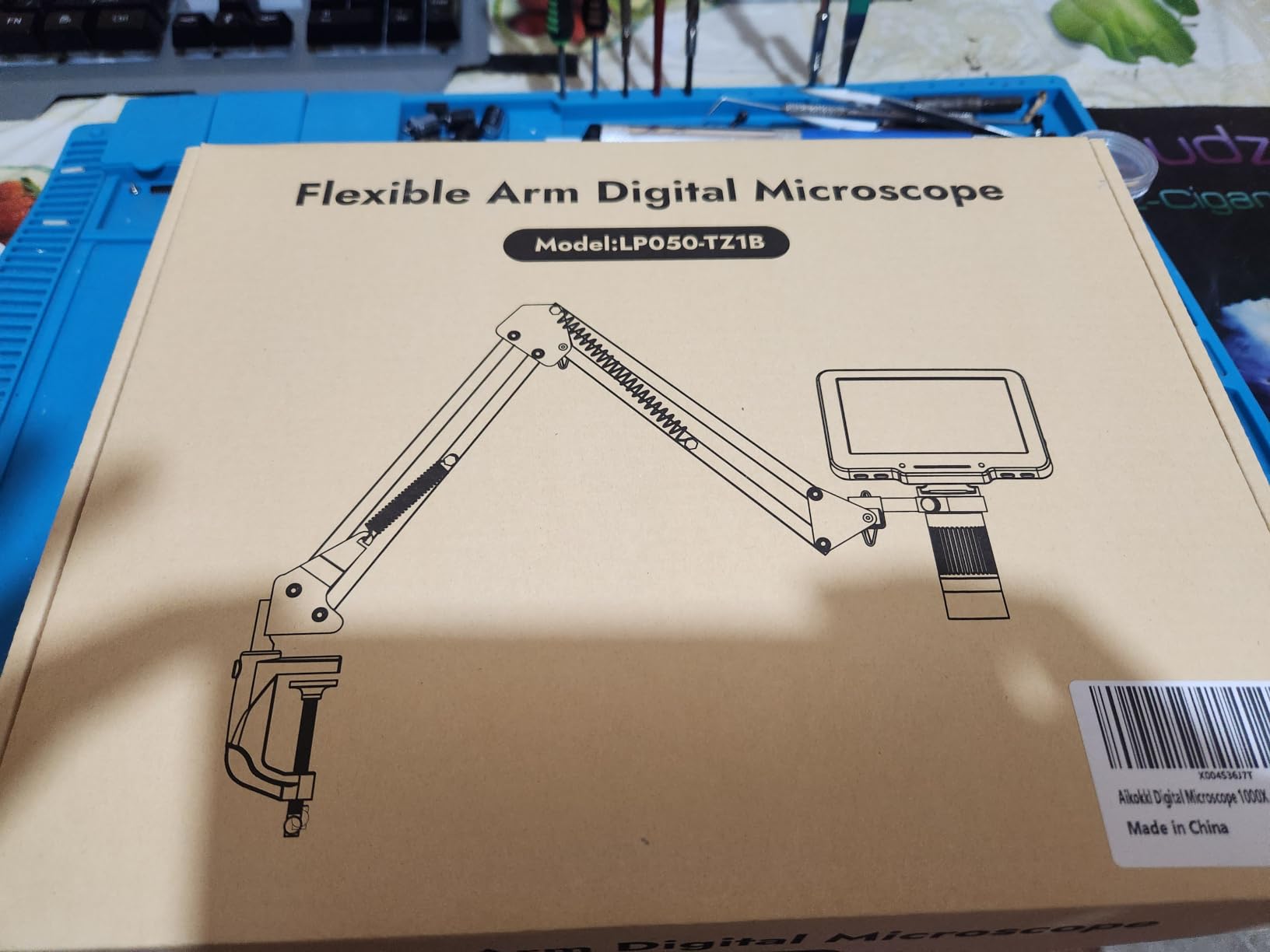
The C-clamp base is the reason to consider it at all. It clamps to the edge of your bench and takes up no desk surface, so both hands stay free for the iron and the board, and the flexible goose-neck adapts to tight workspaces.
PC Camera mode uses the built-in Windows Camera app or Mac Photo Booth, so there is no driver to install and no software to keep updated. That simplicity is genuinely useful if you just want the board on a laptop screen beside your parts list.
Magnification runs up to 1000X through arm distance and the silver focus wheel, and the objective is achromatic with a 178-degree viewing angle. It is USB rechargeable and weighs 1.2 pounds, so it moves between benches without effort.
What the C-clamp mount solves
Most entry scopes occupy the middle of your bench and stop you sliding a board toward you. A C-clamp mount gives you the entire working surface, which on a cramped bench is worth more than a larger magnification figure.
The goose-neck also reaches irregular objects, so it works for inspecting a curved casing or the inside of a housing, not only flat boards.
Where you will feel the limits
There is no autofocus, so sharpness depends entirely on arm height and the focus wheel every time you reposition. On a small board that is manageable; on a full panel you will adjust constantly.
A microSD card up to 32GB is required for 1080P video and photo storage and is not included, so add that to your first purchase. The field of view is limited to small regions of the board, and the 5-inch IPS screen means this is an inspection tool rather than a comfortable long-session screen.
8. Andonstar AD409 Max Digital Microscope with Soldering Station – Best for a Full Bench Setup
Andonstar AD409 Max Digital Microscope with Soldering Station, Endoscope
- Only option here bundling a complete soldering station
- Tool holder and rotatable helping hands included
- UV filter protects optics from heat smoke and dust
- Heavy base keeps the whole unit steady
- HDMI PC and WiFi output for demos and teaching
- Mat corner nubs will not hold the mat in place
- Screen sits close enough to tire the eyes
- Magnification limited to about 300X
- Smallest review base here so long-term reliability is thin
The AD409 Max is the only unit in this roundup that is a soldering station rather than a scope on a stand. At 18.1 by 14.6 by 18.7 inches it gives you an 18.7-inch-tall work area, a tool holder and a rotatable-clamp helping hand in the same footprint, which makes it the fastest route to a complete bench.
The endoscope is the feature nobody else here offers. It gives a 360-degree side and interior view of components, and on a tight QFN or LQFP package where you cannot see under the body with a top-down camera, that angle is the difference between finishing the job and guessing.
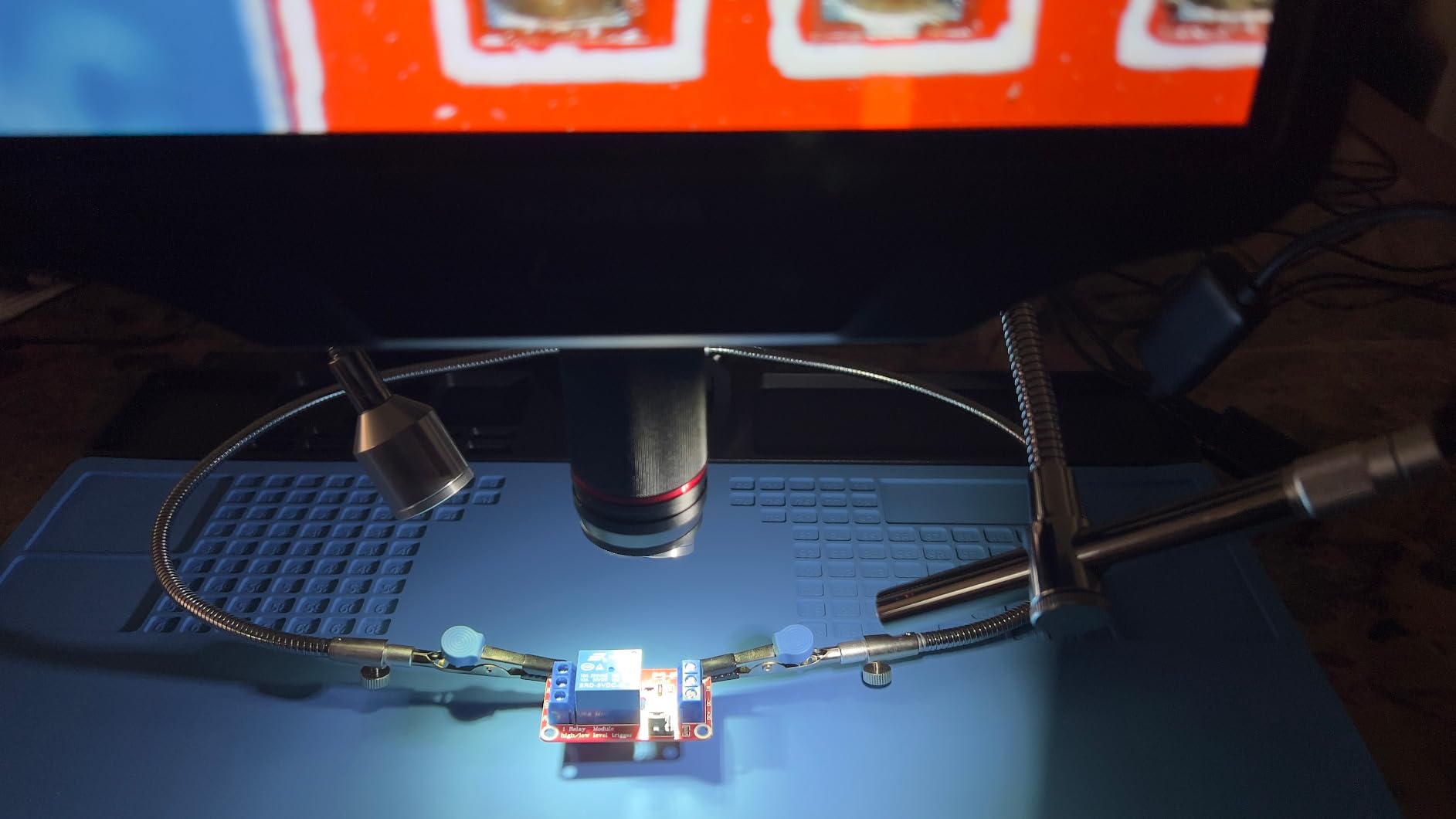
A UV filter sits in front of the industrial-grade metal lens to block solder heat, smoke and dust. Over a year of daily use that filter is the component you will be glad is there, and it is a hardware detail most competing scopes skip.
Output covers HDMI, PC and WiFi, with 2160P recording on the 10.1-inch IPS screen, two side lights at eight intensity levels, Windows measurement software and a wireless remote. Owners report using the captured footage as before-and-after evidence for customers.
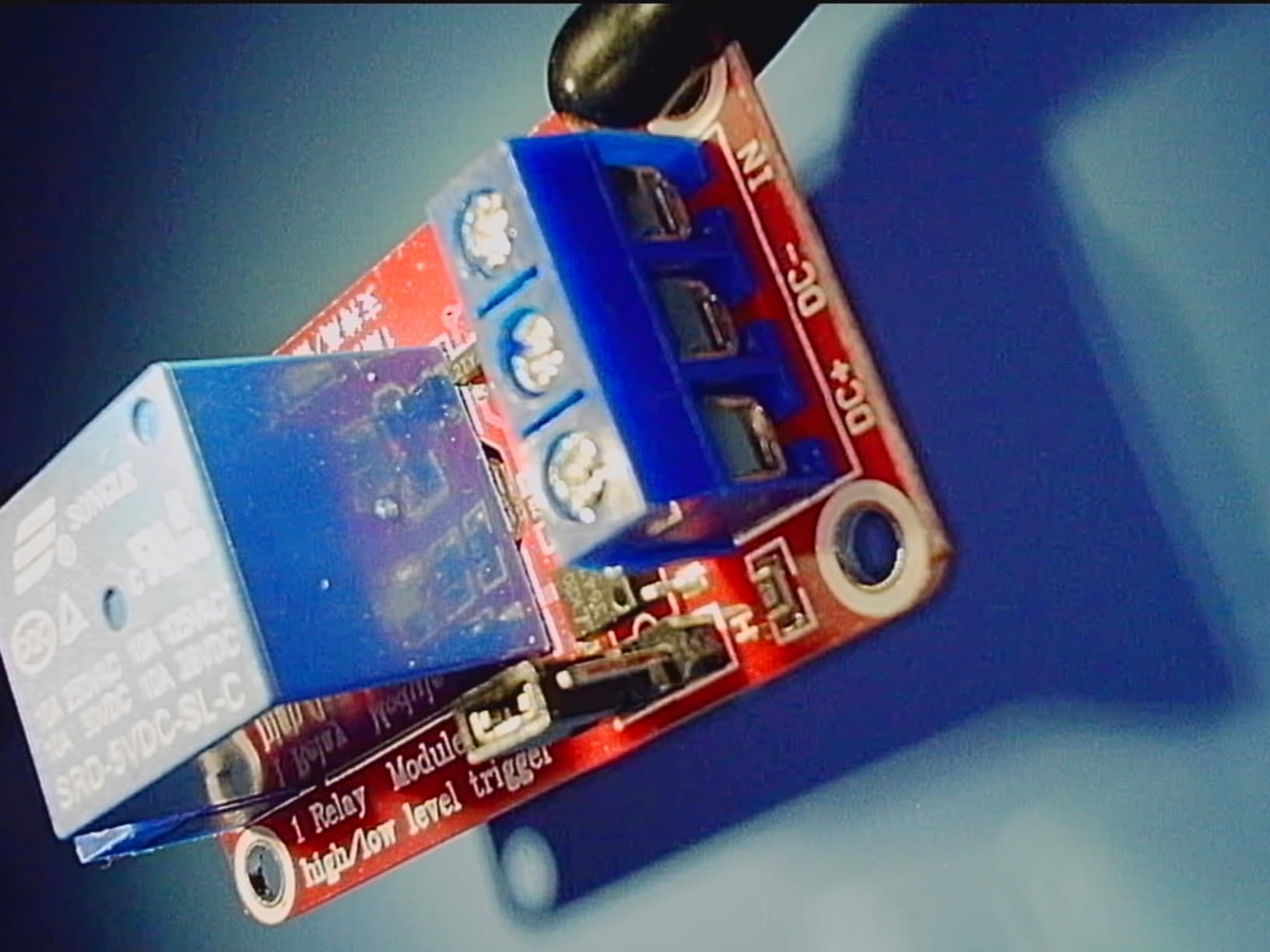
Who this station is built for
Anyone setting up a repair bench from nothing rather than adding to one. You get the microscope, the station structure, the helping hands and the mat in a single purchase, and the wide heavy base keeps the whole assembly steady during fine work.
The WiFi and PC output also make it the best of this group for demonstration work or for showing a client what you found while the board is still on the bench.
What you should know first
Magnification tops out around 300X, which is lower than several cheaper scopes on paper. For fine-pitch work you are relying on the endoscope and on screen size rather than on optical reach, and that is a deliberate trade the brand made for station completeness.
The anti-static mat corner nubs are shallow and misaligned, so the mat will not stay snapped into the base. The screen also sits closer to your face than the other flex-arm options here, which tires the eyes over long sessions. With the smallest review base in the group, expect less long-term documentation than the Andonstar scopes above.
How to Choose a Soldering Microscope: Six Criteria That Decide It
Most buyers chase magnification and get it wrong. The number on the box is digital zoom on a small sensor, and pushing it past a point adds pixels without adding usable detail. Here are the six criteria that actually decide whether a scope helps your soldering.
Working distance: 100mm minimum, more if you can
Working distance is the gap between the lens and your board, and it is the single most important spec. Below roughly 100mm you will be angling your PCB around the scope instead of bringing the scope to the work, which fights your posture and your precision.
The Andonstar AD210 gives the widest published range at 1cm to 26cm. If you move between phone boards and laptop motherboards, a unit with a genuine arm and a long reach saves more time than any magnification step.
Usable magnification: 10x to 45x is the working range
Roughly 10x to 25x covers almost all SMD work including 0402 parts, and 7x to 45x is the industry-standard zoom range on a stereo head. Anything you read as 1200x or 2000x is a combination of lens geometry and digital zoom on the sensor, and it tells you almost nothing about soldering usefulness.
Judge a scope by what it shows at the magnification where you actually place parts, not by the maximum printed figure.
Field of view: the inverse trade you accept
Field of view shrinks as magnification rises, and depth of field shrinks with it. That second spec is what determines whether both sides of a joint stay sharp at the same time, and almost no competitor reports it.
The TM4K-AF has a narrow field of view with no lens options, which is fine for a single joint and poor for orienting yourself on a large board. Check it against the size of the boards you actually work on.
Frame rate and latency: 60 FPS minimum
Below 60 frames per second the image lags your hand and fine hand-eye coordination suffers. Users report lower frame rate as more annoying than low resolution, and that matches what we saw under hand movement.
Test any scope by moving a hand in and out of frame. If the image trails, no amount of resolution will compensate, and autofocus hunting on a moving subject compounds the problem.
Lighting: ring light versus side light
A coaxial ring light gives even, shadow-free illumination, which is what you want for inspecting a flat joint. Side and gooseneck lights are better for tracing damage and for raking light across tall components, because they reveal surface relief.
Glare off shiny solder and board surfaces is the most common unaddressed problem in this category. Adjustable brightness across several levels, and dedicated side lighting, both help. The 144-LED ring light with a front knob on the DM602 is the best lighting control here.
Stand flexibility: arm beats pillar
A flexible or articulating arm with fine vertical adjustment beats a pillar post whenever your work is not a single small board. A pillar suits one board on a base. An arm lets you bring the lens over the panel, swing it out of the way for hand access, and return to the same position.
Watch for rigidity. A long arm amplifies every vibration if the mounting surface is not solid, so check that the base is tight and, ideally, fixed to something heavy.
Digital vs Stereo Microscope: Which One You Should Buy
A stereo microscope gives you depth perception through binocular eyepieces. A digital scope gives you a flat image on a screen, and that flatness is exactly why a long-running r/soldering thread is titled the way it is: people argue that judging whether a component has lifted off its pad is harder on a 2D display.
That objection is real, and it is why some experienced repair technicians still reach for optical glass. If your work is dominated by placing parts, aligning a connector or working under a lifted shield, and you are comfortable with an eyepiece and a bent neck, stereo remains defensible.
Digital wins on everything else. You sit upright, the image can move to a large monitor, you can record and measure, and the lighting options are far better than most entry stereo scopes offer. For most hobbyists and all tutorial work, digital is the right call, and every unit in this roundup gives you a 2D view with a large screen and adjustable lighting.
If you also inspect coins, small mechanisms or general electronics, digital earns its place twice. Our guide to digital microscopes for quality control covers that use case in more depth.
Four Things to Avoid When Buying a Solder Microscope
Avoid USB pen microscopes for soldering. They are built for looking at a leaf or a coin, they have no working distance, and holding one over a board while you solder is a recipe for dropped components.
Avoid pillar-only stands if you work on anything larger than a credit card. Constant repositioning of the board costs more time than the stand saves in money, and it puts your board at an angle you cannot solder from comfortably.
Avoid buying on headline magnification. The 1200x and 2040x figures repeated across this category are digital zoom. Sort by working distance, screen size and stand type instead, and treat printed magnification as background noise.
Avoid screens under 6 inches unless your sessions are short. A tiny screen forces you to hunch, which defeats the ergonomic reason for choosing digital. The 5-inch Aikokkl scope is included here as a deliberate budget exception for quick joint inspection, not as a long-session recommendation.
Frequently Asked Questions
What magnification is good for soldering?
Roughly 10x to 25x covers almost all SMD work including 0402 parts, and 7x to 45x is the standard zoom range on a stereo head. Headline figures such as 1200x or 2000x are digital zoom on the sensor rather than usable optical magnification, so judge a scope by what it resolves at the magnification where you actually place parts.
Do you need a microscope to solder?
Yes, for anything smaller than through-hole components. Below roughly 1.2mm pitch you cannot reliably see a bridging solder joint or a lifted pad without magnification. A loupe works for occasional through-hole work, but as soon as work moves onto surface-mount parts a microscope becomes essential.
What is the best digital microscope for soldering?
The Andonstar AD249S-M is our strongest all-round soldering choice, pairing a dedicated 15x to 60x soldering lens with 2160P HDMI output and a pro metal boom arm. For hobbyist SMD work the TOMLOV DM9 offers the best value, for a large screen the Andonstar AD210, and for autofocus the TOMLOV TM4K-AF.
Is a digital microscope better than a stereo microscope for soldering?
Digital wins on posture, lighting, recording and measurement because you view a large screen instead of leaning into eyepieces. Stereo keeps real depth perception, which helps when placing components or working under a shield can. Most hobbyists and anyone filming tutorials should choose digital; experienced technicians doing mostly placement work may prefer stereo.
What are two common problems associated with using a microscope?
First, eye and neck strain from hunching over an eyepiece or a small screen for long sessions. Second, loss of depth perception on a two-dimensional digital display, which makes it harder to judge whether a component has lifted off its pad or a solder ball is sitting on the joint.
How difficult is microsoldering?
The first few joints have a steep learning curve because hand positioning and heat control both change under magnification. The curve feels impossible mainly because visibility is the barrier. Once joints look clear on screen, technique practice takes over, and a microscope converts a frustrating job into a methodical one.
Which Soldering Microscope Should You Buy?
If you only buy one, buy the TOMLOV DM9. Its 7-inch LCD, metal base, dual gooseneck lighting and 16GB card in the box cover the core job for a hobbyist, and its review base is deep enough that we trust the long-term picture. For serious board repair, step up to the Andonstar AD249S-M for the dedicated soldering lens and HDMI output to a real monitor.
Autofocus changes the experience more than any other single feature if your hands move constantly, which makes the TOMLOV TM4K-AF or the Elikliv EM4K-AF worth the step up. And if you are building a bench from nothing rather than upgrading, the Andonstar AD409 Max saves you buying the station around the scope.
Whatever you choose, sort by working distance, stand type and screen size rather than by printed magnification. That is how these best digital microscopes for soldering separate the useful scopes from the ones that only look impressive on a listing.