
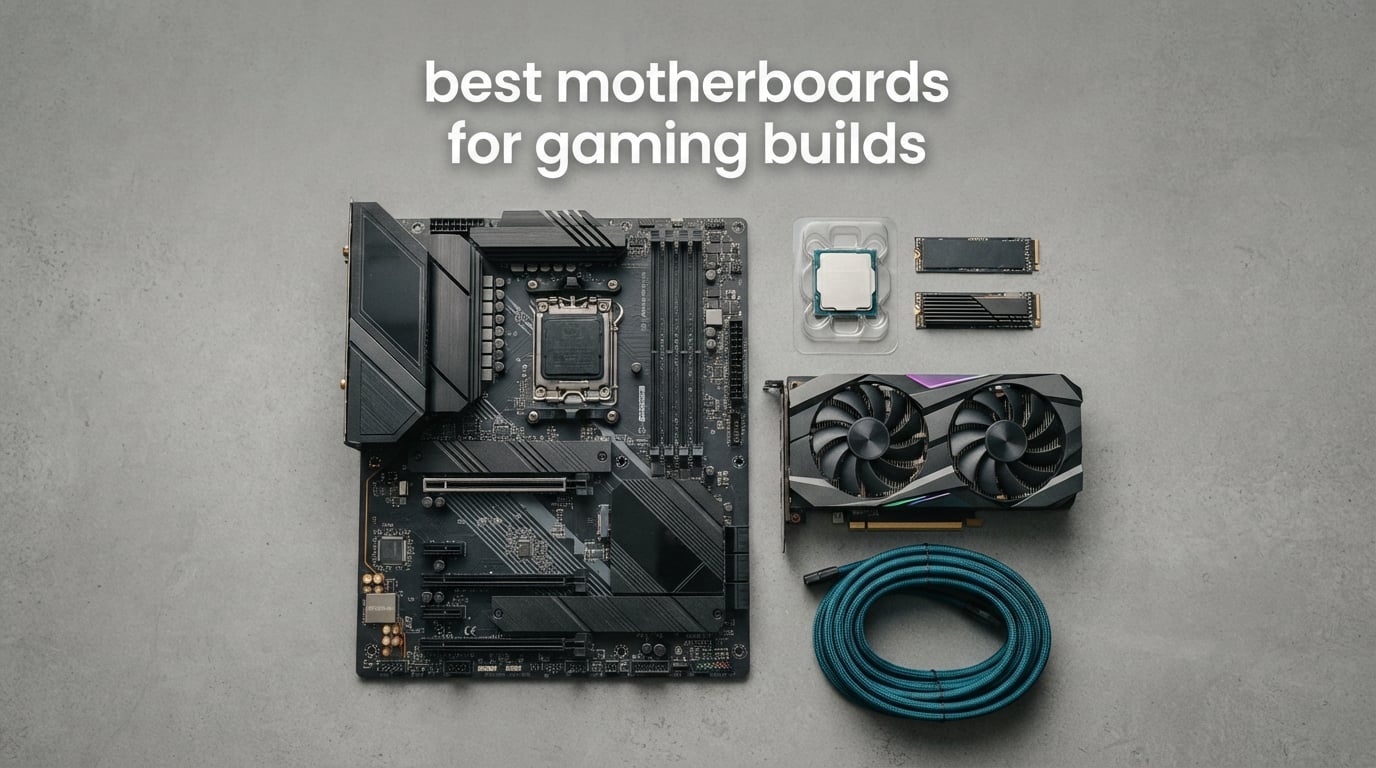
Here is the uncomfortable truth about the best motherboards for gaming builds: the board does not change your frame rate. A Ryzen 7 9800X3D pushes the same frames on a three-year-old AM4 board as it does on the most expensive X870E on the market, because the CPU and the GPU do that work.
So what does your motherboard choice actually buy you? Storage slots, rear ports, network speed, VRM headroom for a power-hungry chip, and the upgrade path you keep open for the next CPU generation. Those are real things, they cost real money, and a board that gets them wrong leaves you with one M.2 connector and no way to fix a BIOS problem without a second PC.
We went through eleven boards from ASUS, MSI, Gigabyte and ASRock across three generations of silicon: AM4 with DDR4, AM5 with DDR5, and two Intel LGA1700 options. Every rating and review count on this page is copied straight from the listing, and every feature claim comes from the manufacturer specification sheet. What we did not do is invent benchmark numbers nobody published.
If you would rather not assemble a tower at all, our [best desktop computers for gaming](https://www.nauticamalibutri.com/best-desktop-computers-for-gaming/) roundup covers prebuilt machines. If you want the parts list before the board, start with [the best laptops for gaming](https://www.nauticamalibutri.com/best-laptops-for-gaming/) only if you are staying portable. Otherwise, read on and pick a chipset tier first.
Table of Contents
Top 3 Picks for Gaming Builds in 2026

ASUS ROG Strix B550-F Gaming WiFi II
- 12+2 teamed power stages
- WiFi 6E and 2.5Gb LAN
- Dual M.2 and BIOS Flashback
- ATX for AM4

Gigabyte B650 AORUS Elite AX
- Twin 14+2+1 phases with 70A stages
- Three M.2 slots
- WiFi 6E and 2.5GbE
- EXPO and Q-Flash Plus

ASUS TUF Gaming B650-PLUS WiFi
- 14 power stages
- PCIe 5.0 M.2
- WiFi 6 and 2.5Gb LAN
- Clean layout and Aura Sync
Best Motherboards for Gaming Builds in 2026 at a Glance
Every board below, with the specs that actually decide whether it fits your build.
| Product | Specifications | Action |
|---|---|---|
| ASUS ROG Strix B550-F Gaming WiFi II |
|
Check Latest Price |
| Gigabyte B650 AORUS Elite AX |
|
Check Latest Price |
| ASUS TUF Gaming B650-PLUS WiFi |
|
Check Latest Price |
 ASUS ROG Strix B650-A Gaming WiFi ASUS ROG Strix B650-A Gaming WiFi |
|
Check Latest Price |
 Gigabyte B550 Gaming X V2 Gigabyte B550 Gaming X V2 |
|
Check Latest Price |
 Gigabyte B650 Eagle AX Gigabyte B650 Eagle AX |
|
Check Latest Price |
 MSI B760 Gaming Plus WiFi MSI B760 Gaming Plus WiFi |
|
Check Latest Price |
 MSI MAG X870 Tomahawk WiFi MSI MAG X870 Tomahawk WiFi |
|
Check Latest Price |
 MSI B650 Gaming Plus WiFi MSI B650 Gaming Plus WiFi |
|
Check Latest Price |
 ASRock B650M PG Lightning WiFi 6E ASRock B650M PG Lightning WiFi 6E |
|
Check Latest Price |
 ASRock Z790 Steel Legend WiFi ASRock Z790 Steel Legend WiFi |
|
Check Latest Price |
1. ASUS ROG Strix B550-F Gaming WiFi II – The Board We Keep Recommending
- 12+2 teamed power stages with a ProCool connector
- Onboard WiFi 6E and Intel 2.5Gb Ethernet with LANGuard
- Dual M.2 slots with USB 3.2 Gen 2 Type-C
- Pre-installed I/O shield and BIOS Flashback
- Armory Crate installs automatically and is hard to fully remove
- Default power settings raise CPU temperatures
- Average onboard audio codec
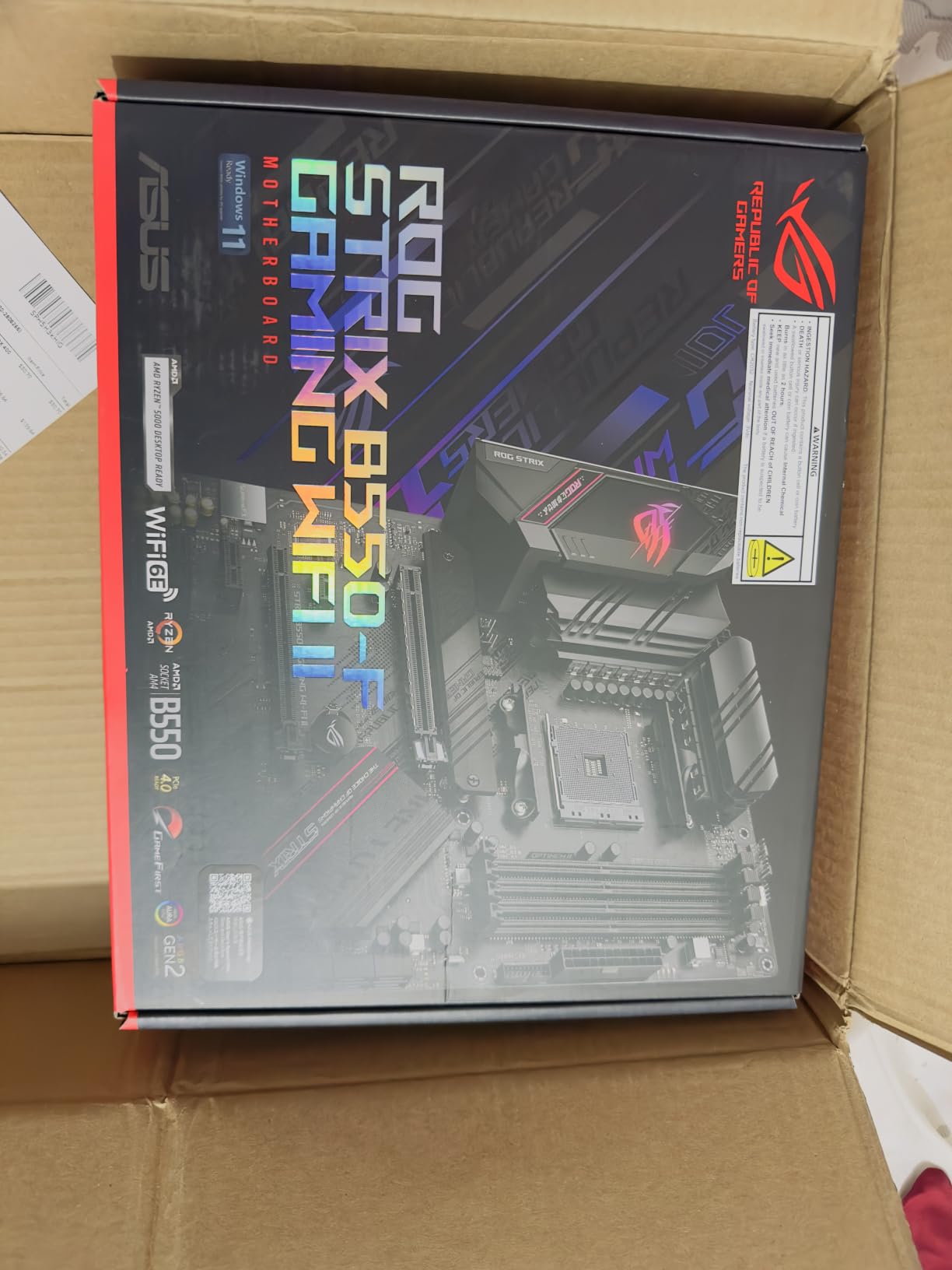
This is the board at the top of the list, and it is there because of the ratings rather than the marketing. It holds a 4.6 average across 3301 reviews, which is the largest review base of any board we looked at, and the complaint list is short enough to name out loud. When a product has thousands of owners and the top issues are software and audio, the hardware is doing its job.
Power delivery is 12+2 teamed stages with a ProCool connector, alloy chokes and alloy capacitors. Owners running a 5900X with Precision Boost Overdrive report it stays thermally calm, which is more than you need from an AM4 board and rather more than you get from a cheap B550.
Connectivity is where it separates itself. You get WiFi 6E with Bluetooth 5.2, an Intel 2.5Gb Ethernet port protected by LANGuard, two M.2 slots, six SATA connectors, eleven USB ports, and both HDMI 2.1 and DisplayPort 1.2 output for a processor without integrated graphics. The I/O shield arrives pre-installed and there is a GPU slot guard on the primary PCIe slot.
The BIOS is the other thing owners single out. It is a UEFI dashboard with memory and CPU tuning laid out clearly, and the same reviewers who complain about the software suite praise the firmware without reservation. Three years of warranty coverage comes with it, and the board measures 10.75 by 13.39 inches, so it is a standard ATX footprint.
Is a DDR4 AM4 board still worth building on in 2026?
Only if you already own Ryzen 5000-series silicon or DDR4 memory you want to keep. The socket has no upgrade path beyond what it has now, and the platform is not where the newest gaming performance lives. Anyone starting from zero should read the AM5 sections below instead.
For a builder who wants to spend nothing on a new CPU or a new memory kit, this is the strongest board in the roundup for the money already spent. The 2.5Gb LAN, dual M.2 and WiFi 6E would cost more than the board itself on some competing listings.
What should you watch out for with B550?
Lane sharing, mostly. On this board, populating the second M.2 slot disables or halves bandwidth on SATA 5 and 6, and a PCIe x1 card drops the second x16-length slot down to x1 speed. If your build needs four SATA drives and two SSDs, plan the layout before you build.
The other two friction points are software. Armory Crate installs on its own and several owners report difficulty removing it completely, and the default Asus Performance Enhancement setting applies voltage the CPU did not ask for, which shows up as higher idle and load temperatures until you change it in BIOS.
2. Gigabyte B650 AORUS Elite AX – Best Value on AM5
- Twin 14+2+1 phases with 70A power stages
- Three M.2 slots including a PCIe 5.0 x4
- Onboard WiFi 6E and 2.5GbE LAN
- Toolless EZ-Latch M.2 retention
- No printed manual and online-only documentation
- Mediocre onboard audio codec
- XMP problems reported on early BIOS revisions
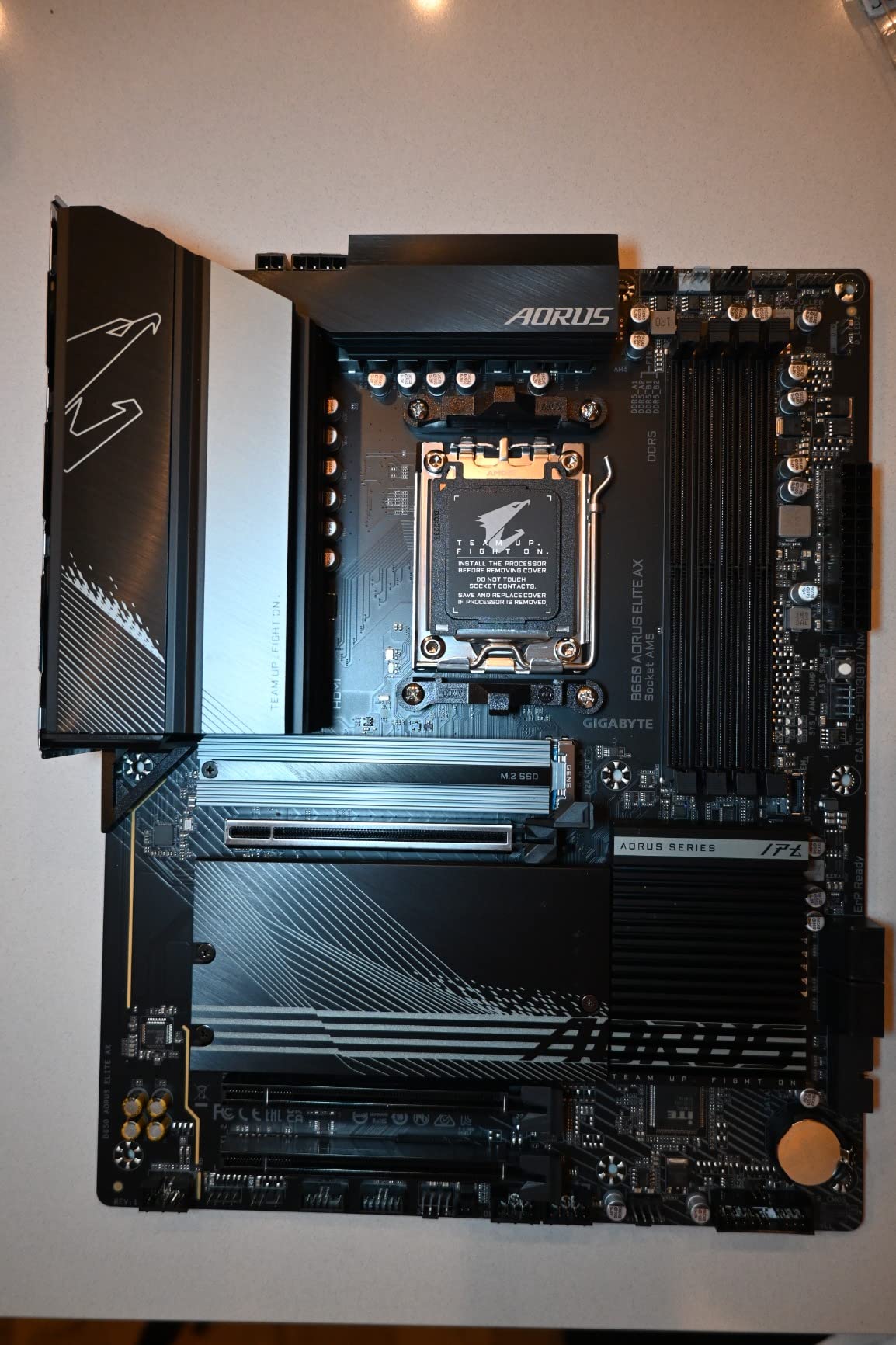
The B650 AORUS Elite AX is the board we hand to anyone who says they want a good AM5 board without a lecture about VRM phases. It rates 4.3 across 1547 reviews, and the asterisk on that number is the BIOS: owners who updated it and installed AMD chipset drivers report a completely different experience from those who did not.
Two sets of 14+2+1 phases with 70A power stages sit on an eight-layer board with two-ounce copper, cooled by a 6mm heatpipe and fully covered MOSFET heatsinks. That is far more power delivery than a Ryzen 5 or Ryzen 7 gaming chip will ever draw, which is precisely why the phase count matters less than the cooling and the layout.
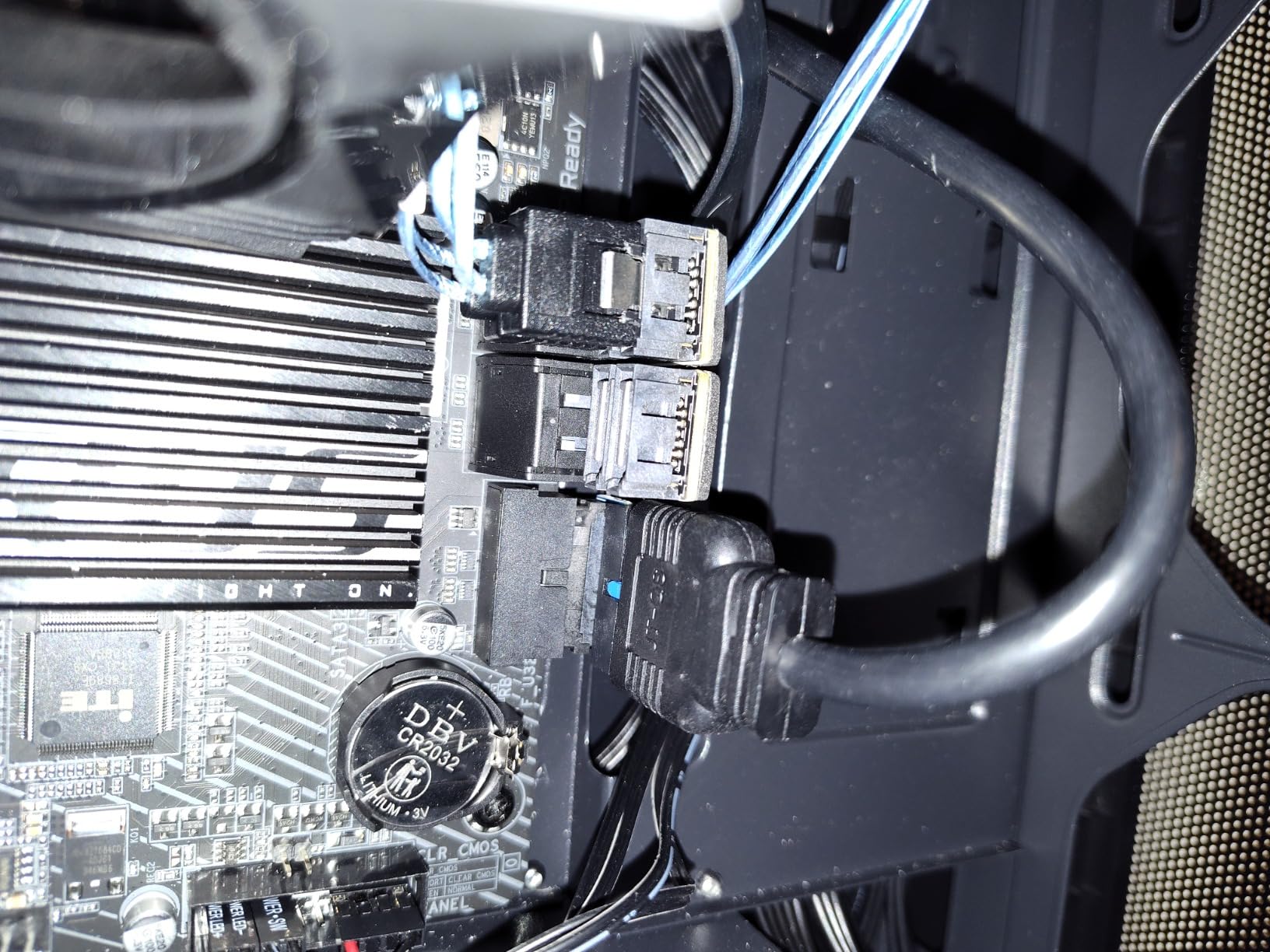
Storage is the standout. Three M.2 slots, one of them PCIe 5.0 x4, all covered by M.2 Thermal Guard heatsinks, and a PCIe Ultra Durable Armor shroud on the primary slot. Networking covers WiFi 6E and 2.5GbE, with USB-C on both the rear panel and the front-panel header.
Assembly is friendlier than the specification sheet suggests. EZ-Latch M.2 retention means most drives click in without a screw, and Q-Flash Plus updates the BIOS without the CPU, memory or graphics card installed. Four DDR5 DIMM slots run up to 128 GB with both EXPO and XMP profiles. Warranty is five years when you register the board online.
Is a B650 board enough for a Ryzen 9000 gaming build?
Yes, for the CPU you are likely to buy. The board supports Ryzen 7000, 8000 and 9000 series, and 14+2+1 phases with 70A stages handle a high-end chip without complaint. The only reason to step up the chipset is a specific port you need, like USB4, not raw gaming performance.
The people who should skip it are the ones with four NVMe drives plus a spinning-storage array. Three M.2 slots and four SATA ports is plenty for gaming, and tight if you also run a NAS-style cold store inside the same case.
Why do some owners report XMP problems?
Early BIOS revisions, mostly. The recurring report is XPO or EXPO not enabling on first boot, followed by a reboot or a blue screen, and it clears once the board is on current firmware. No onboard post-code LED means you are reading the message on screen instead of a code, which is the single thing we would add to this board.
The documentation is the other quiet complaint. There is no printed manual in the box, and the online guides assume you already know what a DIMM latch is. If you have never built a PC, read the guide before the box opens.
3. ASUS TUF Gaming B650-PLUS WiFi – The Easiest AM5 Board to Assemble
- Build quality owners rate above the class average
- 14 power stages with solid VRM heatsinks
- Clean layout with an intuitive BIOS
- PCIe 5.0 M.2 for future storage
- Bundled WiFi and Bluetooth drivers do not work
- Storage headers are limited for the price band
- BIOS memory training makes the first EXPO boot slow
Of the eleven boards here, the TUF Gaming B650-PLUS WiFi is the one we would hand to someone building their first PC. It rates 4.5 across 1223 reviews, and the reason is not raw specs. It is that the sturdier RAM slots, the properly sized M.2 heatsinks and the straightforward layout make the twenty minutes of assembly less stressful.
Underneath that, you get 14 power stages with VRM heatsinks that owners report running AM5 chips cool, four DDR5 DIMM slots up to 128 GB, a PCIe 5.0 M.2 slot for a Gen5 drive, and 2.5Gb Ethernet with WiFi 6 and Bluetooth 5.2 on the board. Four PCIe connectors and four SATA ports cover a normal gaming configuration with room for a capture card or a second network device.
Owners who moved up from a ROG Strix B550 report the TUF line matching it for gaming and everyday use, which is the relevant comparison. You are giving up the premium badge and the software suite, not the gaming experience.
Do I need to be an expert to build on this board?
No. The layout is uncluttered, the connectors are logically grouped, and the BIOS splits into a simple mode and an advanced mode so the settings you need on day one are not buried. Four DDR5 slots in the standard position means memory goes in the slots the manual says, not in a slot you have to look up.
Budget for one evening and a video on the process. The mechanical difficulty is low; the part that trips first-time builders is the CPU socket lever, and that is the same on every board in this roundup.
What is the catch with the WiFi?
The bundled wireless drivers do not work. This is the most repeated complaint across reviews, and the fix is to source the driver from a third-party site after installing Windows. Everything wired is fine, so this only matters if you are not running an Ethernet cable to the machine.
The second catch is the first boot. BIOS memory training with EXPO enabled can make the initial POST take an unusually long time. It is not a fault, but it alarms people who think the build is broken.
4. ASUS ROG Strix B650-A Gaming WiFi – Best for a White or Themed Build
- Rock-solid 12+2 power delivery with 8+4-pin ProCool
- Excellent DDR5 memory tuning
- Three M.2 slots all fitted with heatsinks
- Silver and white finish for themed cases
- Requires a BIOS update before the first boot
- Weak onboard audio and Armory Crate bloat
- Slow boot times reported out of the box
The ROG Strix B650-A is the value entry into the ROG Strix range, and it holds a 4.5 average across 1219 reviews. Owners treat it as the bargain board in that family, which is odd to say about a Strix and mostly reflects how much the higher models cost.
Power comes from 12+2 power stages with 8+4-pin ProCool connectors, alloy chokes and durable capacitors, plus large VRM heatsinks with cut airflow channels and high-conductivity thermal pads. Owners running long gaming sessions report stable delivery with no thermal complaints, and the memory tuning gets specific praise for running high-speed DDR5 kits without boot failures.
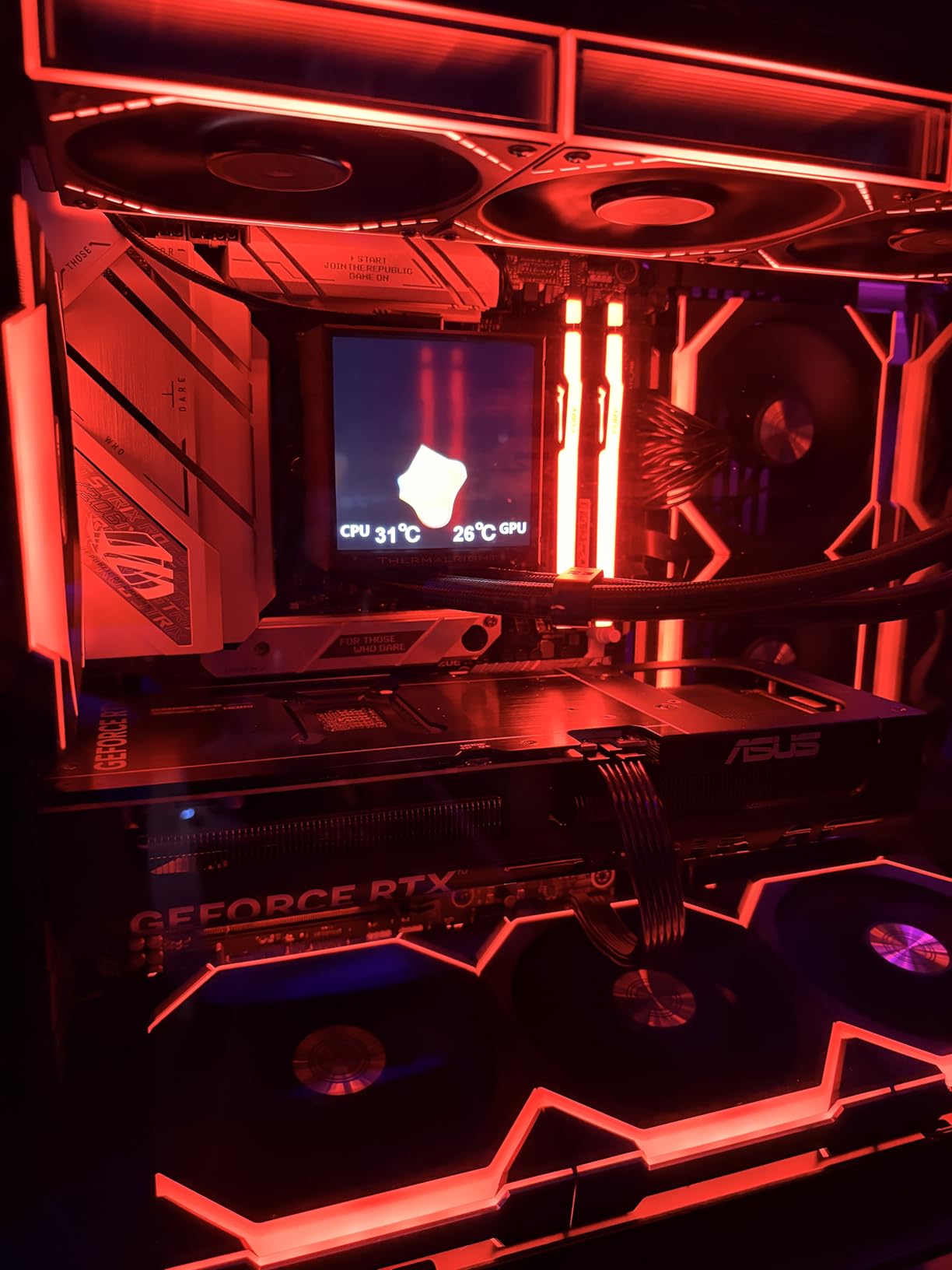
Storage is the practical strength: three M.2 slots, one PCIe 5.0 and two PCIe 4.0, and every one of them has a heatsink, which is not true across the whole class. Four SATA ports and nine USB ports back that up, with plenty of high-speed USB on the rear panel and an integrated I/O shield.
The finish is the reason it earns this spot in the list. The silver and white heatspreaders suit a themed case in a way the black boards here do not, and that matters to a lot of builders finishing a coordinated system.
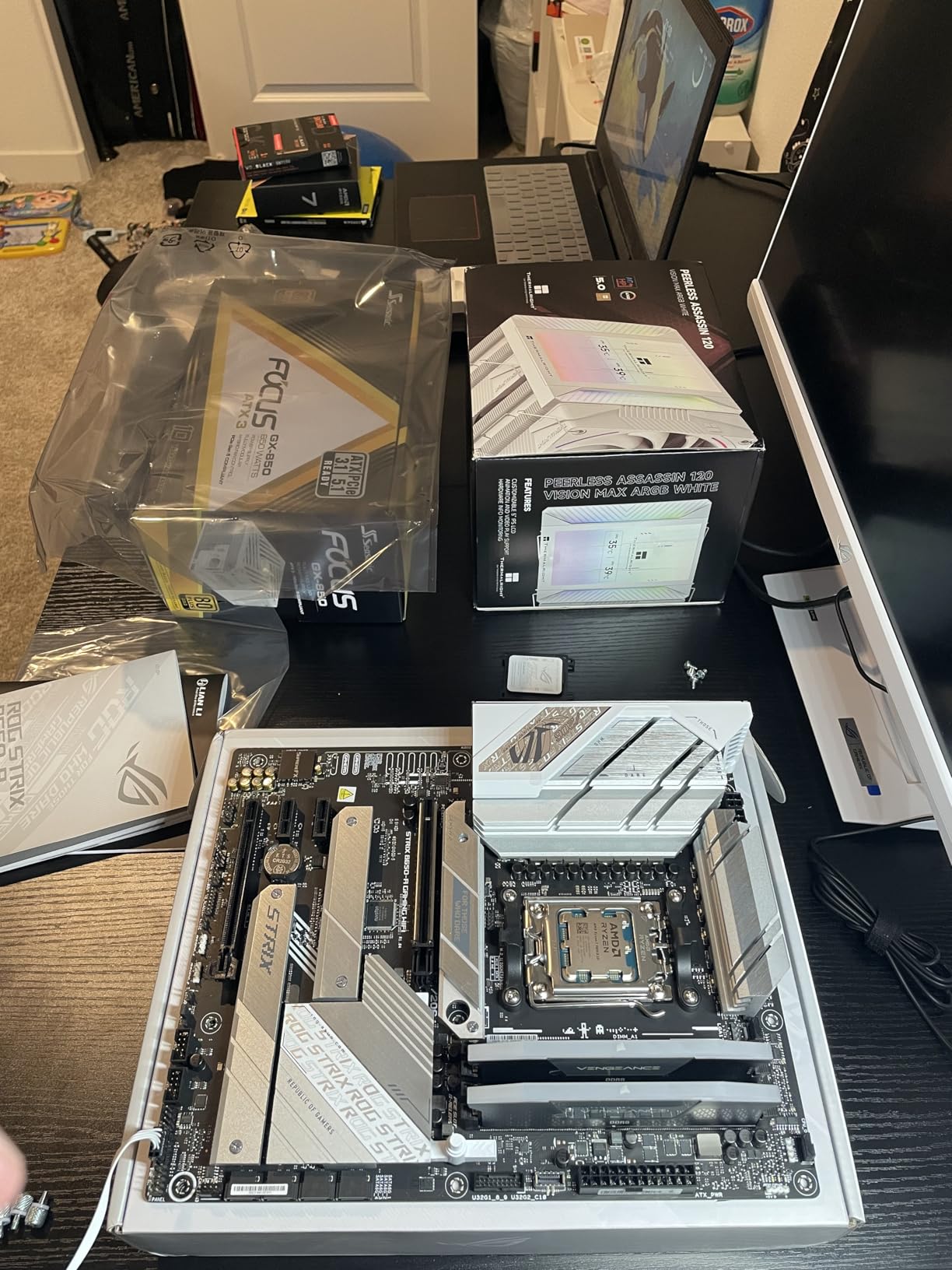
Does this board need a BIOS update before I install a Ryzen 9000?
Plan on it. The listing is explicit that a BIOS update may be required with Ryzen 9000 and 8000 series processors, and the Ethernet controller may need separate updating after that. The board has BIOS Flashback, so you can do it with just the board and a USB stick, which is the whole reason that button exists.
Do that update before the case goes on. Accessing the BIOS button with the board installed in a tight chassis is an unpleasant afternoon.
Is the software going to annoy me?
Probably, and this is the honest downside of the Strix range at any price. Armory Crate installs heavy SDKs, asks for multiple administrator permissions and sits in the background using system resources. Several owners also report boot times of roughly 20 seconds out of the box, and the onboard audio is weak enough that a few added an external DAC.
If a clean machine matters to you more than the badge, the TUF at number three is the board that makes that trade instead.
5. Gigabyte B550 Gaming X V2 – Budget Pick for a Ryzen 5000 Build
- Digital Twin 10+3 power phase with premium chokes
- VRM heatsink and integrated I/O shield
- Four DDR4 DIMMs with XMP support
- Q-Flash Plus BIOS updates with no CPU installed
- Single gigabit LAN instead of 2.5Gb Ethernet
- Second M.2 slot runs at PCIe 3.0
- No onboard WiFi
If you are building around a Ryzen 5000 chip you already own, the Gigabyte B550 Gaming X V2 is the board we would choose over anything pricier in this roundup. It rates 4.5 across 1134 reviews, and the reason is simple: the limits are visible on the specification page before you buy.
Power delivery is a Digital Twin 10+3 phase design with premium chokes and capacitors, feeding an advanced VRM heatsink. Four DDR4 DIMM slots handle XMP profiles at 3200MHz-class speeds and up to 128 GB. The integrated I/O shield saves a step during assembly, which matters more than it sounds.
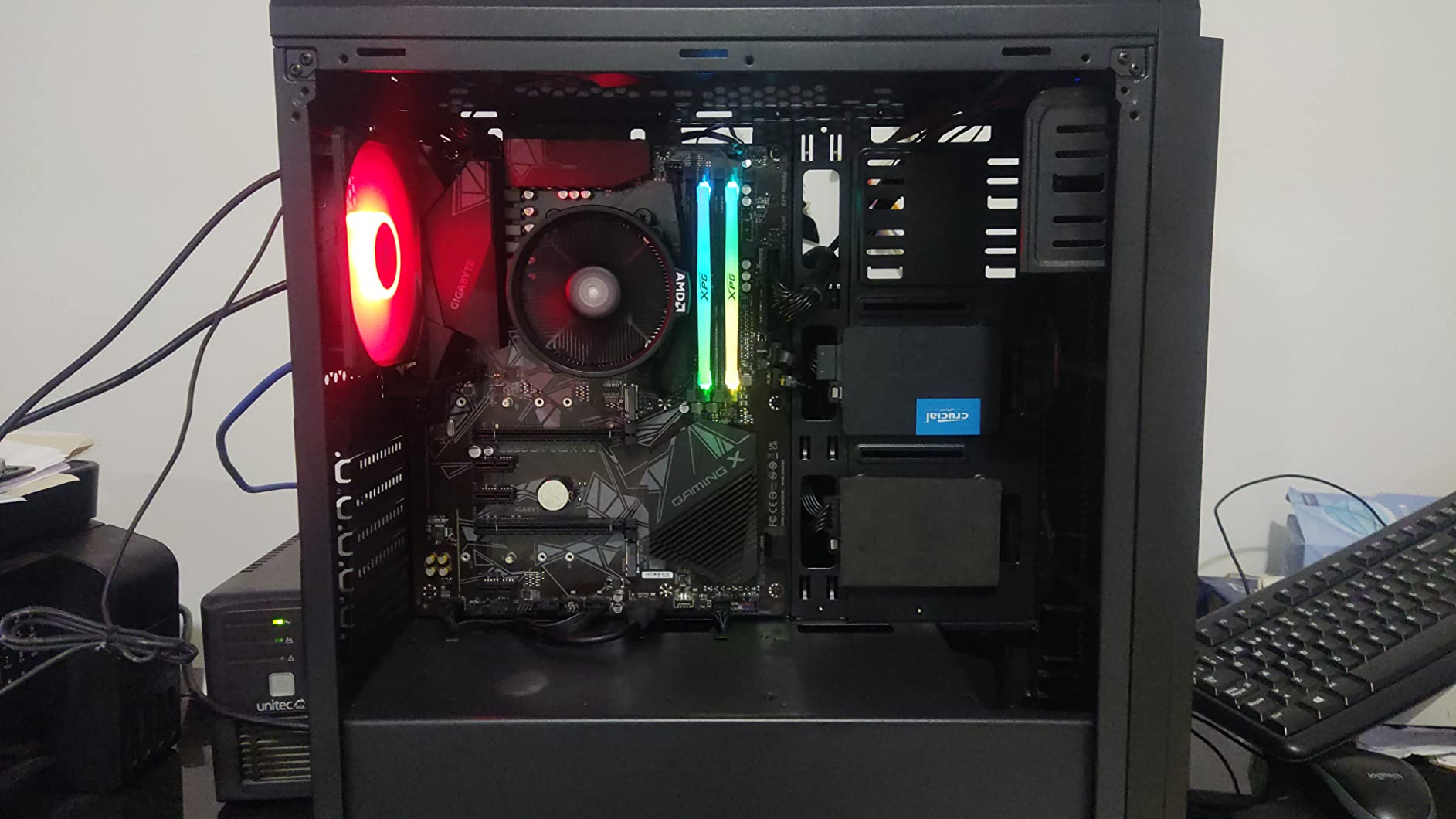
The feature that saves builds is Q-Flash Plus. You can update the BIOS with nothing but the motherboard and a USB drive, no processor, no memory, no graphics card. On an older chipset that has gained new CPU support over the years, that button is worth more than any aesthetic upgrade.
The BIOS itself was refreshed with an Easy Mode interface, so the everyday settings sit at the top and the tuning sits underneath. Bluetooth 5.3 is handled by the wireless module, and there is a front USB 3.2 Gen 1 Type-C header for a modern case.
Is gigabit Ethernet a problem for gaming in 2026?
For most people, no. Gigabit Ethernet has more bandwidth than a game download or a video stream needs, and the latency difference at this distance is not something you will notice. It becomes a problem when you are moving large files to a NAS, syncing a video library or hosting a local server.
The honest answer is that it is a compromise board. Buy it when the CPU and memory are already covered by your budget, not as a way to save money on a new platform.
What do I lose by skipping 2.5Gb Ethernet and WiFi?
The second M.2 slot runs at PCIe 3.0 rather than 4.0, so a Gen4 drive in it loses roughly half its sequential throughput. Real-world loading differences are small, but it is a real spec difference. There is also no onboard WiFi, so the machine needs a cable or a dongle.
Everything else on the checklist for a modern gaming board is present: two M.2 connectors, a PCIe 4.0 x16 graphics slot, Q-Flash Plus and an integrated I/O shield. Three years of manufacturer warranty applies.
6. Gigabyte B650 Eagle AX – Best for Maximum Storage
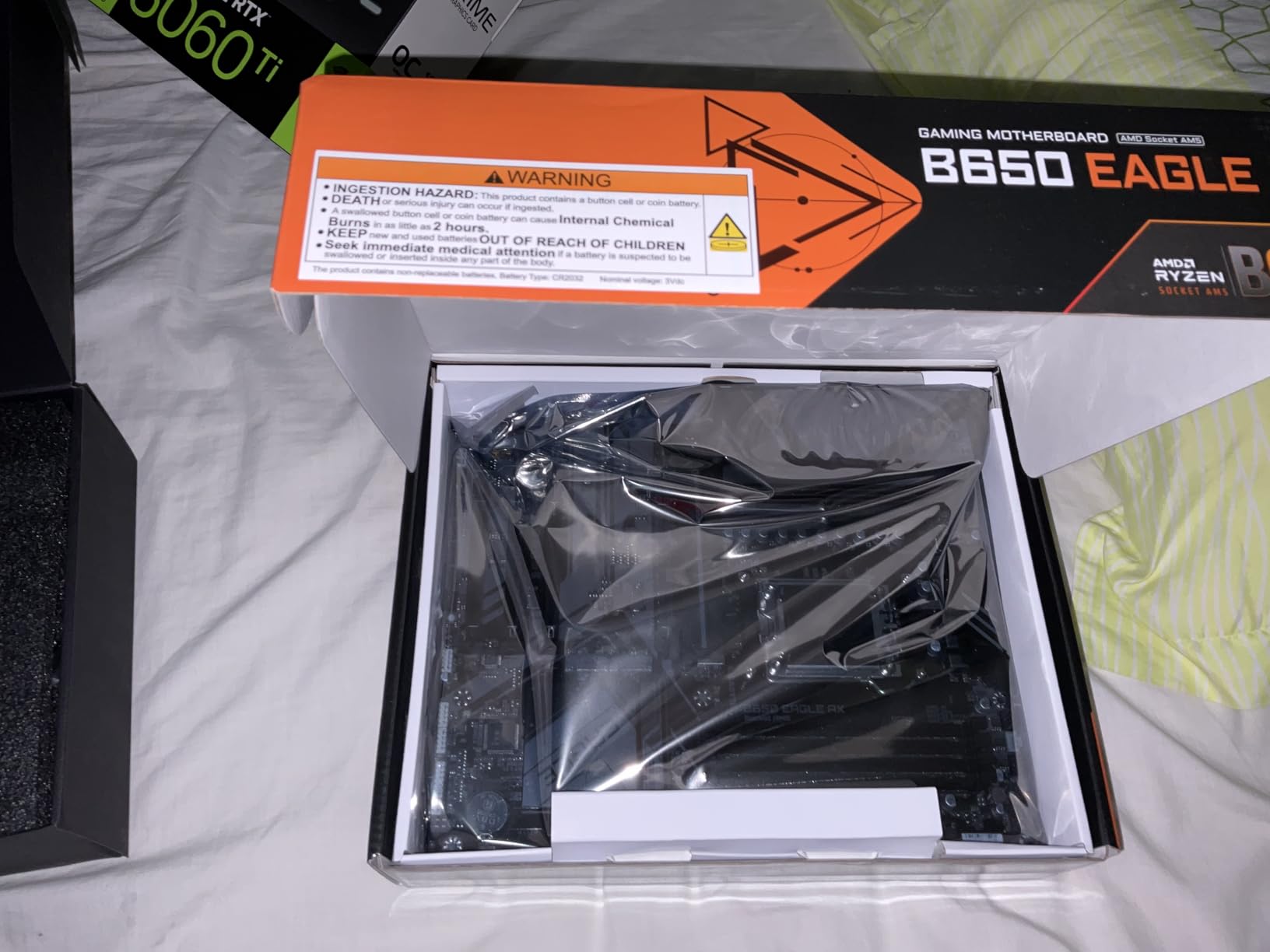
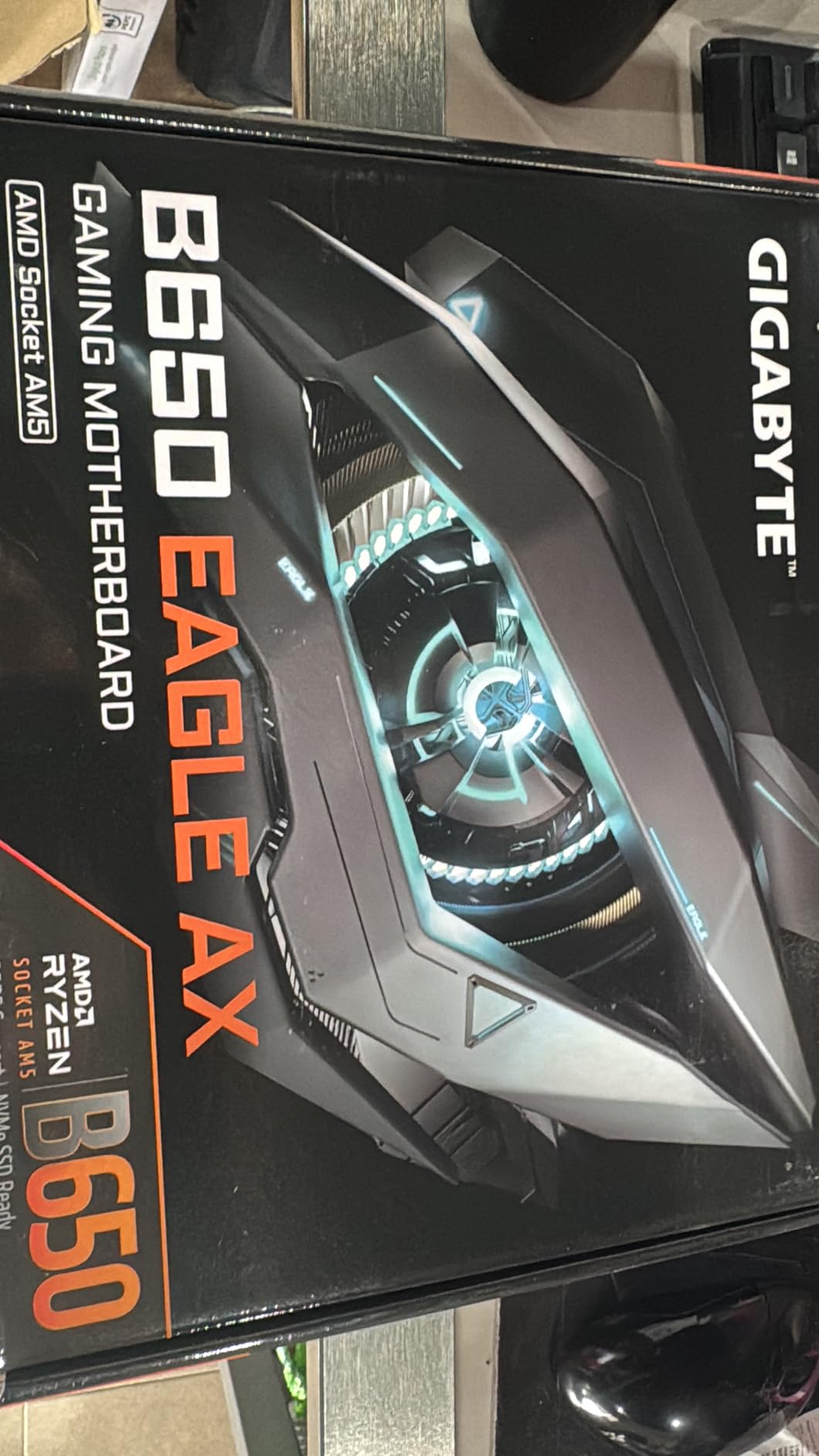
GIGABYTE B650 Eagle AX AM5 LGA 1718 ATX Motherboard, DDR5, Triple M.2 Slots (1x PCIe 5.0, 2X PCIe 4.0), USB 3.2 Gen2x2 Type-C, WiFi 6E, Realtek GbE LAN
- Three M.2 slots with one PCIe 5.0 and two PCIe 4.0
- 12+2+2 phase VRM handling high-end Ryzen
- Good rear I/O with USB 3.2 Gen2x2 Type-C
- Clean UEFI menu with solid EXPO handling
- Thin printed manual that is hard to follow
- Runs warm under sustained load
- Realtek gigabit LAN rather than 2.5GbE
The Gigabyte B650 Eagle AX earns its place on storage and port count. It rates 4.6 across 964 reviews, and owners building for video editing or heavy storage use point at the same feature: three M.2 slots, one PCIe 5.0 and two PCIe 4.0, alongside eighteen USB ports across the board.
Power is a 12+2+2 phase digital VRM with proper heatsinks, which owners report handling high-end Ryzen chips without drama. Cooling comes from M.2 Thermal Guard heatsinks and the standard VRM cooling, and the UEFI menu works out of the box and handles EXPO profiles cleanly, which is more than can be said for a lot of boards at this level.
Rear I/O includes USB 3.2 Gen2x2 Type-C and WiFi 6E on the board, with a Realtek gigabit LAN port for wired connections. Smart Fan 6 handles curve control and Q-Flash handles updates without a CPU installed. Four DDR5 DIMM slots take up to 128 GB, and the warranty is five years once you register the board online.
Compatibility covers Ryzen 7000, 8000 and 9000 series, so the board stays relevant across the AM5 generation rather than locking you out of the newest silicon.
Is this the right board for a streaming or content-creation machine?
Yes, if storage is the constraint. Three M.2 slots and eighteen USB ports mean room for multiple NVMe drives, an external drive array and a capture card without a hub. The VRM has the headroom for a sustained all-core workload, which a game running at 200 frames does not demand but an encoder does.
If you only ever run one SSD and one capture card, this is more board than you need and the single gigabit LAN is the wrong trade at this specification level.
What about thermals and the WiFi?
The board runs warm under heavy load, and several owners note that case airflow makes a visible difference to it. A front intake and a rear or top exhaust is not optional on this one. The WiFi 6E module also needed tweaking to reach its best speeds, and the printed manual is thin for beginners.
Neither issue is a dealbreaker, but both are things you would rather know before the board is in the case.
7. MSI B760 Gaming Plus WiFi – Best for Intel LGA1700
- High-quality VRM heatsinks that run effectively under load
- DDR5 support to 6800 MHz with Memory Boost
- Two M.2 Gen4 slots with Shield Frozr
- Intel WiFi 6E with Bluetooth 5.3 and 2.5G LAN
- No PCIe 5.0 slot anywhere on the board
- Reports of bent CPU sockets and diagnostic lights on arrival
- Awkward port and header layout for cable routing
The Intel side of this roundup is thinner than the AMD side, because the LGA1700 chipset line has fewer genuinely good options than AM5 does. Within that constraint, the MSI B760 Gaming Plus WiFi rates 4.6 across 742 reviews and supports 12th, 13th and 14th generation Core processors.
Cooling is the most praised feature. The VRM heatsinks run effectively under load, and the M.2 slots have Shield Frozr cooling on the primary drive. Memory support runs to 6800 MHz with Memory Boost, and there are two M.2 Gen4 slots, which is the practical limit on this chipset.
Networking is well specified: an Intel WiFi 6E module with Bluetooth 5.3, plus 2.5Gbps LAN. Rear and internal USB totals reach 14 ports, and the RGB control software gets consistent praise for how much customisation it offers. Warranty is two years, which is the shortest in this roundup.
Several owners name MSI as their long-term favourite brand, and the board is described as having more power phases and more ports than cheaper alternatives at the same level.
Is LGA1700 still a sensible platform to build on?
Only with a clear reason. If you already own a 12th, 13th or 14th generation Core processor, this board takes it and works well. If you are buying a new CPU as well, note that this platform has a shorter forward path than AM5, and a newer socket exists for the current generation of Intel parts.
The board itself is not the weak link. The absence of a PCIe 5.0 slot is a chipset limitation rather than a board decision, and Gen4 drives perform the same in games as Gen5 ones.
What do the negative reviews actually describe?
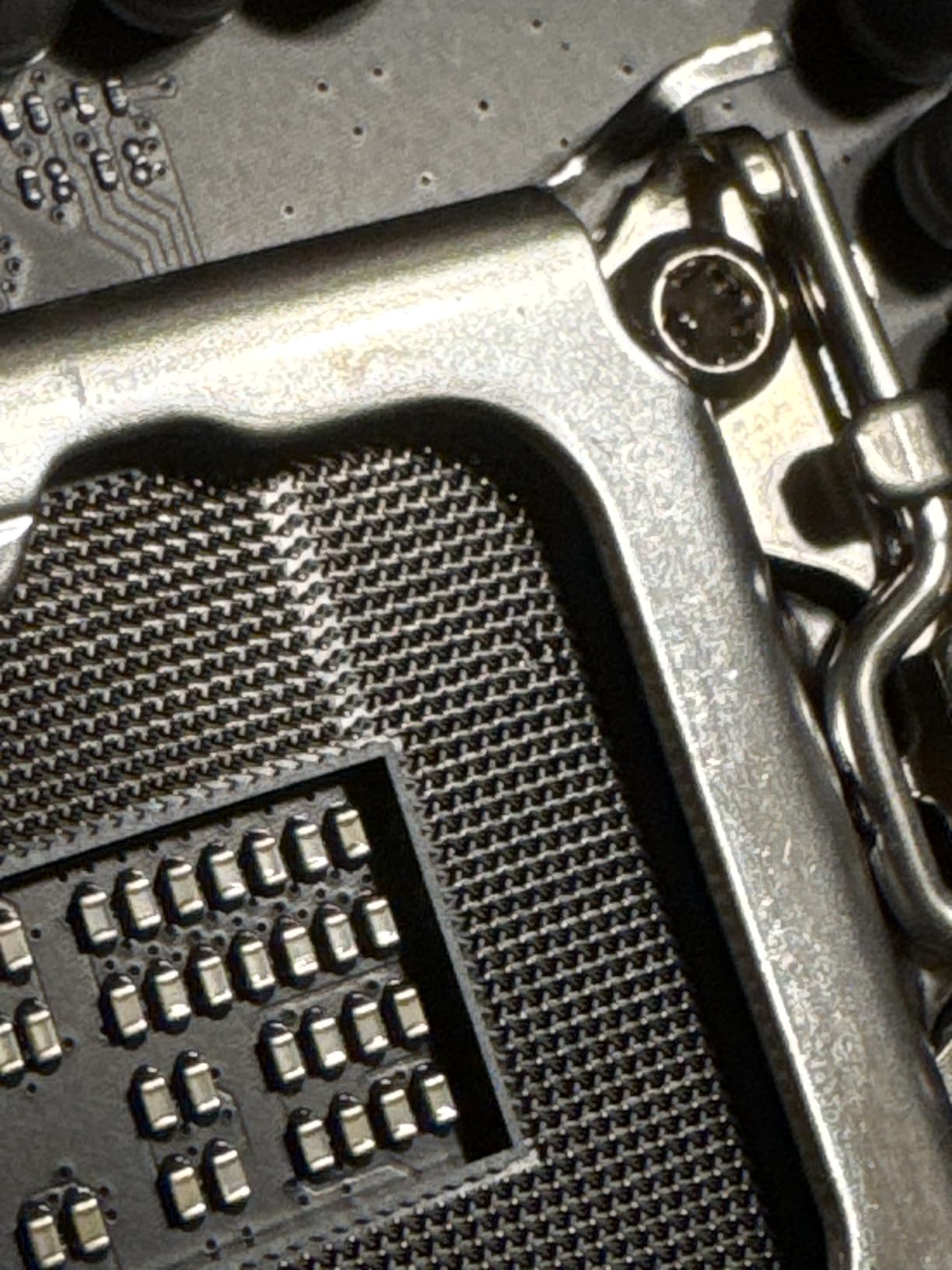
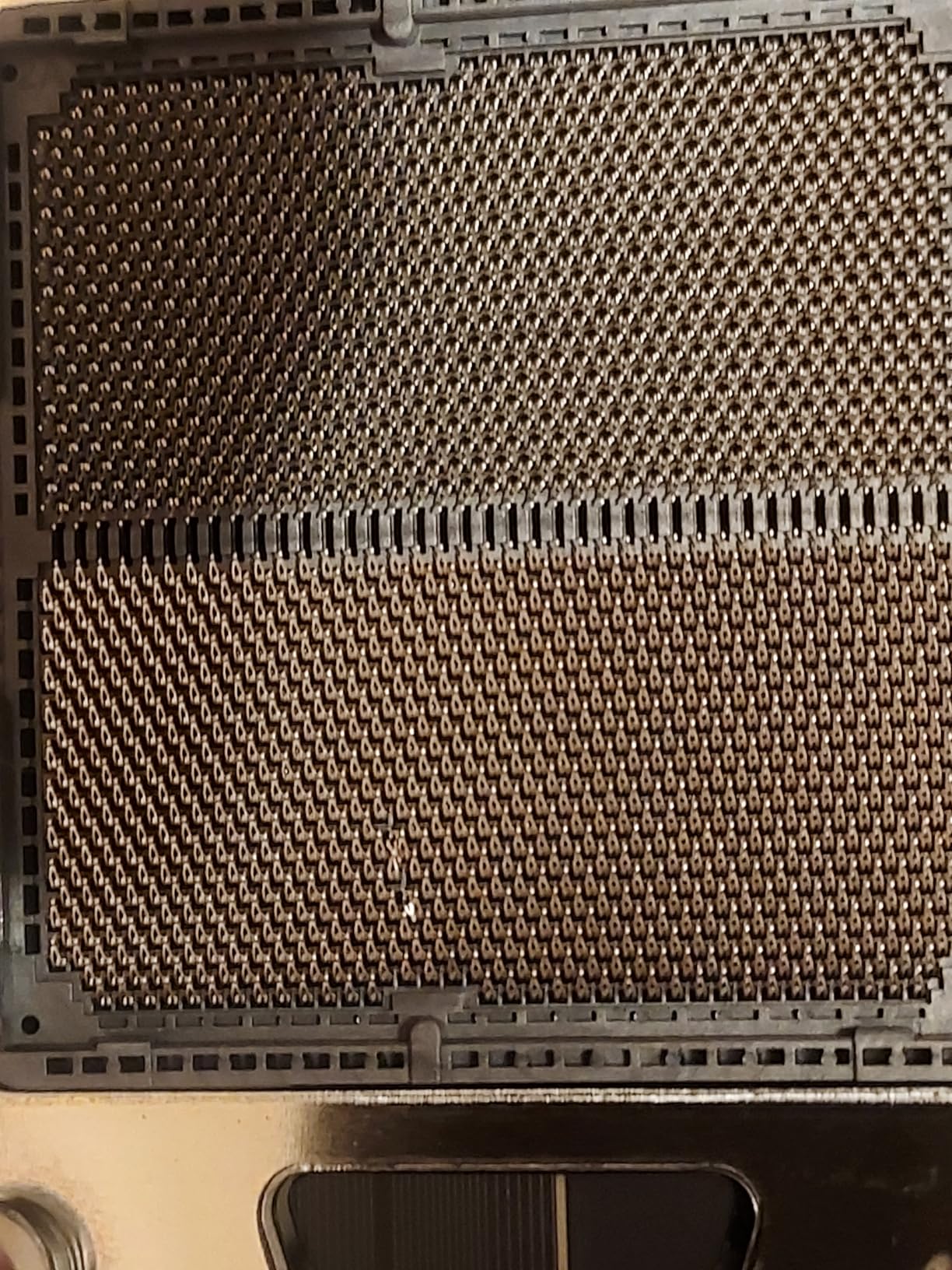
Two things, neither of them about performance. A cluster of owners report units arriving with bent CPU socket pins, a diagnostic light showing a code on arrival, or signs of previous use, and others describe weak internal packaging with boards shipped in unsupported boxes. Inspect the socket and the corner pins before you install anything.
The other recurring note is that the port and header layout is not the friendliest, so cable routing takes practice. Plan the front-panel connections before the board goes in.
8. MSI MAG X870 Tomahawk WiFi – Best for USB4 and 5G Networking
- 17-phase 14+2+1 power with 80A stages and extended heatsink
- BIOS owners consistently rate as the best they have used
- 5G LAN plus WiFi 7 and Bluetooth 5.4
- Built-in USB4 at 40Gbps and a 27W front Type-C header
- Long boot times and an EZ Debug code 08 on early BIOS
- WiFi 7 packet drops reported by some owners
- Second PCIe 5.0 M.2 shares bandwidth with the USB4 port
This is the most capable board here and the one that is hardest to recommend to everybody. The MAG X870 Tomahawk WiFi rates 4.4 across 649 reviews, and what the reviews consistently praise is the combination of power delivery, networking and debug features that usually costs a good deal more.
Power is 17-phase 14+2+1 Duet Rail with 80A Smart Power Stages under an extended heatsink, which owners report running high-end Ryzen chips without throttling. Memory tops out at 256 GB and the board is listed to 7800 MHz, though a gaming build will run DDR5 at 6000 with EXPO like everything else.
The networking is the reason to look here. You get 5G LAN, WiFi 7 and Bluetooth 5.4, which makes this the board to pick if you have a 2.5Gb or 10Gb home network and want the fast path wired. There is also a built-in USB4 port at 40Gbps, and the front Type-C header delivers 27W of charging.
Build-aiding features are unusually good for the tier: an LED debug code display, a Clear CMOS button, tool-free EZ M.2 heatsinks, BIOS Flashback and a supplied 32GB FAT32 USB stick for updates. That collection alone saves an evening of troubleshooting.
Is USB4 worth stepping up to X870 for?
Only if you have a USB4 dock, a USB4 external enclosure or a display you want to drive over one cable. Otherwise it is a port you will never plug anything into, and a B650 board gives you the same gaming performance for less. The 5G LAN is the more broadly useful of the two features here.
This is the decision the whole X870-versus-B850 question comes down to. Buy the chipset for the port, not for the frame rate.
What about the shared PCIe 5.0 and USB4 bandwidth?
This is the footnote that catches people. The second PCIe 5.0 M.2 slot shares bandwidth with the USB4 port, so you choose between a very fast NVMe drive and the 40Gbps port. A gaming build with two Gen4 drives and a USB-C monitor is the easy case.
Two more notes. A minority of owners report WiFi 7 instability with consistent packet drops, so check the module on your network early. And MSI Center bundles antivirus prompts and does not include the WiFi drivers out of the box, which is an annoying first-boot task.
9. MSI B650 Gaming Plus WiFi – Best for DDR5 Speed Headroom
- 12+2+1 Duet Rail power with well-cooled MOSFETs
- DDR5 to 7200 MHz verified by owners on 6000 CL30 kits
- WiFi 6E with Bluetooth 5.3 and 2.5Gbps LAN
- BIOS Flashback switch and Clear CMOS button
- No PCIe 5.0 slot or Gen5 M.2
- Long boot times are a frequent complaint
- PBO settings duplicated across two BIOS menus
The MSI B650 Gaming Plus WiFi is the board to buy if your plan includes fast memory and you want to tune it. It rates 4.6 across 630 reviews, and the memory support is the headline: DDR5 up to 7200 MHz, with owners confirming 6000 CL30 kits running exactly as rated under EXPO.
Power delivery is a 12+2+1 Duet Rail system with well-cooled MOSFETs on thermal pads, and owners confirm it handles a Ryzen 7 7800X3D without complaint. That is the practical ceiling for a gaming CPU, which is why this board is a good match for X3D chips rather than a compromise.
Connectivity is WiFi 6E, Bluetooth 5.3 and 2.5Gbps LAN, with front USB Type-A and Type-C headers and two PCIe slots beyond the primary x16. Fifteen USB ports in total is generous for a gaming machine with a keyboard, mouse, headset and controller.
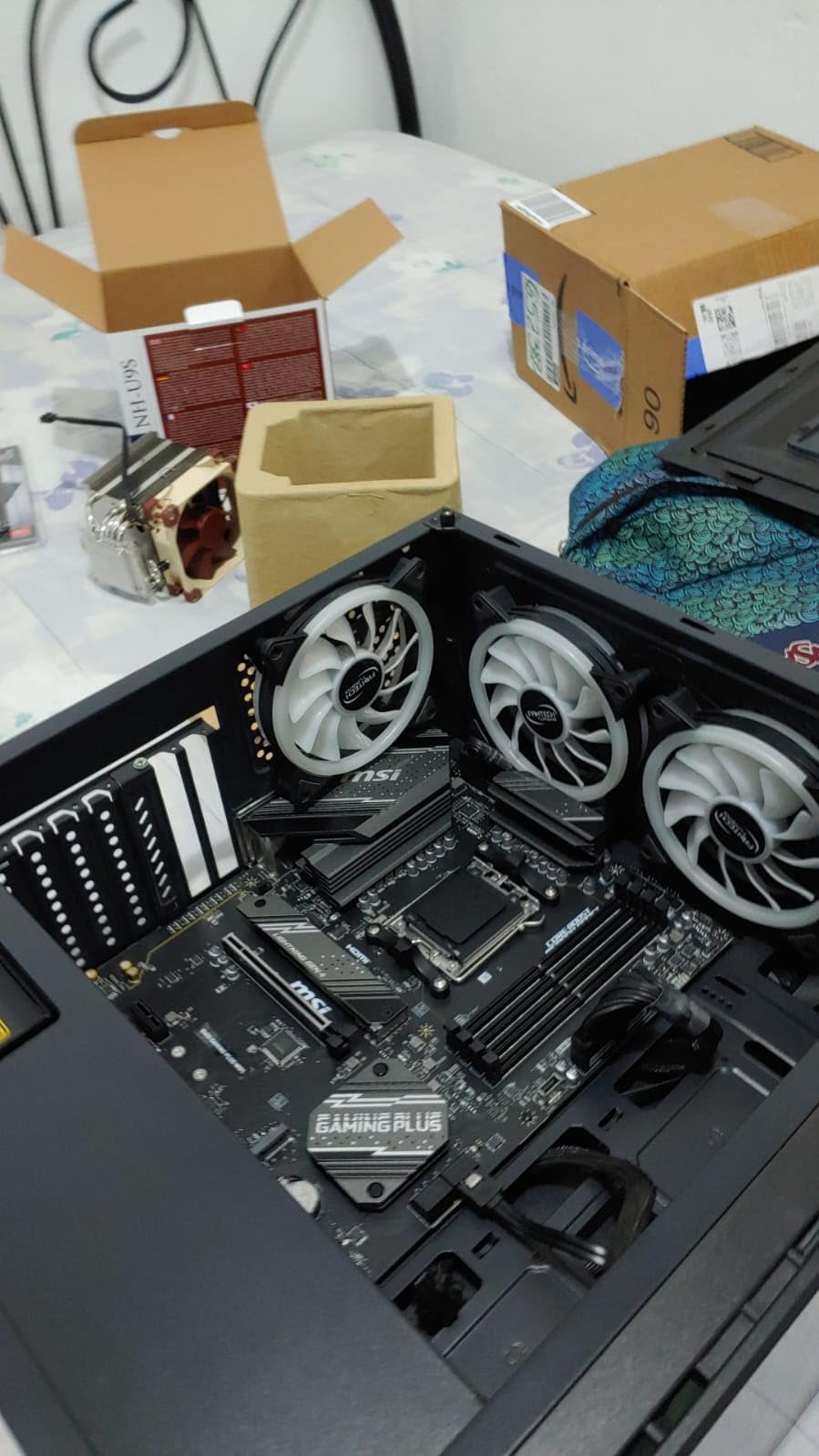
MSI’s RMA replacement process gets specific praise from owners, which matters when a board arrives with a problem. BIOS Flashback is a physical switch rather than a button, and a Clear CMOS button sits nearby for when memory training goes sideways.
Do I need a Gen5 M.2 slot?
Almost certainly not right now. Games load from NVMe drives that saturate well below Gen4 speeds, and a Gen5 drive costs more and runs hotter for a difference you will not see in a frame time. The one scenario where it pays is a scratch disk you constantly write video or project files to.
If your build brief says PCIe 5.0, the Aorus Elite at number two or the Tomahawk at number eight covers it. If it does not, this board gives you the rest.
Why is the BIOS confusing?
Two reasons that recur. PBO overclocking settings are duplicated between the Overclock menu and the advanced menu, so it is easy to change a value in one place and not see it in the other. And Memory Context Restore is off by default, so RAM that trained successfully can fail to boot next time until you enable it.
Turn on Memory Context Restore first, and the long boot times that owners report on this board stop being an issue.
10. ASRock B650M PG Lightning WiFi 6E – Best for Small Form Factor Builds
ASRock B650M PG Lightning WiFi 6E AMD Ryzen 9000/8000/7000 Series Socket AM5 B650 DDR5 up to 7200+ (OC) MHz 256 GB SATA3 6.0 Gb/s Micro ATX Motherboard M.2 RGB LED BIOS Flashback
- Six plus two plus one DrMOS phases suited to mainstream Ryzen
- Three M.2 slots including a PCIe Gen5 x4 drive
- Phantom Gaming 2.5G LAN and WiFi 6E on a micro-ATX board
- BIOS Flashback and ASRock Auto Driver Installer
- Realtek ALC897 onboard audio is a basic solution
- Micro-ATX limits expansion to two PCIe connectors
- Listed memory capacity conflicts with the 256 GB claim
The B650M PG Lightning is the only micro-ATX board in this roundup, and that is the entire point of it. It is the option for a compact case where a full-size ATX board simply will not fit, and it rates 4.2 across 281 reviews, the lowest average here.
The 4.2 is worth understanding rather than worrying about. The lower figure reflects a smaller owner-review base and a basic audio codec, not a problem with the board. Power is a 6+2+1 design with DrMOS, which is sufficient for mainstream AM5 Ryzen chips, which is what fits in this case size anyway.
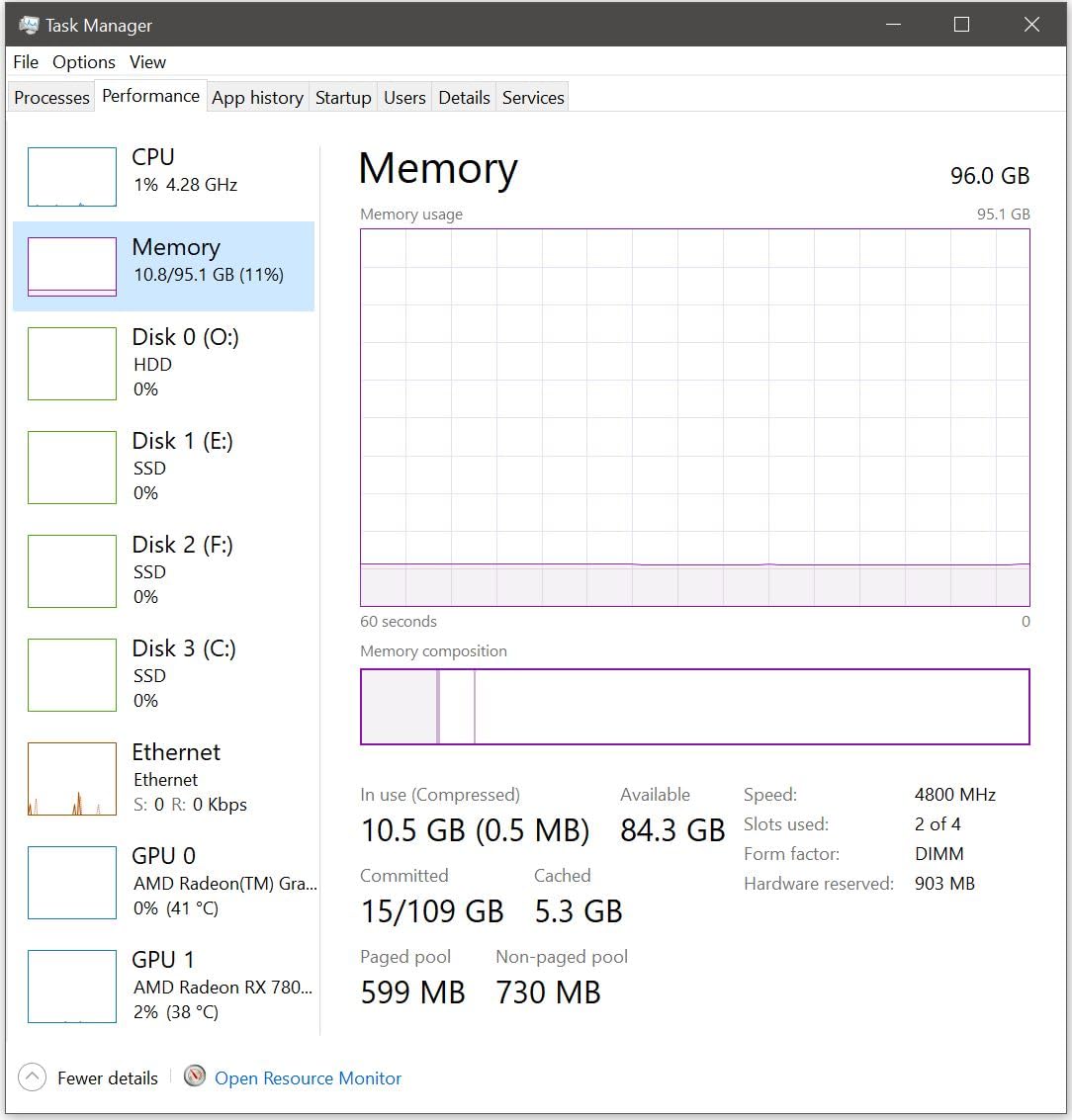
Storage is genuinely good for a small board: three M.2 slots, one Blazing M.2 at PCIe Gen5x4, one Hyper M.2 at Gen4x4 and one at Gen4x2. Four SATA connectors, 2.5G LAN under the Phantom Gaming name, and 802.11ax WiFi 6E with Bluetooth, all on a micro-ATX footprint.
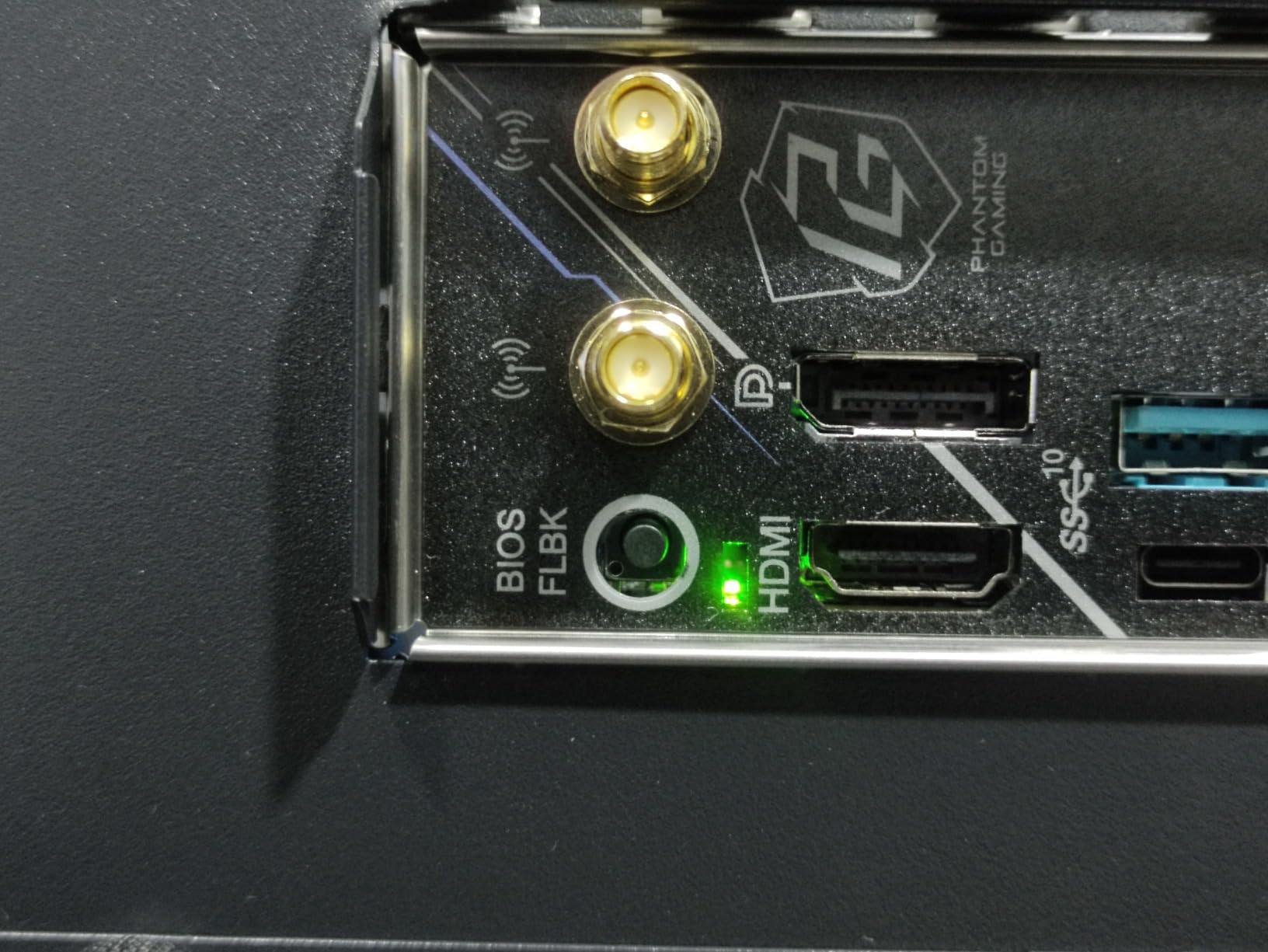
Four DDR5 DIMM slots support up to 7200 MHz in dual channel, and BIOS Flashback plus the ASRock Auto Driver Installer handle the setup. There is also an M.2 Key-E slot for a wireless module and RGB lighting on the board.
Is micro-ATX the right size for a first gaming build?
Often, yes. Micro-ATX gives you most of the expansion of a full ATX board in a smaller footprint, and it works in every case that takes ATX. It is a sensible default for a gaming machine with one graphics card, one or two SSDs and a couple of fans.
What you give up is expansion slots. This board has two PCIe connectors, so a capture card plus a WiFi card is your realistic limit. Plan your add-on devices before you buy.
What should I check before ordering?
Read the memory capacity line carefully. The listing carries a 32 GB memory figure alongside a 256 GB claim for the same board, and the four DIMM slots and 7200 MHz support in the feature list point to the larger figure. Confirm the maximum with the manufacturer’s specification before you plan a 64 GB kit.
The onboard audio is a Realtek ALC897 7.1 channel codec. It is fine for system beeps and basic headset output, and it is the part of this board most owners add an external solution for.
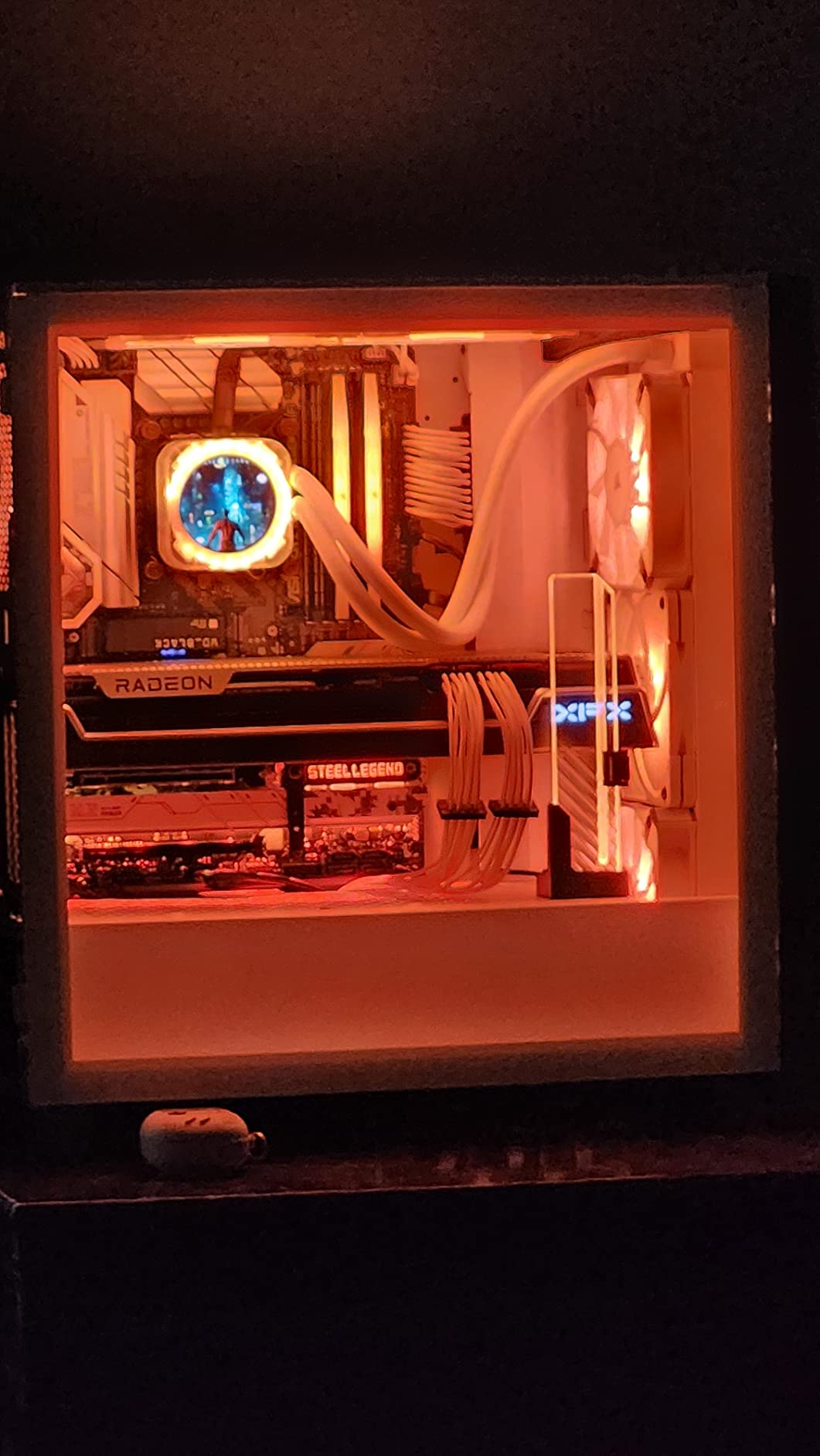
11. ASRock Z790 Steel Legend WiFi – Best for Maximum Ports and Drives
- Eight native SATA ports for multi-drive builds
- Five M.2 NVMe slots with a PCIe 5.0 x16 slot
- 27 rear USB ports plus front headers
- 16+1+1 phase power with organised BIOS menus
- Only three PCIe expansion slots
- ASRock memory optimisation settings cause errors by default
- Support page and control utility are rarely updated
The Z790 Steel Legend WiFi is the odd one out in this roundup, and if your build has a lot of drives it is the one that makes sense. It rates 4.3 across 187 reviews, the smallest review base here, but multiple owners name the same deciding factor: eight native SATA ports.
Storage is the headline in every sense. Five M.2 NVMe slots, a PCIe 5.0 x16 slot alongside PCIe 4.0 x16 and PCIe 3.0 x16, and eight SATA connectors. Twenty-seven rear USB ports plus front USB 3.2 headers cover peripheral counts that would need a hub on any other board here.
Power is a 16+1+1 phase design, and the BIOS menus are well organised with useful fan curve control. Owners report clean installs, painless M.2 fitting with the supplied heat spreaders, and quick Windows 11 boots. Three years of warranty, four DDR5 DIMM slots, up to 256 GB, and graphics output through HDMI, DisplayPort and eDP.
It supports 12th, 13th and 14th generation Intel Core processors on the LGA1700 socket.
Who actually needs five M.2 slots and eight SATA ports?
Storage-heavy builds: a game library on NVMe plus a NAS-style cold store, a workstation that also games, or someone who wants the option to add drives later without replanning the board. For a single-game single-SSD machine, every one of those slots is dead weight.
This is also the only board in the roundup where the storage spec changes the recommendation rather than the price.
What are the settings to change on day one?
Turn off ASRock Timing Optimization and DRAM Frequency Optimization. They are enabled by default and owners report memory errors that need those two settings disabled, particularly with four DIMMs populated. UEFI-only boot is also the default, so installing over an existing MBR system drive needs CSM compatibility mode enabled.
The other standing issue is software. The support page and the Windows control utility are dated and rarely updated, so plan on third-party fan control software. Only three PCIe expansion slots is the most common complaint on the board.
How to Choose a Motherboard for a Gaming PC
Start with the chipset, not the brand or the price. Everything else on the specification sheet is downstream of that decision, and the chipset is what decides whether you can add a USB4 dock in two years without changing the whole system.
On AM5, B650 covers mainstream gaming and B650E, B850 and X870 add features rather than frames. X870E is the enthusiast tier with the most lanes, and r/buildapc consensus is firmly that you very realistically do not need anything above a mid-tier board for a gaming machine. X870 is worth it when you specifically want USB4, and X870E when the extra PCIe lanes matter for add-on cards or multiple high-speed devices.
On the Intel side, Z890 and B860 sit on LGA1851 while H810 is the entry tier. The older LGA1700 boards in this roundup, B760 and Z790, are sensible only when you are reusing a processor you already own. If you are choosing a fresh Intel build in 2026, check which socket your processor generation actually uses before buying a board.
Six specs that matter, in order
1. M.2 slots. Count them and check their generation, then read the lane-sharing footnote in the manual. On some boards, populating a second M.2 disables or halves SATA bandwidth, and on the Tomahawk the second PCIe 5.0 M.2 shares bandwidth with the USB4 port. Two drives is a comfortable minimum for gaming, three gives you room for a large library.
2. The BIOS flash button. This is why a new CPU sometimes will not boot on a new board: the board shipped with a BIOS older than the CPU’s requirement, and you need a working processor already installed to update it. A flash button, called BIOS Flashback, Q-Flash Plus or Flashback depending on the brand, lets you update with only the board and a USB stick. Every board in this roundup except one has it, and that one is a reason to keep looking.
3. Memory slots and the QVL. Four DDR5 DIMM slots is the standard, and the memory speed your kit actually runs at depends on the board’s qualified vendor list more than on the kit’s own rating. If your exact kit is not on the list, assume you will land below its printed speed. Buy the memory first, then confirm the part number appears on the board’s support list.
4. Networking. Onboard WiFi 6E or WiFi 7 with 2.5Gb Ethernet is the sensible 2026 baseline for a new build. A gigabit-only port, as on the B550 Gaming X V2, is a real step down. Skip the non-WiFi version only if you are certain you are running Ethernet, because adding a USB adapter later costs you more and adds a device to manage.
5. Rear I/O and front-panel headers. Count the USB ports you will actually plug in, including the controllers and a headset dongle, and confirm the case has a matching front USB-C header if you want one. The Z790 Steel Legend covers this and then some with 27 rear USB ports; the MSI B760 Gaming Plus takes practice to route.
6. VRM. Enough is enough. Phases matter far less than the heatsink sitting on them and the airflow in your case, and a 12+2 design with decent cooling will run any gaming CPU indefinitely. Overspending on phase count is the most common way people hand extra money to a board maker for no benefit.
Form factor: ATX, micro-ATX or Mini-ITX
ATX is 12 by 9.6 inches and fits most mid and full towers. Micro-ATX is smaller at 9.6 by 9.6 inches, gives you up to four expansion slots and four to six memory slots, and works in any case that takes ATX. Mini-ITX is 6.7 by 6.7 inches, fits the smallest cases and usually means paying more for less expandability.
For a first build, micro-ATX is the sensible middle. The ASRock B650M PG Lightning in this roundup is the micro-ATX option, and it holds three M.2 slots despite the smaller footprint, which used to be the argument against small boards.
What the brand names actually mean
MSI runs MAG, MPG and MEG from entry to enthusiast, ASUS runs Prime, TUF Gaming and ROG Strix, Gigabyte uses Aorus naming, and ASRock uses Steel Legend and Taichi. So MSI MAG B650 Gaming Plus WiFi and MSI MAG B850 Tomahawk WiFi are different products in the same family, and the part after the family name is what separates them. This naming collision is the single most common source of confusion in the buying guides and build forums we read.
On the rest of the build, our [USB microphones for gaming](https://www.nauticamalibutri.com/best-usb-microphones-for-gaming/) and [gaming headsets for streaming](https://www.nauticamalibutri.com/best-gaming-headsets-for-streaming/) guides cover the peripherals that plug into the board’s USB ports, and [gaming projectors](https://www.nauticamalibutri.com/best-projectors-for-gaming/) cover the display side of a living-room build.
What to Skip: Chipsets and Boards to Avoid
B840 is not a gaming chipset. It exists for budget office PCs and it does not bring the connectivity gaming builds need, so a board on it is a compromise you can avoid entirely by spending a little more on a B650.
H810 is the equivalent entry tier on the Intel side, and the same logic applies. You gain nothing a gaming machine uses, and you give up the ports and lanes that modern CPUs expect.
On boards rather than chipsets, the disqualifying criteria are short. Skip any board with a single M.2 slot, because the second drive then shares a lane with something else or disappears entirely. Skip any board without a BIOS flash button, because that is the only recovery path when a new CPU will not boot. Skip gigabit-only Ethernet on a new build unless you know your network cannot do better, and check the manual for lane sharing before you assume all your slots are independent.
Do not skip a board simply because it is a previous generation. A B650 board that supports Ryzen 9000 after a BIOS update is a legitimate way to keep money for the CPU or the graphics card, which is where frame rate comes from.
Brand Reliability: ASUS vs MSI vs Gigabyte vs ASRock
Reliability is close across all four, and the honest differentiator is software rather than hardware. Every board here carries a warranty of two to five years depending on the model, and the return experience that owners describe most often is MSI’s, which gets specific praise on the B650 Gaming Plus WiFi for fast replacement of faulty units.
ASUS ships the most capable BIOS interfaces in this group, and owners of the ROG Strix boards single out the UEFI dashboard as class-leading. The trade is the software: Armory Crate installs heavy SDKs, requests multiple administrator permissions and is the most common complaint across all three ASUS boards here. The TUF line is the one to buy if you want ASUS firmware without that baggage, and its wireless drivers need sourcing from a third-party site.
MSI has the most consistent feature set per board in this roundup: BIOS Flashback switches, Clear CMOS buttons, debug LEDs and Shield Frozr M.2 cooling appear across the range rather than only on the expensive models. The weak point is boot speed, which owners report as long on both the B650 Gaming Plus WiFi and the X870 Tomahawk, and the MSI Center utility bundles antivirus prompts.
Gigabyte delivers the most storage and ports per board. The B650 Eagle AX, B650 AORUS Elite AX and B550 Gaming X V2 all lean on toolless M.2 retention, Q-Flash Plus and five-year conditional warranties, and the toolless latches are genuinely useful. The complaints are printed documentation and, on the Eagle AX, thermals under sustained load.
ASRock wins on port and drive density, with eight SATA and five M.2 on the Z790 Steel Legend and three M.2 on a micro-ATX board. Its BIOS is well organised but its default memory optimisation settings need disabling, and the support pages and control utility are dated compared with the other three.
None of these brands is unreliable. What differs is how much software you want running and how many storage slots you need, and those two questions answer the brand question faster than any reliability statistic.
Frequently Asked Questions
Which motherboard is best for a PC build?
Choose the chipset first, then the features. On AM5, a B650 board covers nearly every gaming build; step up to X870 if you specifically want USB4, and to X870E only for extra PCIe lanes. On Intel, match the board to your processor generation. Across both platforms, look for at least two M.2 slots, a BIOS flash button, 2.5Gb Ethernet and four memory slots.
What are the top 5 gaming motherboards?
Our top five are the ASUS ROG Strix B550-F Gaming WiFi II for AM4 and DDR4, the Gigabyte B650 AORUS Elite AX for AM5 value, the ASUS TUF Gaming B650-PLUS WiFi for first-time builders, the Gigabyte B650 Eagle AX for storage, and the MSI MAG X870 Tomahawk WiFi for USB4 and 5G networking. Each covers a different build rather than competing in the same tier.
Which brand of motherboard is best for gaming?
For gaming, MSI offers the most useful features per board at every tier, including BIOS Flashback switches, Clear CMOS buttons and M.2 cooling. ASUS has the most capable and best-regarded BIOS, paired with heavier bundled software. Gigabyte leads on storage and port count. ASRock leads on drive density. Reliability is comparable across all four, so feature fit matters more than brand.
What is the best motherboard for AMD AM5?
The Gigabyte B650 AORUS Elite AX is the best value pick on AM5, with twin 14+2+1 power phases on 70A stages, three M.2 slots including a PCIe 5.0 x4 drive, and WiFi 6E with 2.5Gb Ethernet. Update the BIOS before use. The MSI MAG X870 Tomahawk WiFi is the step up when you need USB4 and 5G networking.
Does a more expensive motherboard make games run faster?
No. Frame rate comes from the CPU and the graphics card. A more expensive board gives you more M.2 slots, faster and more numerous ports, better networking, a stronger VRM with more thermal headroom, and usually better assembly features. Those matter for storage, expandability and longevity, not for the frames you see in a game.
Why does a new CPU not boot on a new motherboard?
The motherboard shipped with a BIOS older than the new CPU requires, so the board cannot read the processor. The fix is a BIOS update, which normally needs a working processor already installed. A board with a BIOS flash button lets you update using only the motherboard and a USB stick, which is why we treat that button as close to essential.
Can I use a B650 board with a Ryzen 9000 CPU?
Yes, provided the board’s CPU support list includes it and its BIOS is at a current version. Several B650 boards in this roundup explicitly support Ryzen 9000 series. Update the BIOS before installing the processor, and expect the first boot with EXPO enabled to take longer while memory training runs. Check the board support page for the exact part number.
Final Verdict: The Board Is Not Where Your Frames Come From
The ASUS ROG Strix B550-F Gaming WiFi II is the Editor’s Choice, on the strength of a 4.6 average across 3301 reviews, 12+2 teamed power stages, 2.5Gb Ethernet with WiFi 6E, dual M.2 and a BIOS most owners describe as the best firmware they have used. If you are building new from zero, the Gigabyte B650 AORUS Elite AX is the pick instead, because AM5 and DDR5 are where the platform is heading.
Everything else in this roundup is a variation on the same rule. Buy the chipset tier you need, insist on at least two M.2 slots and a BIOS flash button, check the memory QVL before you buy the kit, and spend whatever is left on the CPU and the graphics card. That is where the best motherboards for gaming builds stop mattering and the rest of the parts list starts.